
Drop your image here
or click to browse your files · or press Ctrl+V to paste
Supported formats: JPG, PNG, WebP, GIF, BMP
Max file size: 50MB
Passport Photo Maker
Crop a portrait using passport, visa and ID photo size presets. Position the face with the guides and check the issuing authority's rules before submitting.
Passport photo requirements by country
Country-specific dimensions, application notes and links to the issuing authorities.
Passport Photo Maker Features
Standard Passport Photo Sizes
Choose the preset for your application and check the linked issuing authority’s current requirements. Cropping to the right size alone does not guarantee acceptance.
20+ Country Presets
Pre-configured sizes for US, UK, Canada, Australia, Japan, Korea, Germany, France, India, Singapore, Malaysia, Thailand passports and visas.
Rotate & Adjust Photo
Rotate 90° left or right, flip horizontally or vertically. Position your face correctly within the passport photo frame.
How to Make Passport Photo Online Free
Upload Your Photo
Click the upload area or drag and drop your photo. Use a recent photo with plain background and neutral expression.
Select Passport Size
Choose from passport, visa, or ID photo presets. Select your country's standard size from the dropdown menu.
Position & Download
Drag and zoom to position your face correctly. Click download to save your passport photo. Ready for printing.
Passport Photo Maker · Example 1
These files were processed with this tool or its shared processing code. Compare the source, settings and downloadable results.
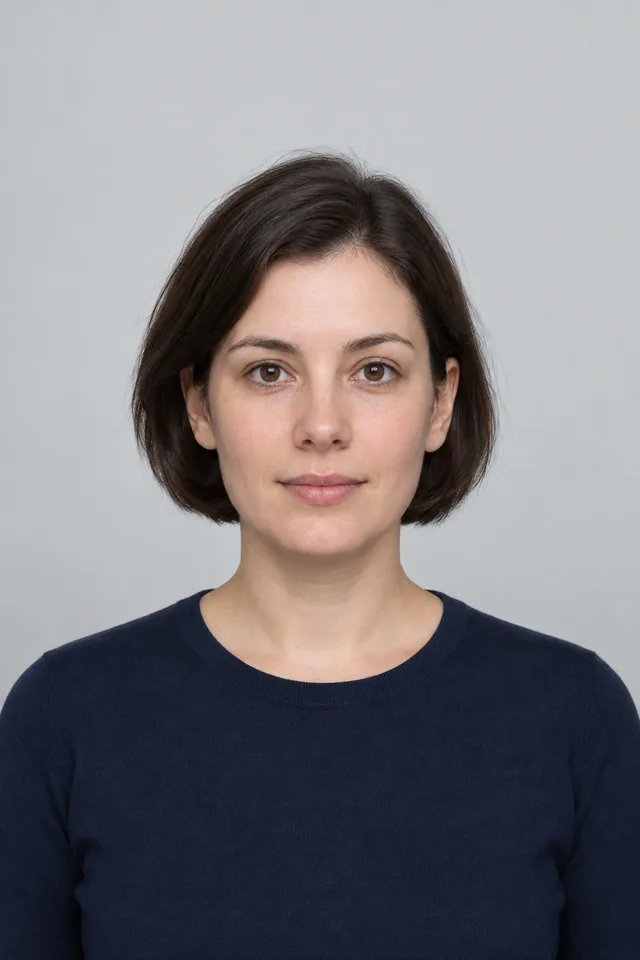
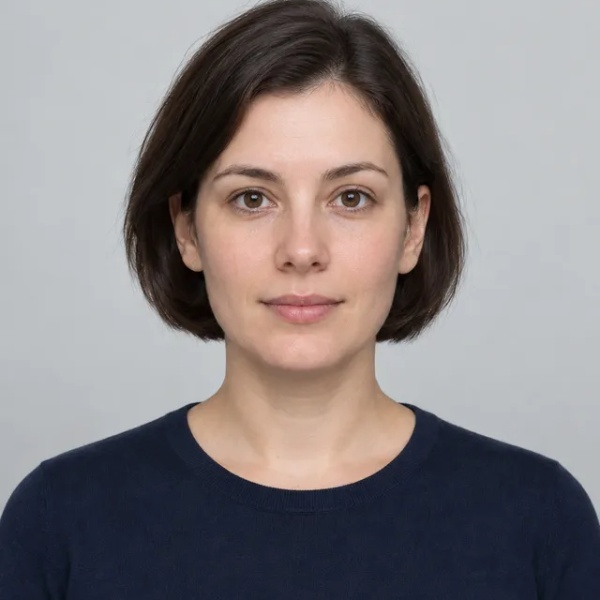
Passport Photo Maker · More examples
These files were processed with this tool or its shared processing code. Compare the source, settings and downloadable results.
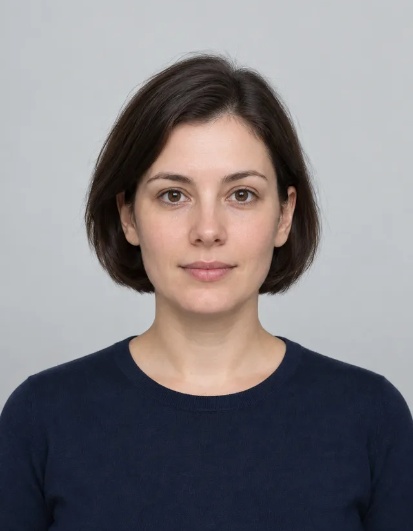
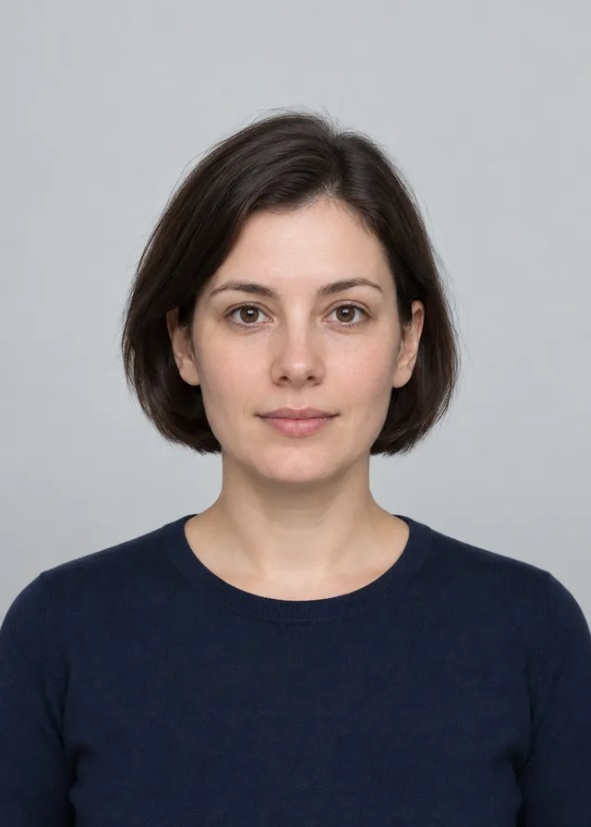
Passport Photo Maker FAQ
Tips for Better Passport Photos
Use High-Quality Photos
Start with clear, well-lit portrait photos for best passport photo results. Higher resolution photos give better ID photo quality.
Check Country Requirements
Different countries have specific passport photo size and format requirements. Select the correct preset for your visa photo or ID photo.
Mind Background and Clothing
Use a light plain background and appropriate attire for official passport photos. Avoid patterns that might affect ID photo acceptance.
Center Face Properly
Ensure your face is centered and fills the passport photo frame correctly. Proper positioning is crucial for visa photo approval.
Save Multiple Formats
Keep PNG for passport photo quality, JPEG for smaller file size. Different ID photo applications may require different formats.
More Image Tools
Need other image editing options? Try these tools:
Passport Photo Background
Remove or replace a portrait background using a model designed for people. Choose a color or transparency and inspect hair and edges before saving.
Free Crop
Crop a photo to a custom area or fixed aspect ratio. Rotate, flip and reposition the image, then download the cropped result.
Circle Crop
Crop a photo into a circle, position the subject, and save a PNG with transparent corners for an avatar or profile picture.
Resize Image
Resize one or several images by pixel dimensions or percentage. Lock the aspect ratio to avoid distortion and compare the preview before downloading.
Compress Image
Compress JPG, PNG and WebP images in your browser. Compare the output size and appearance before downloading individual files or a ZIP.