
Drop your image here
or click to browse your files · or press Ctrl+V to paste
Supported formats: JPG, PNG, WebP, GIF, BMP
Max file size: 50MB
Social Media Image Crop
Crop a photo using size presets for social posts, covers and thumbnails. Reposition the image and check the preview before exporting.
Social Media Crop Features
Platform-Ready Presets
Pre-configured social media crop sizes for all major platforms. Instagram Stories, Facebook covers, YouTube thumbnails, LinkedIn banners — just select and crop.
Exact Pixel Dimensions
Every social media crop preset outputs the exact pixel dimensions required by each platform. No more guessing sizes or rejected uploads.
One-Click Workflow
Select your platform, adjust the crop area, and download. Our social media crop tool makes resizing images for social platforms effortless.
How to Crop Images for Social Media
Upload Your Image
Drag and drop or click to upload the image you want to crop for social media. Supports JPG, PNG, WebP, GIF, and BMP up to 50MB.
Select Platform Preset
Choose your target platform and format from the dropdown. Instagram Stories, Facebook cover, YouTube thumbnail — each preset sets the exact dimensions automatically.
Adjust & Download
Position your image within the crop area using zoom and pan. Download your sized social media crop in PNG, JPEG, or WebP format.
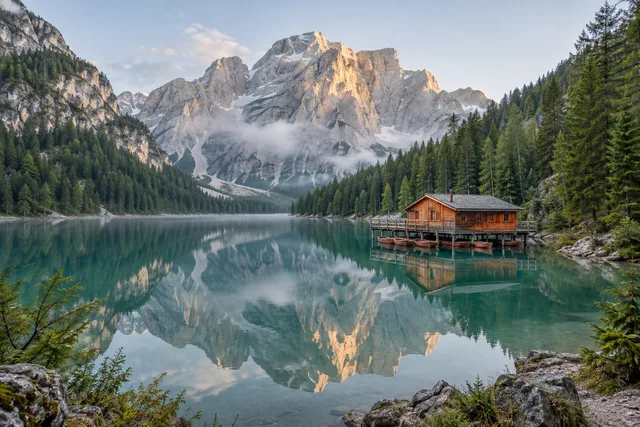
Social Media Image Crop · Example 1
These files were processed with this tool or its shared processing code. Compare the source, settings and downloadable results.
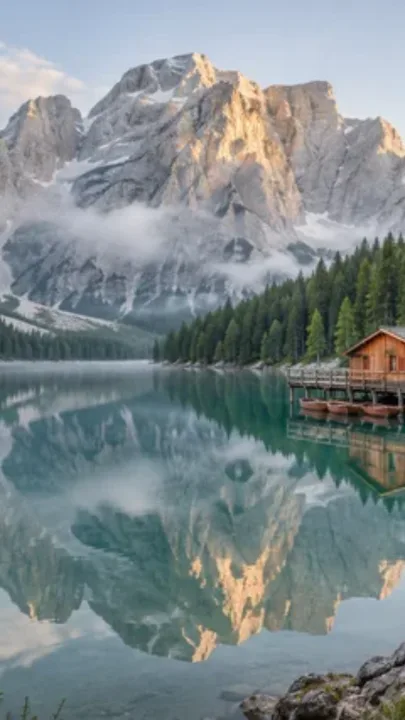
Social Media Crop Sizes by Platform
Instagram · 1080×1920
Preset size: 1080×1920 pixels. Check the published preview because platforms may crop the image differently by device.
Facebook · 851×315
Preset size: 851×315 pixels. Check the published preview because platforms may crop the image differently by device.
YouTube · 1280×720
Preset size: 1280×720 pixels. Check the published preview because platforms may crop the image differently by device.
LinkedIn · 1584×396
Preset size: 1584×396 pixels. Check the published preview because platforms may crop the image differently by device.
Pinterest · 1000×1500
Preset size: 1000×1500 pixels. Check the published preview because platforms may crop the image differently by device.
Social Media Crop Tips for Best Results
Start with High-Resolution Images
For social media crop, use high-resolution source images. Higher quality originals ensure your cropped images look sharp on all platforms, even when resized.
Know Your Platform Dimensions
Each platform has optimal sizes. Instagram Stories (1080×1920), YouTube thumbnails (1280×720), Facebook covers (851×315). Use the correct social media crop preset for each.
Batch Process Multiple Sizes
Upload once and crop for multiple platforms. Use social media crop to prepare Instagram, Facebook, and YouTube versions in one session — saves time for cross-platform campaigns.
Preview Before Download
Check the crop area to avoid cutting important elements. Use zoom and pan to ensure faces, text, and key visuals are centered in your social media crop.
Save Presets for Recurring Use
If you regularly post to the same platforms, note which social media crop presets you use most. Consistent sizing maintains professional brand appearance.
Mind the Safe Zones
Important content should be centered. Some platforms crop differently on mobile vs desktop. Keep critical elements in the center when using social media crop.
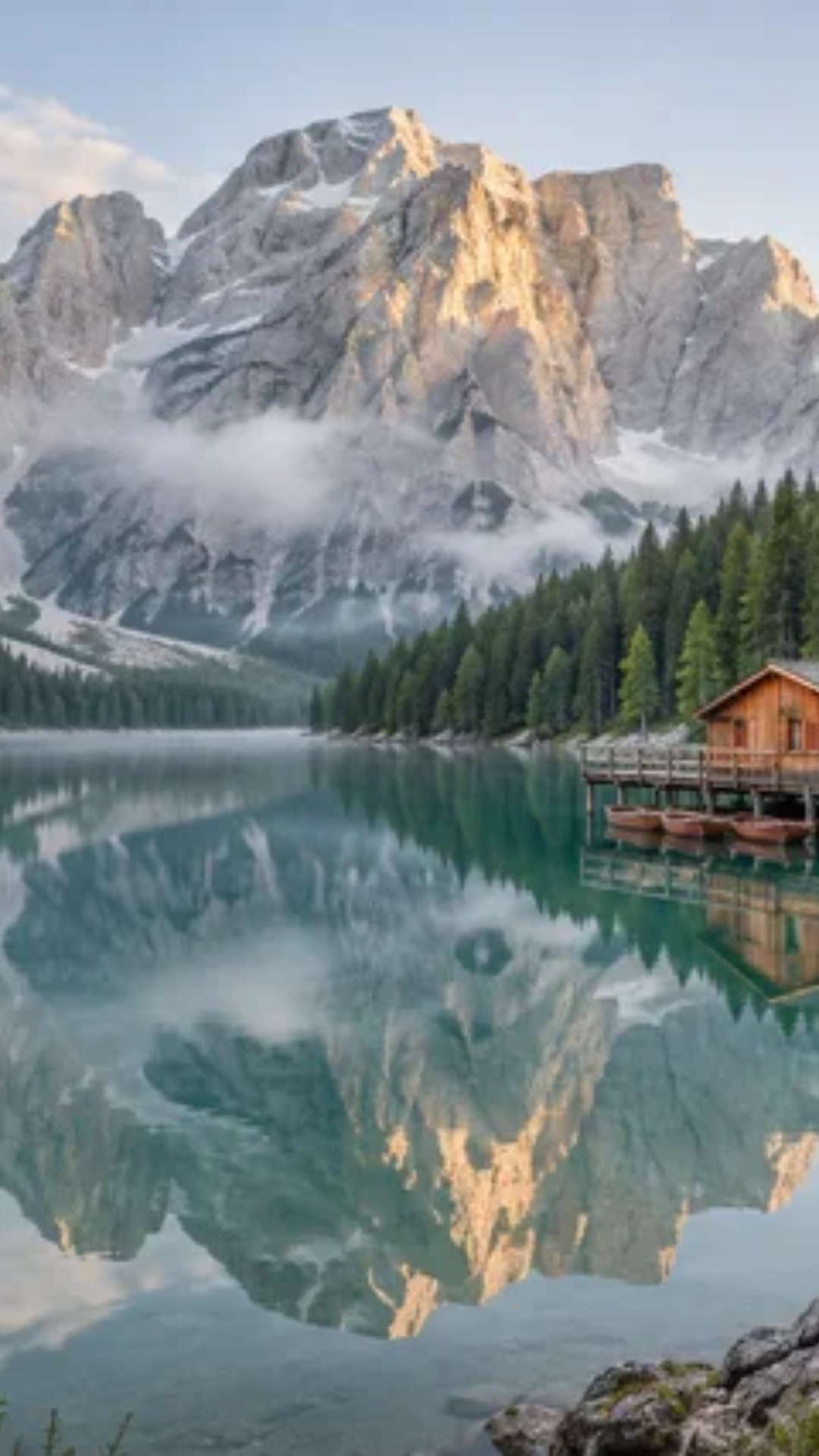
Social Media Image Crop · More examples
These files were processed with this tool or its shared processing code. Compare the source, settings and downloadable results.



Social Media Crop - FAQ
More Image Crop Tools
Explore other specialized crop tools for different needs:
Free Crop
Crop a photo to a custom area or fixed aspect ratio. Rotate, flip and reposition the image, then download the cropped result.
Aspect Ratio Crop
Crop a picture to a fixed aspect ratio for a thumbnail, post or print. Position the subject inside the frame and download the result.
Circle Crop
Crop a photo into a circle, position the subject, and save a PNG with transparent corners for an avatar or profile picture.
Grid Split
Split an image into rows and columns for a grid, carousel or puzzle. Set the tile layout, preview the cuts and download the pieces as a ZIP.