
Drop your image here
or click to browse your files · or press Ctrl+V to paste
Supported formats: JPG, PNG, WebP, GIF, BMP
Max file size: 50MB
Aspect Ratio Crop
Crop a picture to a fixed aspect ratio for a thumbnail, post or print. Position the subject inside the frame and download the result.
Aspect Ratio Crop Features
Preset Aspect Ratios
Choose from popular aspect ratios: 1:1 square, 16:9 video, 4:3 photo, 3:2 DSLR, 9:16 story, and more. One click to lock the ratio for consistent aspect ratio crop results.
Custom Ratio Support
Need a specific aspect ratio? Enter custom width and height values to create any ratio you need. for unique aspect ratio crop requirements.
Rotate & Flip with Ratio Lock
Rotate 90° or flip your image while keeping the aspect ratio locked. The crop box automatically adjusts to maintain your selected ratio.
How to Crop Image to Aspect Ratio
Upload Your Image
Drag and drop or click to upload your image. Our aspect ratio crop tool supports JPG, PNG, WebP, GIF, and BMP formats up to 50MB.
Select Aspect Ratio
Choose from preset ratios like 16:9, 4:3, 1:1, or enter a custom ratio. The crop box will lock to your selected aspect ratio automatically.
Adjust & Download
Drag the crop box to select the area you want. Click download to save your aspect ratio cropped image with no watermark.
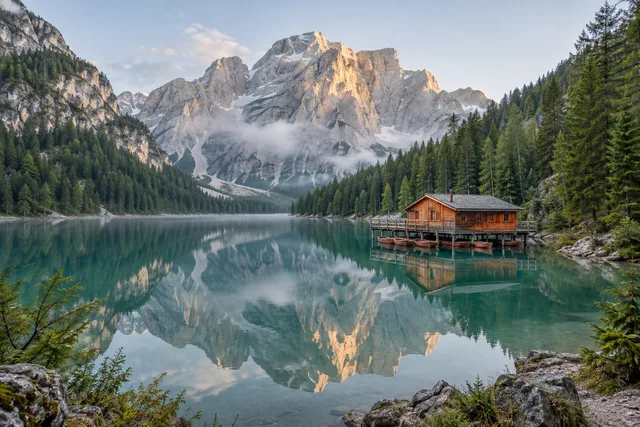
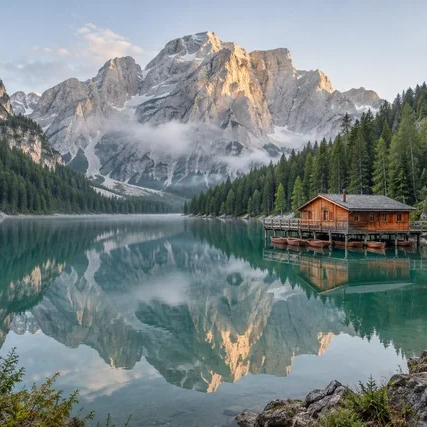
Aspect Ratio Crop · Example 1
These files were processed with this tool or its shared processing code. Compare the source, settings and downloadable results.
Popular Aspect Ratios Explained
1:1 Square Aspect Ratio
square format ideal for Instagram posts, profile pictures, and album covers. The 1:1 aspect ratio crop creates balanced, symmetrical images.
16:9 Widescreen Aspect Ratio
Standard widescreen format for YouTube thumbnails, video covers, TV displays, and desktop wallpapers. The most common video aspect ratio crop choice.
4:3 Standard Aspect Ratio
Classic photo format used by many digital cameras and older displays. Great for aspect ratio crop of traditional photographs and presentations.
3:2 DSLR Aspect Ratio
Native format for most DSLR and mirrorless cameras. Ideal aspect ratio crop for photography prints in 4×6 and 6×9 inch sizes.
9:16 Vertical/Story Aspect Ratio
Vertical format for Instagram Stories, TikTok, YouTube Shorts, and smartphone wallpapers. Essential aspect ratio crop for mobile-first content.
21:9 Ultrawide Aspect Ratio
Cinematic ultrawide format for movie-style banners, ultrawide monitors, and dramatic panoramic images. Aspect ratio crop for immersive visuals.
Aspect Ratio Crop Tips
Know Your Target Platform
Before aspect ratio crop, identify where the image will be used. YouTube needs 16:9, Instagram feed uses 1:1, Stories require 9:16. Matching the platform's ratio avoids unexpected cropping.
Start with High Resolution
Use high-resolution originals for aspect ratio crop. This gives more flexibility when cropping to specific ratios without losing important details or image quality.
Maximize Subject Coverage
When using aspect ratio crop, position the crop box to include as much of your subject as possible. The locked ratio may require creative positioning to capture key elements.
Use Grid Overlay for Composition
Enable the rule of thirds grid during aspect ratio crop. Align your subject with grid intersections for more visually appealing compositions.
Consider Orientation First
Decide between landscape (16:9) or portrait (9:16) orientation before aspect ratio crop. Rotating after cropping may not give the same results.
Save Multiple Versions
Keep the original image and save aspect ratio crop results separately. You may need different ratios for different platforms from the same source image.
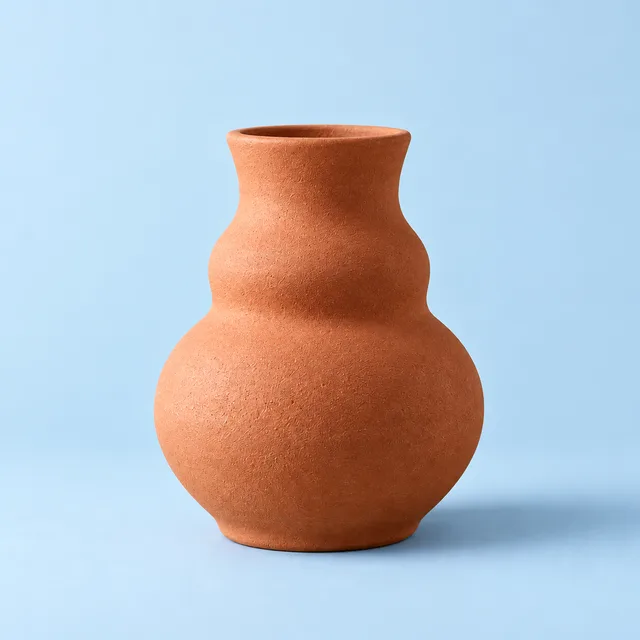
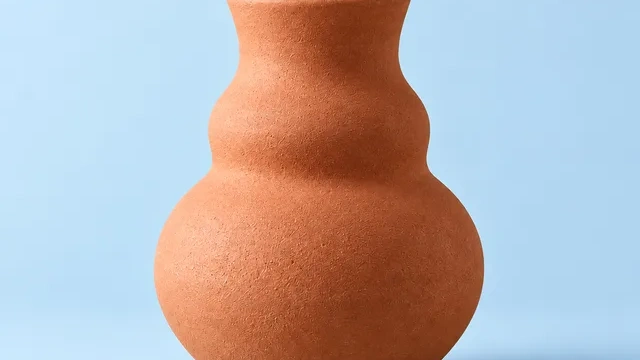
Aspect Ratio Crop · More examples
These files were processed with this tool or its shared processing code. Compare the source, settings and downloadable results.

Aspect Ratio Crop - FAQ
More Image Crop Tools
Explore other specialized crop tools for different needs:
Free Crop
Crop a photo to a custom area or fixed aspect ratio. Rotate, flip and reposition the image, then download the cropped result.
Circle Crop
Crop a photo into a circle, position the subject, and save a PNG with transparent corners for an avatar or profile picture.
Social Media Crop
Crop a photo using size presets for social posts, covers and thumbnails. Reposition the image and check the preview before exporting.
Grid Split
Split an image into rows and columns for a grid, carousel or puzzle. Set the tile layout, preview the cuts and download the pieces as a ZIP.