
Drop your image here
or click to browse your files
Supported formats: JPG, PNG, WebP, GIF, BMP · or press Ctrl+V to paste
Max file size: 50MB
Circle Crop
Crop a photo into a circle, position the subject, and save a PNG with transparent corners for an avatar or profile picture.
Circle Crop Features
Circle Crop
Crop any image into a circle. Ideal for profile pictures, avatars, and social media icons. Get pixel-round images every time.
Multiple Output Sizes
Choose from preset sizes like 64px, 128px, 256px, 400px, or 1024px. for different platforms from icons to high-res profile photos.
Rotate & Flip Before Cropping
Rotate 90° left or right, flip horizontally or vertically. Adjust the orientation before circle cropping your image.
How to Circle Crop Images Free
Upload Your Image
Click the upload area or drag and drop your image. Supports JPG, PNG, WebP, GIF, BMP up to 50MB.
Position the Circle Crop
Drag and zoom to position the circular crop area over the part you want. Use the preset output sizes or keep original dimensions.
Download Circle Image
Click download to save your circle cropped image as PNG with transparent background. Instant processing in browser.
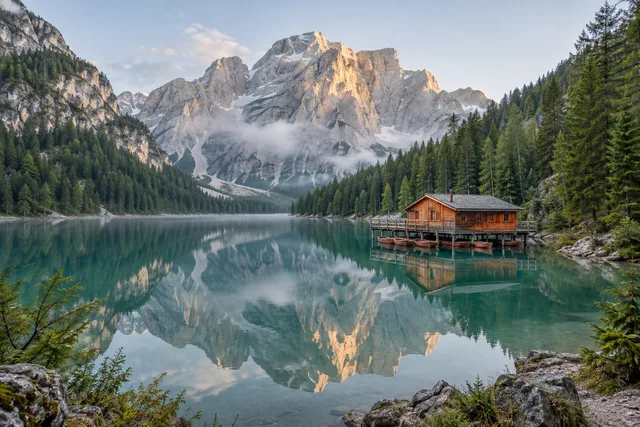
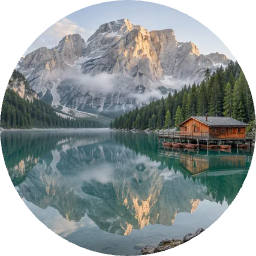
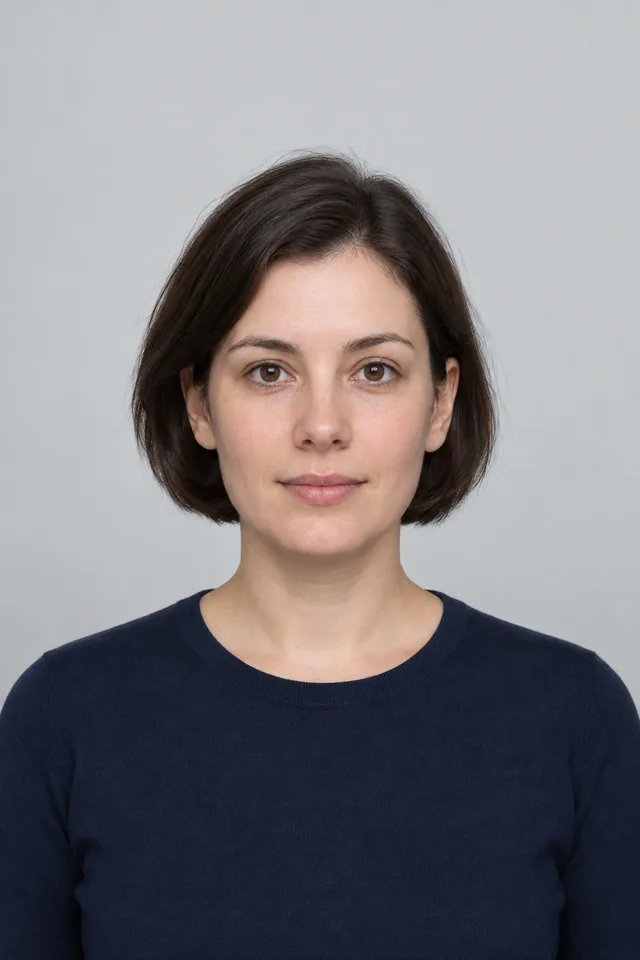
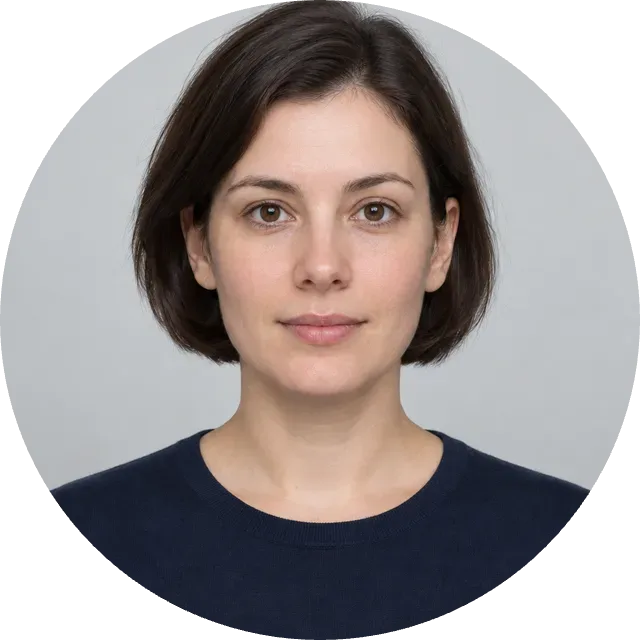
Circle Crop · Example 1
These files were processed with this tool or its shared processing code. Compare the source, settings and downloadable results.
Tips for Circle Crops
Center Your Subject
Position the main subject (face, logo, object) in the center of the frame before cropping for the best circular result.
Use High-Resolution Images
Start with high-resolution images to ensure your circle crop looks sharp and clear, especially for larger output sizes.
Consider Square Framing
Images that are already square or close to square work best for circle cropping with minimal content loss.
Mind the Crop Area
Preview the circular crop area before downloading. Ensure important elements aren't cut off at the edges.
Choose Contrasting Backgrounds
When using circle cropped images, place them on contrasting backgrounds so the circular shape stands out.
Create Consistent Sets
For team photos or avatar sets, use the same output size for all images to maintain visual consistency.
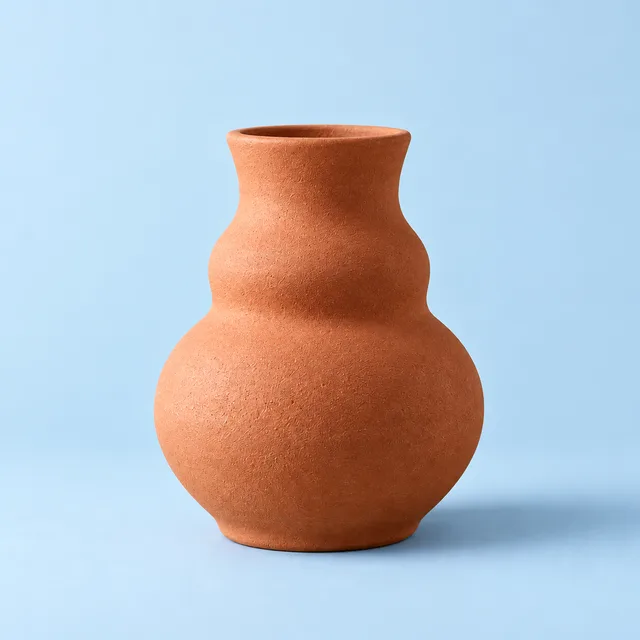
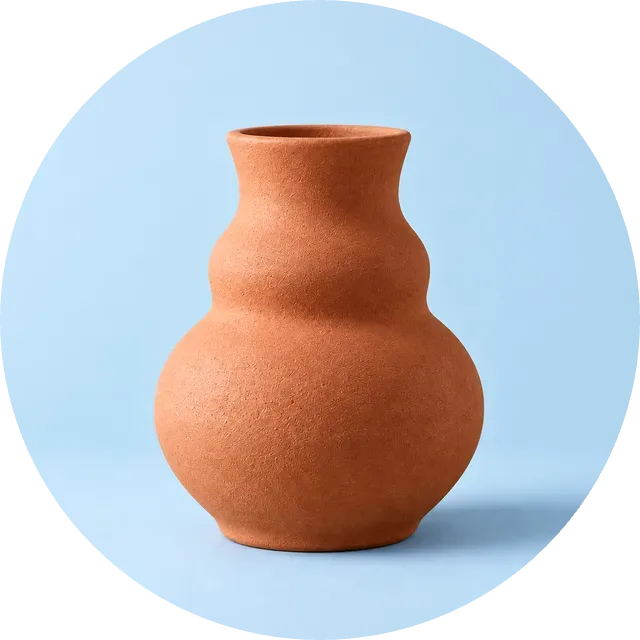
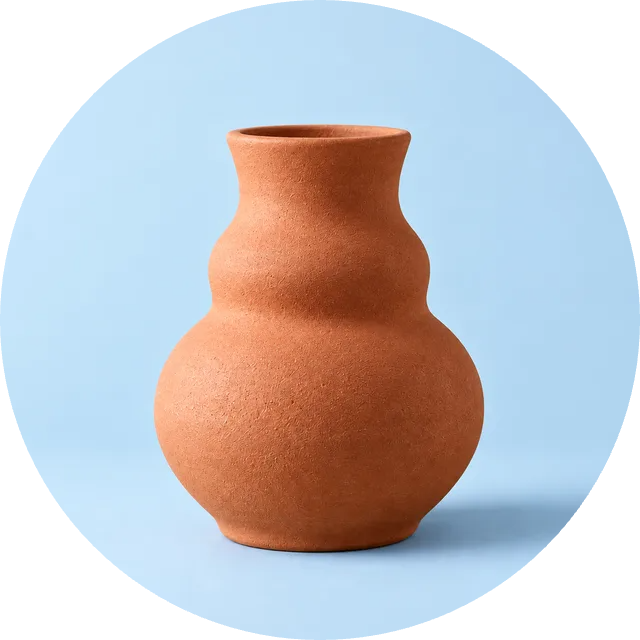
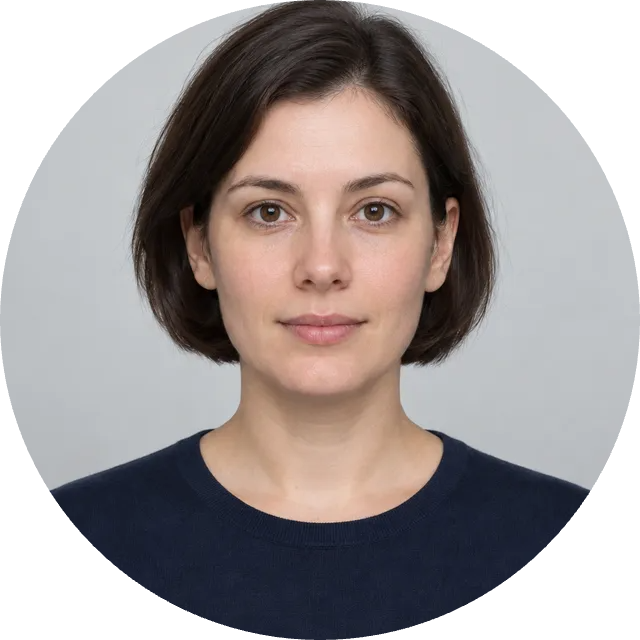
Circle Crop · More examples
These files were processed with this tool or its shared processing code. Compare the source, settings and downloadable results.
Circle Crop FAQ
More Image Cropping Tools
Need different cropping options? Try these specialized tools:
Free Crop
Crop a photo to a custom area or fixed aspect ratio. Rotate, flip and reposition the image, then download the cropped result.
Aspect Ratio Crop
Crop a picture to a fixed aspect ratio for a thumbnail, post or print. Position the subject inside the frame and download the result.
Resize Image
Resize one or several images by pixel dimensions or percentage. Lock the aspect ratio to avoid distortion and compare the preview before downloading.
Compress Image
Compress JPG, PNG and WebP images in your browser. Compare the output size and appearance before downloading individual files or a ZIP.