
Drop your images here
or click to browse your files
Supported formats: JPG, PNG, WebP, GIF, BMP · Up to 10 images · 50MB each · 100MB total · or press Ctrl+V to paste
Resize Images
Resize one or several images by pixel dimensions or percentage. Lock the aspect ratio to avoid distortion and compare the preview before downloading.
Image Resizer Features
Resize Image by Pixels
Set exact width and height in pixels. Use the image resizer to resize image online for websites, banners, and print with precise control.
Resize Images by Percentage
Scale photos up or down by percentage to keep proportions. for quick size adjustments and batch resize images.
Preset Sizes for Social Media
Choose preset sizes for Instagram, Facebook, YouTube, and more. Resize images to fit social media specs with one click.
Lock Aspect Ratio
Keep width and height in sync to avoid distortion. The resize image tool preserves proportions for clean results.
Batch Resize Images
Upload multiple files and resize images in bulk. Batch resize saves time for large photo libraries.
High-Quality Output
Smart resizing keeps images sharp and clear. Resize photos without noticeable quality loss.
Multiple Format Support
Resize JPG, PNG, WebP, BMP, and more. Download resized images in common formats.
How to Resize Images Online
Upload Your Images
Click to upload or drag and drop image files. The image resizer supports JPG, PNG, WebP, BMP, and more.
Choose a Resize Mode
Resize image by pixels, percentage, or preset sizes. Lock aspect ratio to keep proportions, and preview changes.
Download Resized Images
Click download to save your resized image. Batch resize images are packaged as a ZIP for quick download.
Resize Images · Example 1
These files were processed with this tool or its shared processing code. Compare the source, settings and downloadable results.
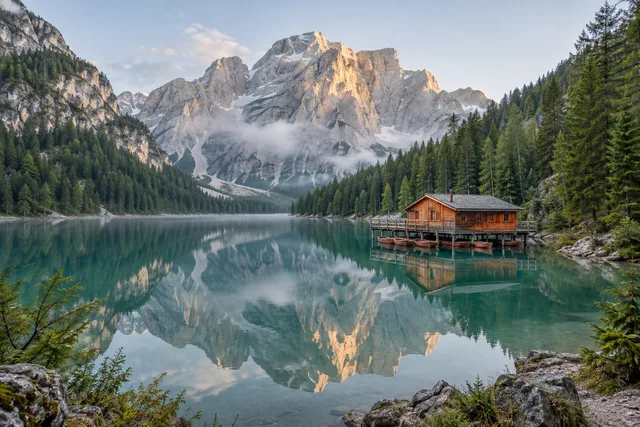
Image Resizer Tips
Keep Aspect Ratio
Lock aspect ratio to avoid stretched or squashed images. This keeps your resized image natural and clean.
Use Percentage for Consistency
When you need multiple sizes, resize images by percentage to keep consistent scaling across a batch.
Choose Preset Sizes
Use social media presets to match platform requirements. Resize image online without manual size calculations.
Avoid Extreme Upscaling
Large upscales can blur details. When possible, start with higher-resolution images before you resize.
Batch Resize for Uniformity
Batch resize images to keep a consistent look across galleries, catalogs, and product grids.
Pick the Right Format
Use JPG for photos, PNG for transparency, and WebP for smaller file size. The image resizer supports all.
Resize Images · More examples
These files were processed with this tool or its shared processing code. Compare the source, settings and downloadable results.
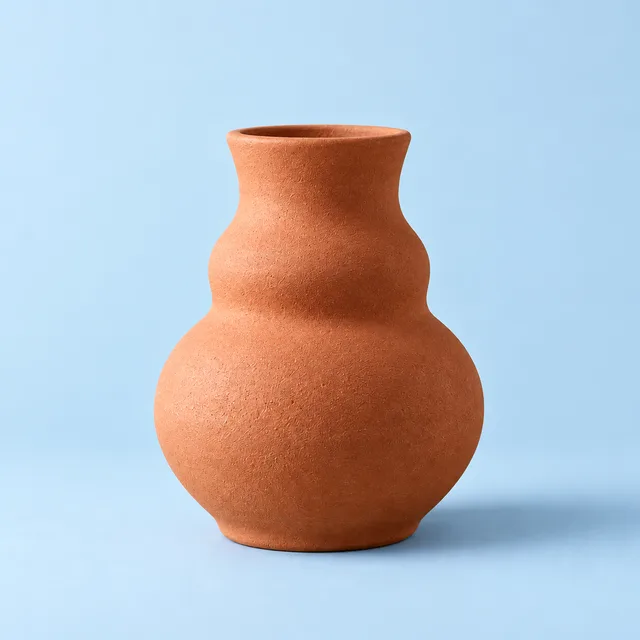


Image Resizer FAQ
More Image Tools
Need more image editing features? Try these tools:
Crop Image
Crop a photo to a custom area or fixed aspect ratio. Rotate, flip and reposition the image, then download the cropped result.
Compress Image
Compress JPG, PNG and WebP images in your browser. Compare the output size and appearance before downloading individual files or a ZIP.
Image Editor
Crop, rotate and resize a picture in your browser. Add text or shapes, draw on the image, and adjust colors before saving a copy.
Convert to JPG
Convert images to JPG, choose output quality, and compare file sizes. Process multiple files and check the result before downloading.