
or click to browse your files
Supported formats: JPG, PNG, WebP, GIF, BMP · Max file size: 50MB · or press Ctrl+V to paste
Flip and Rotate Images Online
Rotate images or flip them horizontally and vertically. Apply the same orientation change to several files and preview the results.
Image Flip & Rotate Features
Flip Image Horizontally
Create left-right mirror effects with horizontal flip. Use the image flip tool to quickly flip images horizontally, for mirror photos and symmetrical designs. One-click horizontal flip with instant preview.
Flip Image Vertically
Create top-bottom mirror effects with vertical flip. Use the online flip tool to quickly flip images upside down, ideal for special visual effects and reflections. One-click vertical flip, simple and fast.
Rotate Left 90 Degrees
Rotate images 90 degrees counterclockwise. Use the image rotate tool to quickly convert portrait to landscape or vice versa. Fix shooting orientation and optimize image display angle.
Rotate Right 90 Degrees
Rotate images 90 degrees clockwise. Use the online rotate tool to quickly adjust image direction and fix phone camera angle issues. Rotate images to correct orientation for better viewing.
Free Angle Rotation
Support rotation at any angle for precise image orientation adjustment. Use the image rotate tool to fix slight tilts, adjust composition angles, and achieve image orientation.
Batch Flip & Rotate
Batch flip or rotate multiple images simultaneously. Unified processing saves time. Use batch rotate feature to efficiently process large numbers of images and boost productivity.
Real-Time Preview
Preview all flip and rotate operations in real-time to see results. Adjustments are visible immediately. Use the image flip rotate tool to ensure processing results.
How to Use the Image Flip & Rotate Tool
Upload Images to Process
Click to upload or drag and drop image files. Supports JPG, PNG, WebP, BMP formats, max 50MB. Batch upload multiple images for unified flip or rotate processing.
Select Flip or Rotate Operation
Click horizontal or vertical flip to create mirror effects. Click rotate left or right to adjust image direction. Adjust any rotation angle for precise control. Preview effects in real-time. Reset to restore original image anytime.
Download Processed Images
After confirming flip or rotate effects, click download to save processed images. Single images download directly, multiple images packaged as ZIP. No watermark output, ready to use.
Flip and Rotate Images Online · Example 1
These files were processed with this tool or its shared processing code. Compare the source, settings and downloadable results.
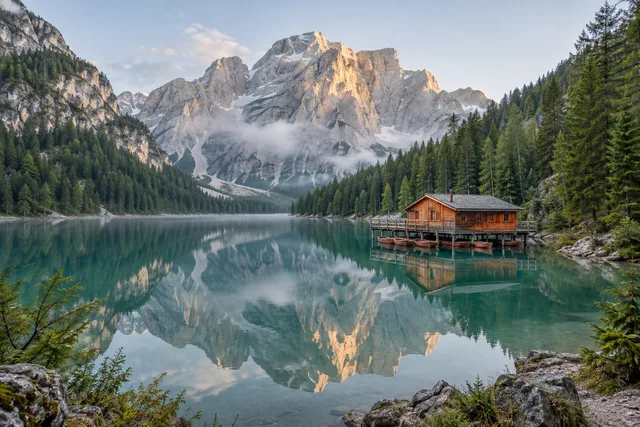
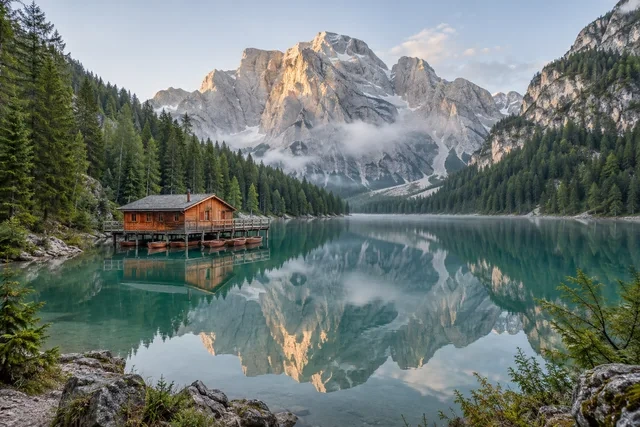
Image Flip & Rotate Tips
90-Degree Rotation Most Common
When fixing shooting angles, 90-degree rotation is most common. Rotate left or right 90 degrees to quickly convert landscape to portrait or vice versa. Use the image rotate tool for one-click adjustment.
Horizontal Flip Creates Mirror
Horizontal flip creates left-right mirror effects. Note that text and asymmetric elements will display in reverse. Use the online flip tool to create symmetrical designs and special visual effects.
Preview Before Download
Carefully preview effects before processing. Confirm correct image orientation and desired mirror effects before downloading. Use the real-time preview feature of the image flip rotate tool to avoid reprocessing.
Use Reset Feature
Reset to restore original image anytime during processing. When unsatisfied with current effects, click reset button to start over. Online rotate flip tool supports one-click restore.
Batch Process Same Direction
When a group of photos has consistent orientation, use batch rotate feature. Set once, process in batch, quickly adjust many photos' orientation, significantly saving time.
Mobile Photography Tips
Pay attention to orientation when shooting with phones. Some phones have faulty auto-rotation detection, requiring image rotate tool adjustment after shooting. Consider locking screen orientation when shooting.
Flip and Rotate Images Online · More examples
These files were processed with this tool or its shared processing code. Compare the source, settings and downloadable results.
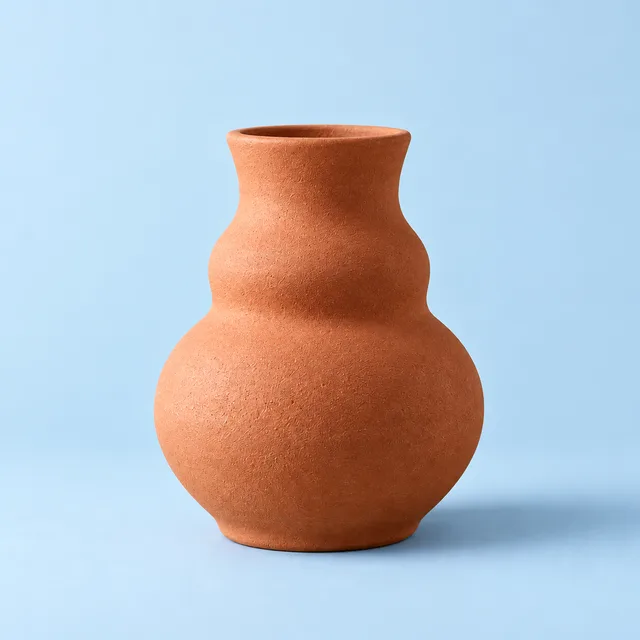
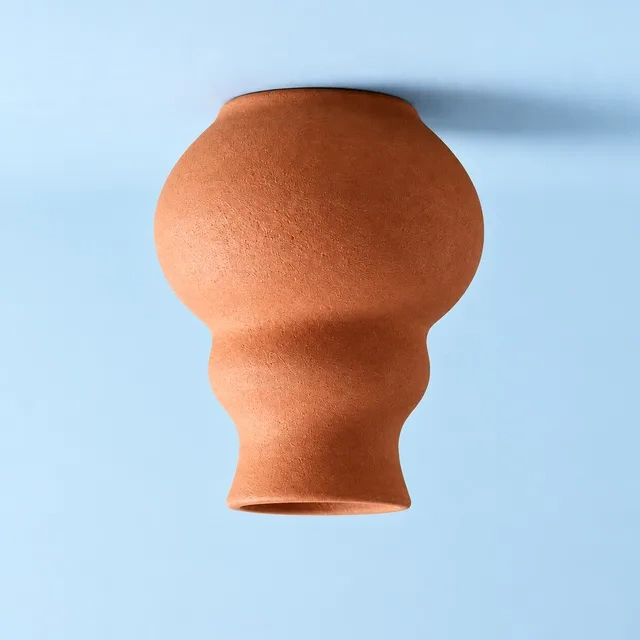

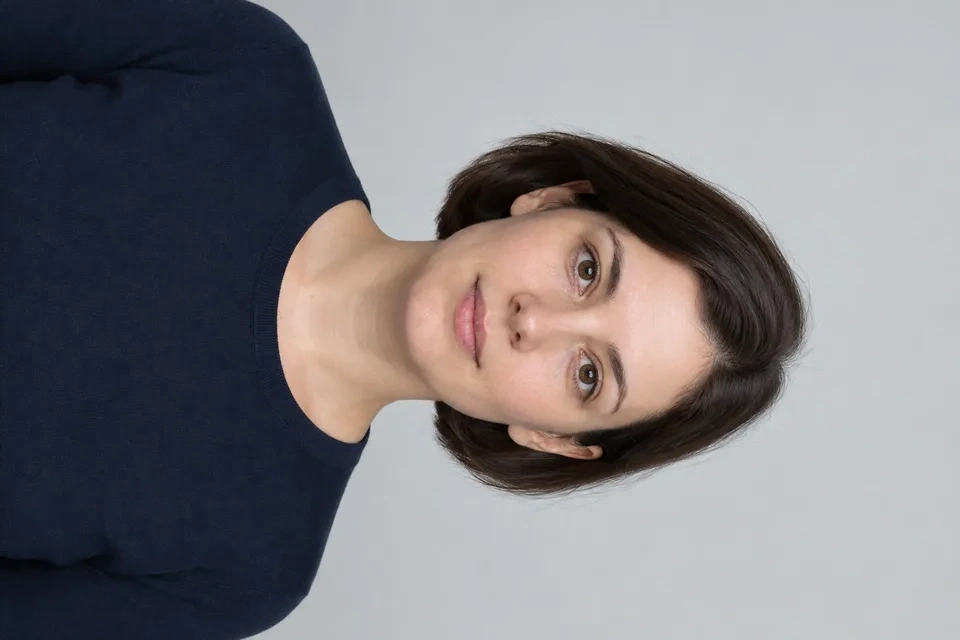
Image Flip & Rotate FAQ
More Image Processing Tools
Need other image processing features? Try these professional tools:
Crop Image
Crop a photo to a custom area or fixed aspect ratio. Rotate, flip and reposition the image, then download the cropped result.
Resize Image
Resize one or several images by pixel dimensions or percentage. Lock the aspect ratio to avoid distortion and compare the preview before downloading.
Image Editor
Crop, rotate and resize a picture in your browser. Add text or shapes, draw on the image, and adjust colors before saving a copy.
Compress Image
Compress JPG, PNG and WebP images in your browser. Compare the output size and appearance before downloading individual files or a ZIP.