Upload an image to start editing.

Free Online Image Editor - Professional Photo Editing Tool

Powerful online image editor with no download required. Crop images, rotate & flip, add text, draw shapes, apply filters, and resize photos. Edit images in your browser with complete privacy, no watermark, and instant download. Perfect for social media graphics, photo enhancement, watermarks, and poster design.

Online Image Editor Features

Flexible Image Cropping

Crop images to any size and aspect ratio with our online image editor. Supports free crop, 1:1 square, 16:9 landscape, 9:16 portrait, and more. Precisely crop images for social media, avatars, cover photos, and more.

Add Text & Watermarks

Add text to images with customizable font, size, color, bold, italic, and underline styles. Use our image editing tool to add watermark text, titles, captions, copyright notices for posters, graphics, and social media images.

Rich Filter Effects

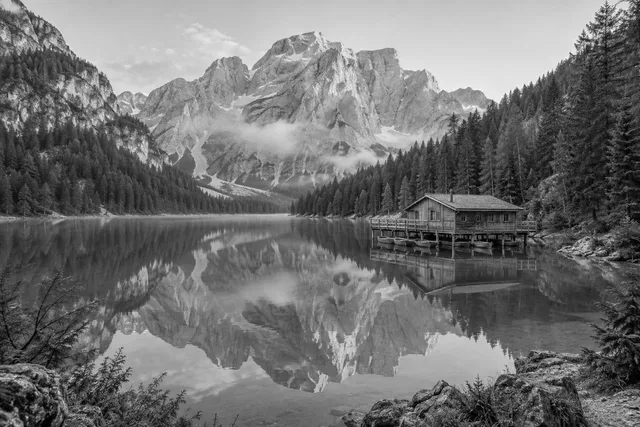
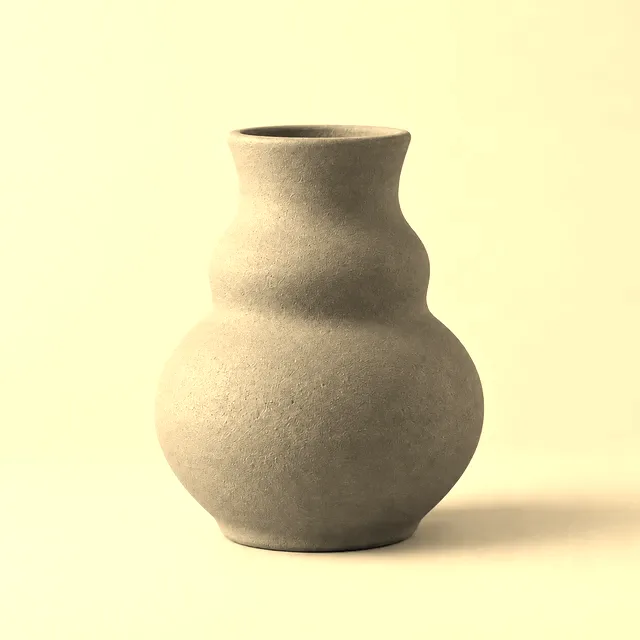
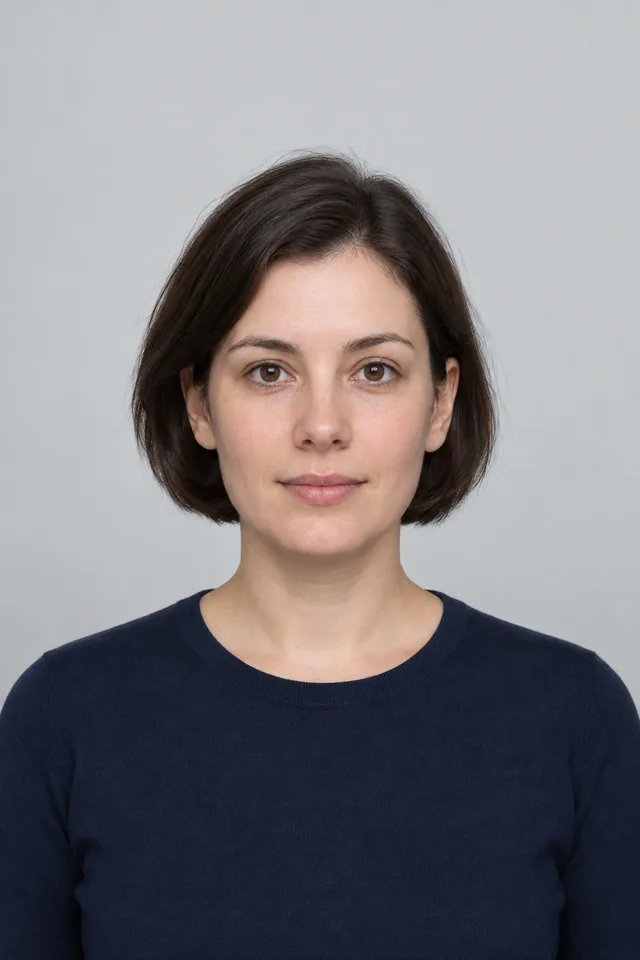
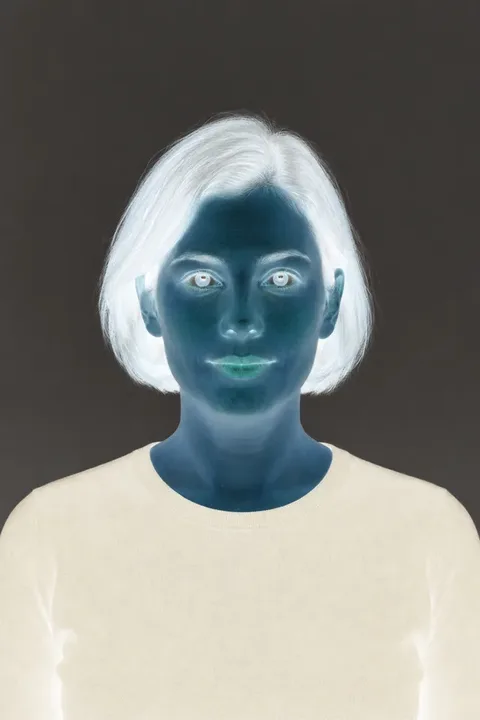
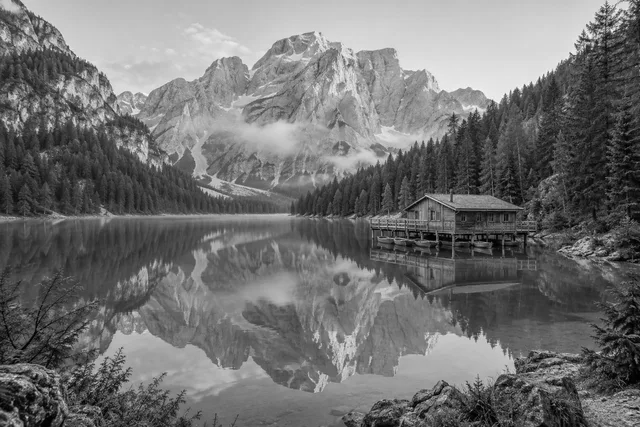
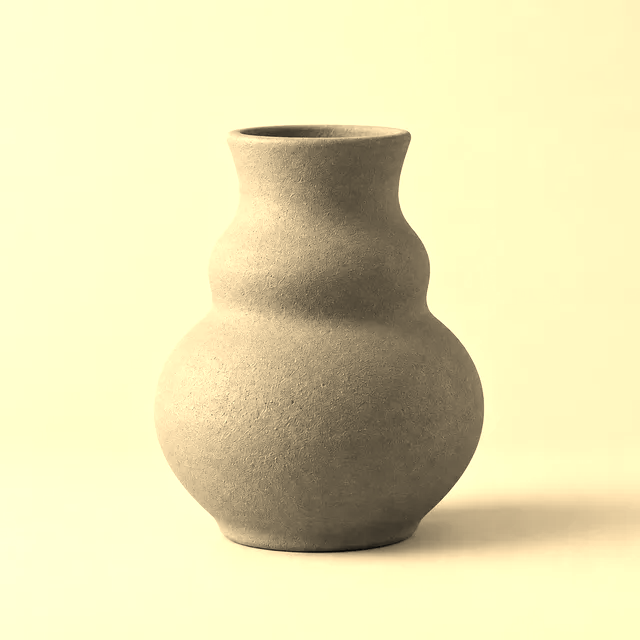
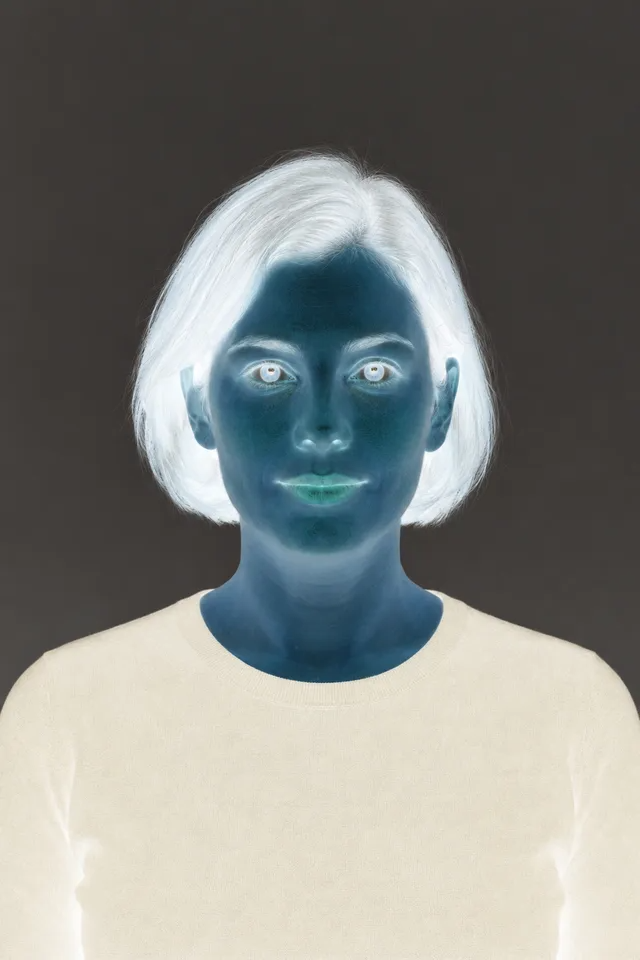
Apply grayscale, invert, sepia, vintage, blur, sharpen, emboss, brightness, and more image filters. Our online image editor provides professional filter effects to enhance photos and adjust image mood and style.

Draw Shapes & Icons

Draw rectangles, circles, triangles, arrows, stars, hearts, and more shapes on images. Customize fill color, stroke color, and width. Use our image editing tool to add annotations, highlights, and decorative elements.

Rotate & Flip Images

Rotate images 90 degrees left or right, flip images horizontally or vertically. Our online image editor quickly adjusts image orientation, corrects camera angles, and creates mirror effects.

Resize Images

Precisely adjust image width and height in pixels with aspect ratio locking. Use our image editing tool to resize images for websites, social media, printing, and different display purposes.

Free Drawing Brush

Draw freely on images with customizable brush size and color. Our online image editor supports hand-drawn annotations, doodles, signatures, and creative artwork.

Privacy & Security

All image editing processing happens locally in your browser. Images never upload to servers. Edit images with our online image editor with complete privacy protection and data security.

How to Use Online Image Editor

1

Upload Image to Start Editing

Click the upload area or drag and drop image files. Supports JPG, PNG, WebP, GIF, BMP formats up to 50MB. After upload, use our image editing tool for various editing operations.

2

Use Editing Tools to Enhance

Select tools from the left toolbar: crop images, rotate & flip, add text, draw shapes, insert icons, apply filters, resize images. Our online image editor provides rich image editing features. Supports undo and redo to modify effects anytime.

3

Download Edited Image

After completing image editing, click download to save your image. No watermark, instant download, ready for social media posts, website use, printing, and more.

Online Image Editor Use Cases

Social Media Graphics

Create Instagram, Facebook, Twitter, Pinterest graphics with our online image editor. Crop images to 1:1 square, 9:16 vertical ratios, add text titles and hashtags, apply filters to enhance photos and boost social media content quality.

Add Image Watermarks

Add text watermarks to protect copyright. Use our image editing tool to add author names, website URLs, copyright notices as watermark text. Customize watermark position, color, and transparency to protect original images.

Product Photo Editing

Edit ecommerce product photos. Use our online image editor to crop product images, resize to meet platform requirements, add price tags and promotional text, apply filters to enhance product photo appeal.

Poster & Flyer Design

Quickly design posters and flyers. Add text titles, event information, contact details to images, draw shapes and icons to highlight key points, apply filters to set the mood with our image editing tool.

Image Annotations

Add annotations and explanations to images. Use our online image editor to draw arrows, rectangles, circles to annotate key areas, add text descriptions for tutorials, presentations, and reports.

Avatar & Cover Creation

Create social media avatars and cover photos. Crop images to 1:1 circular avatars, crop banner covers, add personalized text and decorative elements, apply filters to adjust style and create unique personal branding.

Photo Enhancement

Enhance photos and images. Use our image editing tool to apply vintage, sepia, sharpen filters, adjust brightness and contrast, crop for better composition, and improve visual appeal.

Website Image Optimization

Optimize images for websites. Use our online image editor to resize images for web layouts, crop aspect ratios, add logo watermarks, ensure proper website image display and loading speed.

Quick Image Fixes

Quickly fix image issues. Rotate incorrectly oriented photos, flip mirrored images, crop to remove excess borders. Use our image editing tool to quickly fix orientation and composition problems.

Creative Image Design

Create unique visual artwork. Draw freely with brush, add various shapes and icons, combine text elements, apply multiple filters with our online image editor for creative designs.

Image Editing Tips & Best Practices

Use High Quality Originals

When using our online image editor, start with high-resolution original images for better results. High-quality originals maintain clarity after cropping, resizing, and applying filters.

Combine Editing Features

Make full use of our image editing tool's multiple features. First crop for composition, then resize, add text and shapes, and finally apply filters for best editing results.

Use Undo & Redo

Our online image editor supports undo and redo. Don't worry about mistakes - undo unsatisfactory operations anytime and boldly experiment with various effects and filters.

Optimize Text Readability

When adding text, focus on readability. Use contrasting colors to ensure text is clear, choose appropriate font sizes, avoid text that's too small or dense. Our image editing tool supports adjusting text styles to optimize readability.

Maintain Color Harmony

When adding shapes, icons, and text, pay attention to color coordination. Use our online image editor to choose colors that match your image's tone for overall visual harmony.

Save Progress Regularly

Download and save images after completing important edits. While our image editing tool supports undo, refreshing the page will lose editing history. Save your work in stages for best results.

Why Choose Our Online Image Editor

100% Free Forever

Use our image editing tool completely free with no hidden costs and no premium version. All editing features are free and open for unlimited use of our online image editor.

No Installation Required

Completely browser-based online image editor - open the webpage and start using immediately. No software download or installation, no registration or login required. Start editing images right away - convenient and fast.

Privacy & Security Guaranteed

All image editing processing happens locally in your browser. When using our image editing tool, images never upload to servers, completely protecting your privacy and data security.

Rich & Powerful Features

Our online image editor provides crop, rotate, flip, add text, draw shapes, apply filters, resize, and more professional image editing features to meet all editing needs.

No Watermark Clean Output

Edited images are completely watermark-free. Images processed with our image editing tool are ready to use immediately for social media, websites, commercial use, and any scenario.

Multi-Device Support

Our online image editor perfectly supports computers, phones, tablets, and all devices. Use our image editing tool smoothly in any device browser - edit images anytime, anywhere.

Online Image Editor FAQ

Yes, completely free. No hidden costs, no premium version, no feature limitations. You can use our image editing tool unlimited times to edit images with all features free and open.
Supports all common image formats: JPG, JPEG, PNG, WebP, GIF, BMP, and more. You can upload any format for editing. Downloads default to PNG format for best quality preservation.
No. All image editing processing happens locally in your browser. Images never leave your device and are not uploaded to any servers. Use our online image editor with complete privacy protection.
No watermarks. Images edited with our image editing tool are completely watermark-free and can be freely used for personal or commercial purposes. Download and use immediately without any restrictions.
Yes. Our online image editor perfectly supports text in all languages including Chinese, Japanese, Korean, Arabic, and more. Customize font styles, sizes, and colors to add multilingual watermarks, titles, and captions.
No quality loss. Our image editing tool uses high-quality image processing algorithms to ensure edited images maintain original quality. Unless you apply specific filter effects, there's no loss in image clarity.
Yes. Our online image editor supports undo and redo functions. If you're not satisfied with an edit, click the undo button to return to the previous step. Supports multiple undo steps. You can also click reset to restore the original image.
No download required. This is a completely browser-based online image editor. No software installation needed. Open the webpage and use all image editing features immediately - convenient and fast.
Supports image files up to 50MB. You can edit high-resolution photos and large images. Our image editing tool processes efficiently in browsers, even large images edit smoothly.
Yes. Our online image editor supports phones, tablets, and other mobile devices. All image editing features work smoothly in mobile browsers - edit images anytime, anywhere.