
Change Portrait Backgrounds
Remove or replace a portrait background using a model designed for people. Choose a color or transparency and inspect hair and edges before saving.
Built for portraits, not for everything
A model trained only on people
General background removers treat a person as just another object. This one is built for portrait matting, so it handles the hairline properly instead of clipping it flat.
The background colours ID offices ask for
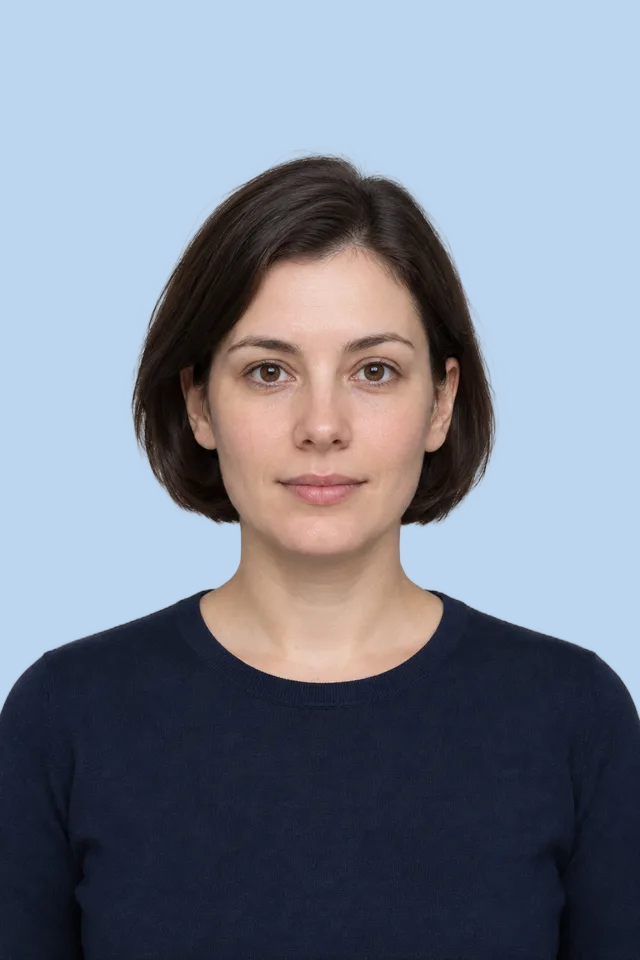
Switch between white, blue, black or transparent and download the photo flattened onto the colour you need.
Do a whole family at once
Add several portraits and they are processed one after another, at no cost, since everything runs on your own machine.
Original resolution kept
The cutout is applied to your full-size photo, so the result stays sharp enough for printing.
How to change a passport photo background
Add the portrait
Drag the photo in or click to browse. A plain, well-lit shot of one person works best.
Let the model load once
The first photo takes a moment while the portrait model downloads. It is then cached, so the rest are much quicker.
Choose the background colour
White and blue cover most passport and visa requirements. Transparent is useful if you want to place the cutout yourself.
Download, then crop to size
Save the photo, then use the passport photo tool to crop it to the exact dimensions your country requires.
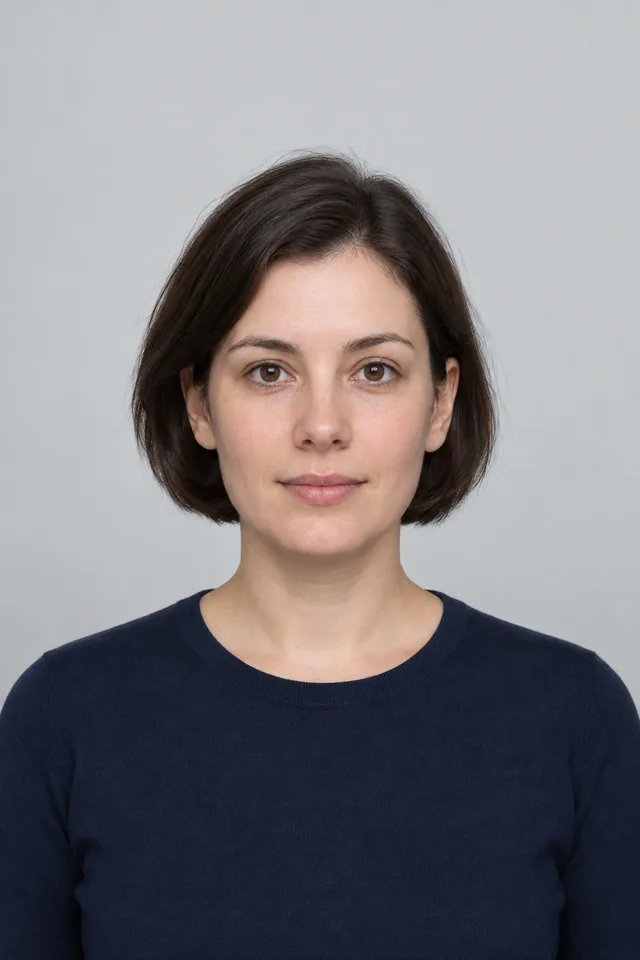
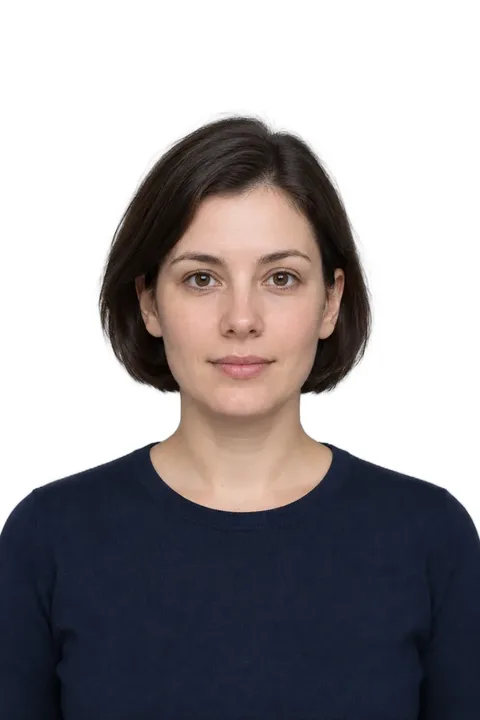
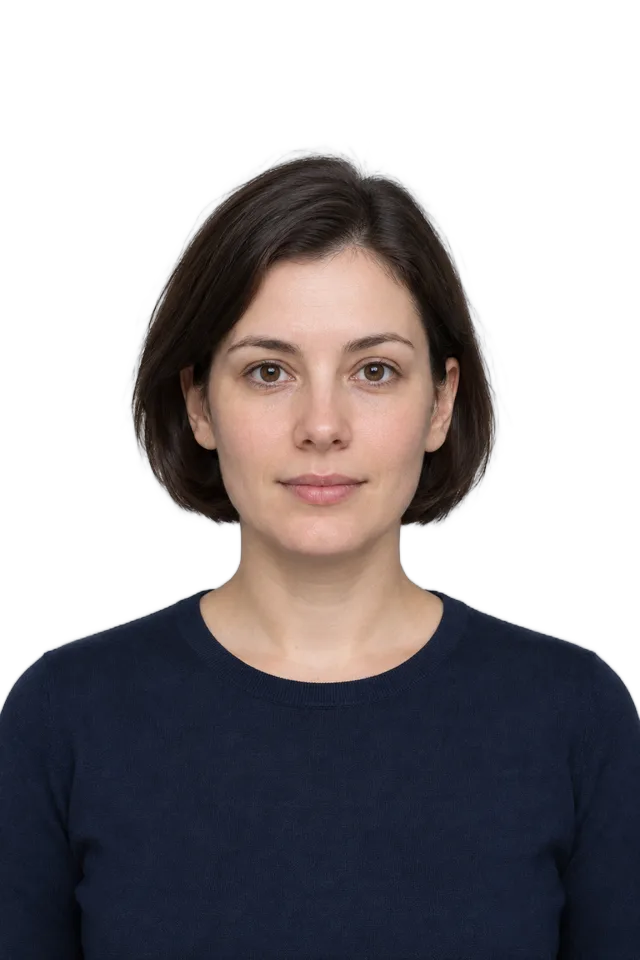
Change Portrait Backgrounds · Example 1
These files were processed with this tool or its shared processing code. Compare the source, settings and downloadable results.
Getting a photo that passes
Even lighting matters most
Front-facing, diffuse light avoids harsh shadows on the face and gives the model a clean edge to find.
One person per photo
The model expects a single portrait subject. Group shots will not separate correctly - crop to one person first.
Avoid matching your background
Dark hair against a dark wall is the hardest case. A little contrast between you and the wall goes a long way.
Loose hair is handled, but keep it tidy
The model produces soft edges around strands, though very wispy flyaway hair can still look slightly rough.
Check your country's rules
Background colour is only one requirement. Head size and position matter just as much, which is what the passport photo tool handles.
Watch reflective surfaces
Glasses and jewellery that reflect the old background can leave a faint colour fringe. A plain shot avoids this.
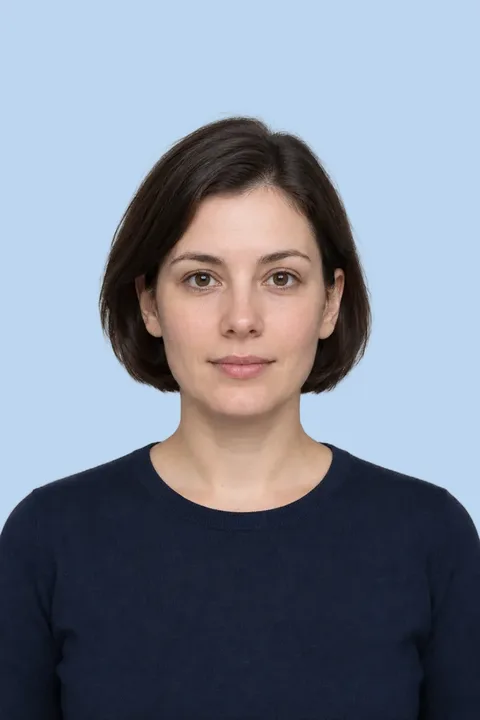
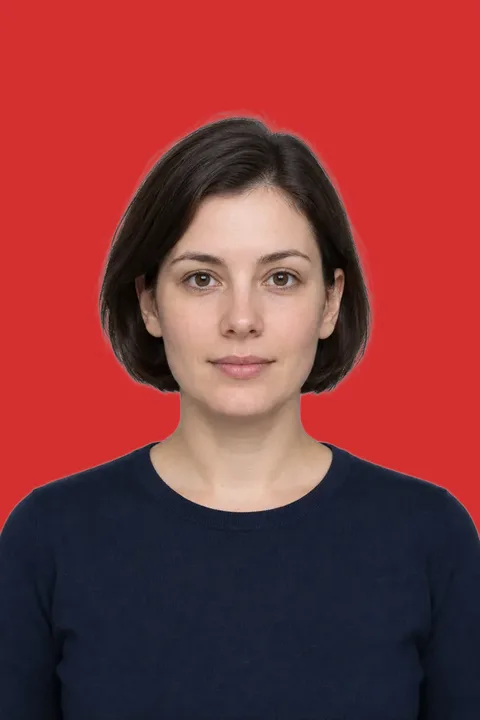
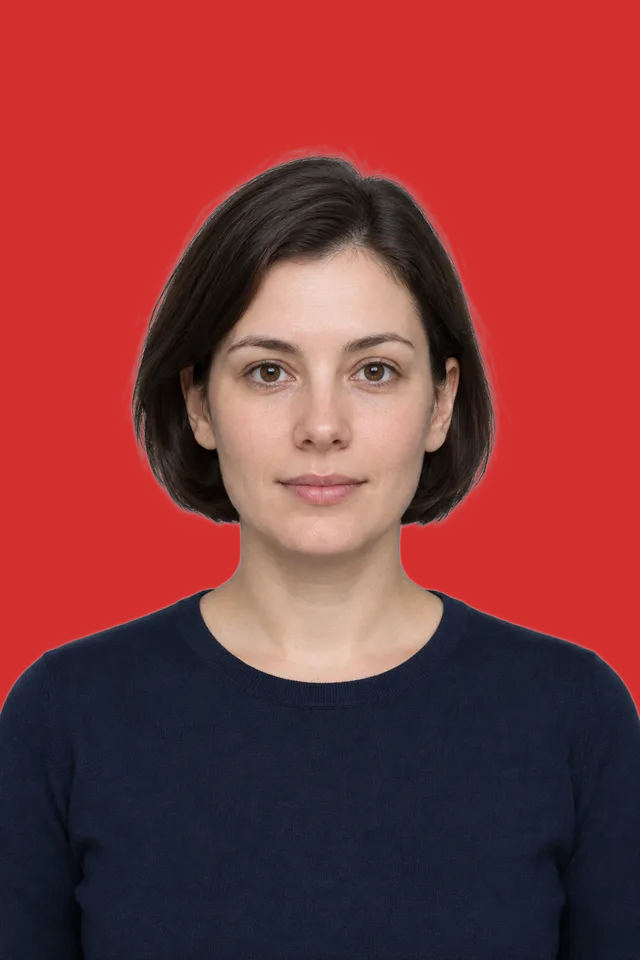
Change Portrait Backgrounds · More examples
These files were processed with this tool or its shared processing code. Compare the source, settings and downloadable results.
Frequently asked questions
Related tools
Finish preparing your photo, all in the browser.
Passport Photo Maker
Crop a portrait using passport, visa and ID photo size presets. Position the face with the guides and check the issuing authority's rules before submitting.
Background Remover
Remove image backgrounds in your browser. Process a batch, check subject edges in the preview, then download transparent PNGs or choose a solid background.
Crop Image
Crop a photo to a custom area or fixed aspect ratio. Rotate, flip and reposition the image, then download the cropped result.
Circle Crop
Crop a photo into a circle, position the subject, and save a PNG with transparent corners for an avatar or profile picture.
Resize Image
Resize one or several images by pixel dimensions or percentage. Lock the aspect ratio to avoid distortion and compare the preview before downloading.
Compress Image
Compress JPG, PNG and WebP images in your browser. Compare the output size and appearance before downloading individual files or a ZIP.
Photo Privacy Check
Check a photo for GPS metadata, QR codes and selected types of personal information found by OCR. Review the findings and the image before sharing.