
Background Remover
Remove image backgrounds in your browser. Process a batch, check subject edges in the preview, then download transparent PNGs or choose a solid background.
What makes this background remover different
Real batch processing
Drop in twenty photos and walk away. Because everything runs locally there is no per-image cost, so there is no reason to cap how many you do.
Full resolution preserved
The transparency mask is scaled back to your original dimensions, so a 4000 px photo comes back as a 4000 px PNG.
Swap the background colour
Preview the cutout on transparent, white, black or blue and download it flattened onto the colour you picked.
How to remove a background
Add your images
Drag files in, click to browse, or paste from the clipboard. You can select many files at once.
Wait for the first load
The first image takes a moment while the model downloads. After that it is cached, and every following image is much faster.
Pick a background
Keep it transparent, or preview the cutout on white, black or blue - useful for product shots and ID photos.
Download
Save one image, or use Download all to get the whole batch as transparent PNG files.
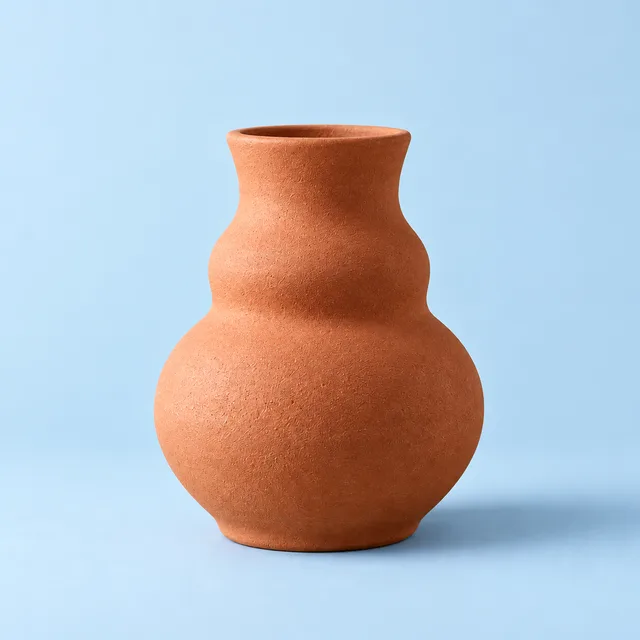
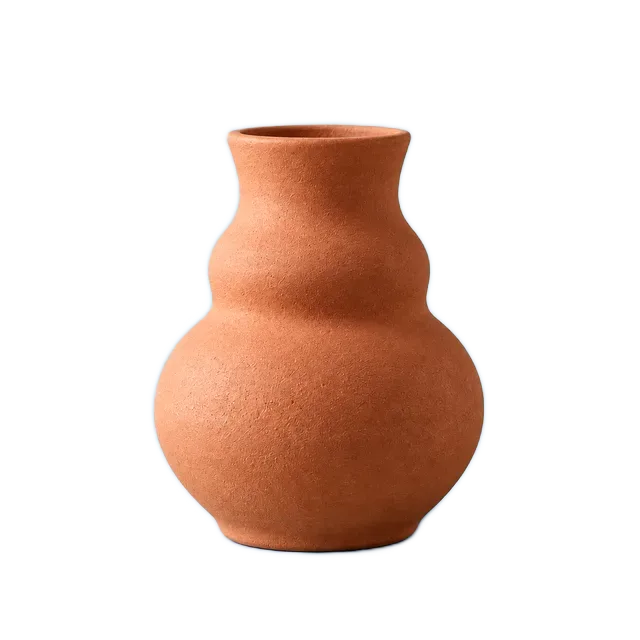
Background Remover · Example 1
These files were processed with this tool or its shared processing code. Compare the source, settings and downloadable results.
Getting a cleaner cutout
One clear subject works best
The model looks for the single most prominent object. A photo with one obvious subject cuts out far more cleanly than a busy scene.
Contrast helps a lot
A subject that stands out from its background gives sharper edges. Dark object on a dark background is the hardest case.
Crop before you cut out
If there are several objects, crop to the one you want first. That removes the guesswork entirely.
Fine hair and fur stay soft
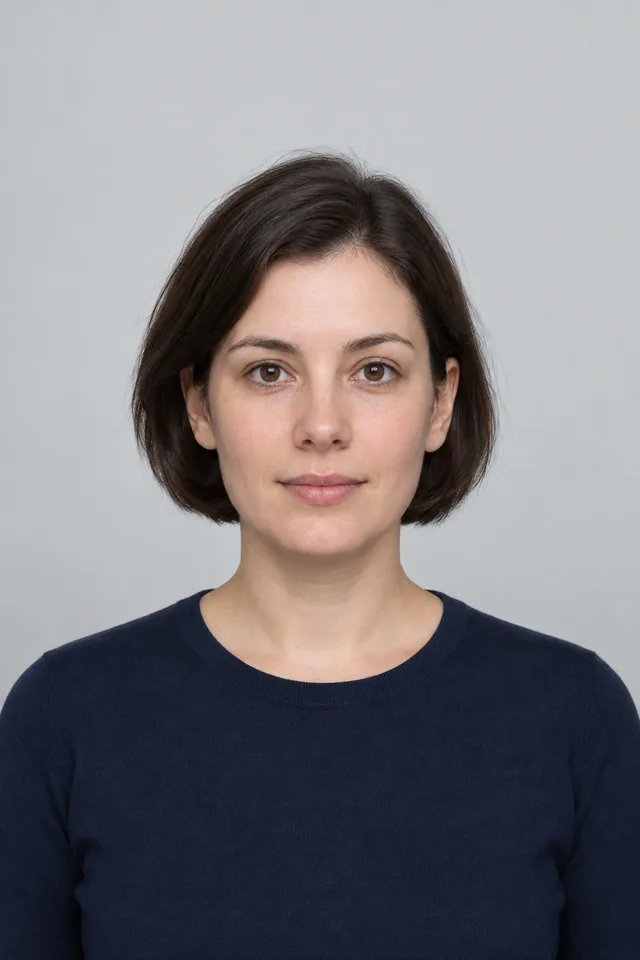
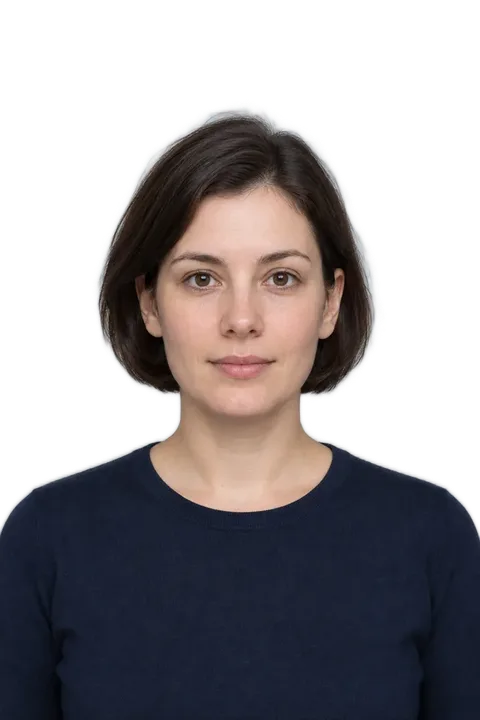
Individual strands are where a compact local model gives up ground to a paid cloud service. Portraits are better handled by the passport photo tool.
Busy backgrounds are the hard case
A subject photographed against a cluttered scene is where the model struggles most, sometimes leaving a faint halo. A plainer background gives a noticeably cleaner cut.
Scenery has no subject to find
Landscapes, crowds and abstract textures have nothing that counts as a foreground, so results will look arbitrary.
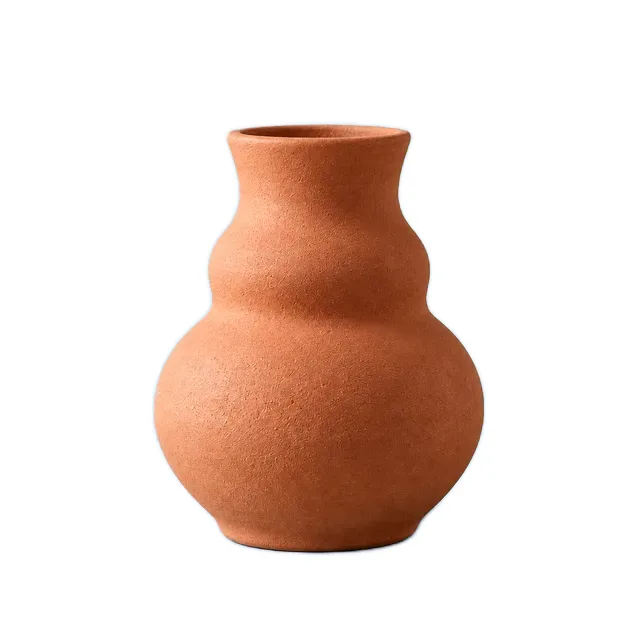
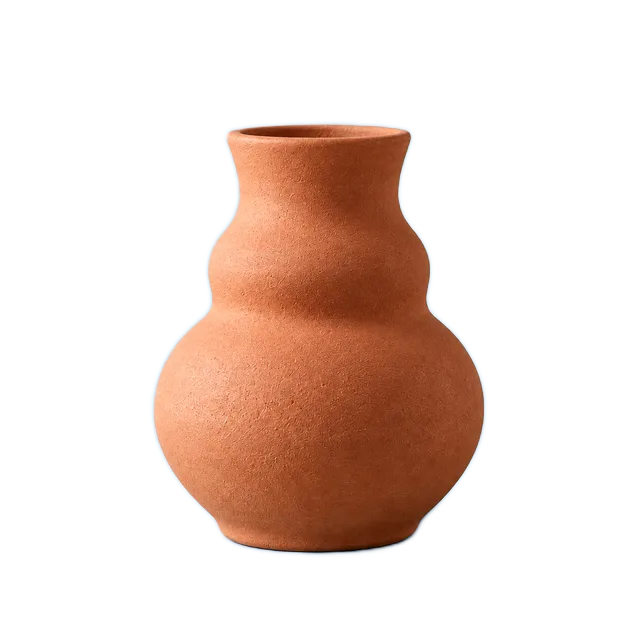
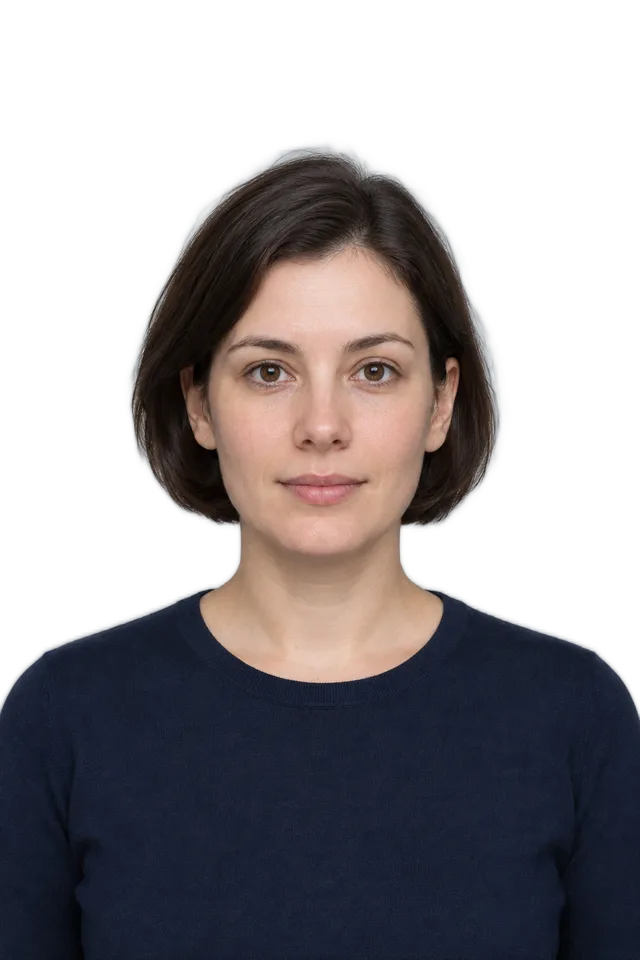
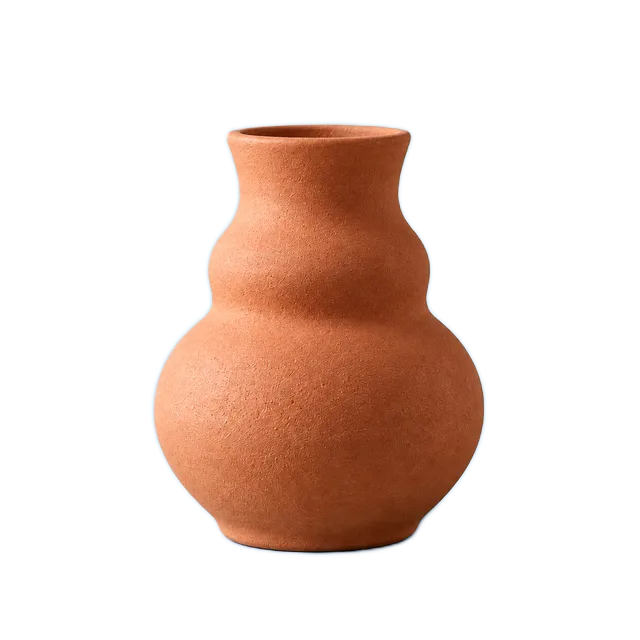
Background Remover · More examples
These files were processed with this tool or its shared processing code. Compare the source, settings and downloadable results.
Frequently asked questions
Related tools
Other things you can do with your image, all in the browser.
Passport Photo Maker
Crop a portrait using passport, visa and ID photo size presets. Position the face with the guides and check the issuing authority's rules before submitting.
Crop Image
Crop a photo to a custom area or fixed aspect ratio. Rotate, flip and reposition the image, then download the cropped result.
Resize Image
Resize one or several images by pixel dimensions or percentage. Lock the aspect ratio to avoid distortion and compare the preview before downloading.
Compress Image
Compress JPG, PNG and WebP images in your browser. Compare the output size and appearance before downloading individual files or a ZIP.
Convert to PNG
Convert supported images to PNG for graphics, screenshots and logos. Preserve existing transparency; converting a JPG does not remove its background.
Photo Collage Maker
Arrange photos in a grid, long strip, free layout or shape. Adjust spacing, crop each image, add annotations and export the collage as PNG or JPG.
Image Editor
Crop, rotate and resize a picture in your browser. Add text or shapes, draw on the image, and adjust colors before saving a copy.