
Shadow · Reflection
Shadow
The shadow follows existing transparency. Canvas margins expand automatically to contain the shadow; the original image is not cropped or stretched.
Reflection
Mirror the lower part of the image below it. Control the reflected height, gap, opacity and fading; this is a visual effect, not a physically simulated reflection.
Transparent
Yes. Select Transparent and export PNG or a supported WebP. JPG has no transparency, so it uses your selected fill color.
Real examples
These files were processed with this tool or its shared processing code. Compare the source, settings and downloadable results.





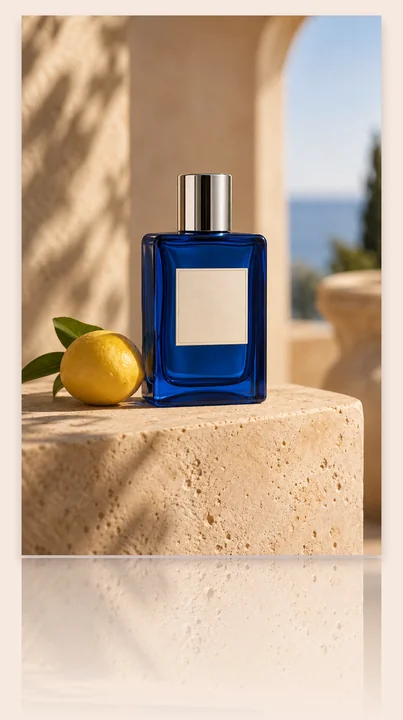
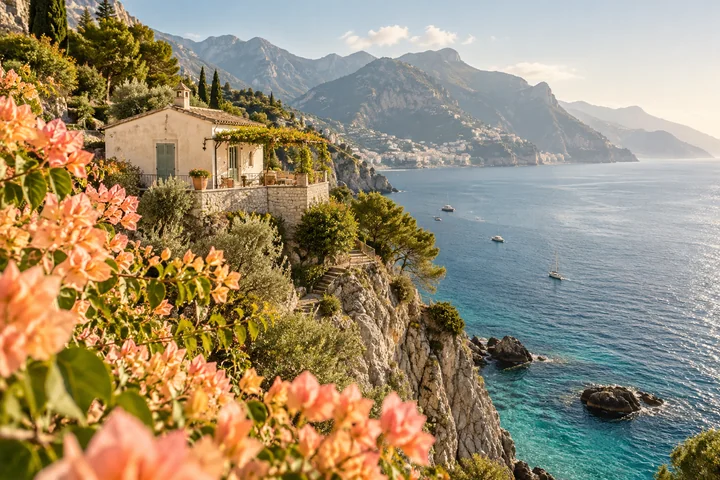
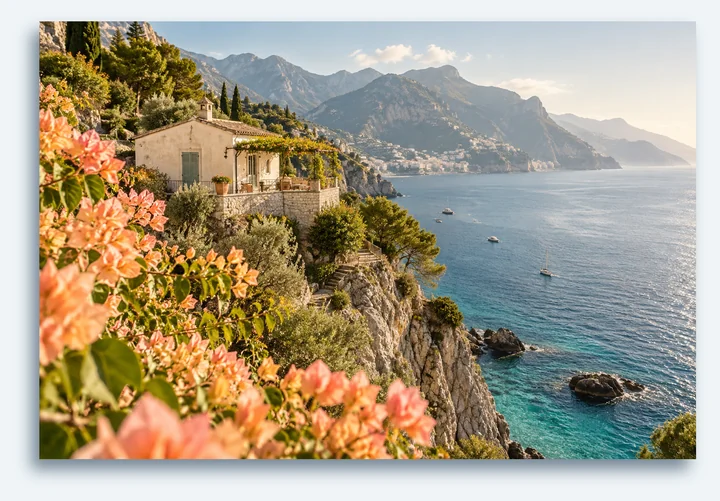





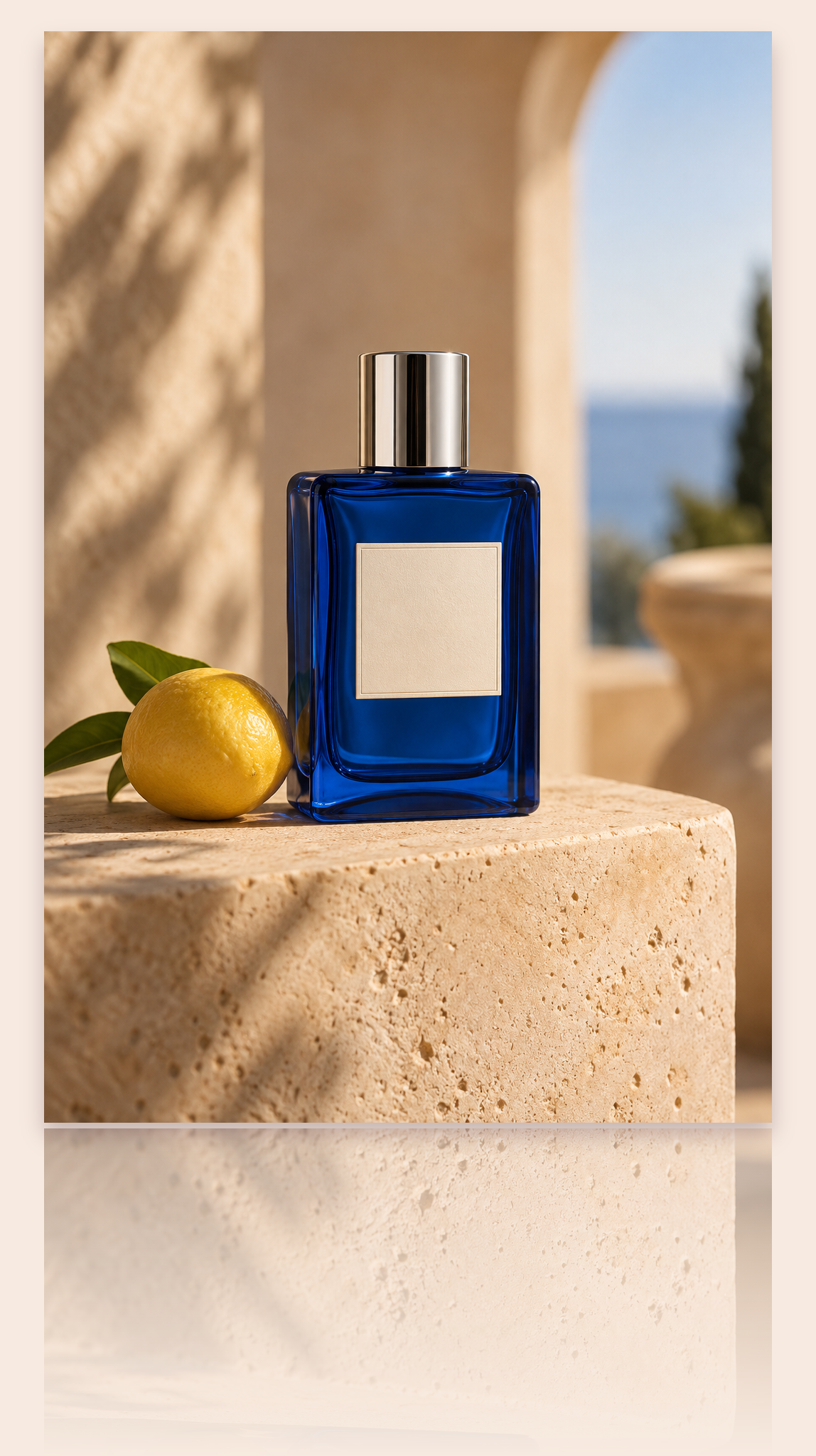
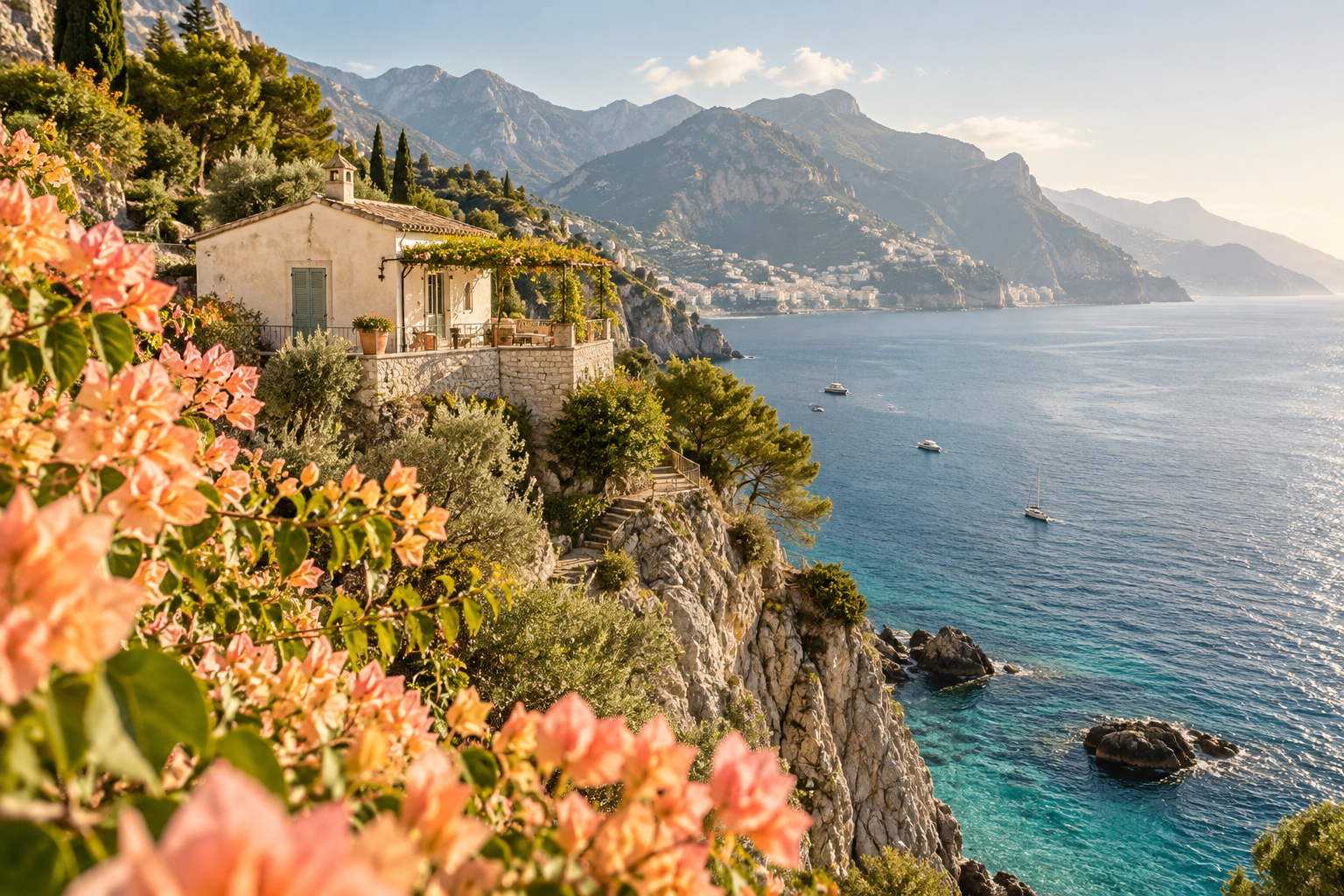
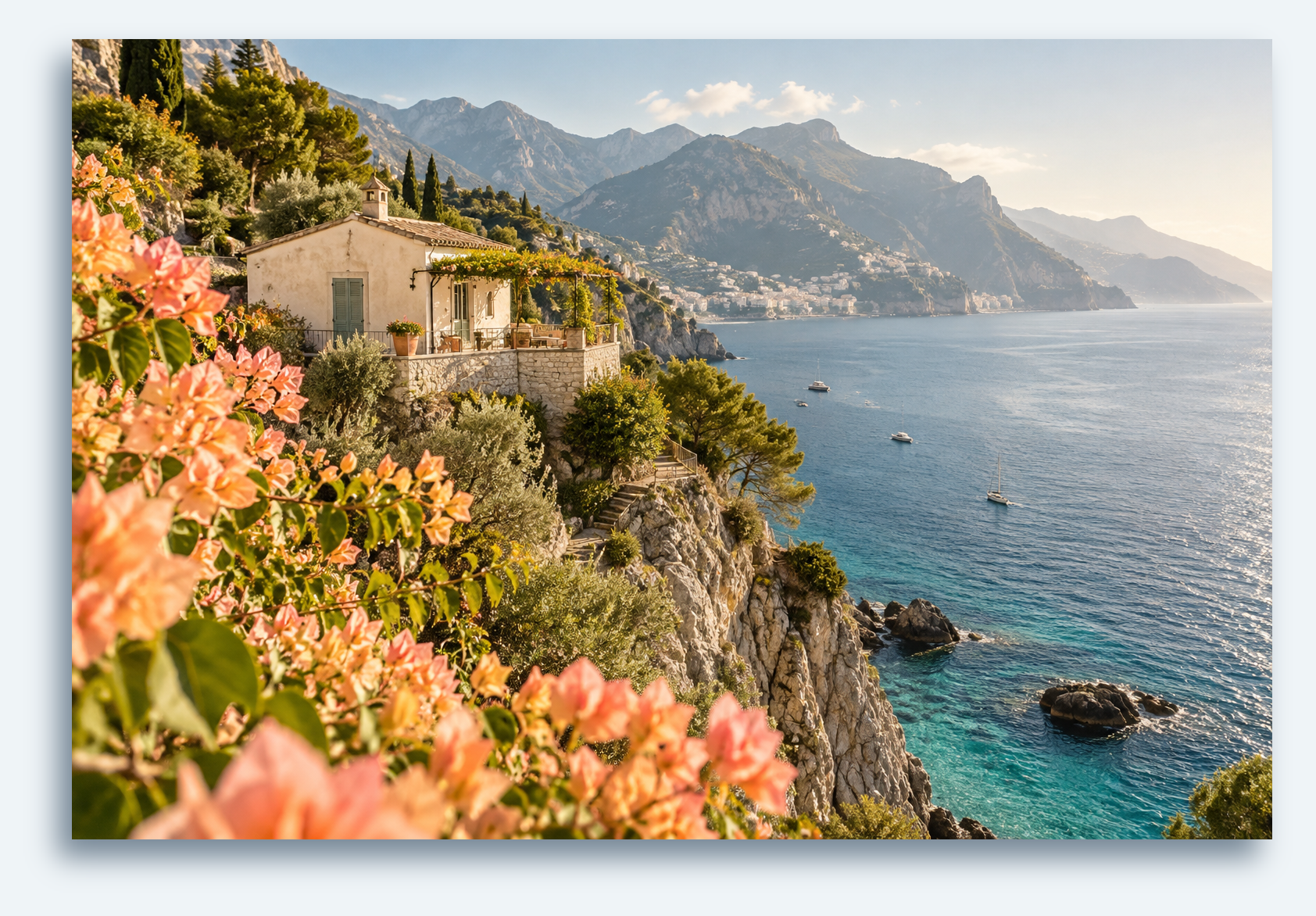
Choose an image → Download image
- Choose an image · Static PNG, JPG and WebP · up to 20 MiB and 25 megapixels
- Shadow · Reflection · Background
- Result preview → Download image
Formats and limits
Input: static PNG, JPG or WebP, up to 20 MiB and 25 megapixels. Output: up to 16 megapixels and 8192 pixels per side. The tool does not remove backgrounds. The reflected portion starts at the original image’s bottom edge.
Image shadow and reflection
Are my files uploaded?
Image processing takes place in your browser. You can download the result without an account. Continuing to another tool temporarily stores the result locally for the handoff.
Can I make the padding transparent?
Yes. Select Transparent and export PNG or a supported WebP. JPG has no transparency, so it uses your selected fill color.
Formats and limits
Input: static PNG, JPG or WebP, up to 20 MiB and 25 megapixels. Output: up to 16 megapixels and 8192 pixels per side. The tool does not remove backgrounds. The reflected portion starts at the original image’s bottom edge.