
Free screenshot beautifier online
Beautify screenshots locally with gradients, padding, rounded corners and window frames. Export PNG, JPG or WebP for free without uploading your image.
Screenshot beautifier
Turn a screenshot into a presentation-ready image. Your file stays in your browser.
Drop one image here, or paste an image
Static PNG, JPG and WebP · up to 20 MiB and 25 megapixels
A simple screenshot workflow
Six gradients and transparent backgrounds
Choose a built-in gradient, a solid color or transparency. Transparent backgrounds remain transparent in PNG and WebP.
One renderer for preview and export
Adjust padding, corners, shadow and screenshot scale. Preview and downloaded images use the same scene layout.
Free local export
Download PNG, JPG or WebP at 1× or 2×, with the output dimensions shown before export.
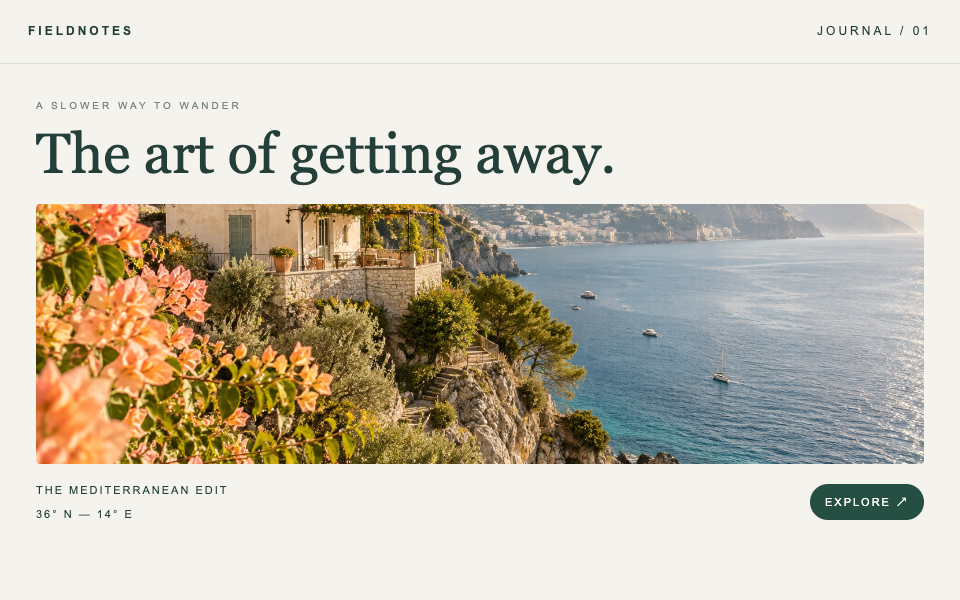
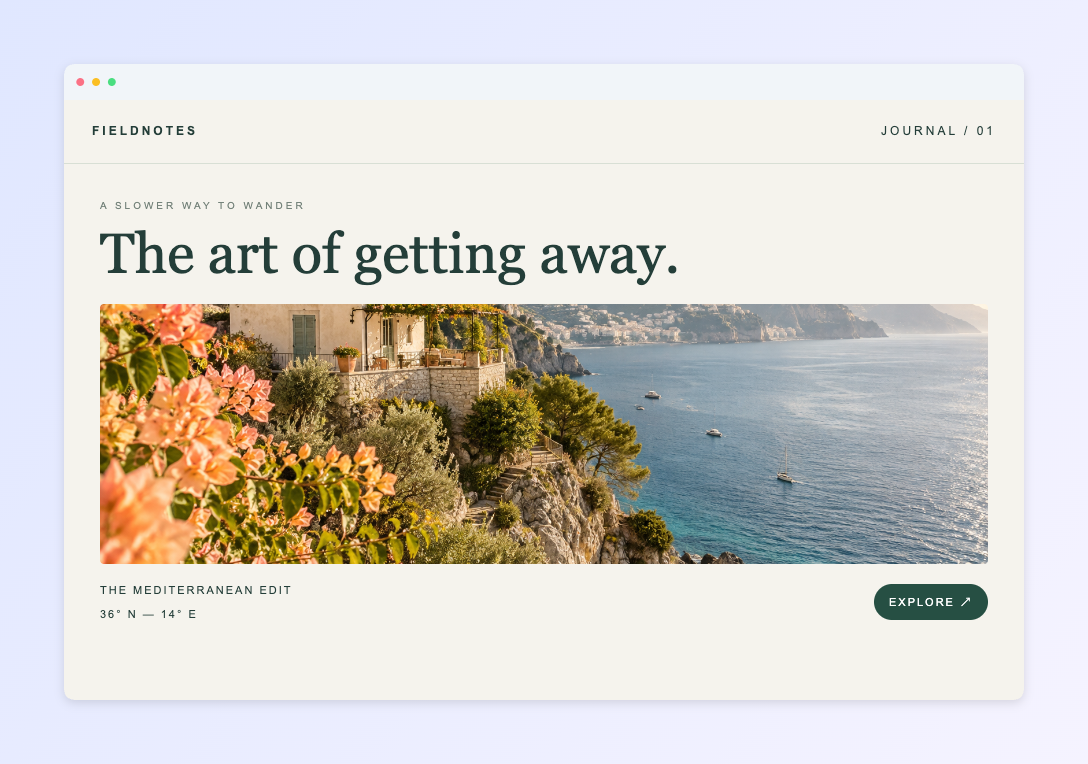
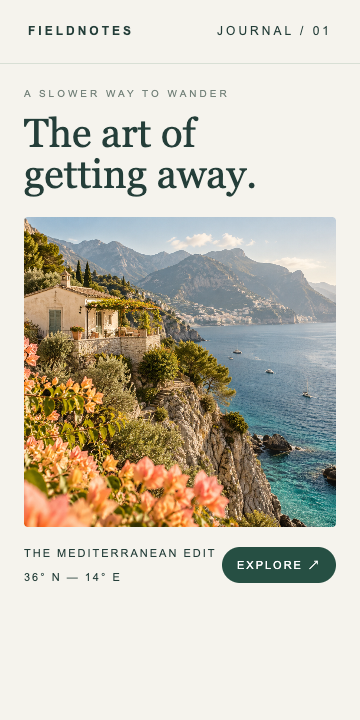
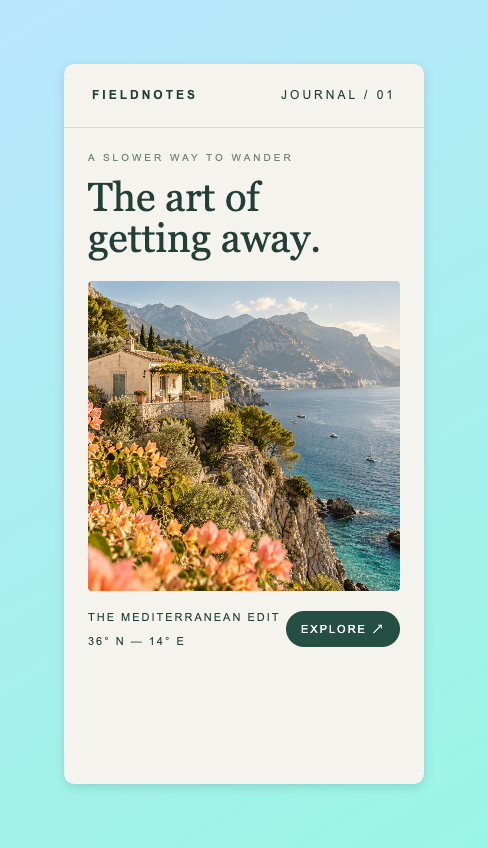
Real examples
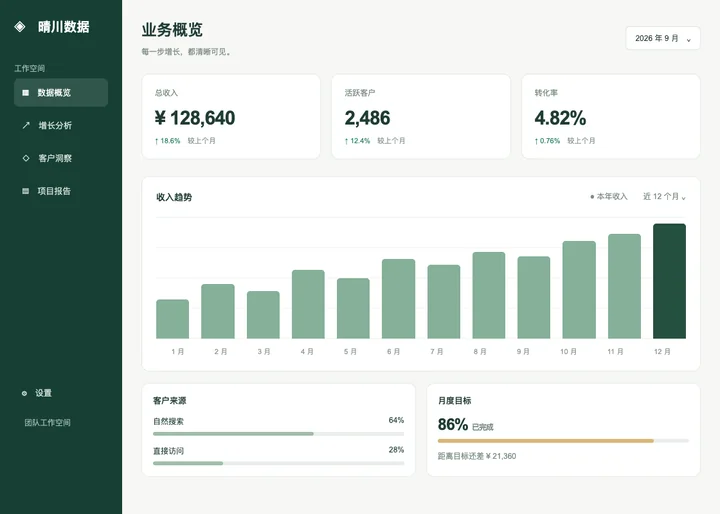
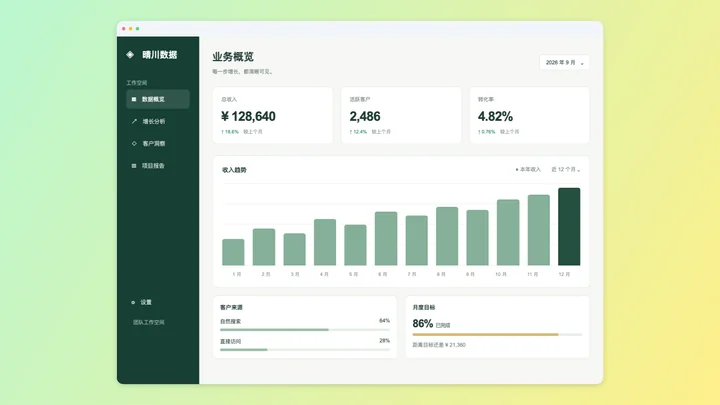
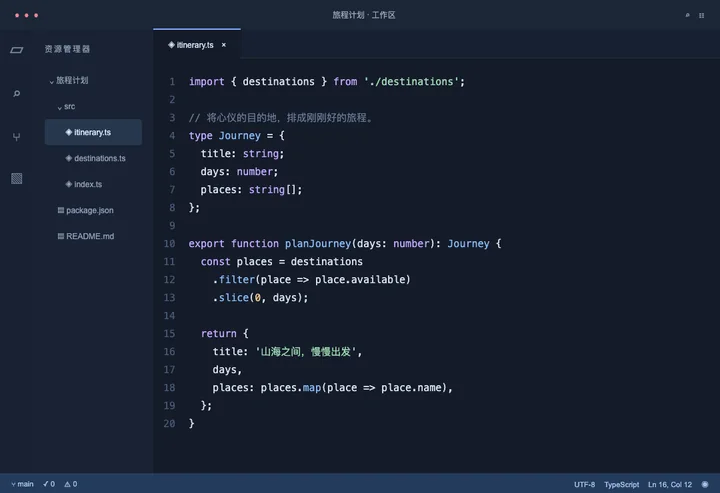
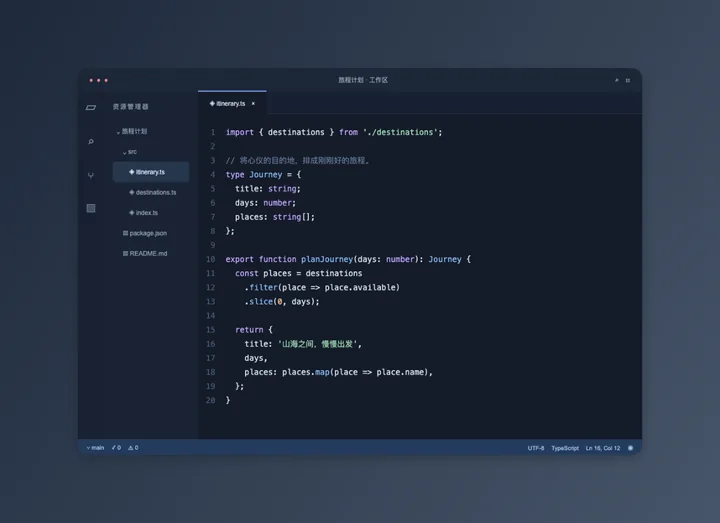
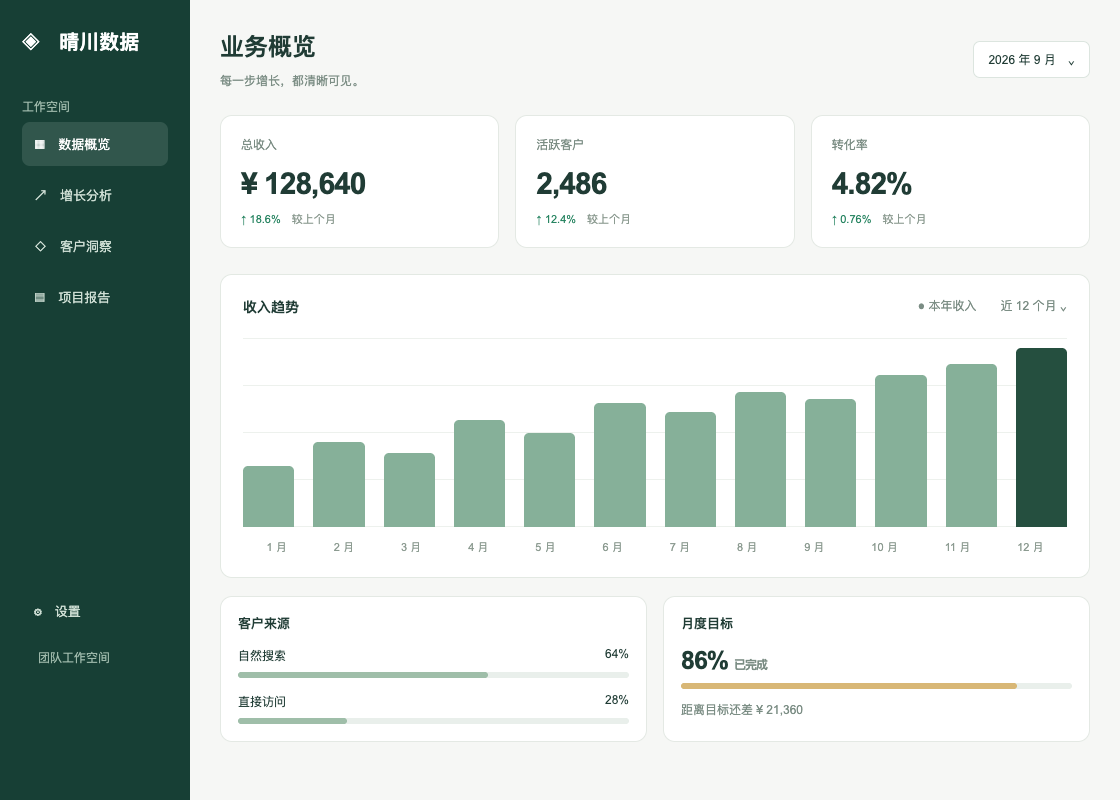
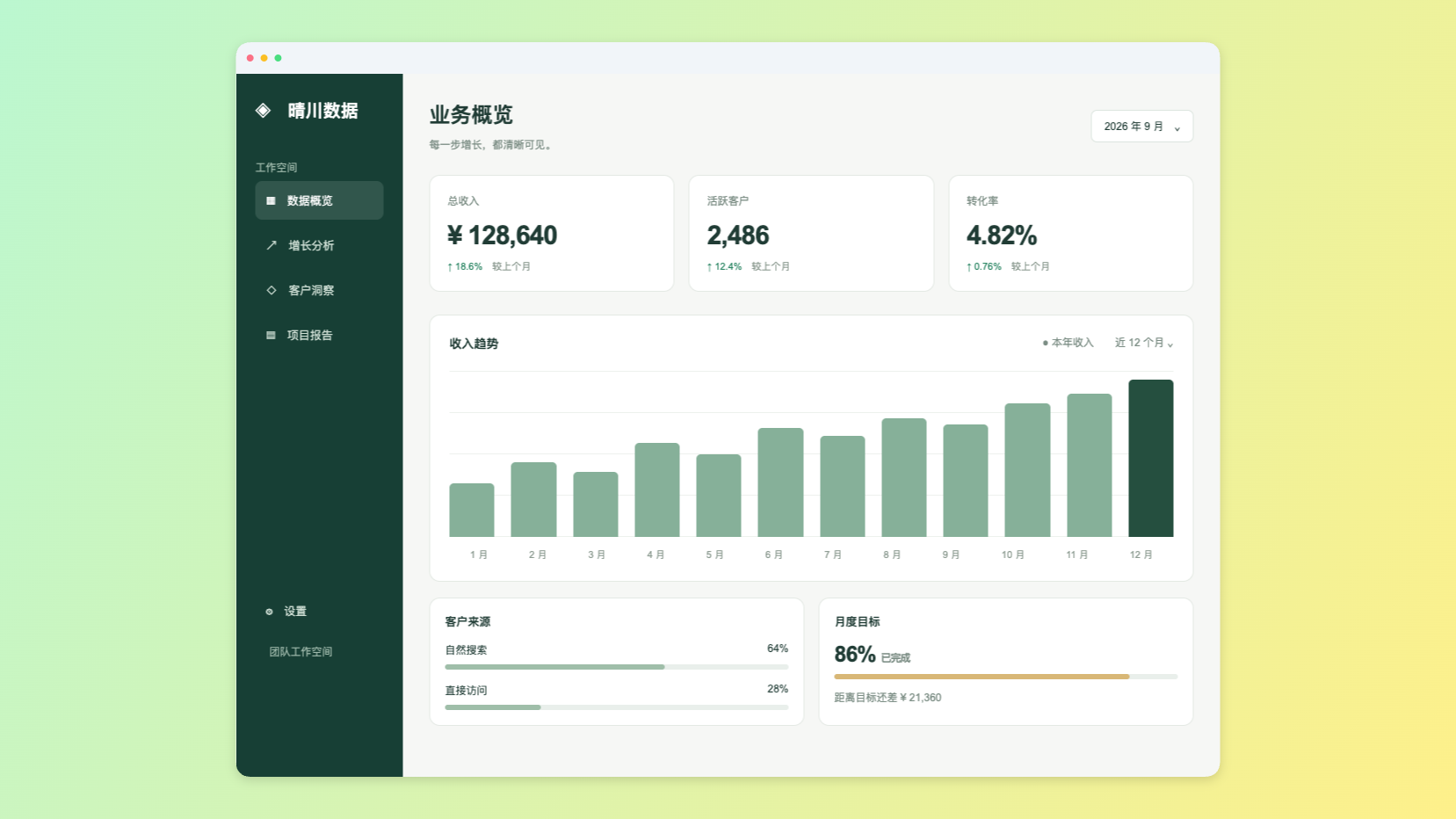
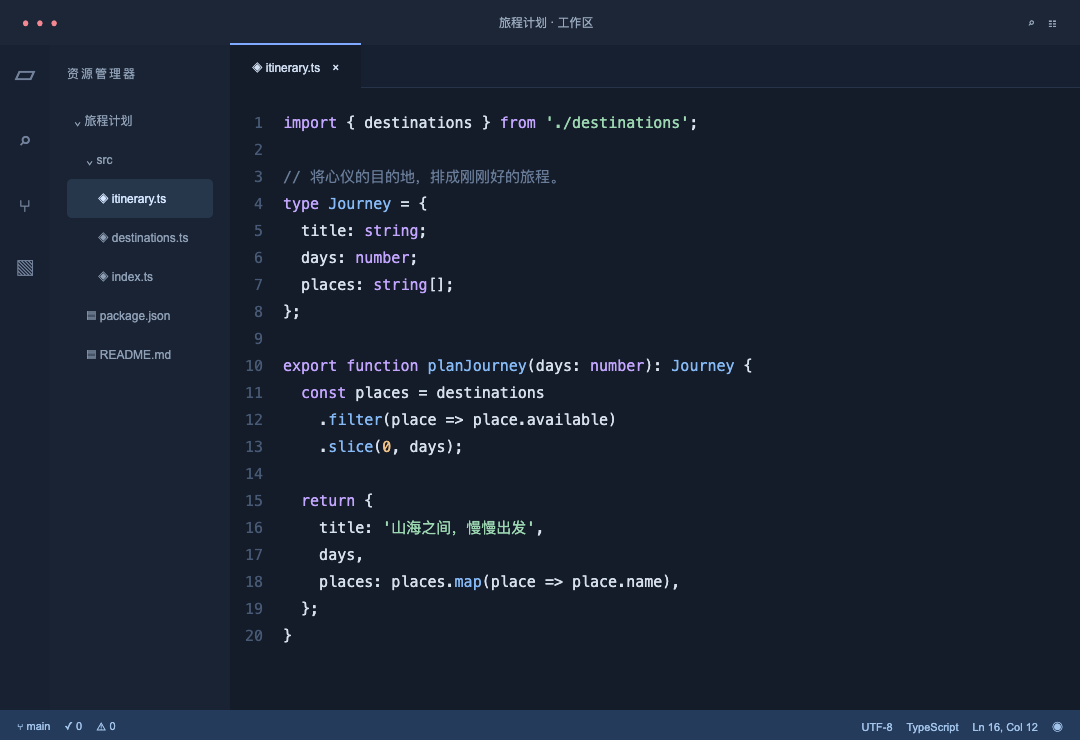
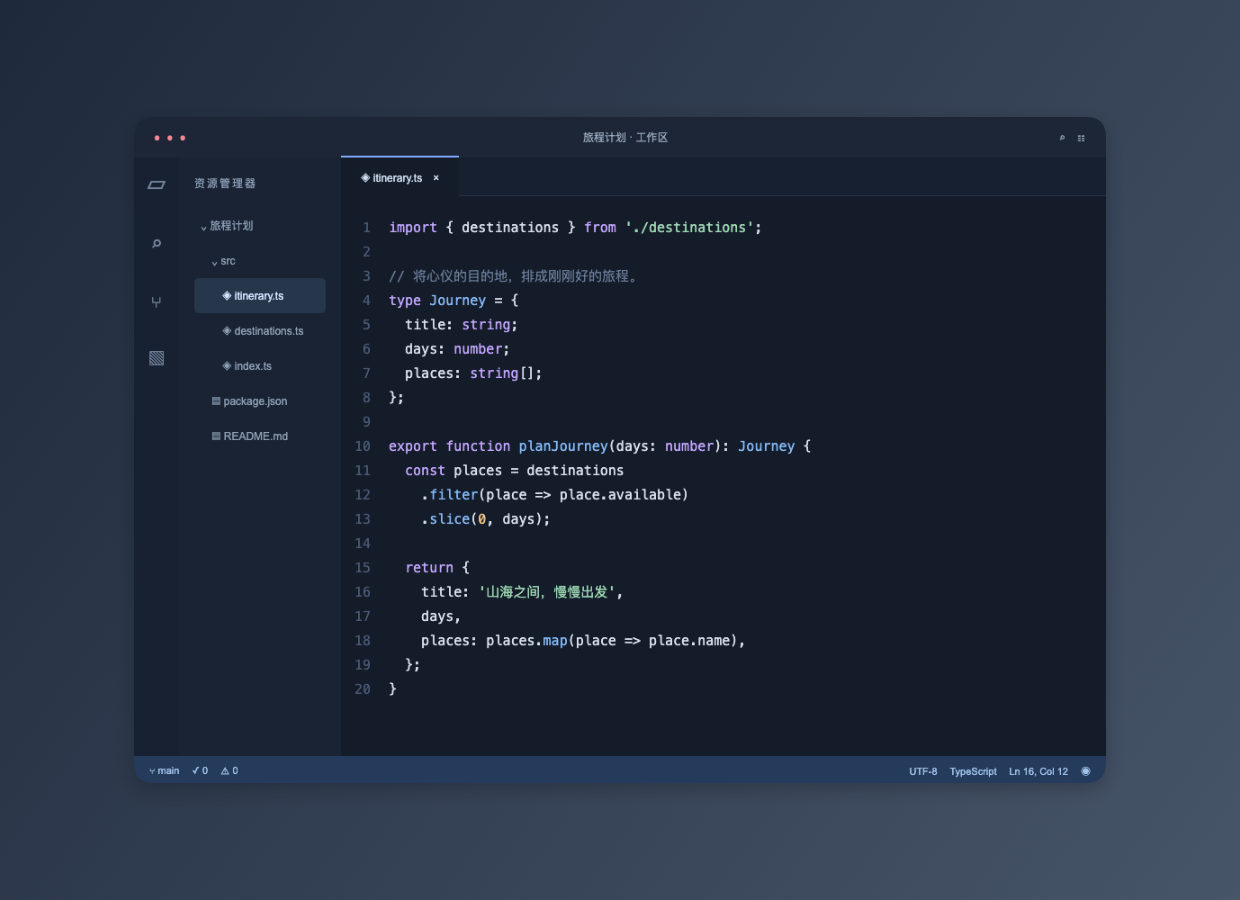
These files were processed with this tool or its shared processing code. Compare the source, settings and downloadable results.
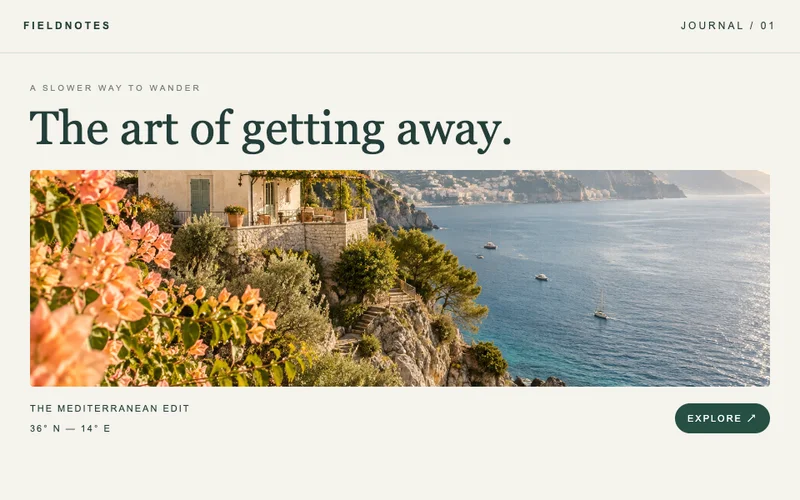
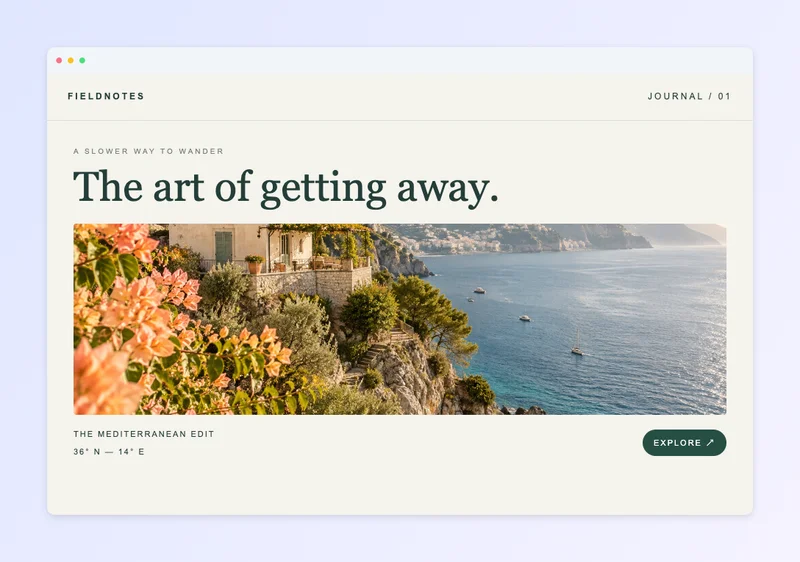
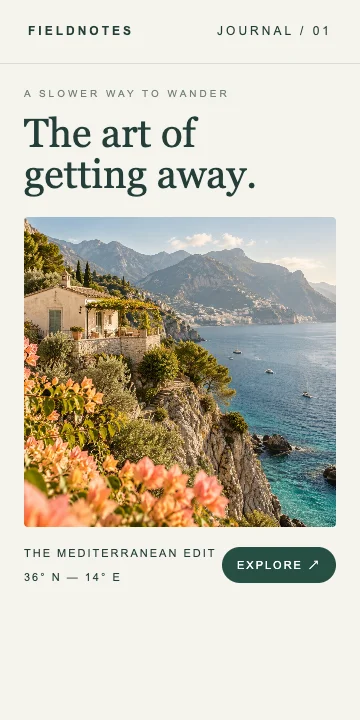
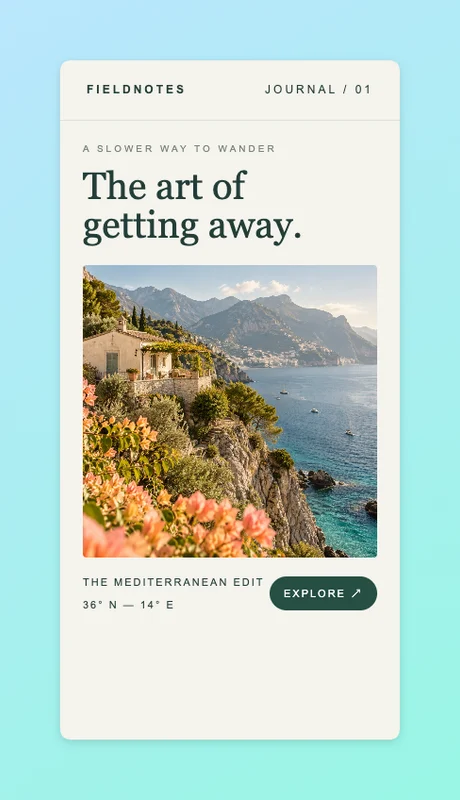
How to beautify a screenshot
Choose a screenshot
Select, drop or paste one static PNG, JPG or WebP image.
Style the canvas
Pick a background and aspect ratio, then adjust spacing, corners, shadow and an optional window frame.
Preview and export
Inspect the preview at 100%, select the format and scale, then download or continue to image compression.
Supported files and limits
This tool styles an existing image; it does not capture websites or remove sensitive information. Use static PNG, JPG or WebP files up to 20 MiB and 25 megapixels. Output is limited to 16 megapixels and 8192 pixels per side. 2× export enlarges pixels without restoring missing detail. JPG uses a white background for transparency.