
Trim image borders without uploading your files
Trim transparent, white or solid-color borders locally. Preview and adjust exact crop bounds, then download PNG, JPG or WebP. Free, no account.
Transparent


White


Custom color

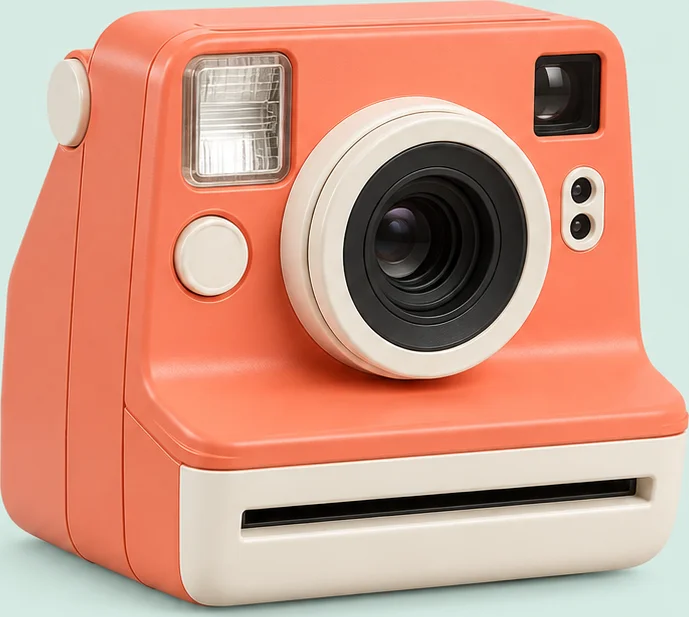
Transparent · Keep margin (pixels): 48


How to trim image borders
- Choose one or more images. Files are decoded locally in your browser.
- Select transparent, white, custom color or automatic detection, then detect borders.
- Review the highlighted crop and adjust its coordinates or size if needed.
- Download the selected image or a ZIP, or continue with Image Padding.
Pixel-accurate detection
Detection scans the original pixels, including one-pixel lines.
Manual control
Adjust exact coordinates and keep a margin in original image pixels.
Local batch processing
Process files sequentially and cancel a running detection.
Limits and behavior
This tool trims rectangular outer borders; it does not remove complex backgrounds. Automatic mode retains the original when edge colors are inconsistent. Empty images also remain unchanged. PNG and WebP can retain transparency; JPEG uses your chosen background. Output is limited to 16 megapixels and 8192 pixels per side. Animated images are not supported. ZIP output is limited to 100 MiB.
Frequently asked questions
Will white details inside my image disappear?
No. The tool crops only the outer rectangle and does not erase any pixels inside the chosen crop.
Why did automatic detection keep the original?
The sampled edge colors did not form a consistent background. Select white or a custom color and review the result.
Are my images uploaded?
Image decoding, detection and export run in your browser. Continuing to another tool stores a temporary local handoff in this browser.