
Drop your collage here
or click to browse your files · or press Ctrl+V to paste
Supported formats: JPG, PNG, WebP, GIF, BMP
Max file size: 50MB
Collage Splitter
Separate a collage into individual photos. Review detected borders, adjust the cuts, and download the extracted images.
What This Collage Splitter Does
Finds the borders for you
Drop in a collage and the photos are outlined within a second. There is nothing to measure and no grid size to guess — the tool reads the gaps between the pictures and works out the layout on its own.
Handles uneven layouts
A tall photo down the left with two stacked beside it is no harder than a plain 3×3. The tool works through the picture one cut at a time, so nested arrangements come apart correctly instead of being sliced into equal blocks.
Leaves no white edges
Each piece is tightened to where the photo actually begins, so rounded corners, drop shadows and uneven frames come off with it. What you download is the picture, not the picture plus a strip of background.
Keeps the full resolution
Detection runs on a small copy for speed, but every photo is cut from the original file. A 6000-pixel collage gives you 6000-pixel photos, saved as JPEG or PNG to match what you uploaded.
Adjustable when it guesses wrong
Faint or textured borders can fool any automatic detector. Slide towards "more pieces" to pick up subtle gaps, or towards "fewer" when a bright sky inside a photo is being read as a border.
How to Separate Photos from a Collage
Upload the collage
Drag the file in or click to browse. JPG, PNG, WebP, GIF and BMP all work, up to 50MB.
Check what was found
Each photo it found is outlined and numbered on the preview. If a piece is wrong, untick it; if the count looks off, nudge the detection slider until the outlines match.
Download the photos
Hit download and the ticked photos arrive as a ZIP, numbered in reading order and cut at full resolution.
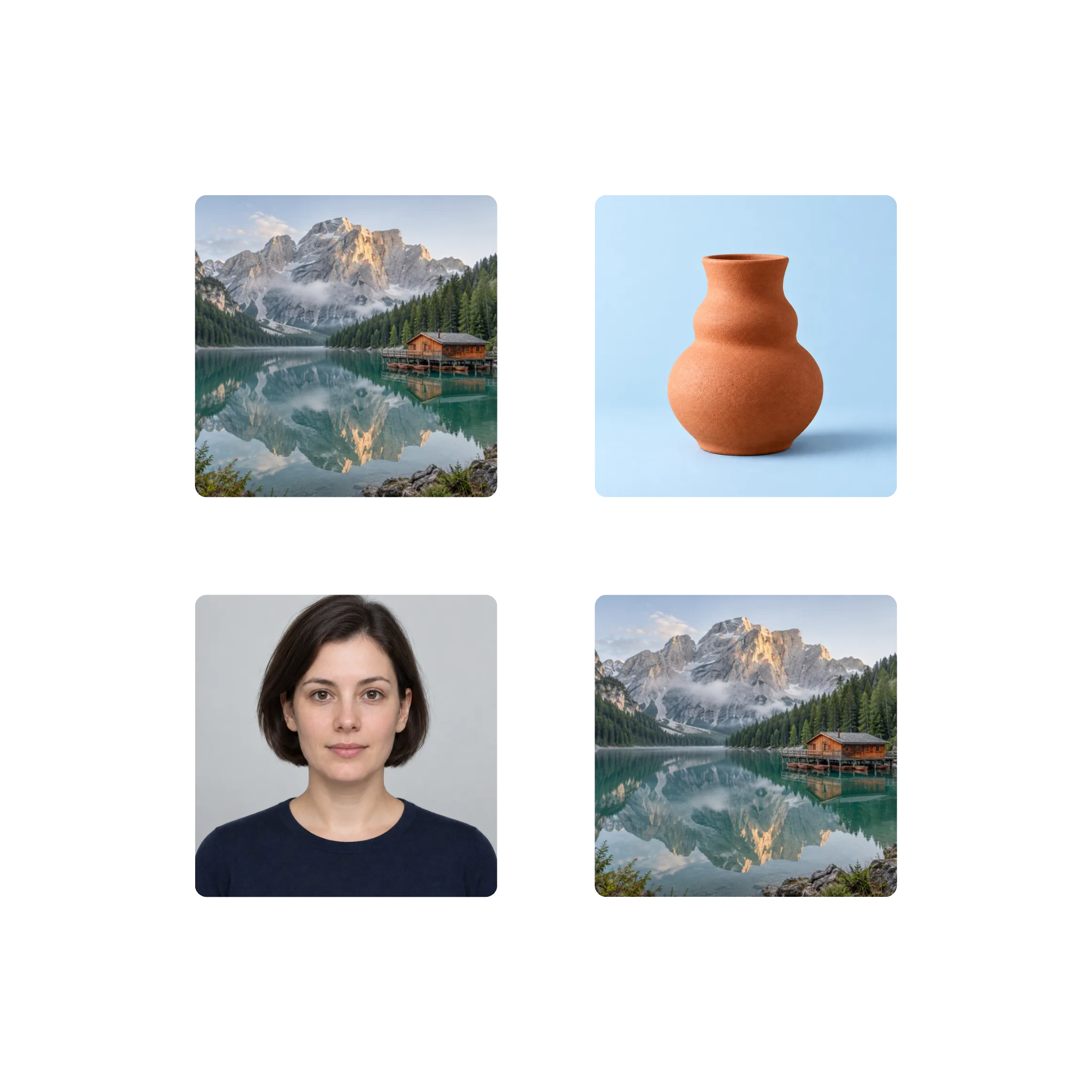
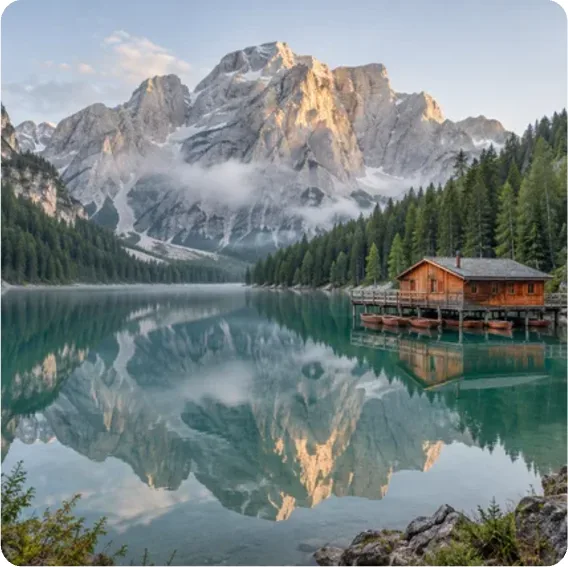
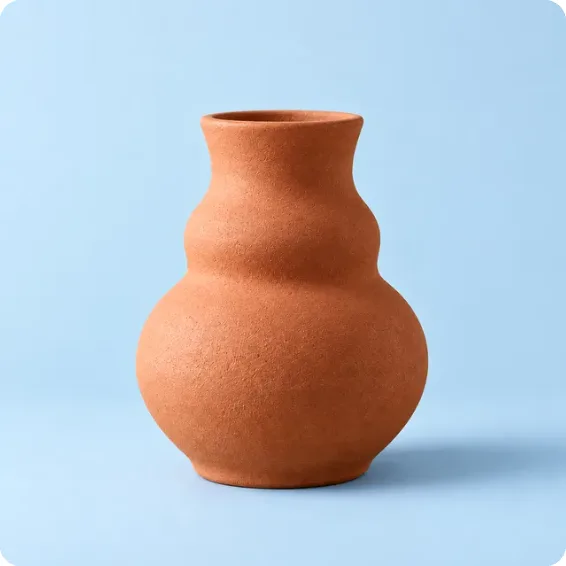
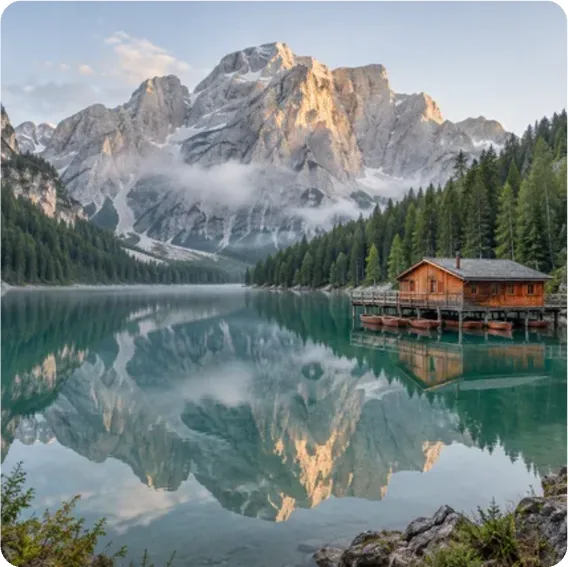
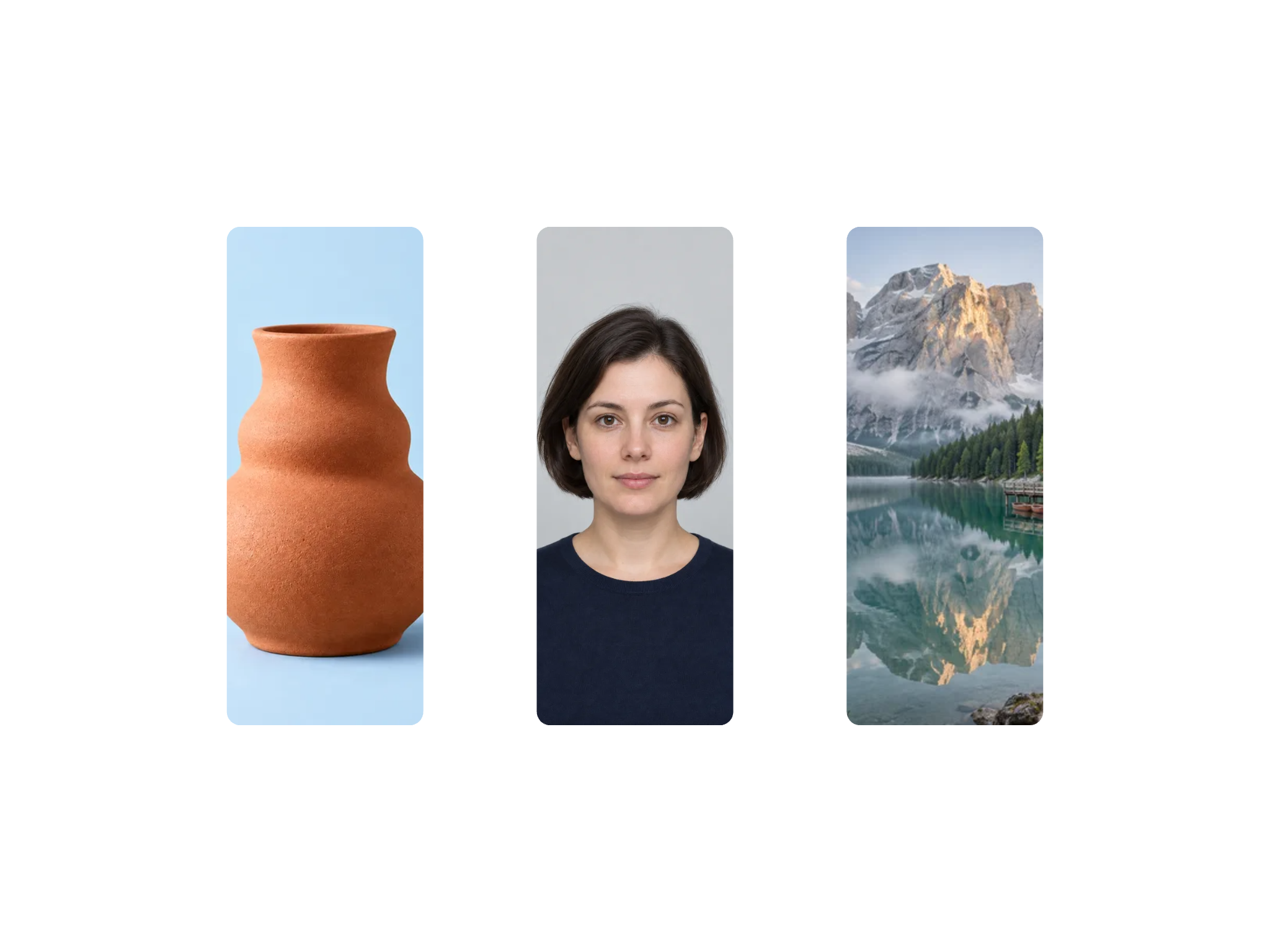
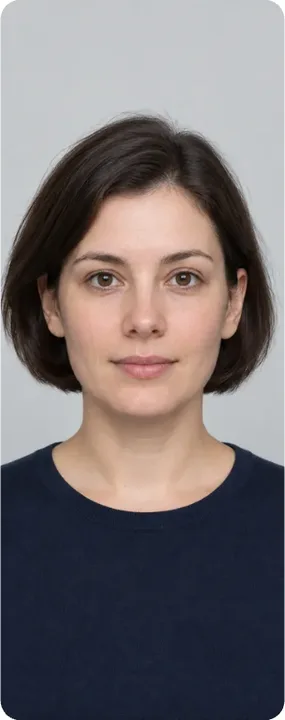
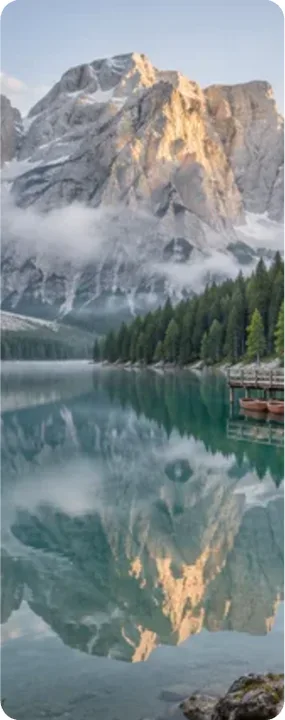
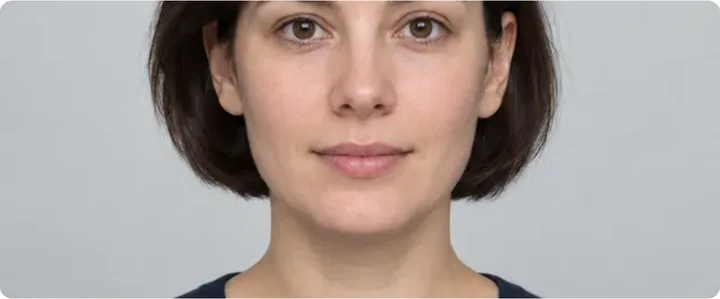
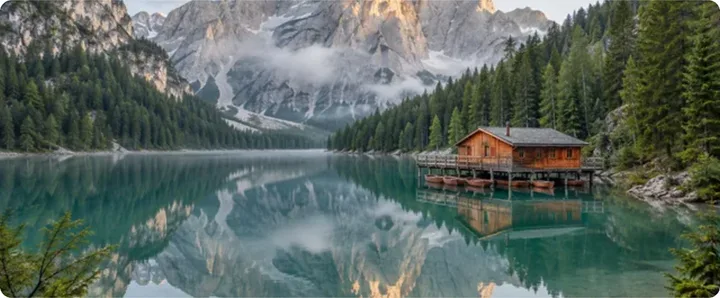
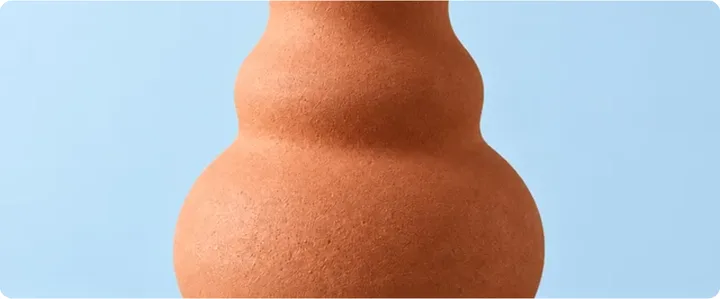
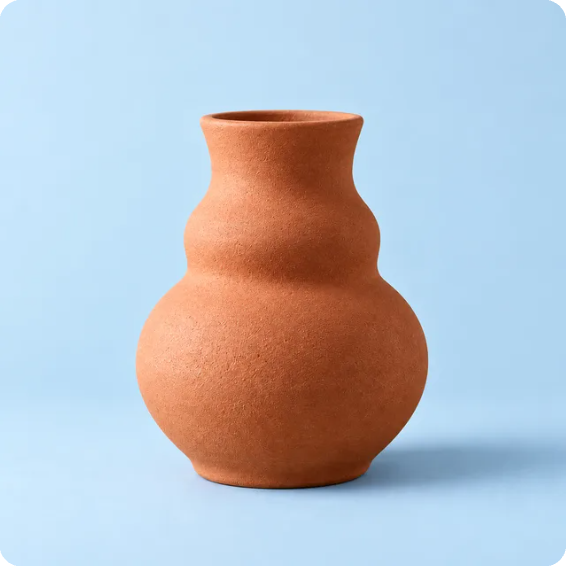
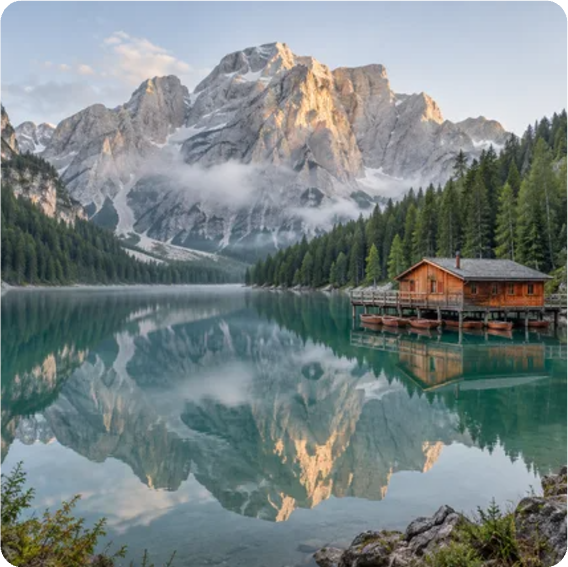
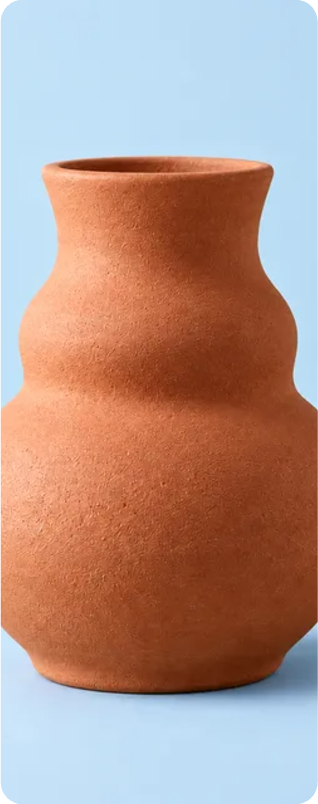
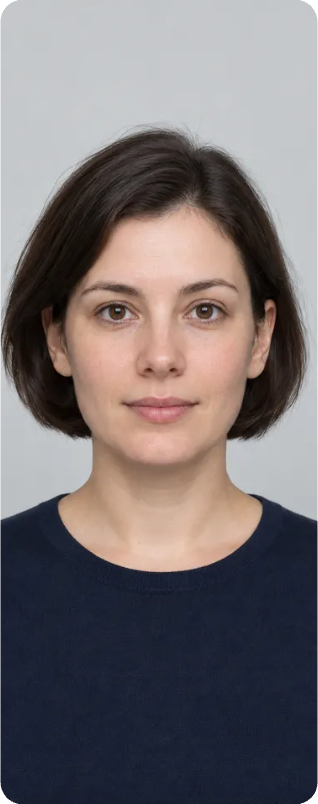
Collage Splitter · Example 1
These files were processed with this tool or its shared processing code. Compare the source, settings and downloadable results.

Getting Cleaner Results
Use the original, not a screenshot
A screenshot adds compression and sometimes interface edges, both of which blur the borders the detector is looking for. The original file always separates more cleanly.
Move the slider one notch at a time
Small adjustments matter more than large ones. If a photo gets split in two, step towards "fewer pieces"; if two photos come out joined, step the other way.
Watch out for bright photos on white
A snow scene or a white studio background can read as border. If a picture keeps being cut in half, one notch towards "fewer pieces" usually settles it.
Untick rather than restart
When the detector adds a stray sliver of frame, just untick it. There is no need to reload the file or hunt for a better slider position.
JPEG in, JPEG out
The download matches the format you uploaded, which keeps file sizes sensible. Converting a JPEG collage to PNG would multiply its size for no visible gain.
Borderless collages need Grid Crop
If the photos touch with no gap at all, there is nothing for the detector to find. An even borderless grid is better handled by the Grid Crop tool, where you set the rows and columns yourself.
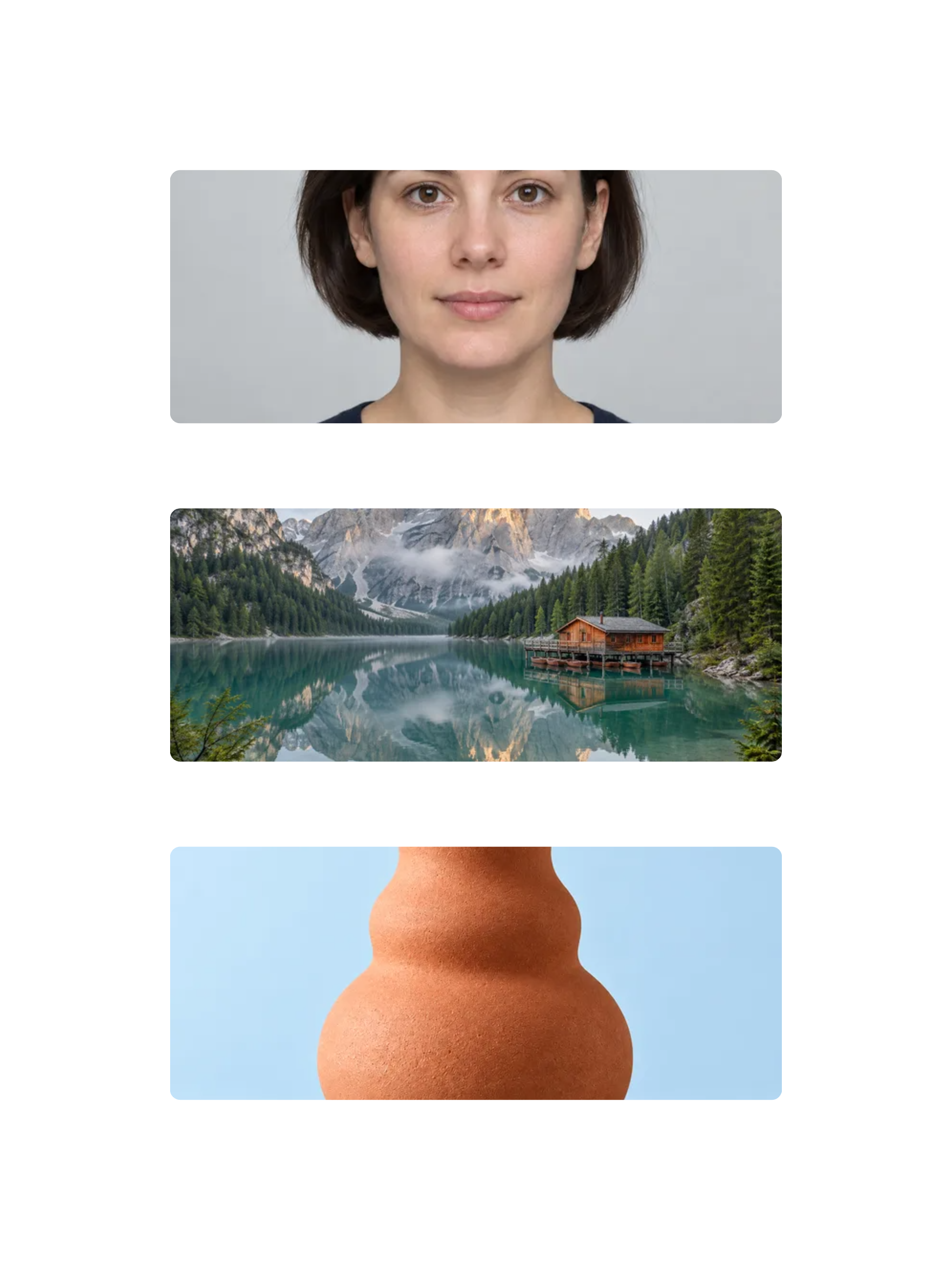
Collage Splitter · More examples
These files were processed with this tool or its shared processing code. Compare the source, settings and downloadable results.


Questions About Splitting Collages
Related Image Tools
Other tools for cutting up and putting together images
Grid Crop
Split an image into rows and columns for a grid, carousel or puzzle. Set the tile layout, preview the cuts and download the pieces as a ZIP.
Collage Maker
Arrange photos in a grid, long strip, free layout or shape. Adjust spacing, crop each image, add annotations and export the collage as PNG or JPG.
Free Crop
Crop a photo to a custom area or fixed aspect ratio. Rotate, flip and reposition the image, then download the cropped result.
Resize Image
Resize one or several images by pixel dimensions or percentage. Lock the aspect ratio to avoid distortion and compare the preview before downloading.