
crop_image.upload.title
crop_image.upload.description · or press Ctrl+V to paste
crop_image.upload.formats: JPG, PNG, WebP, GIF, BMP
crop_image.upload.max_size
Crop Images into Shapes
Crop a photo into a heart, star, hexagon or another shape. Move the picture inside the outline and export an image with transparent corners.
Shape Crop Features
20+ Shape Crop Options
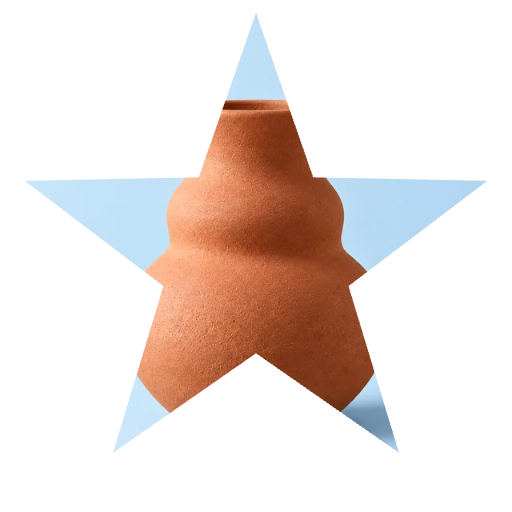
Shape crop your images into hearts, stars, circles, hexagons, clouds, flowers, and many more. shapes for any creative project.
Grid Shape Crop
Shape crop into grid layouts like 2×2, 2×3, 3×3 for Instagram collages and photo grids. Create multi-panel compositions easily.
Rotate & Position
Rotate 90° left or right, flip horizontally or vertically. Drag and zoom to position your image within the shape crop area.
How to Shape Crop Images Free
Upload Your Image
Click the upload area or drag and drop your image. Supports JPG, PNG, WebP, GIF, BMP up to 50MB.
Select Your Shape
Choose from 20+ shapes including heart, star, hexagon, cloud, flower, or grid layouts for your shape crop.
Download Shape Cropped Image
Position your image, then click download. Get your shape cropped image as PNG with transparent background.
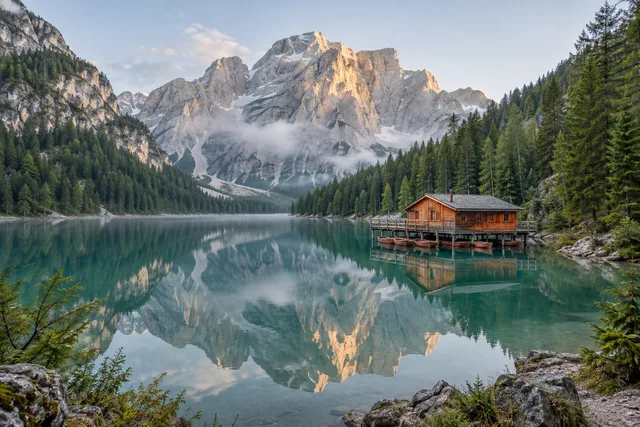
Crop Images into Shapes · Example 1
These files were processed with this tool or its shared processing code. Compare the source, settings and downloadable results.

Tips for Better Shape Crop
Use High-Quality Images
Start with clear, high-resolution photos for best shape crop results. Better quality input creates sharper shape cropped images.
Choose the Right Shape
Select shapes that complement your image content. Hearts for romance, stars for achievements, hexagons for modern looks.
Position Carefully
Drag and zoom to center important parts within the shape crop area. Proper positioning ensures nothing important gets cut off.
Try Grid Shapes
Use 2×2, 2×3, or 3×3 grid shapes for Instagram puzzle feeds and photo collages. Create eye-catching multi-panel layouts.
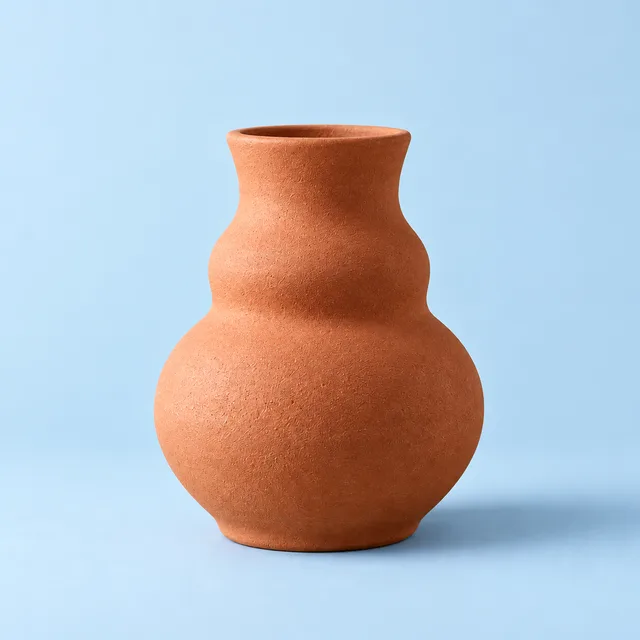
Crop Images into Shapes · More examples
These files were processed with this tool or its shared processing code. Compare the source, settings and downloadable results.




Shape Crop FAQ
More Image Cropping Tools
Need different cropping options? Try these specialized tools:
Circle Crop
Crop a photo into a circle, position the subject, and save a PNG with transparent corners for an avatar or profile picture.
Free Crop
Crop a photo to a custom area or fixed aspect ratio. Rotate, flip and reposition the image, then download the cropped result.
Aspect Ratio Crop
Crop a picture to a fixed aspect ratio for a thumbnail, post or print. Position the subject inside the frame and download the result.
Resize Image
Resize one or several images by pixel dimensions or percentage. Lock the aspect ratio to avoid distortion and compare the preview before downloading.