
Drop your image here
or click to browse your files · or press Ctrl+V to paste
Supported formats: JPG, PNG, WebP, GIF, BMP
Max file size: 50MB
Crop Images Online
Crop a photo to a custom area or fixed aspect ratio. Rotate, flip and reposition the image, then download the cropped result.
Free Image Crop Features
Free Crop to Any Size
Free crop image to custom dimensions with no restrictions. Drag to select exactly the area you want, or lock to common aspect ratios like 1:1, 16:9, or 4:3.
Rotate & Flip Before Crop
Rotate your image 90° left or right, flip horizontally or vertically. Get the orientation before you crop image to your desired size.
How to Free Crop Image Online
Upload Image to Crop
Click the upload area or drag and drop your image. Our free crop tool supports JPG, PNG, WebP, GIF, and BMP formats up to 50MB.
Free Crop Your Image
Drag the corners or edges of the crop box to free crop any area you want. Use preset ratios or free crop to custom dimensions.
Download Cropped Image
Click download to save your cropped image. Free crop with no waiting — processing happens locally in your browser.
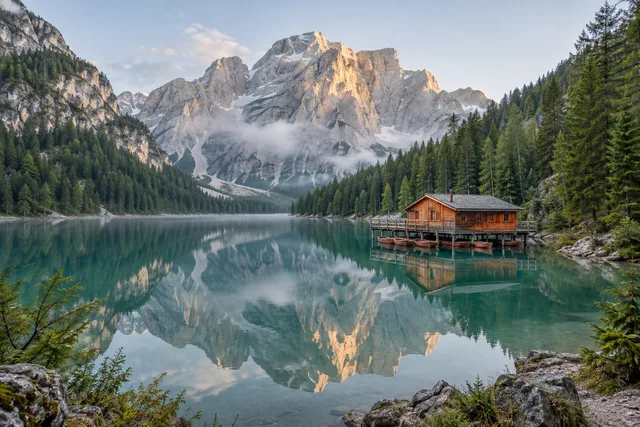
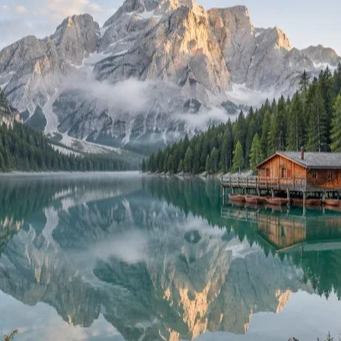
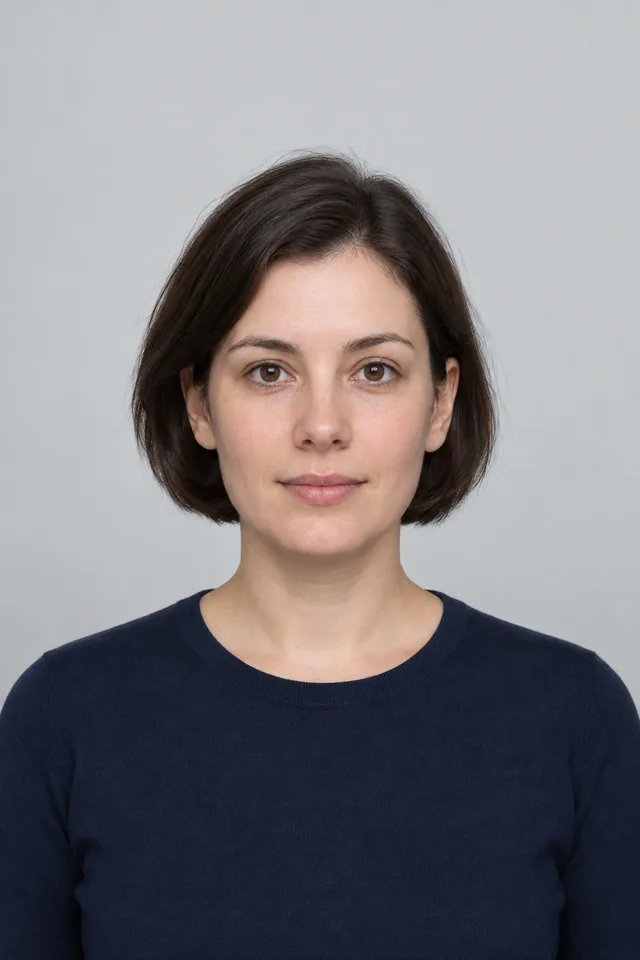
Crop Images Online · Example 1
These files were processed with this tool or its shared processing code. Compare the source, settings and downloadable results.
Tips for Better Image Cropping
Focus on the Subject
When you crop image, keep the main subject centered or positioned using the rule of thirds for more visually appealing compositions.
Start with High Resolution
Crop image from high-resolution originals whenever possible. This gives you more flexibility to crop without losing quality.
Use the Grid Overlay
Enable the rule of thirds grid when you crop image. Align key elements with grid lines for professional-looking compositions.
Remove Distractions
Crop image to eliminate distracting backgrounds, unwanted objects, or excess empty space that takes focus away from your subject.
Keep Originals
Always save your original before you crop image. This lets you re-crop later if you need different dimensions or compositions.
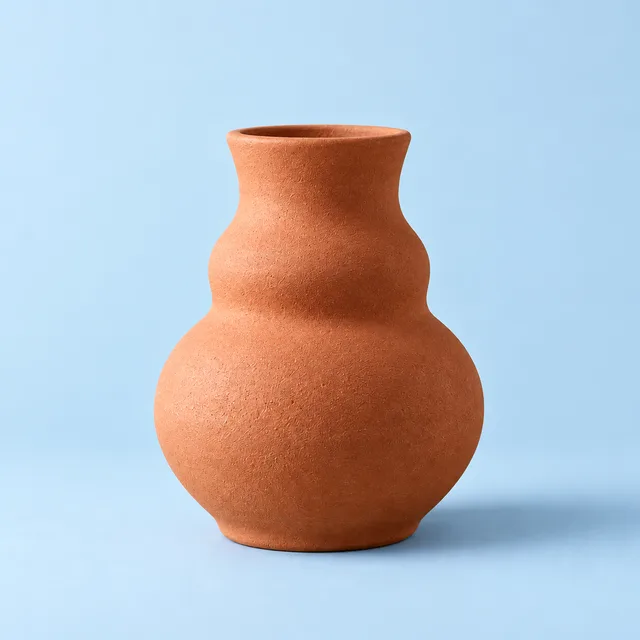
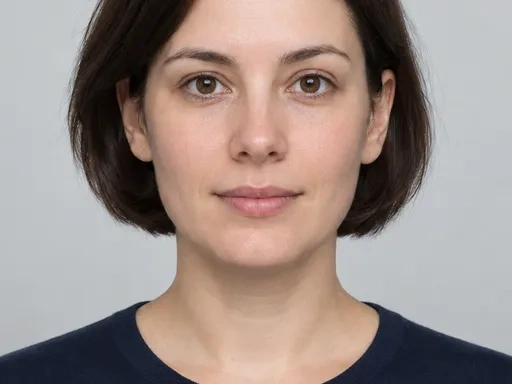
Crop Images Online · More examples
These files were processed with this tool or its shared processing code. Compare the source, settings and downloadable results.
Free Crop Image - FAQ
More Image Crop Tools
Need more than free crop? Try these specialized crop tools:
Circle Crop
Crop a photo into a circle, position the subject, and save a PNG with transparent corners for an avatar or profile picture.
Aspect Ratio Crop
Crop a picture to a fixed aspect ratio for a thumbnail, post or print. Position the subject inside the frame and download the result.
Resize Image
Resize one or several images by pixel dimensions or percentage. Lock the aspect ratio to avoid distortion and compare the preview before downloading.
Compress Image
Compress JPG, PNG and WebP images in your browser. Compare the output size and appearance before downloading individual files or a ZIP.