
6 real use cases
Choose a use case, download its inputs and try the listed settings in the tool above. Compare your work with the actual exported result.
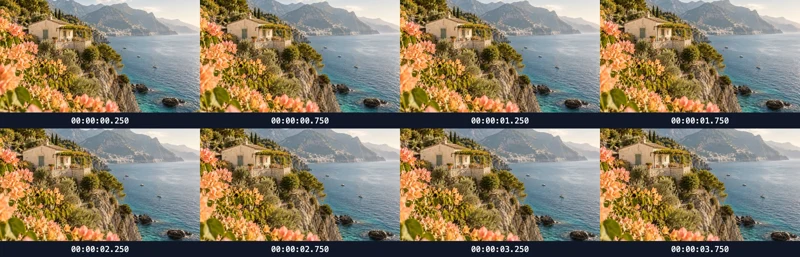
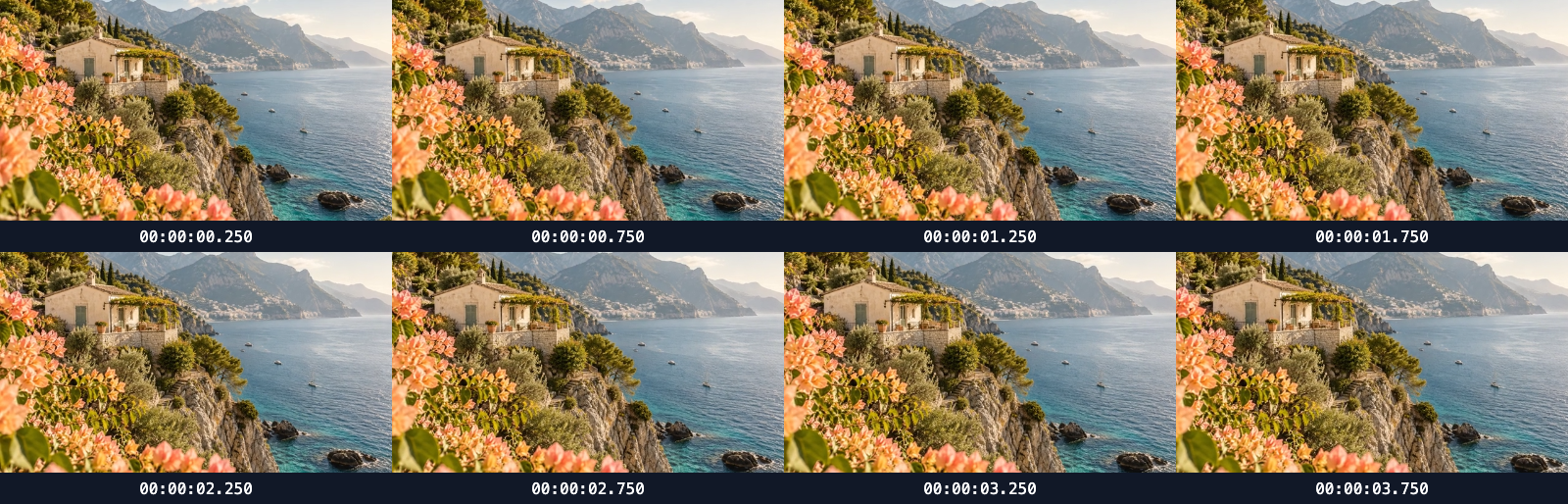
Coastal travel: skim a landscape shot
Sample 8 frames from a real 4-second MP4 in 4 chronological columns; timestamps mark the midpoint of each interval.
Portrait product reel: inspect perfume framing
Sample 4 frames from a real 3-second MP4 in 2 chronological columns; timestamps mark the midpoint of each interval.

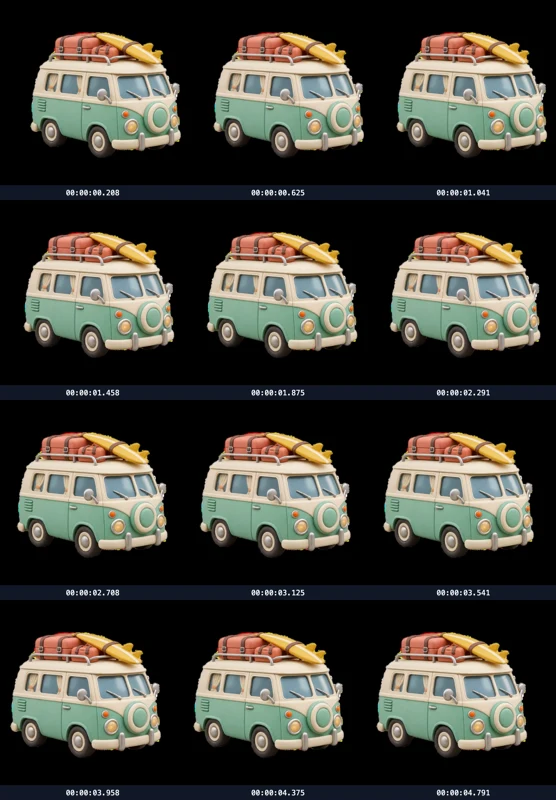
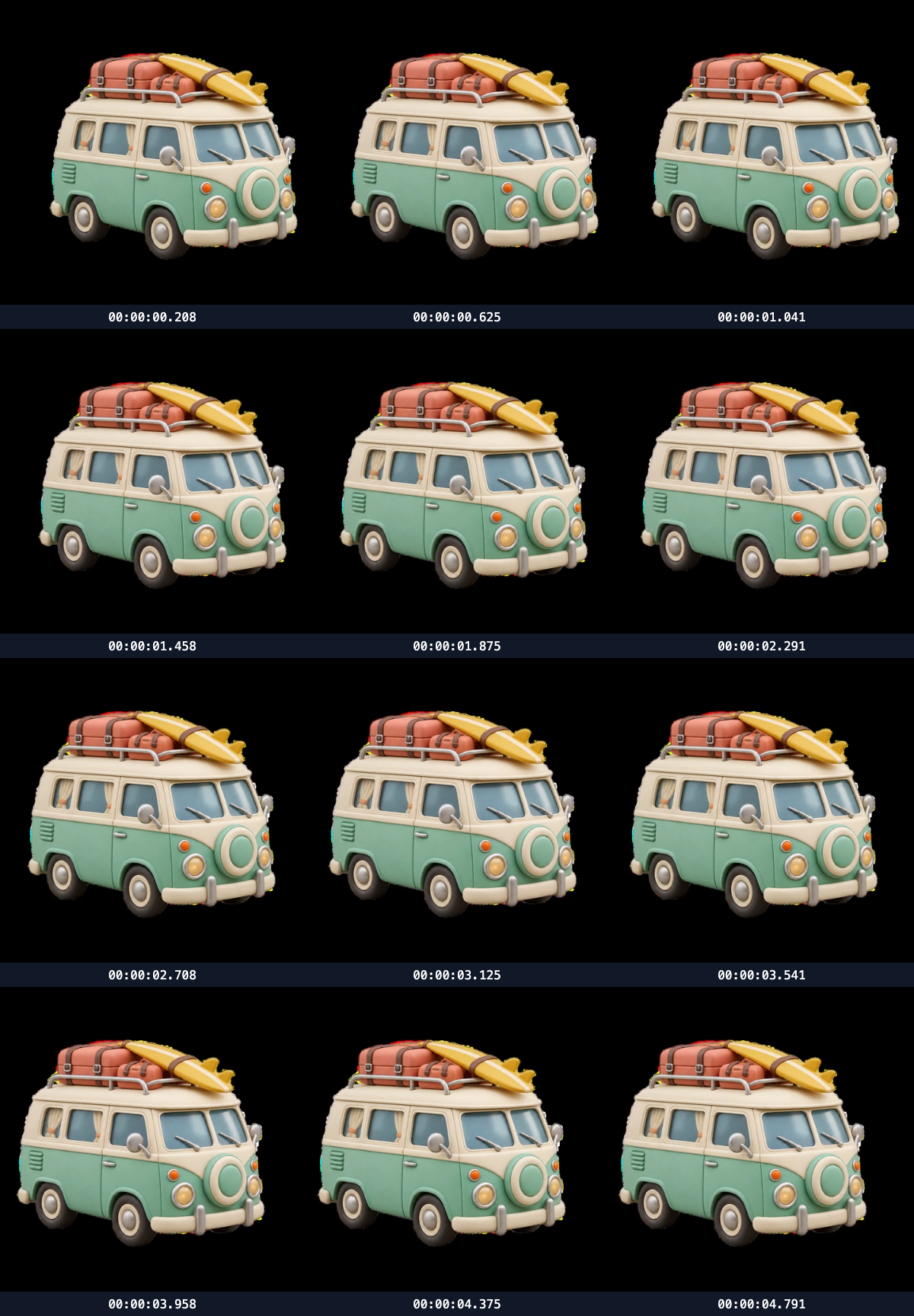
Square sticker showcase: inspect subject movement
Sample 12 frames from a real 5-second MP4 in 3 chronological columns; timestamps mark the midpoint of each interval.
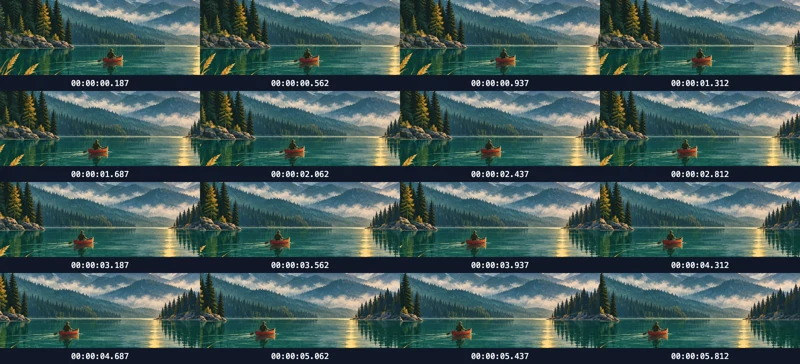
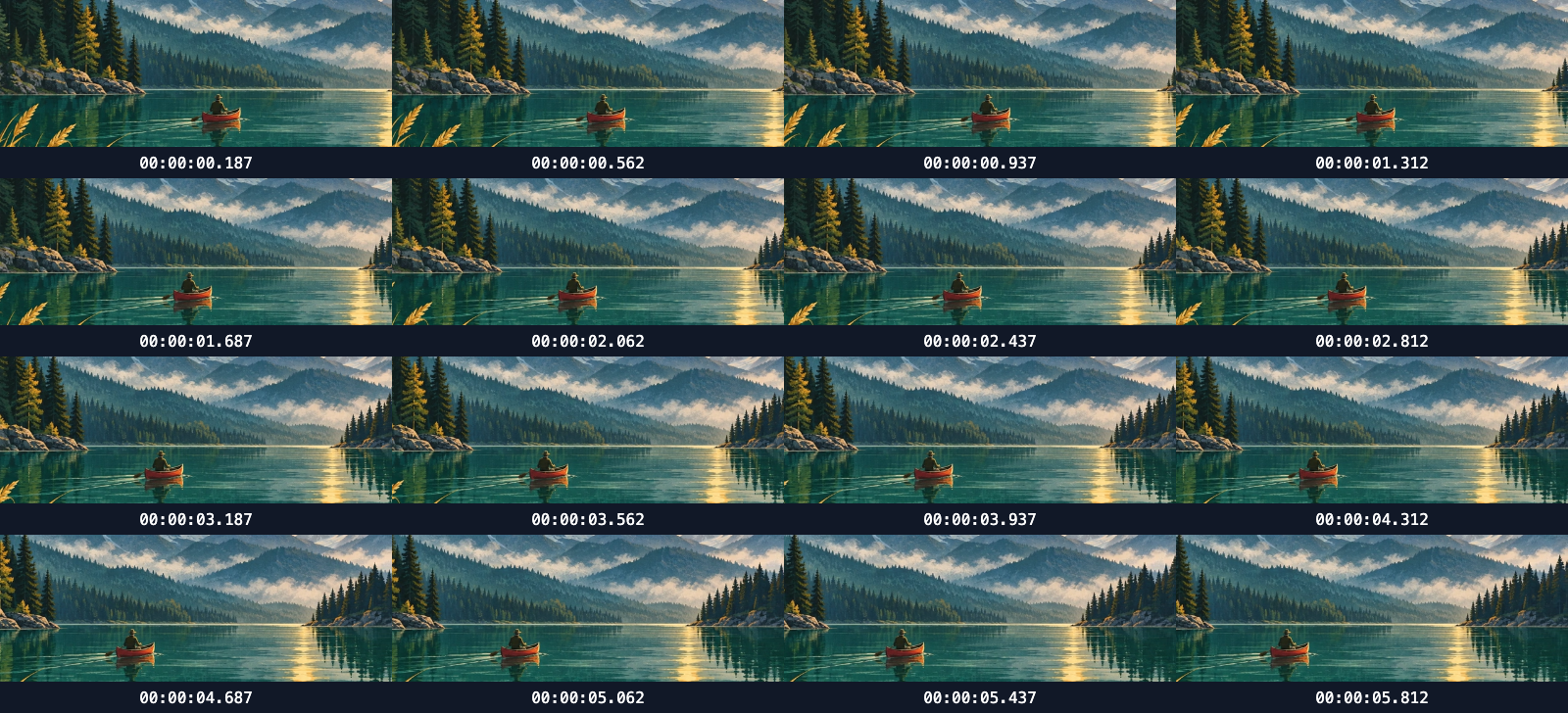
Wide lake panorama: inspect a pan
Sample 16 frames from a real 6-second MP4 in 4 chronological columns; timestamps mark the midpoint of each interval.
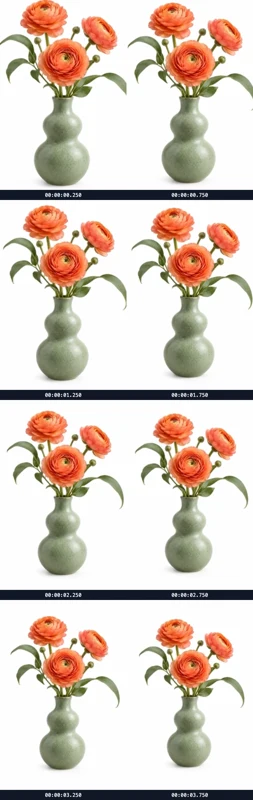
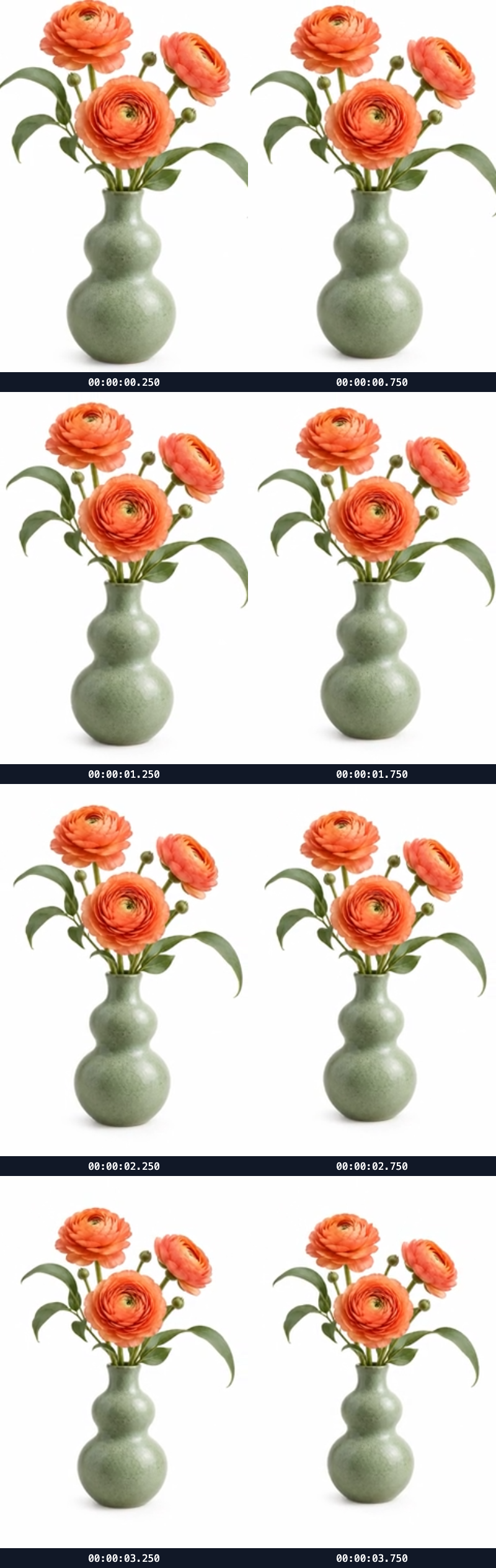
Vase close-up: review a pull-back shot
Sample 8 frames from a real 4-second MP4 in 2 chronological columns; timestamps mark the midpoint of each interval.
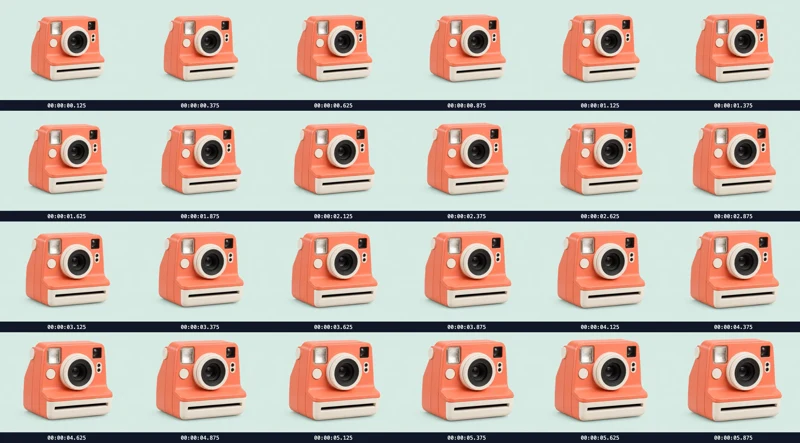
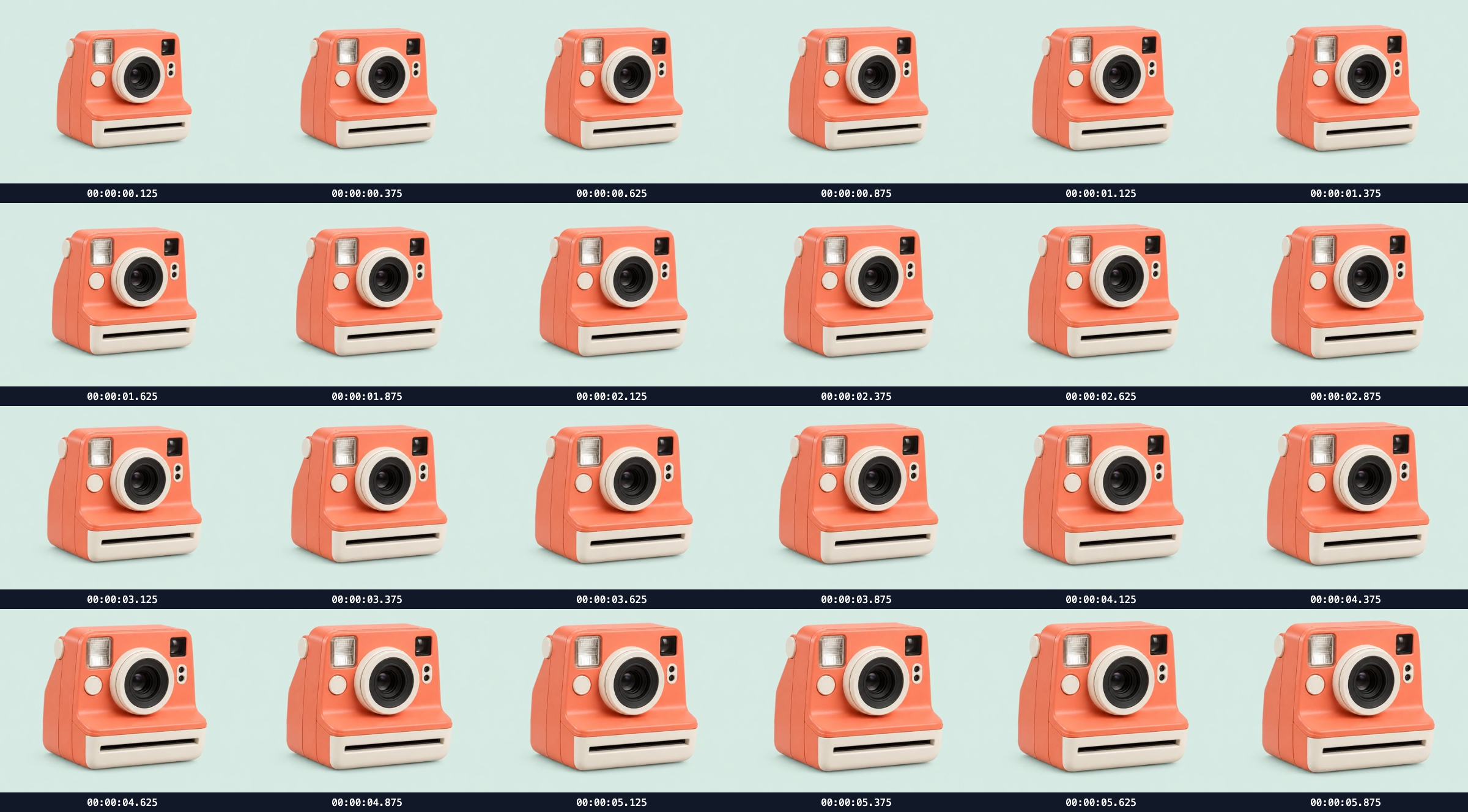
Camera product promo: inspect a dense frame overview
Sample 24 frames from a real 6-second MP4 in 6 chronological columns; timestamps mark the midpoint of each interval.

What this tool does
Video Contact Sheet Maker
Extract evenly spaced frames from a local video, add timestamps and arrange a downloadable visual contact sheet.
Local processing
Selected files are processed in your browser without a file-upload step or account.
How to use
- Choose a local video
- Set frame count and columns
- Generate, inspect timestamps and download PNG
Formats and limits
Supports videos your browser can decode. Frame accuracy depends on encoding and browser seeking. No upload or transcoding.
Frequently asked questions
Are my files uploaded?
No. Processing happens on your device. The website, fonts and dependencies may still use the network; offline use is not guaranteed.
Will my original files change?
No. Results are downloaded as new files. The batch renamer also writes copies when exporting to a folder.
What are the limitations?
Supports videos your browser can decode. Frame accuracy depends on encoding and browser seeking. No upload or transcoding.