
6 real use cases
Choose a use case, download its inputs and try the listed settings in the tool above. Compare your work with the actual exported result.
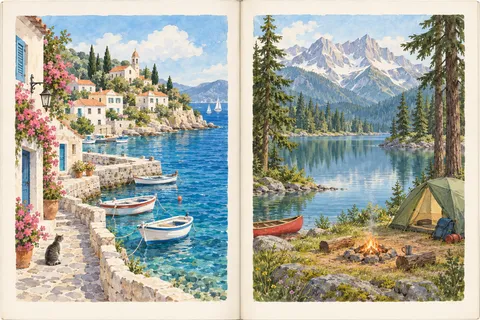
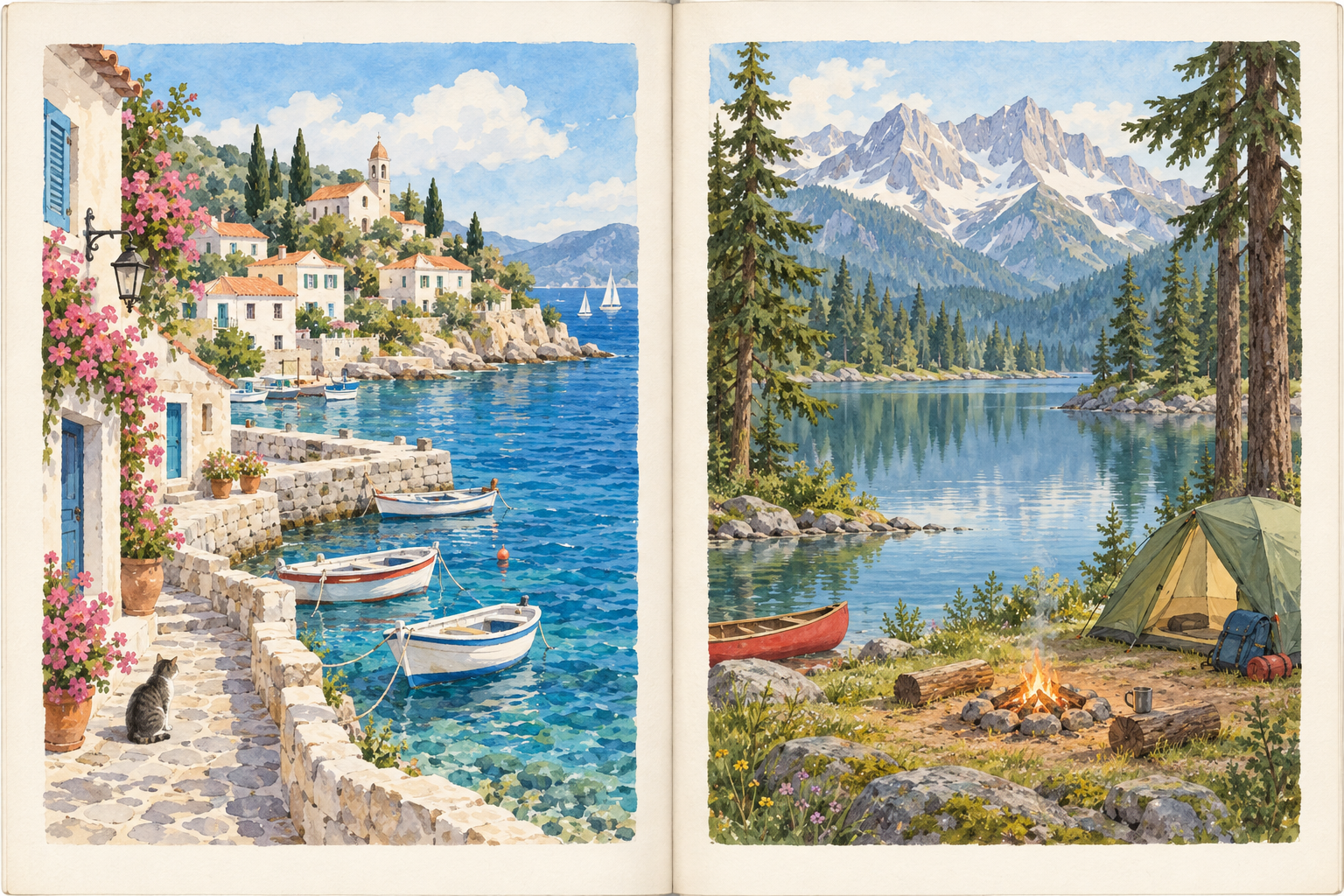
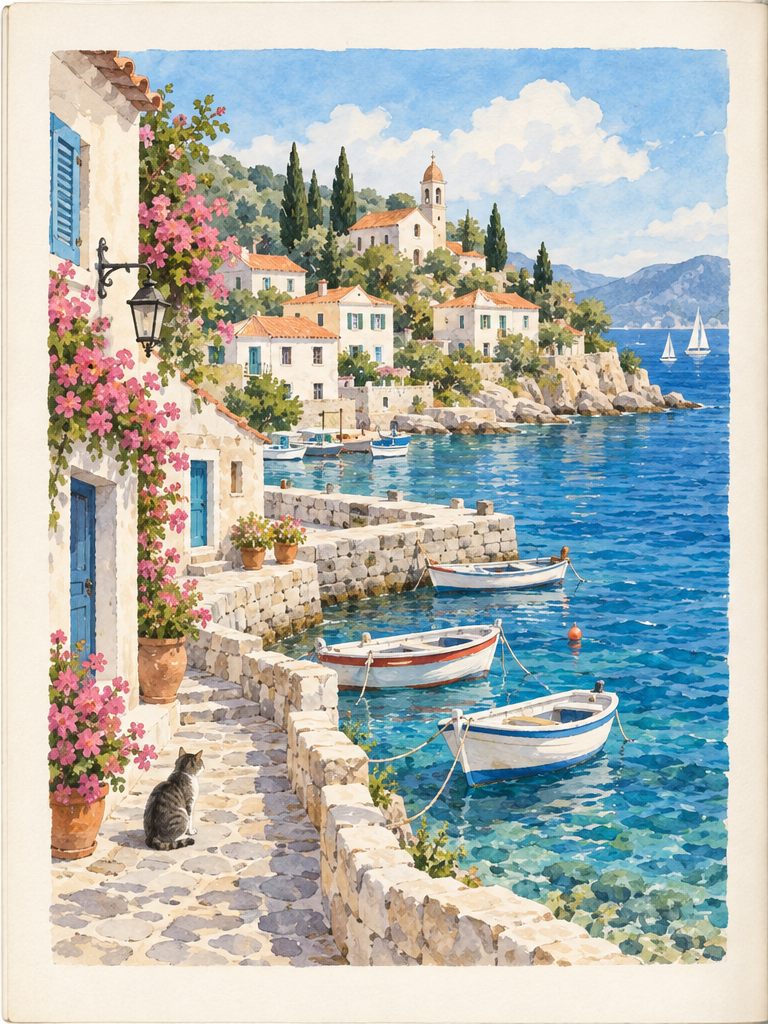
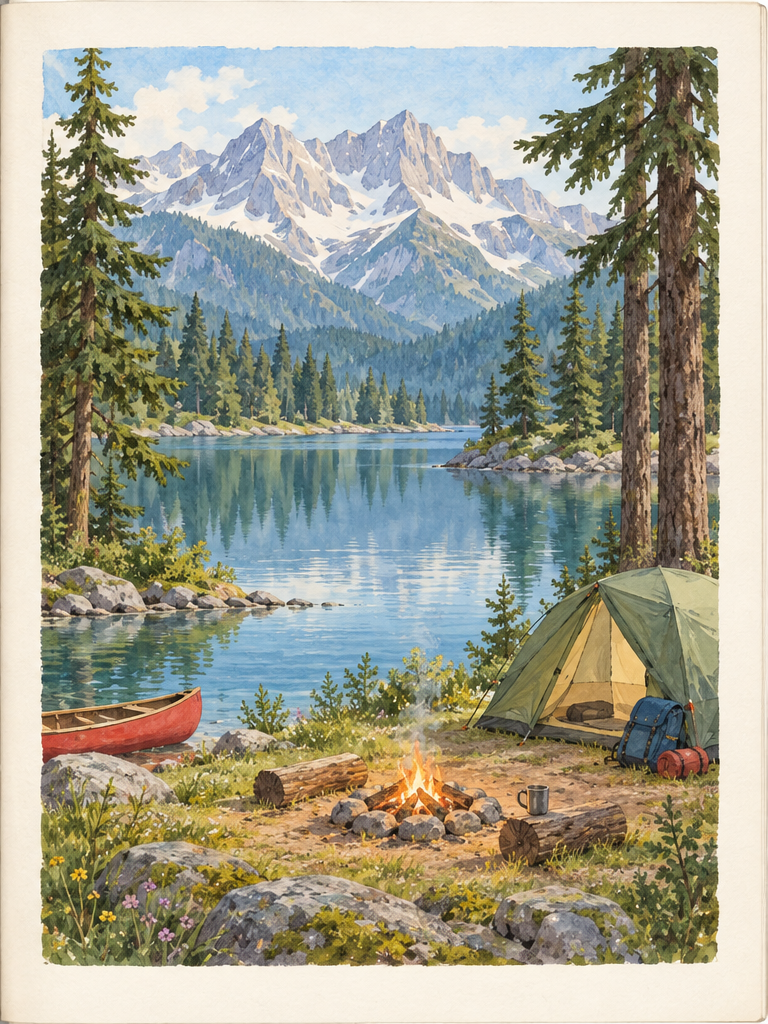
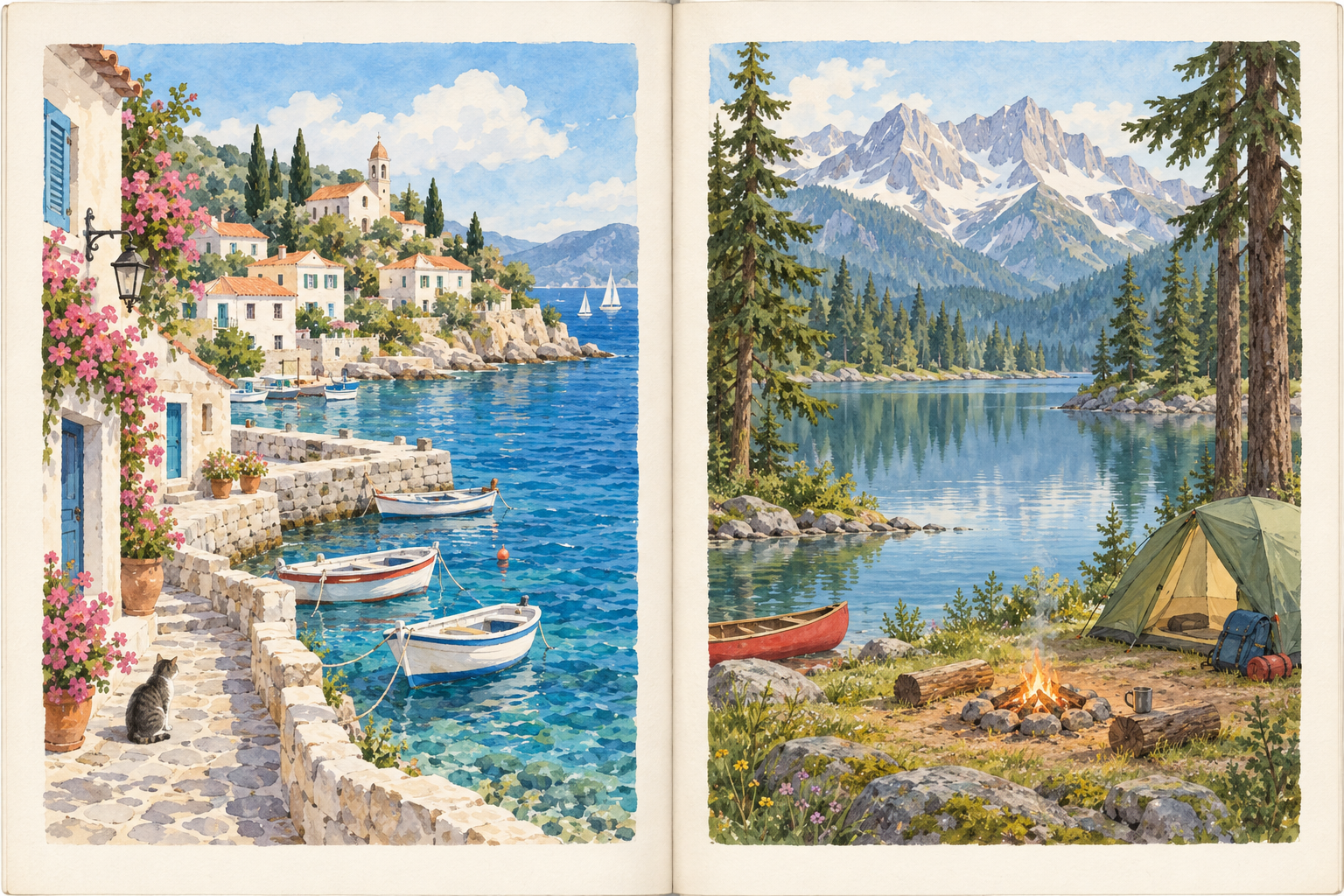
Symmetric picture-book spread
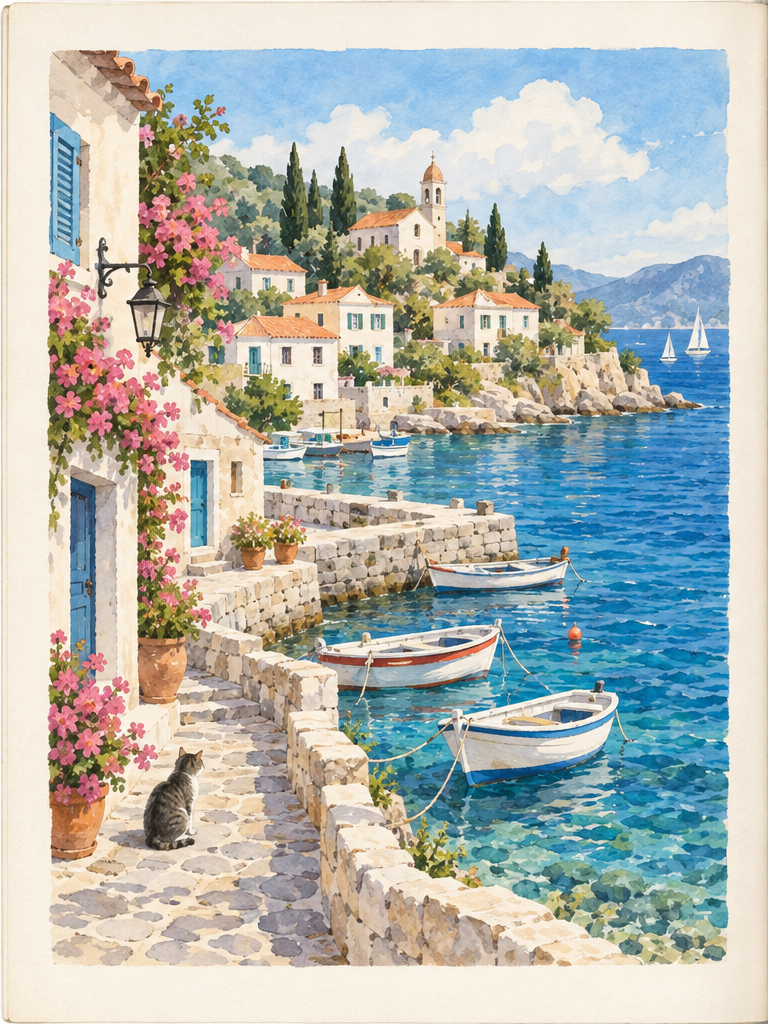
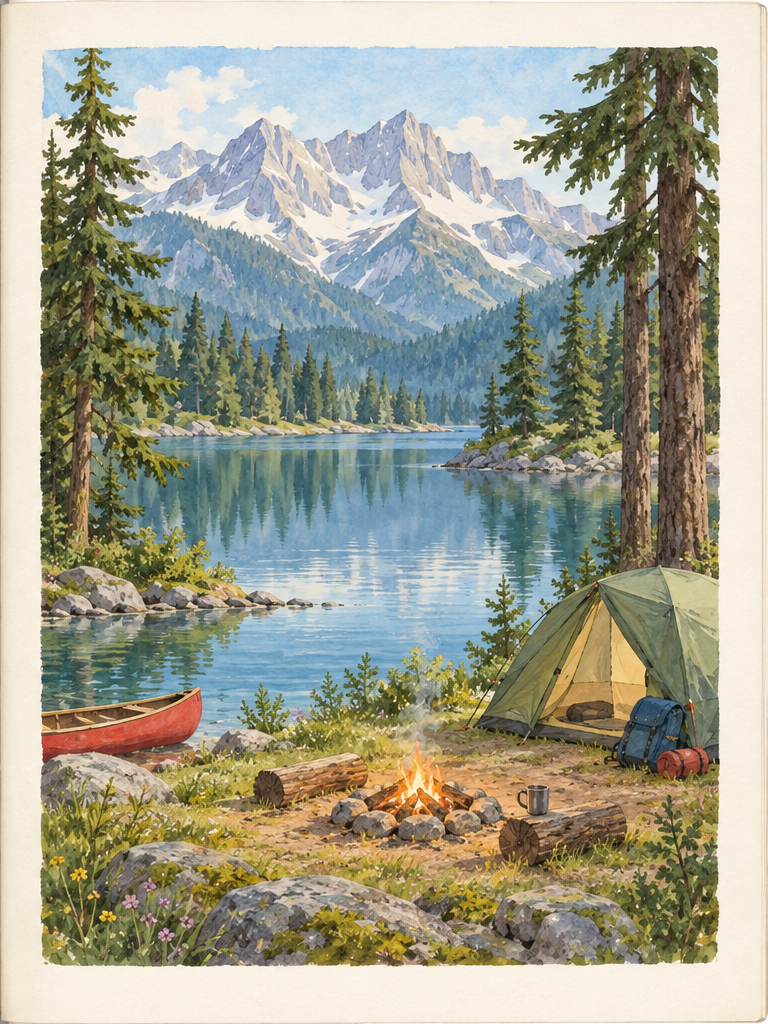
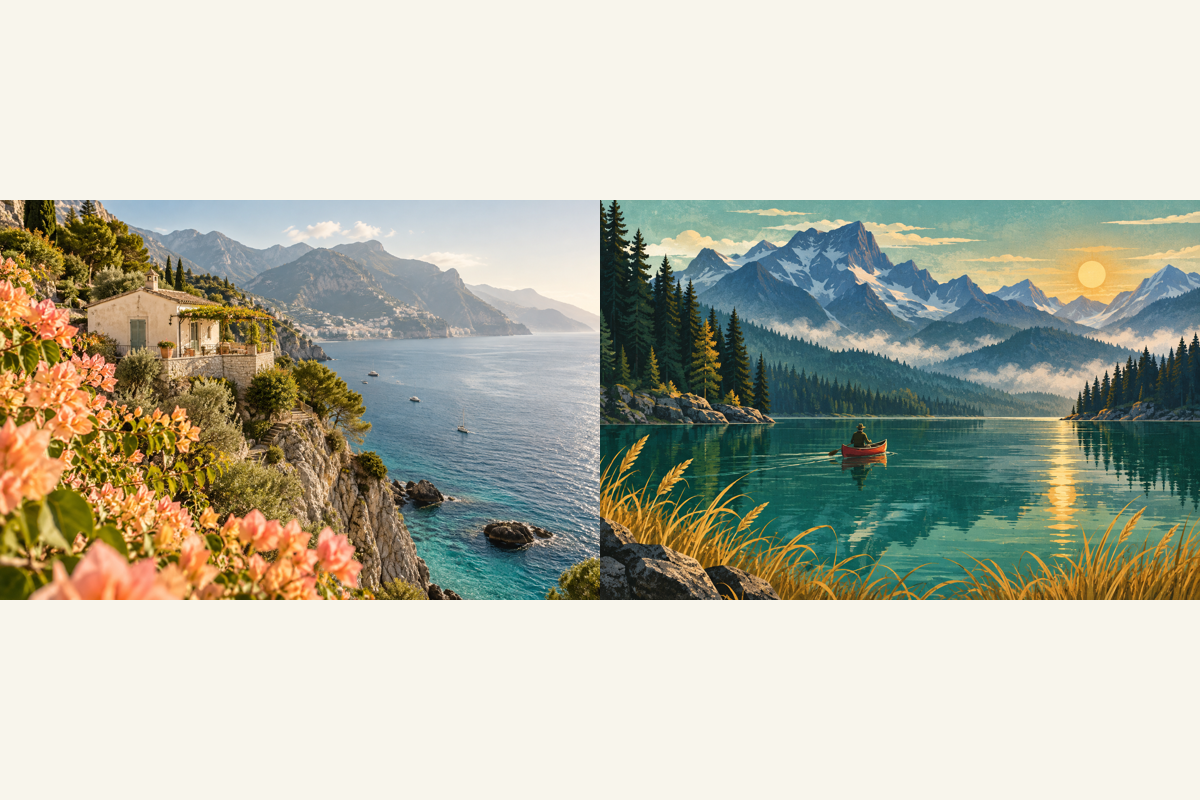
Split the generated picture-book scan along its central gutter into seaside and camping pages while preserving all paper margins.
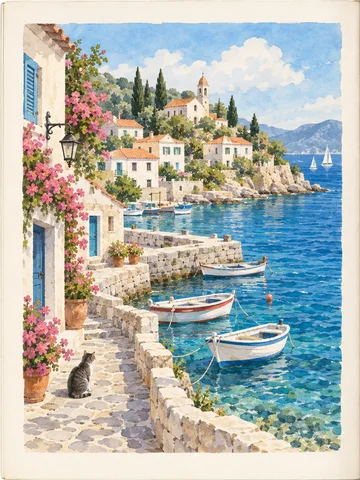

Unequal catalog pages
Place the split at 45% for an off-center product catalog spread. The two exported pages intentionally have unequal widths.
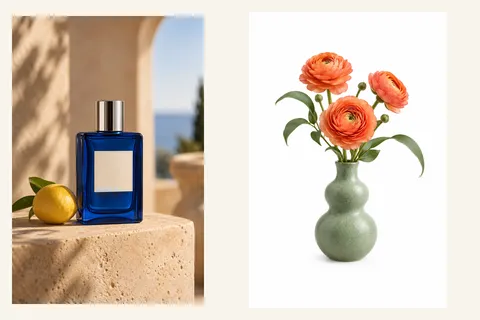

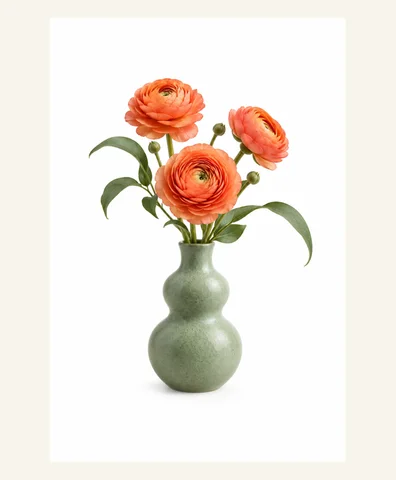
Right-first illustrated spread
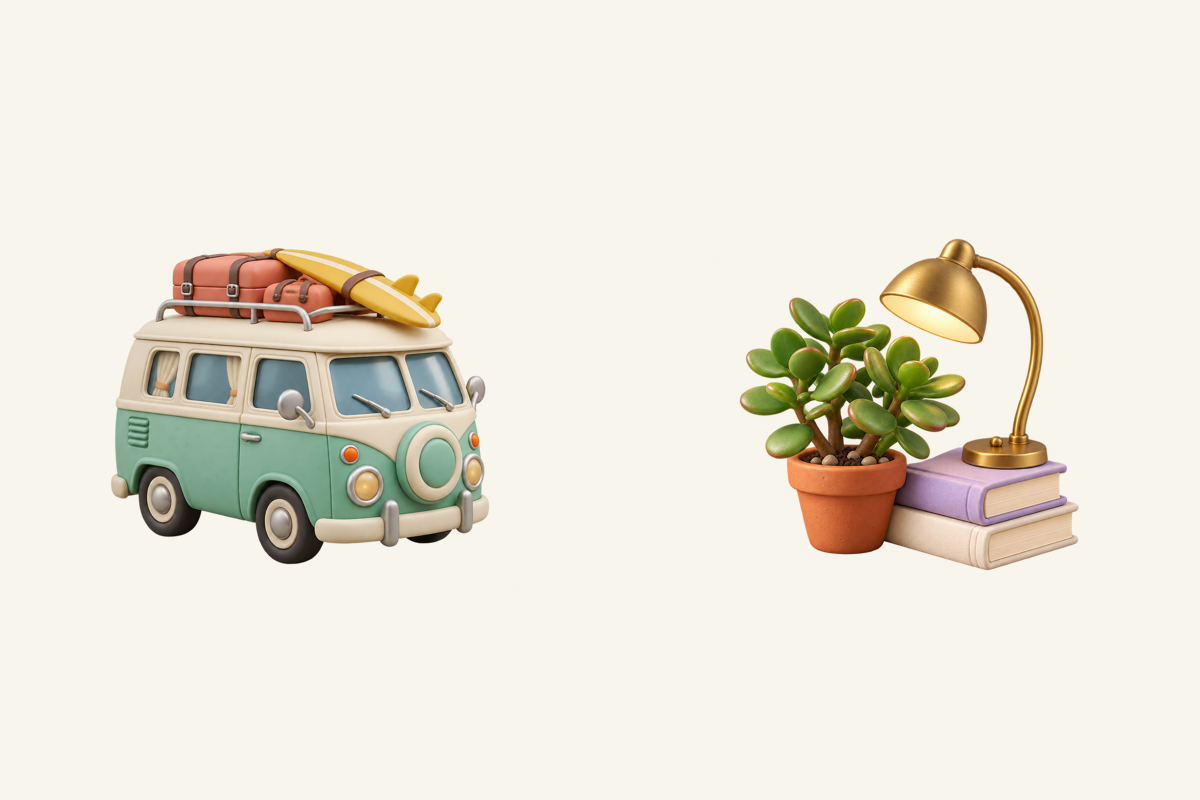
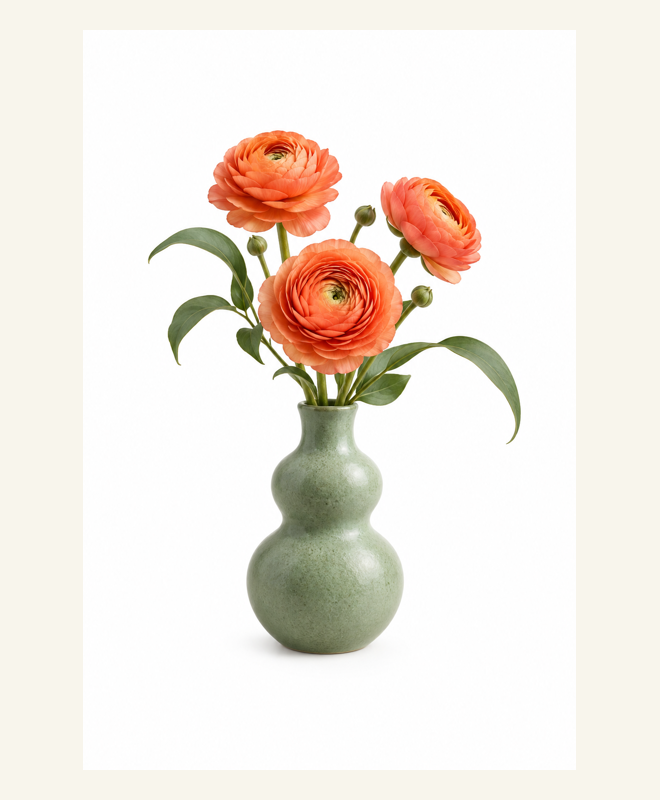
Export the plants page first and the camper page second for a right-to-left illustrated spread.
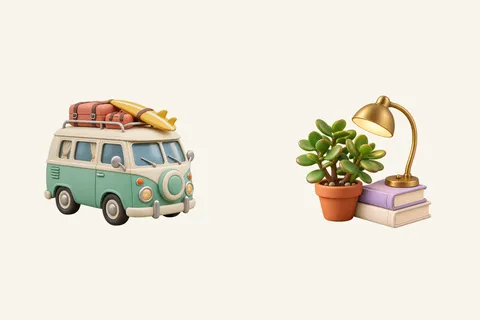


Batch of different spreads
Split two spreads with different boundaries in one batch, preserving the four-page order across both source files.
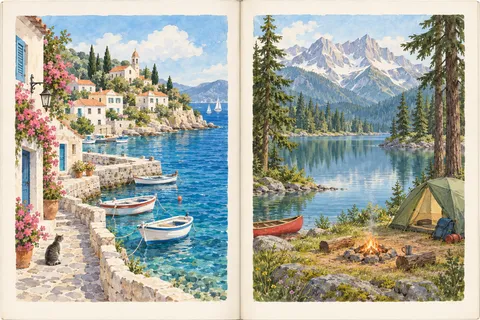
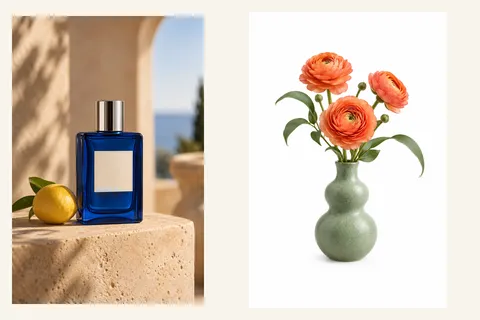
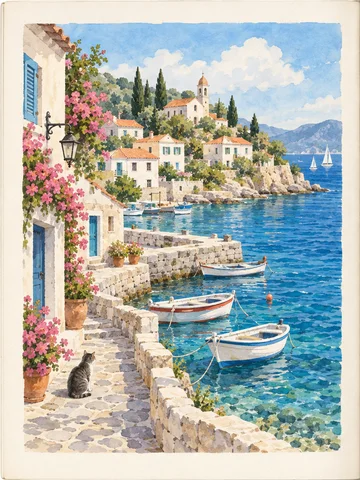


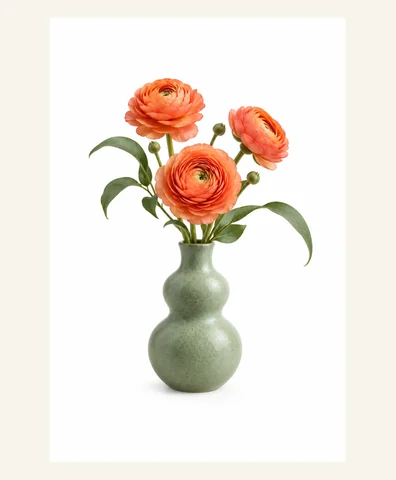
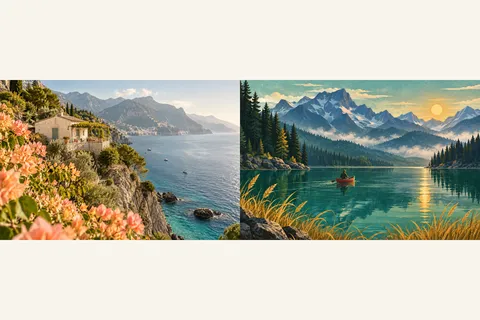
Borderless art spread
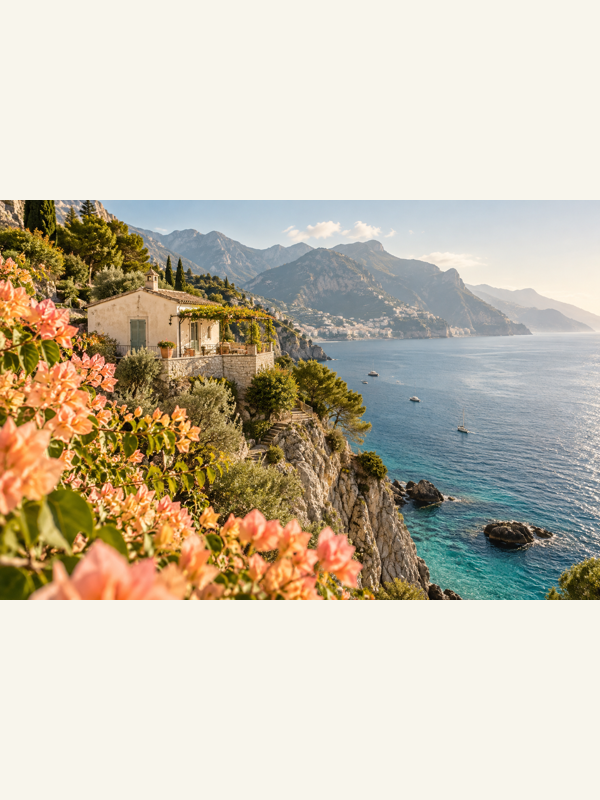
Separate two travel artworks in a borderless art spread while preserving every pixel on both sides.


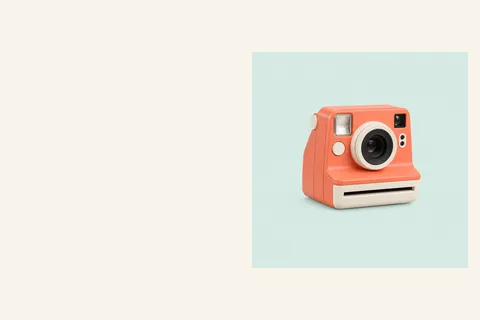
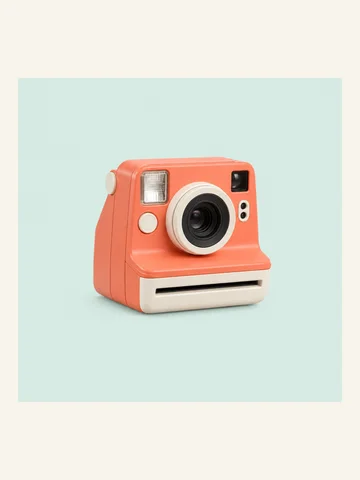
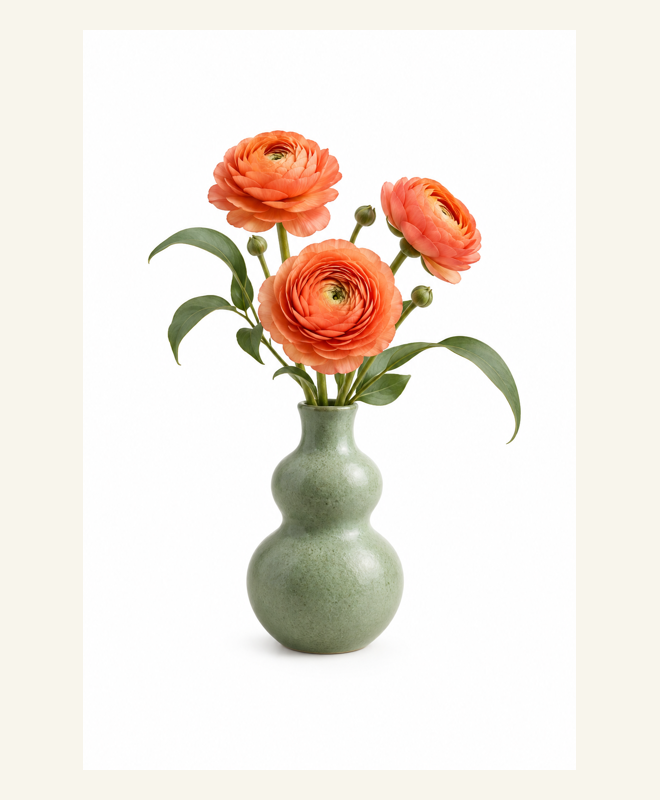
Notes page and illustration
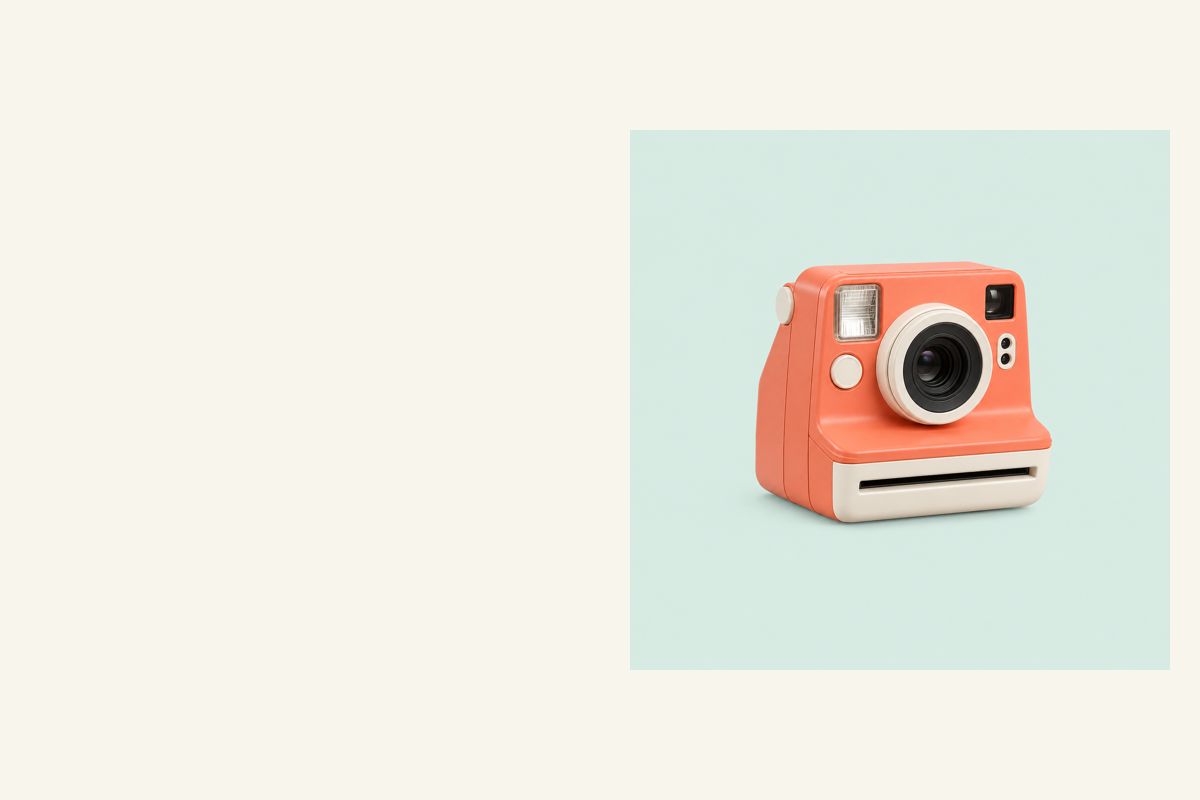
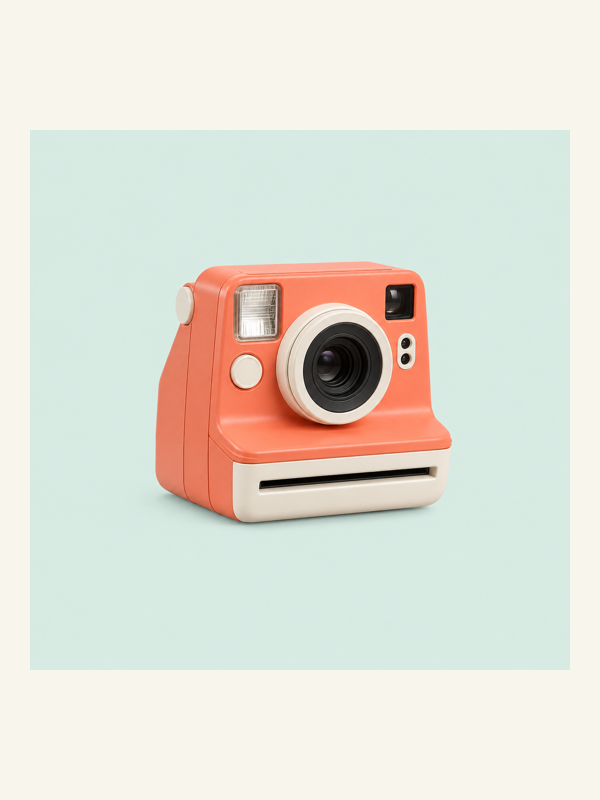
Keep an empty notes page and an illustrated camera page as two separate outputs; the blank page is not discarded.









What this tool does
Split Scanned Pages
Split two-page scans into individual pages, adjust the center line and reading order, and download a ZIP.
Local processing
Selected files are processed in your browser without a file-upload step or account.
How to use
- Choose one or more two-page scan images
- Review each split line and choose reading order
- Preview the pages and download ZIP
Formats and limits
Accepts static images, not PDF input. The suggested center is a starting point; skewed or curved pages require separate correction.
Frequently asked questions
Are my files uploaded?
No. Processing happens on your device. The website, fonts and dependencies may still use the network; offline use is not guaranteed.
Will my original files change?
No. Results are downloaded as new files. The batch renamer also writes copies when exporting to a folder.
What are the limitations?
Accepts static images, not PDF input. The suggested center is a starting point; skewed or curved pages require separate correction.