
6 real use cases
Choose a use case, download its inputs and try the listed settings in the tool above. Compare your work with the actual exported result.
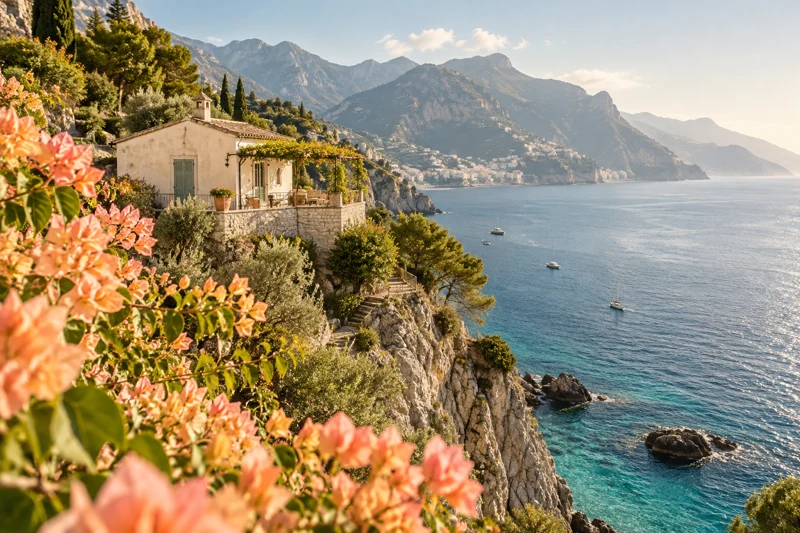
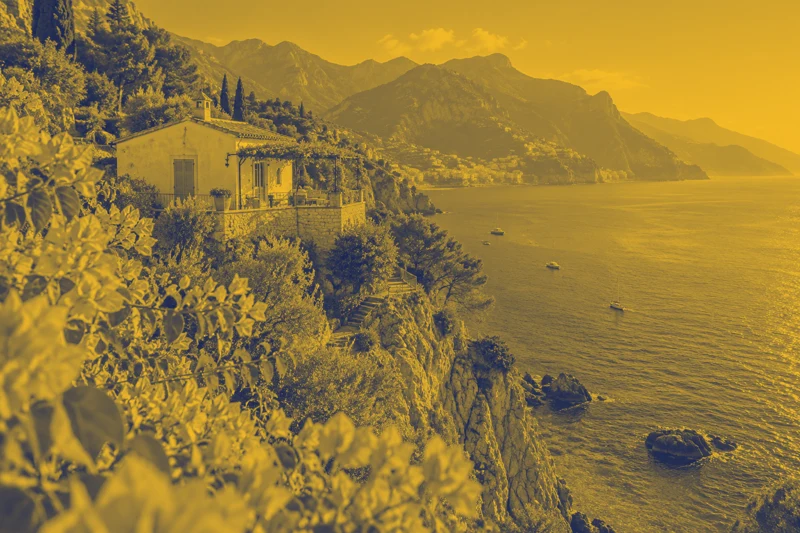
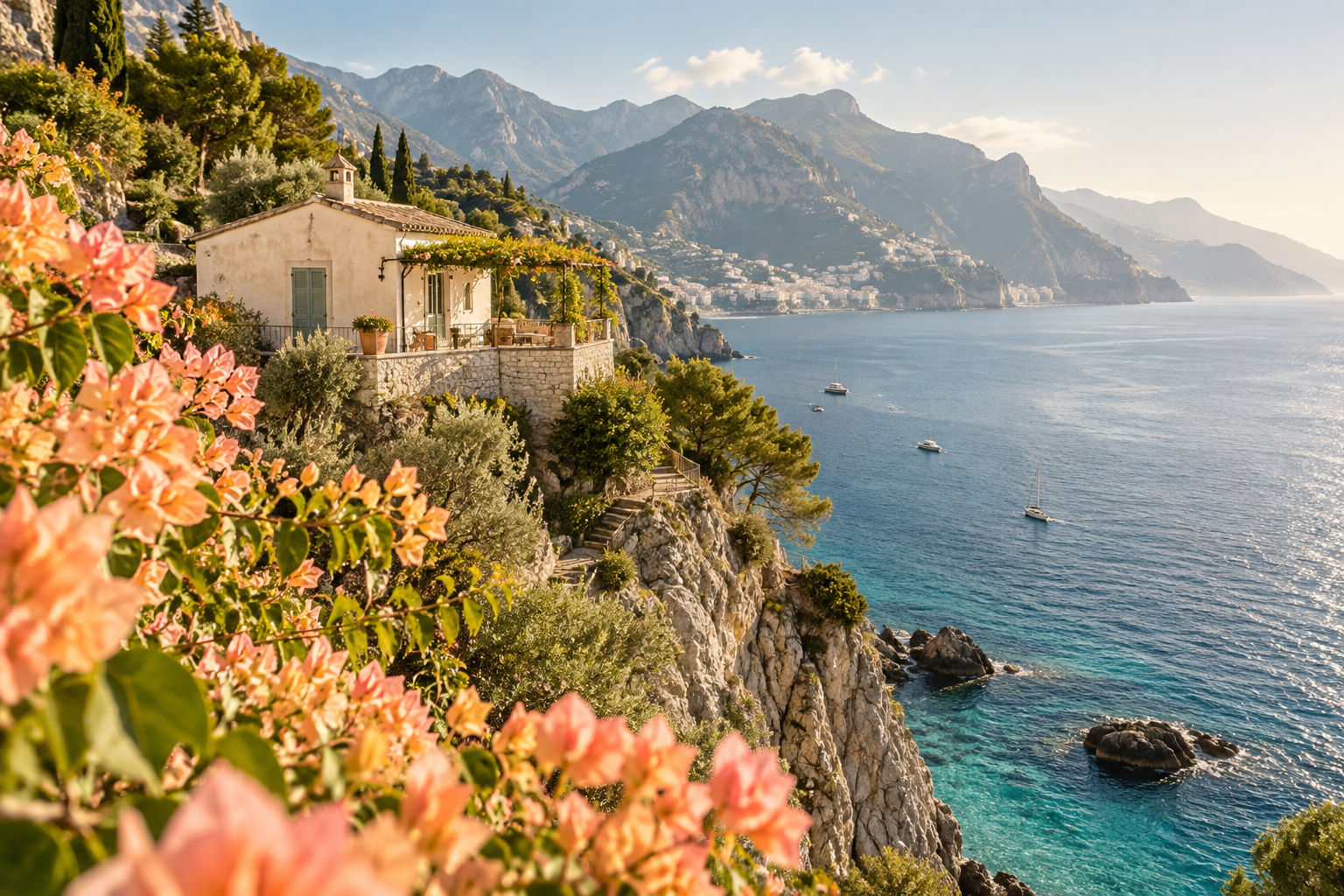
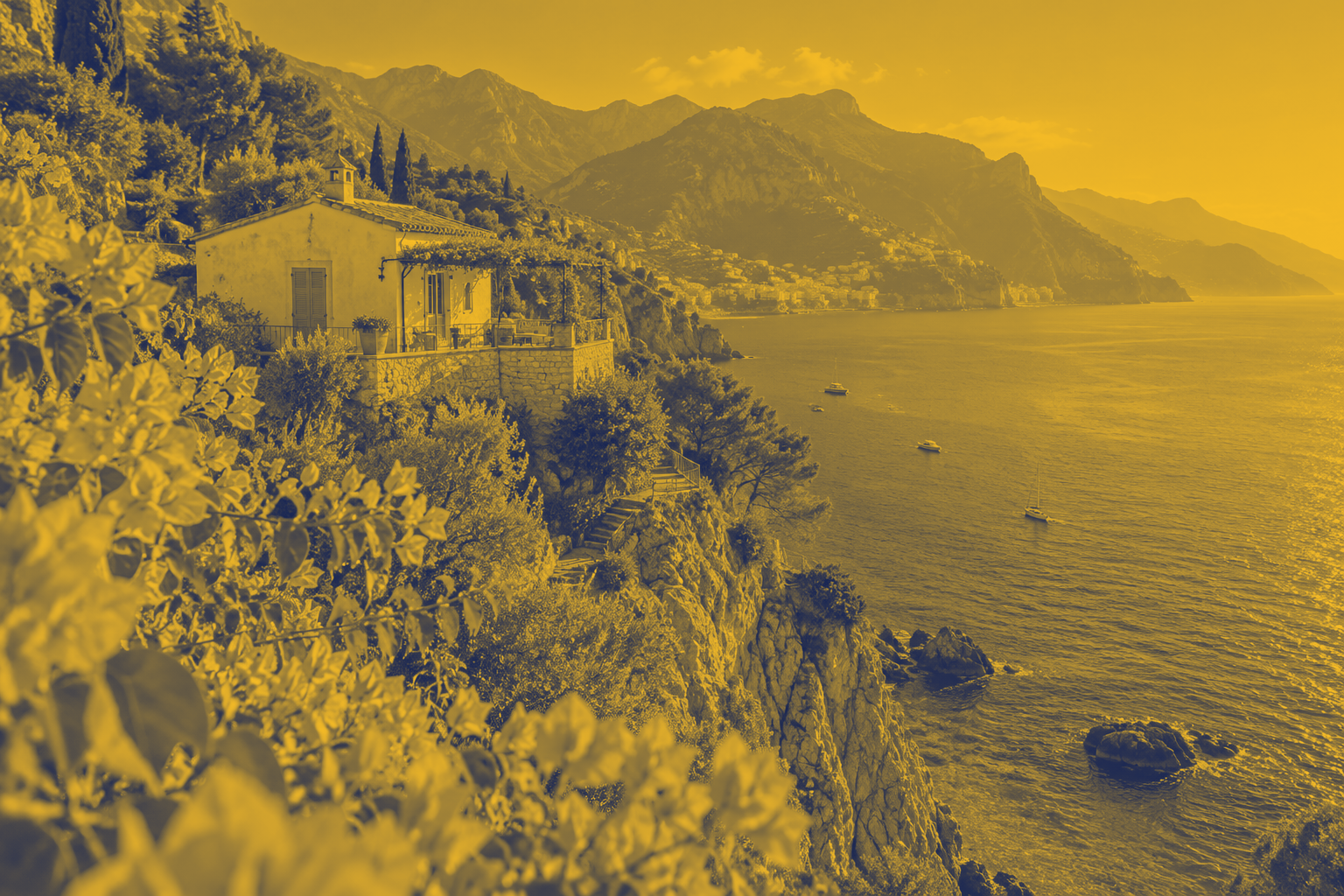
Coastal travel: blue and gold cover
Turn coastal photography into a branded cover while retaining tonal detail.
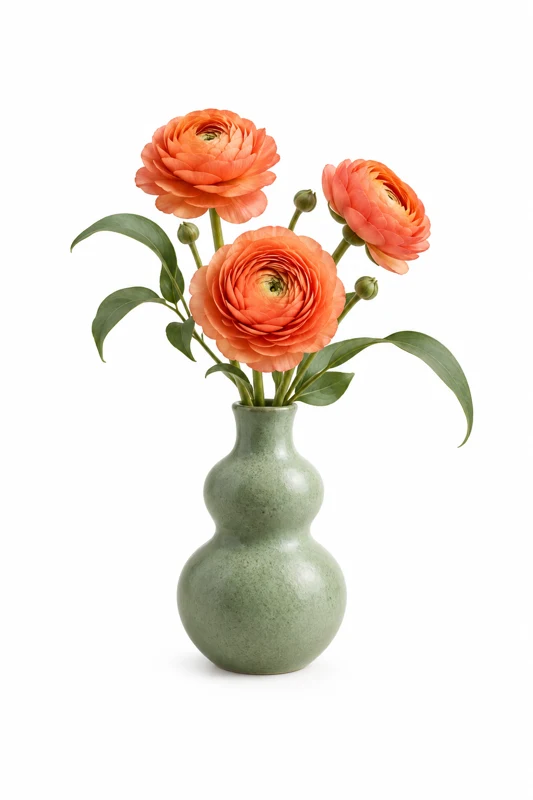
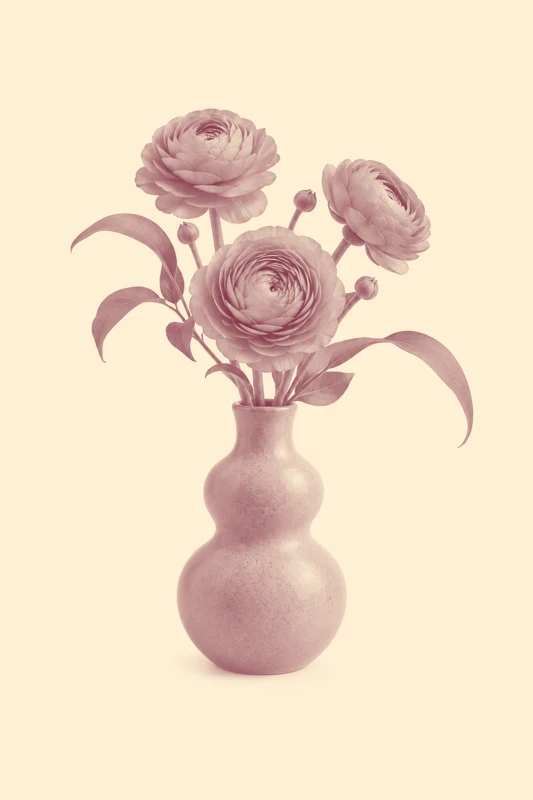
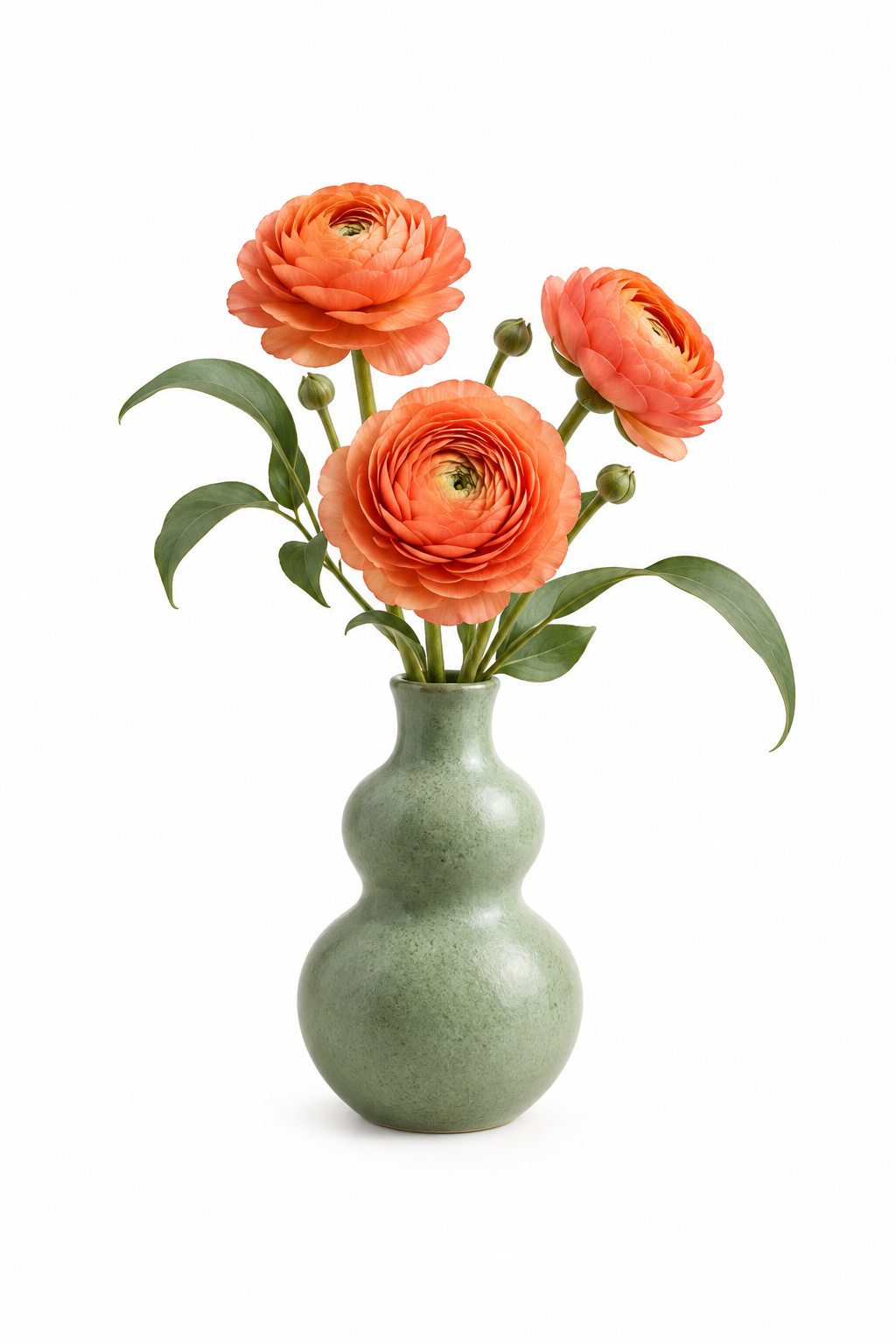
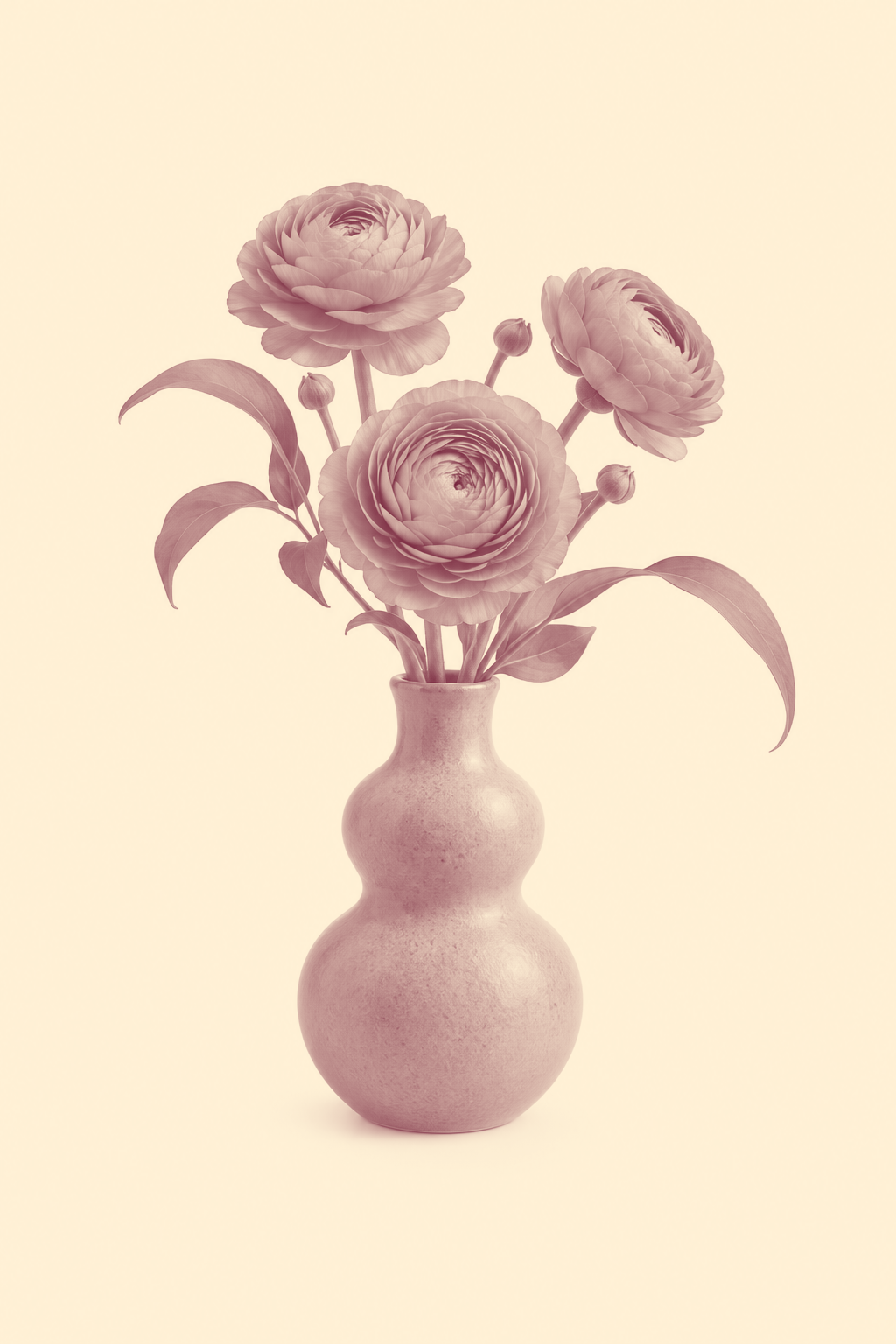
Botanical poster: warm two-ink artwork
Prepare a portrait botanical poster with red and cream tones.
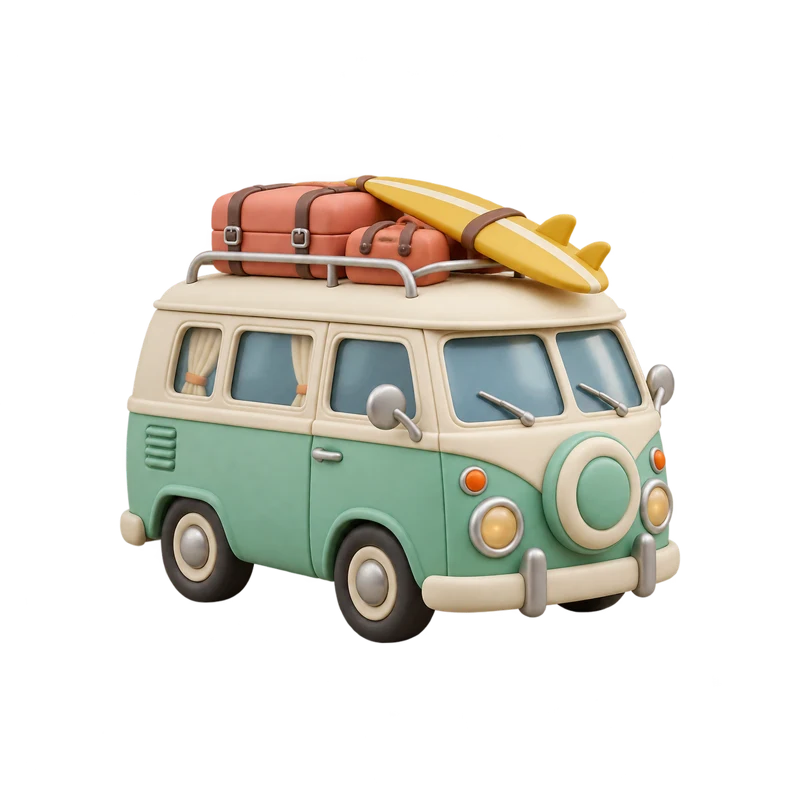
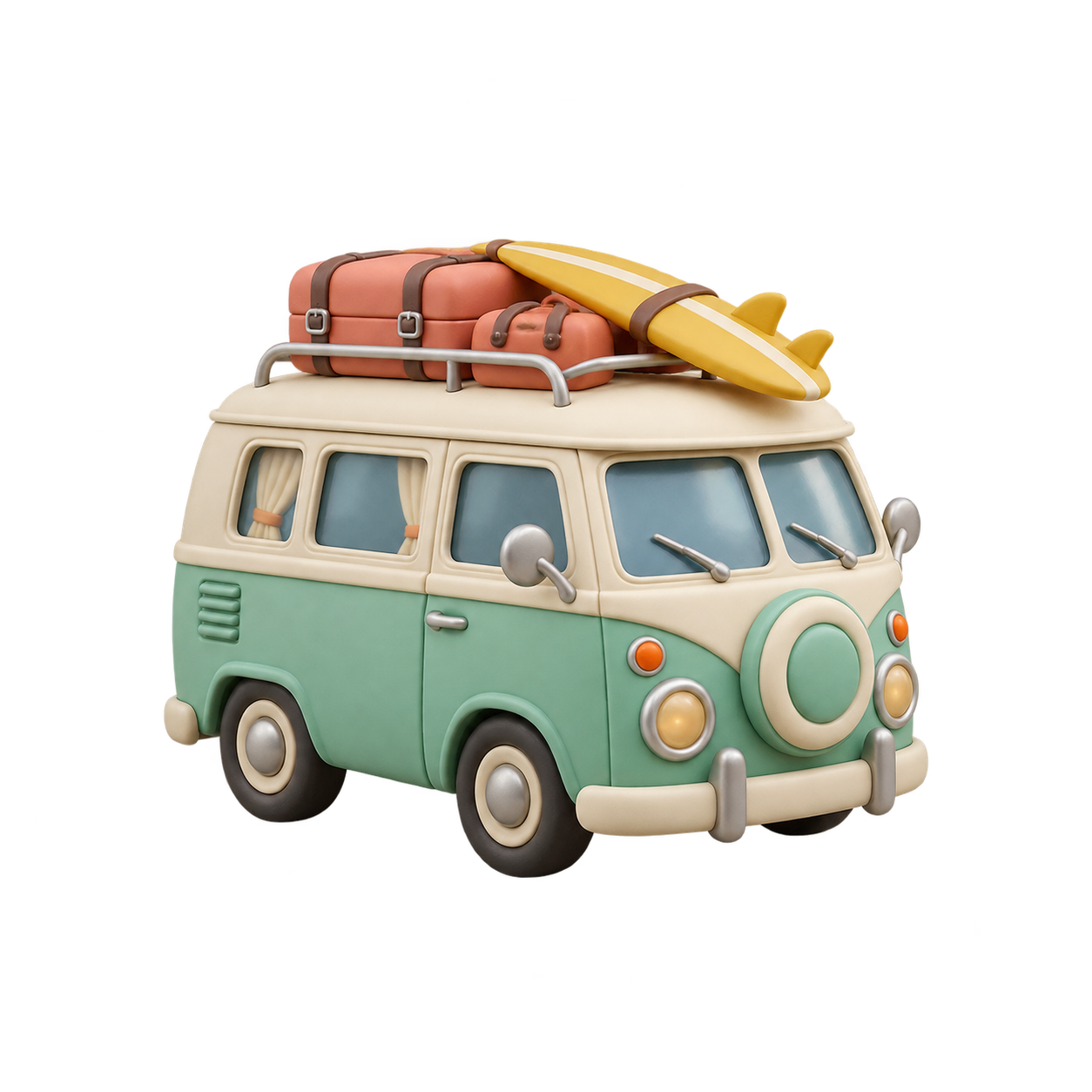
Transparent sticker: camper brand colors
Apply a two-tone identity to a camper sticker while preserving transparency.

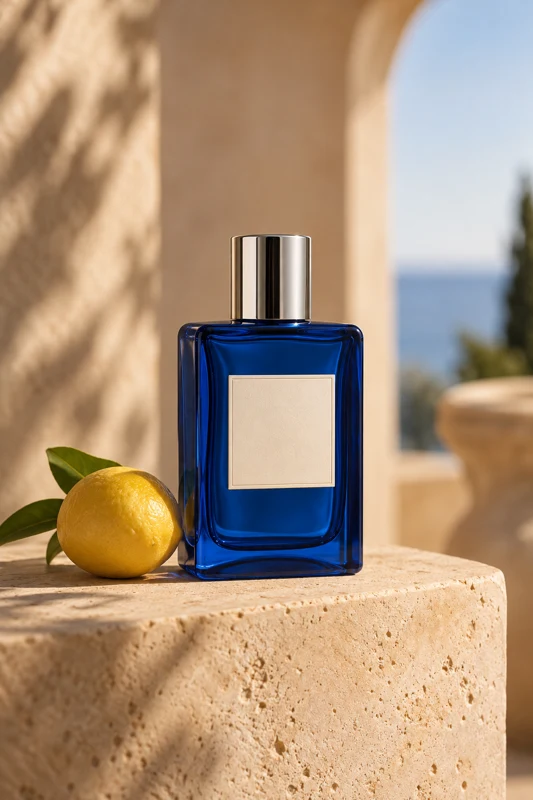
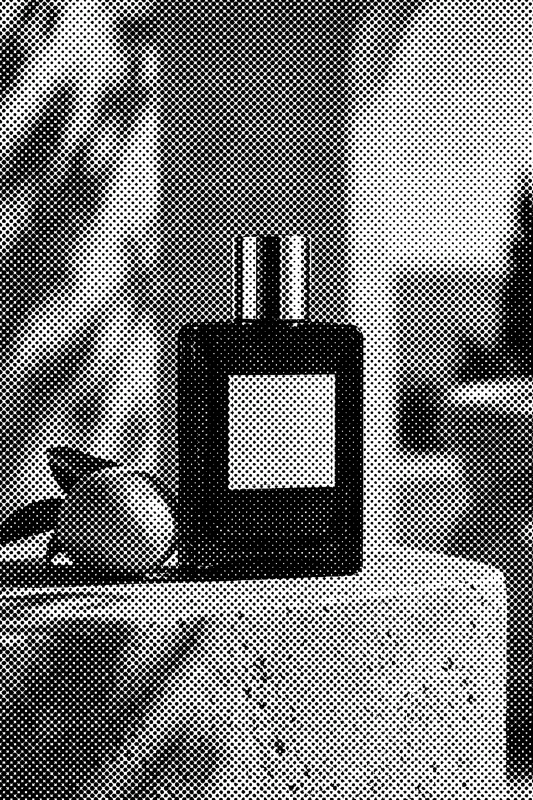
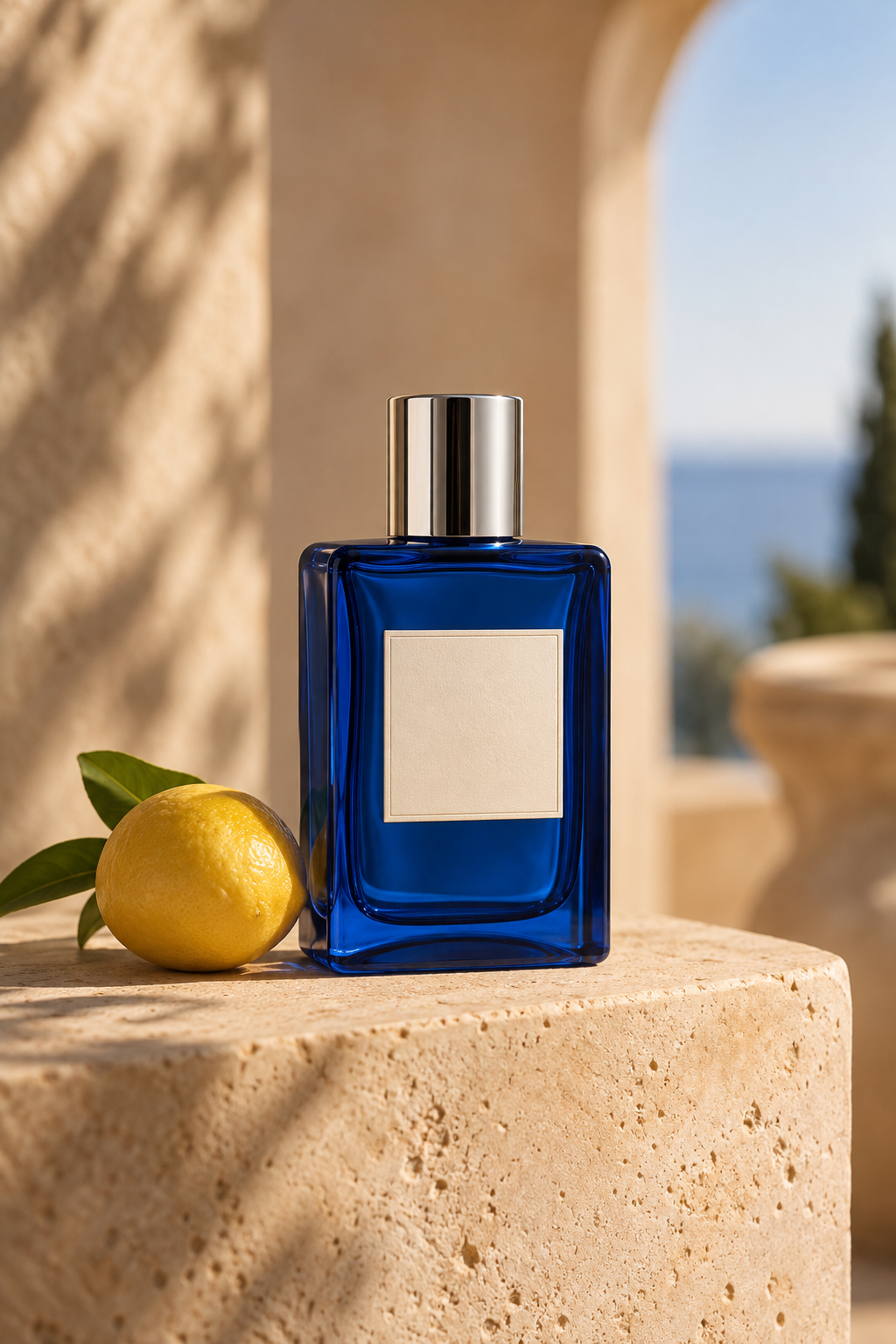
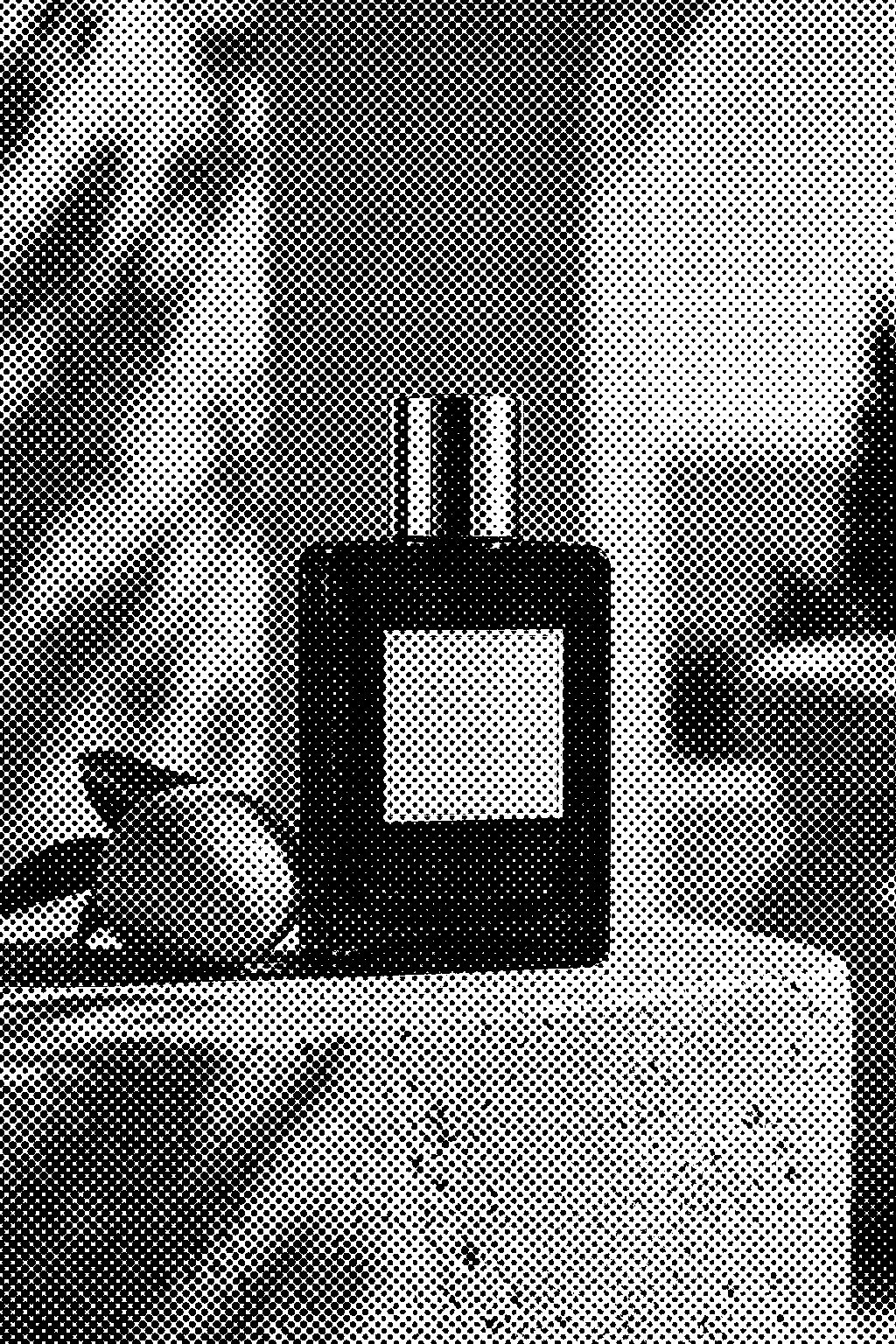
Perfume packaging: monochrome halftone
Convert a product photo to a crisp black-and-white halftone print style.
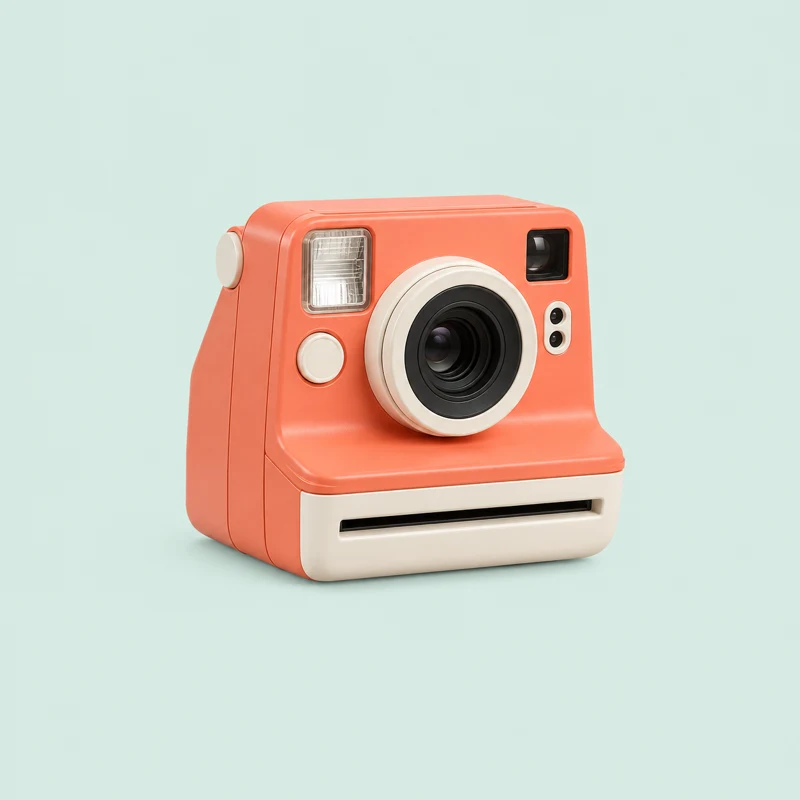
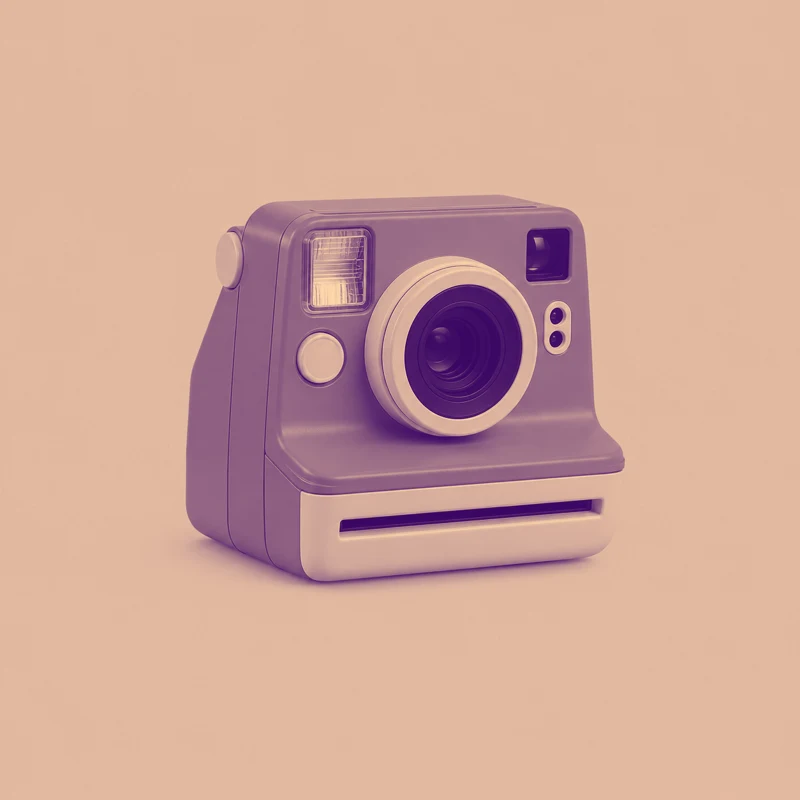
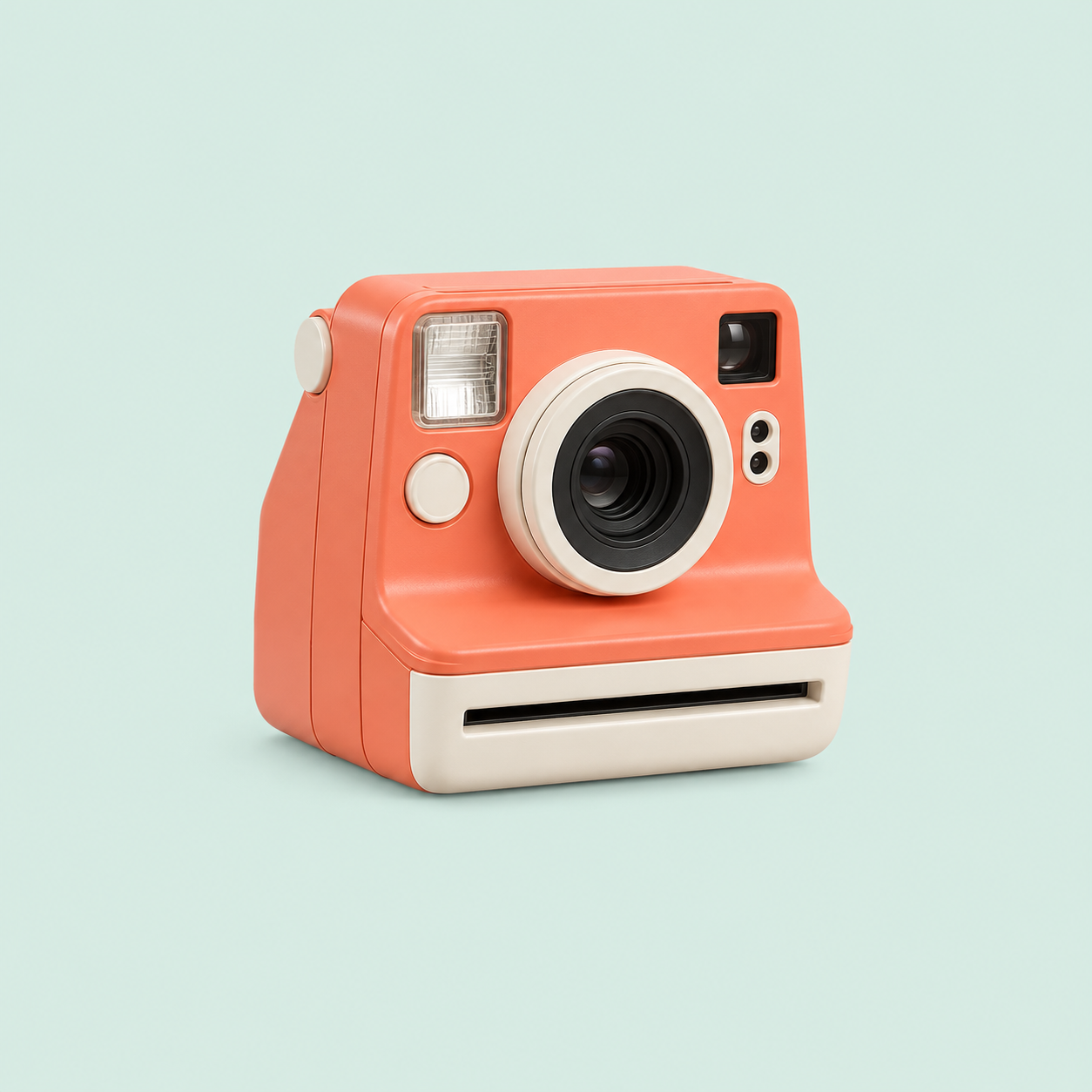
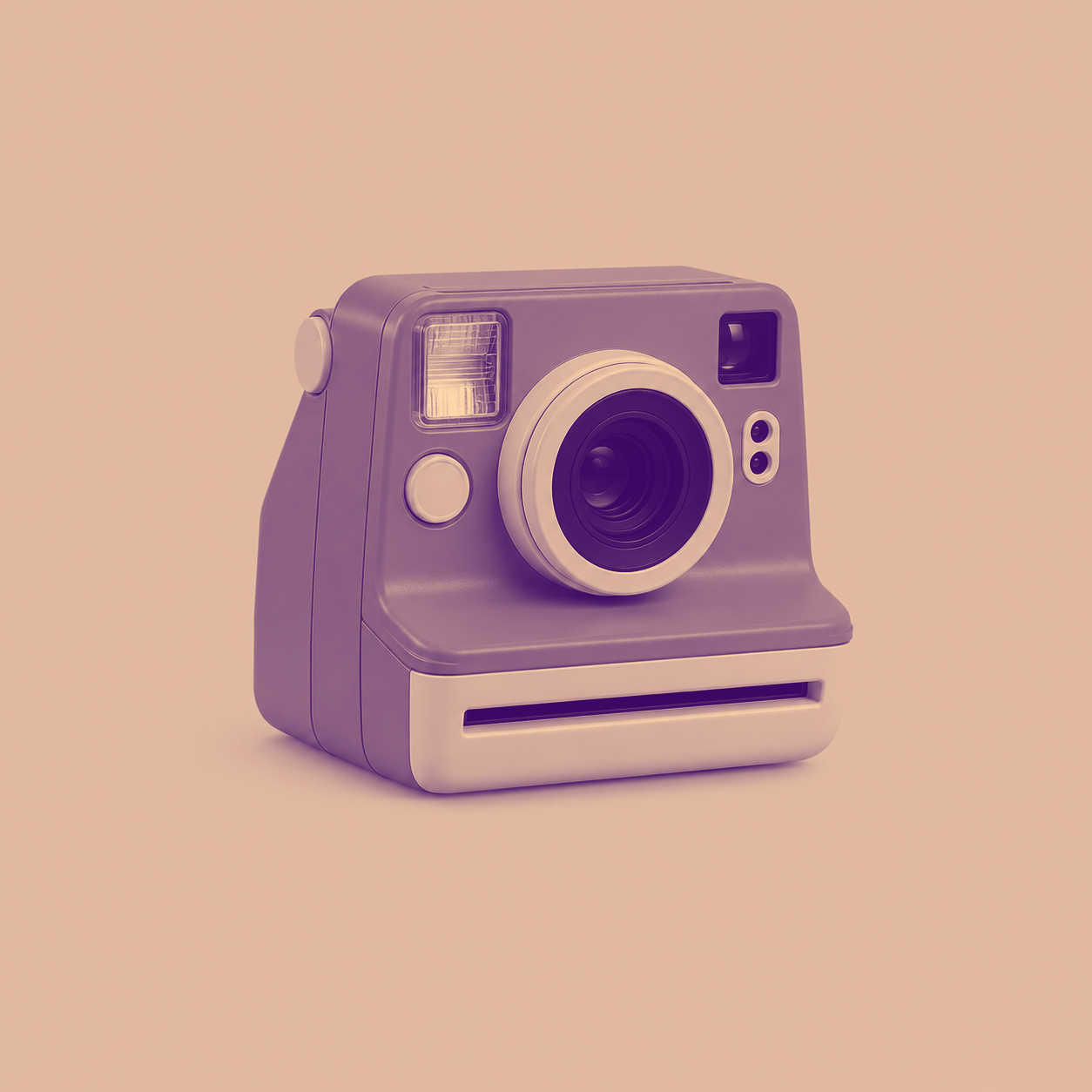
Retro camera: purple and orange poster
Give a camera product image a consistent purple-and-orange poster palette.
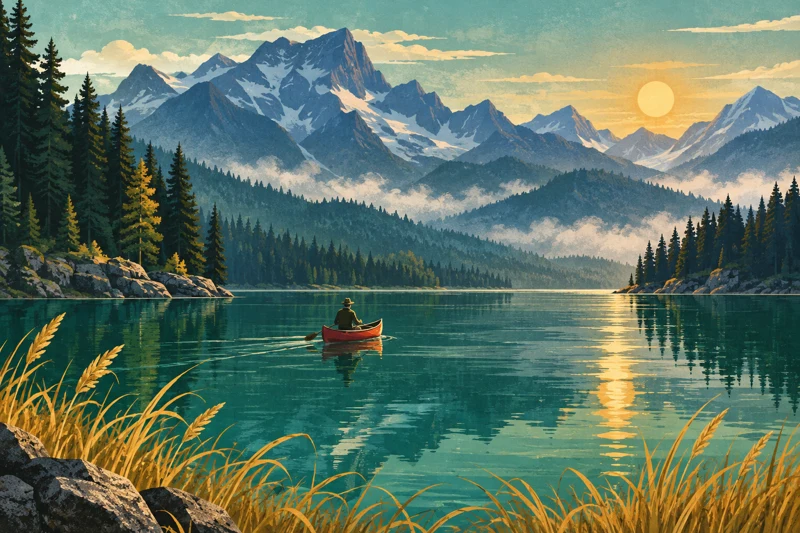
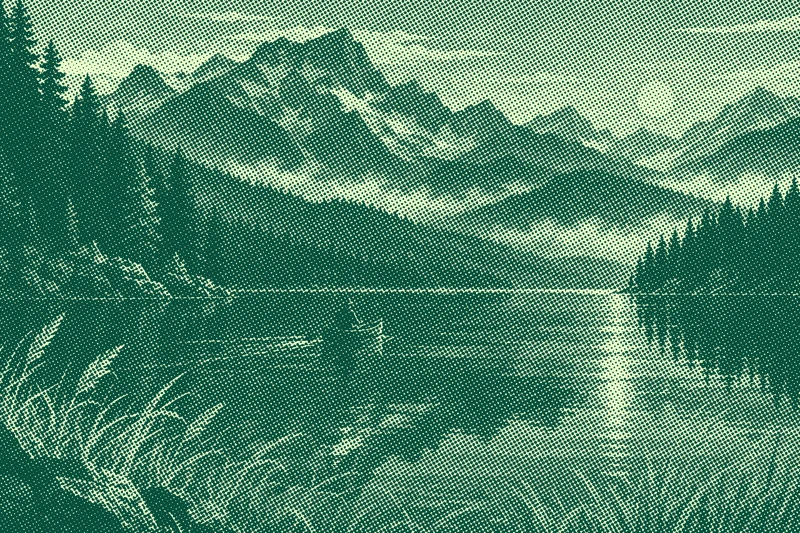
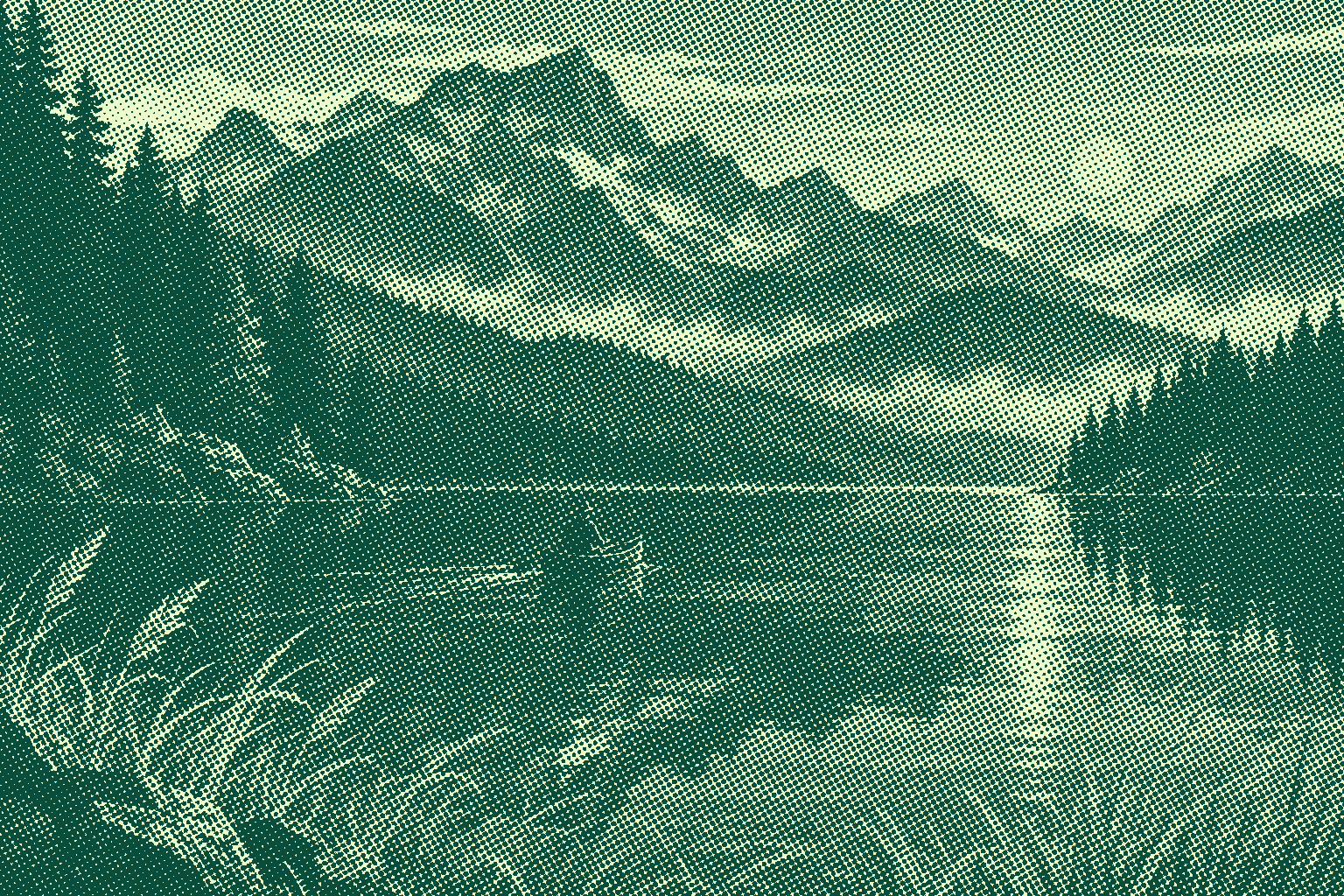
Lake book cover: teal halftone illustration
Create a teal halftone book-cover illustration with a printed texture.


What this tool does
Duotone and Halftone Maker
Create duotone or halftone artwork with custom colors, tone curves, dot sizes and angles. Export PNG locally.
Local processing
Selected files are processed in your browser without a file-upload step or account.
How to use
- Choose an image and select duotone or halftone
- Adjust two colors, curves and dot settings
- Preview and download PNG
Formats and limits
Creates visual effects, not calibrated print separations. Small dots may show moiré in scaled previews; inspect at actual size.
Frequently asked questions
Are my files uploaded?
No. Processing happens on your device. The website, fonts and dependencies may still use the network; offline use is not guaranteed.
Will my original files change?
No. Results are downloaded as new files. The batch renamer also writes copies when exporting to a folder.
What are the limitations?
Creates visual effects, not calibrated print separations. Small dots may show moiré in scaled previews; inspect at actual size.