
6 real use cases
Choose a use case, download its inputs and try the listed settings in the tool above. Compare your work with the actual exported result.
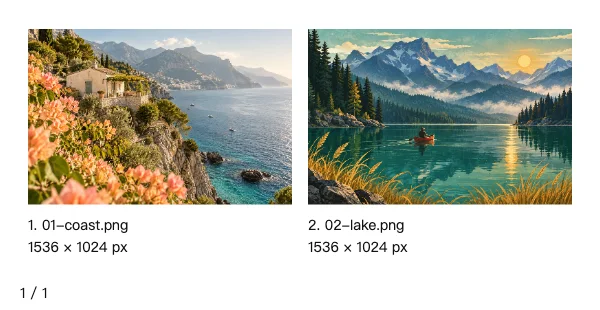
Travel editor selection
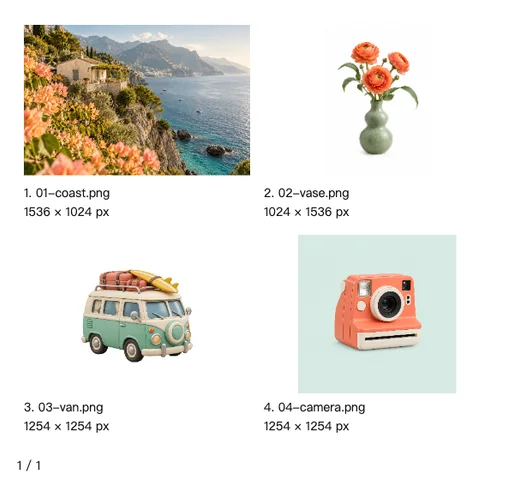
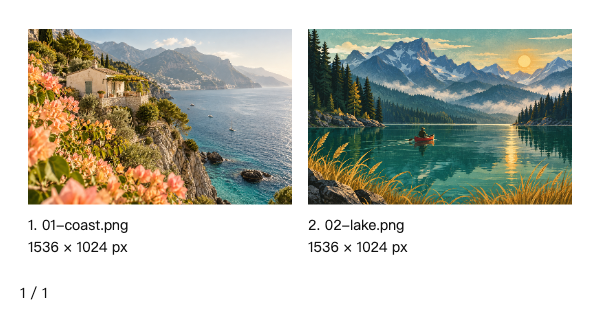
Compare a landscape photograph and a travel illustration side by side, with filenames, sequence numbers and original dimensions for editorial selection.


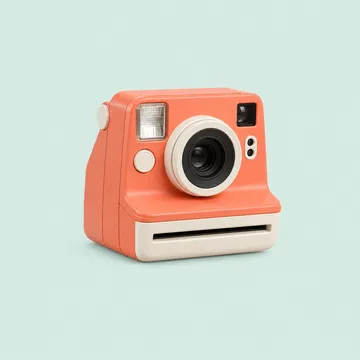
Portrait product catalog
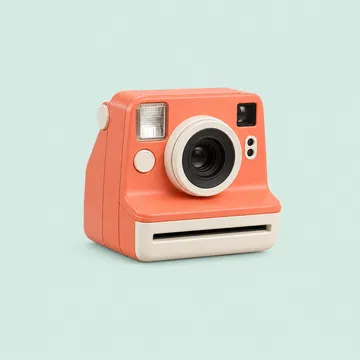
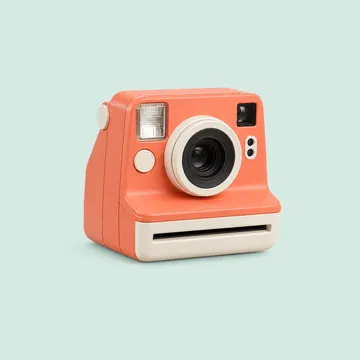
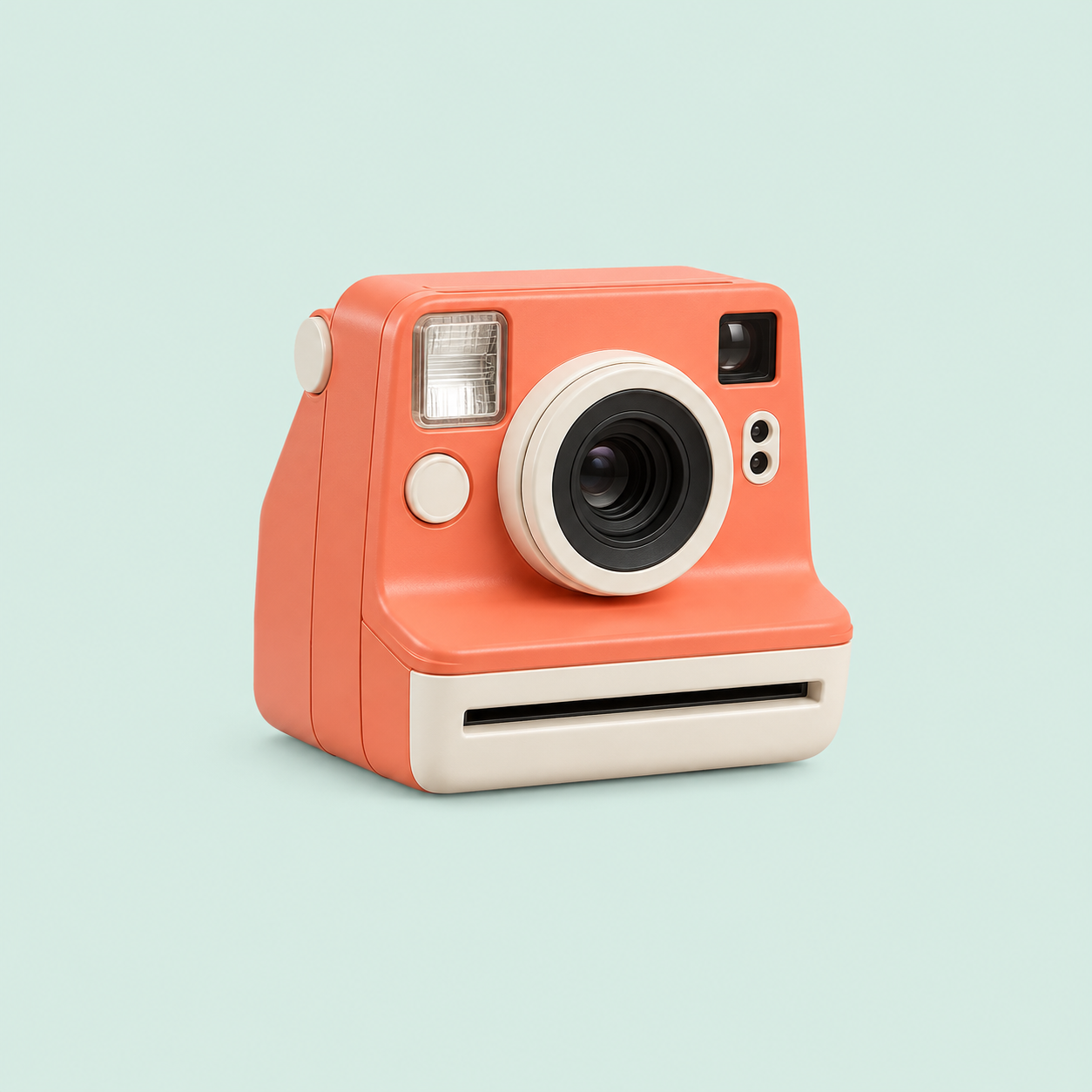
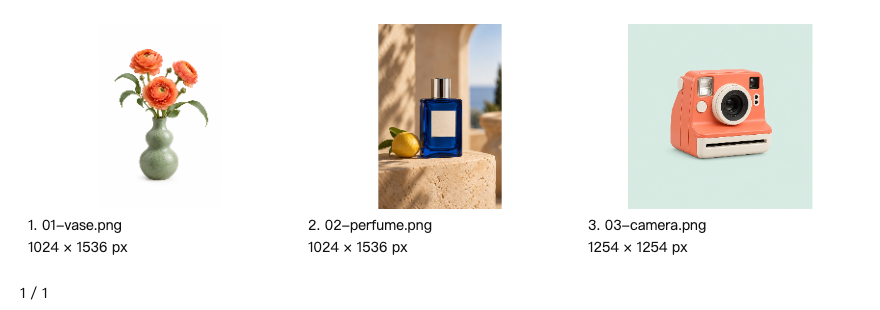
Fit portrait product photos and a square camera image inside one catalog row without cropping any subject.


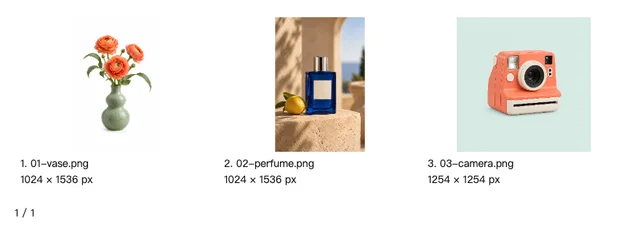
Transparent asset handoff
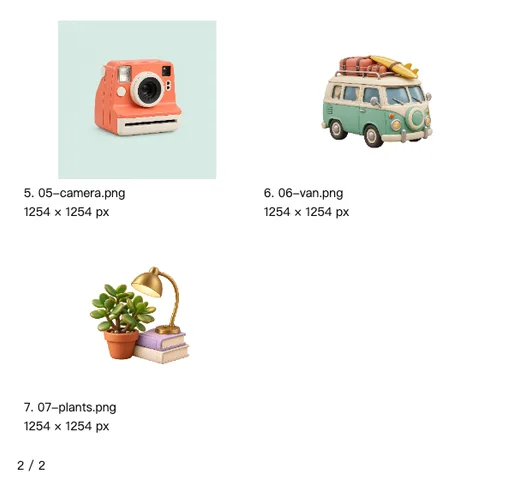
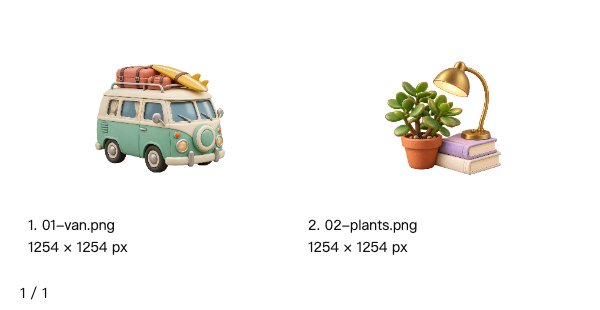
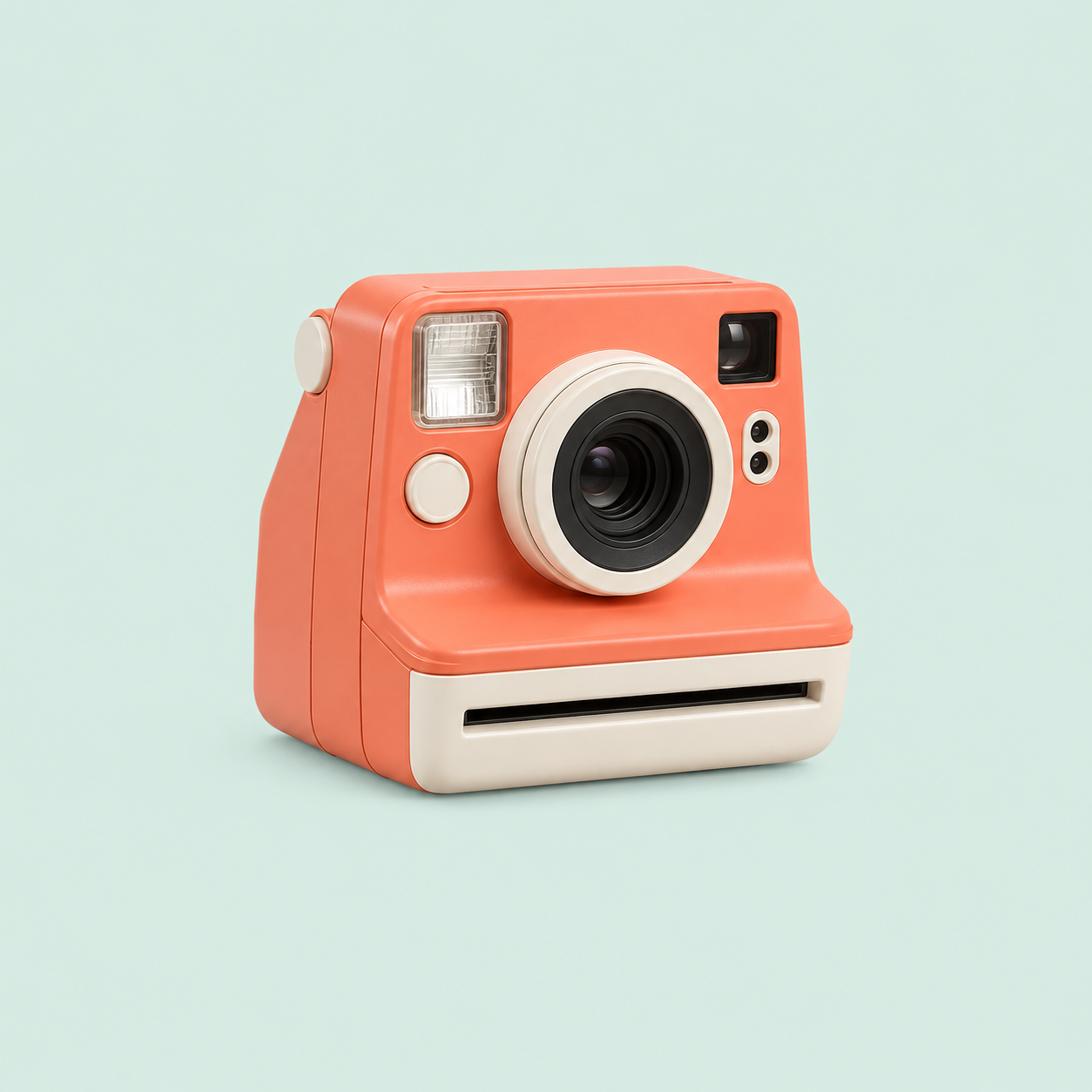
Review transparent camper and desk-prop assets on a white contact sheet; the downloadable source PNGs retain their alpha channels.


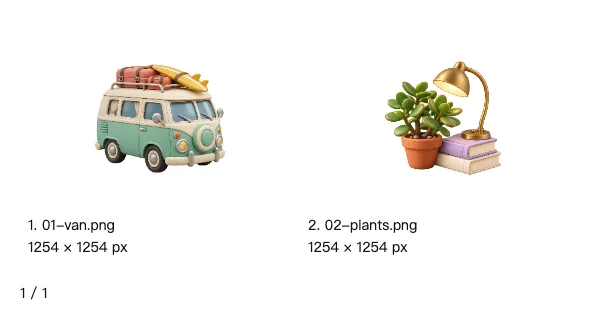
Design asset inventory
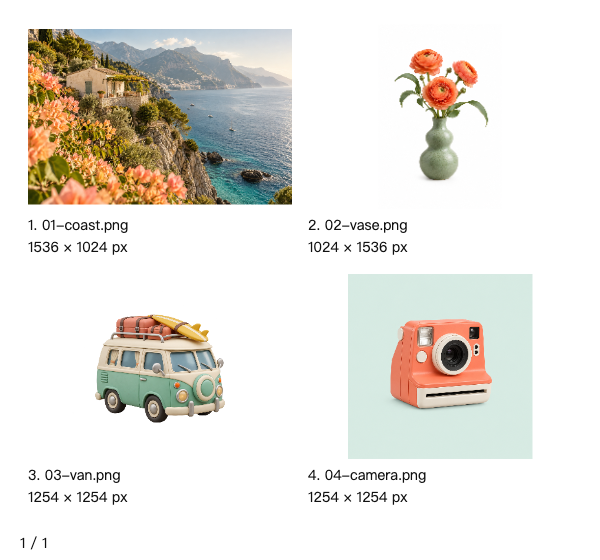
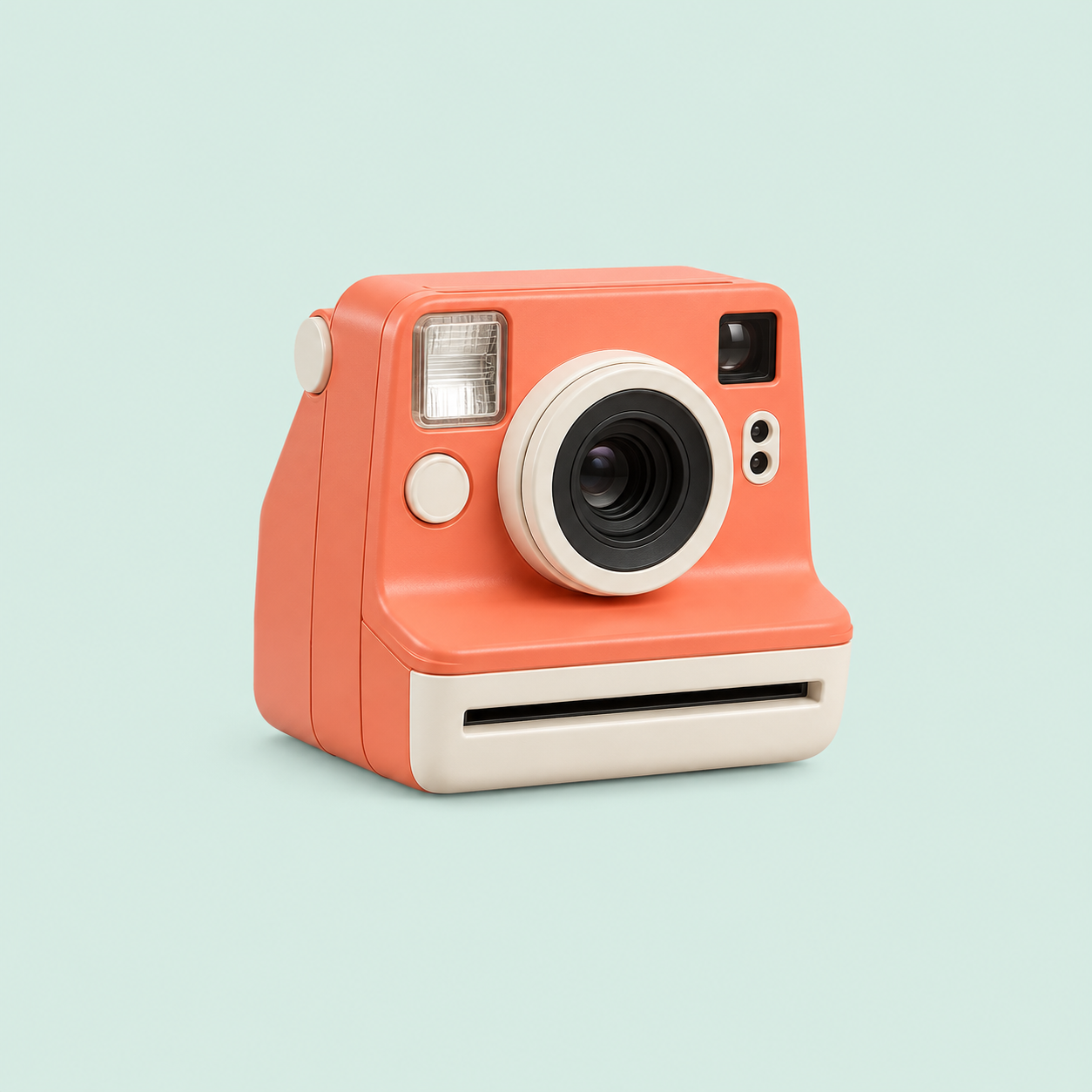
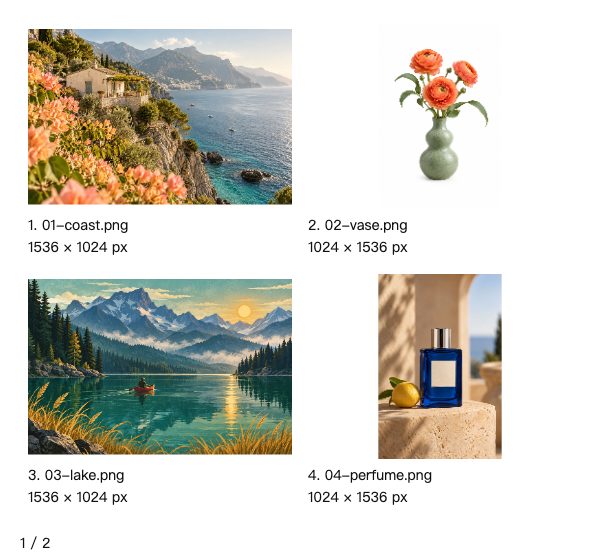
Audit the original dimensions of landscape, portrait, square and transparent design assets in a labeled two-row inventory.
Inputs · 4



Show remaining inputs (1)
Download all inputs (4)
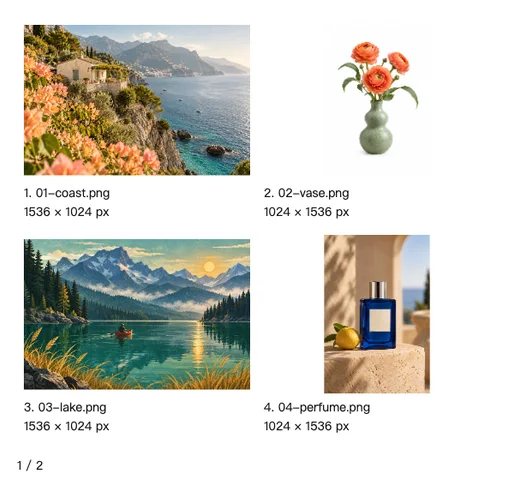
Multi-page review
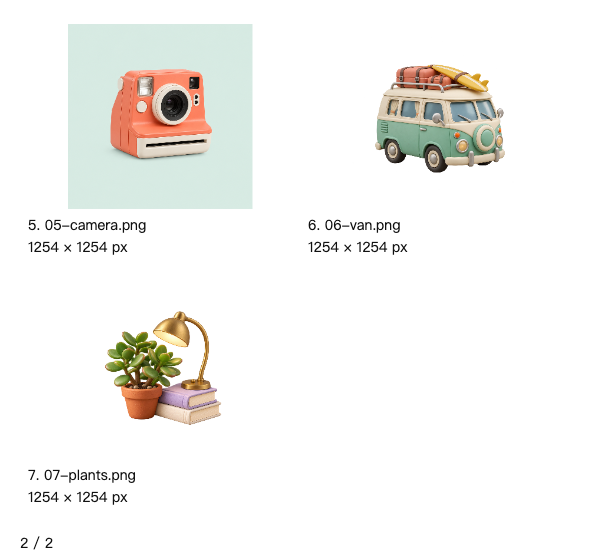
Review seven assets over two pages. The partially filled last page preserves the global sequence numbers.
Inputs · 7



Show remaining inputs (4)



Clean visual moodboard
Hide filenames, dimensions and sequence labels to discuss a calm nature palette using a lake illustration, plants and a vase.























What this tool does
Image Contact Sheet Maker
Arrange images into labeled contact sheets with filenames, numbers and dimensions. Preview pages and export PNG ZIP or PDF.
Local processing
Selected files are processed in your browser without a file-upload step or account.
How to use
- Choose images and arrange their order
- Set columns, labels and rows per page
- Review the pages and export PNG ZIP or PDF
Formats and limits
Designed for visual indexing and selection. Thumbnails fit the cells and do not replace originals. Batch and canvas limits apply.
Frequently asked questions
Are my files uploaded?
No. Processing happens on your device. The website, fonts and dependencies may still use the network; offline use is not guaranteed.
Will my original files change?
No. Results are downloaded as new files. The batch renamer also writes copies when exporting to a folder.
What are the limitations?
Designed for visual indexing and selection. Thumbnails fit the cells and do not replace originals. Batch and canvas limits apply.