
6 real use cases
Choose a use case, download its inputs and try the listed settings in the tool above. Compare your work with the actual exported result.
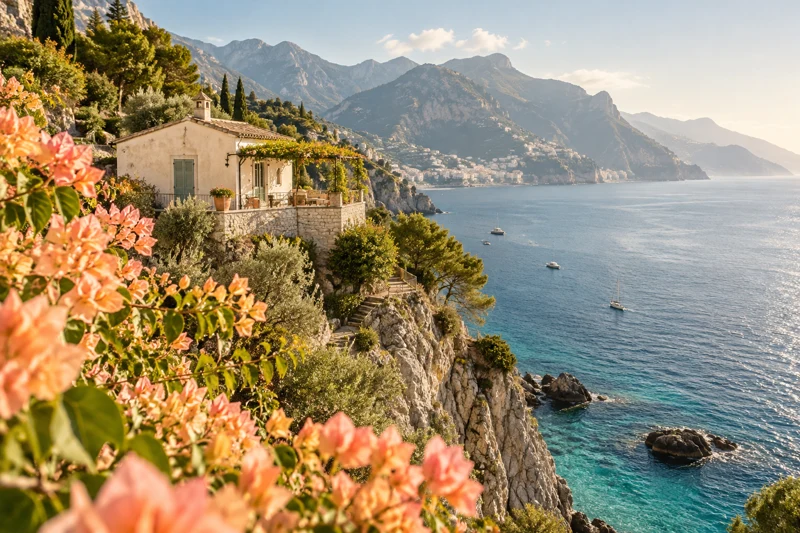
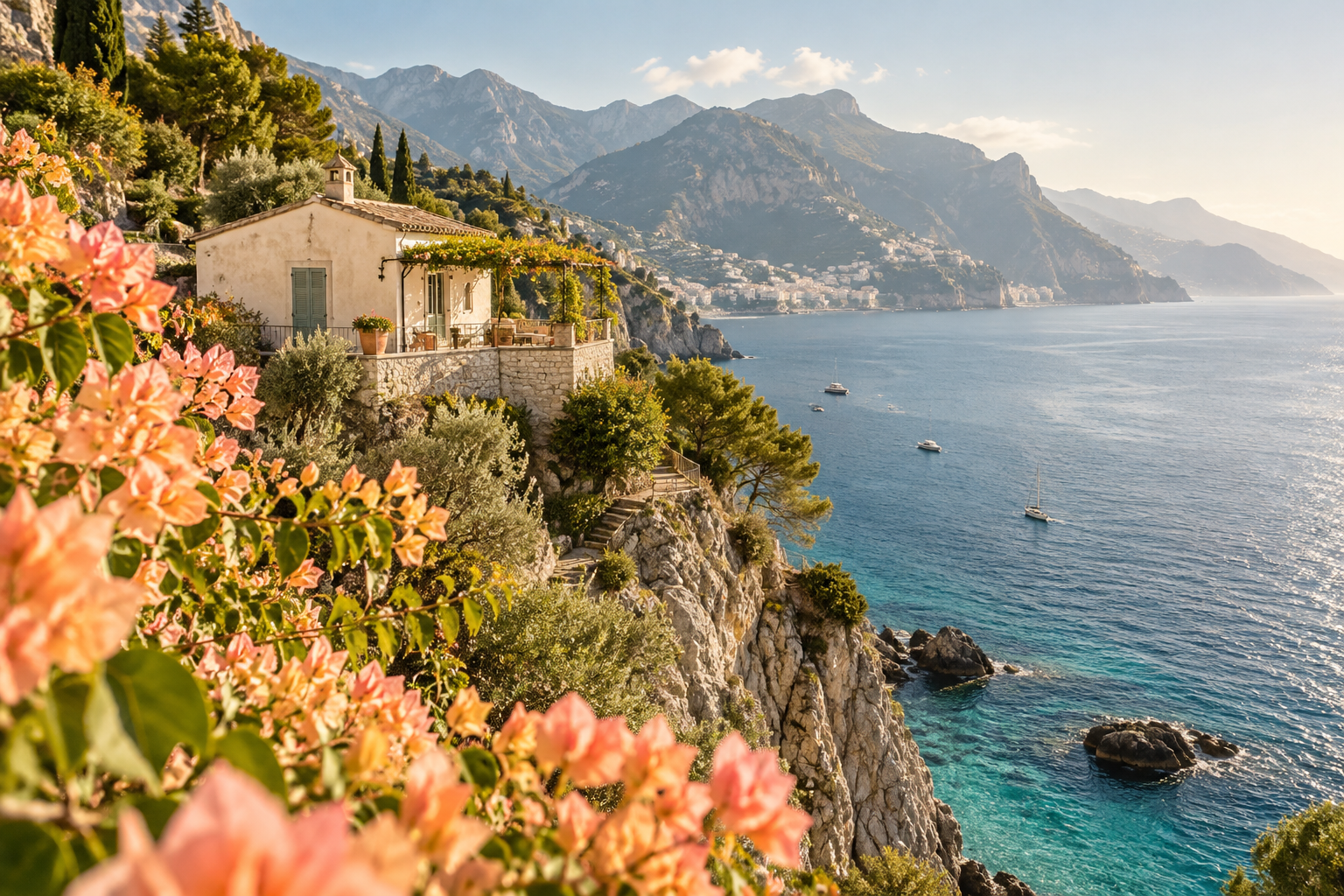
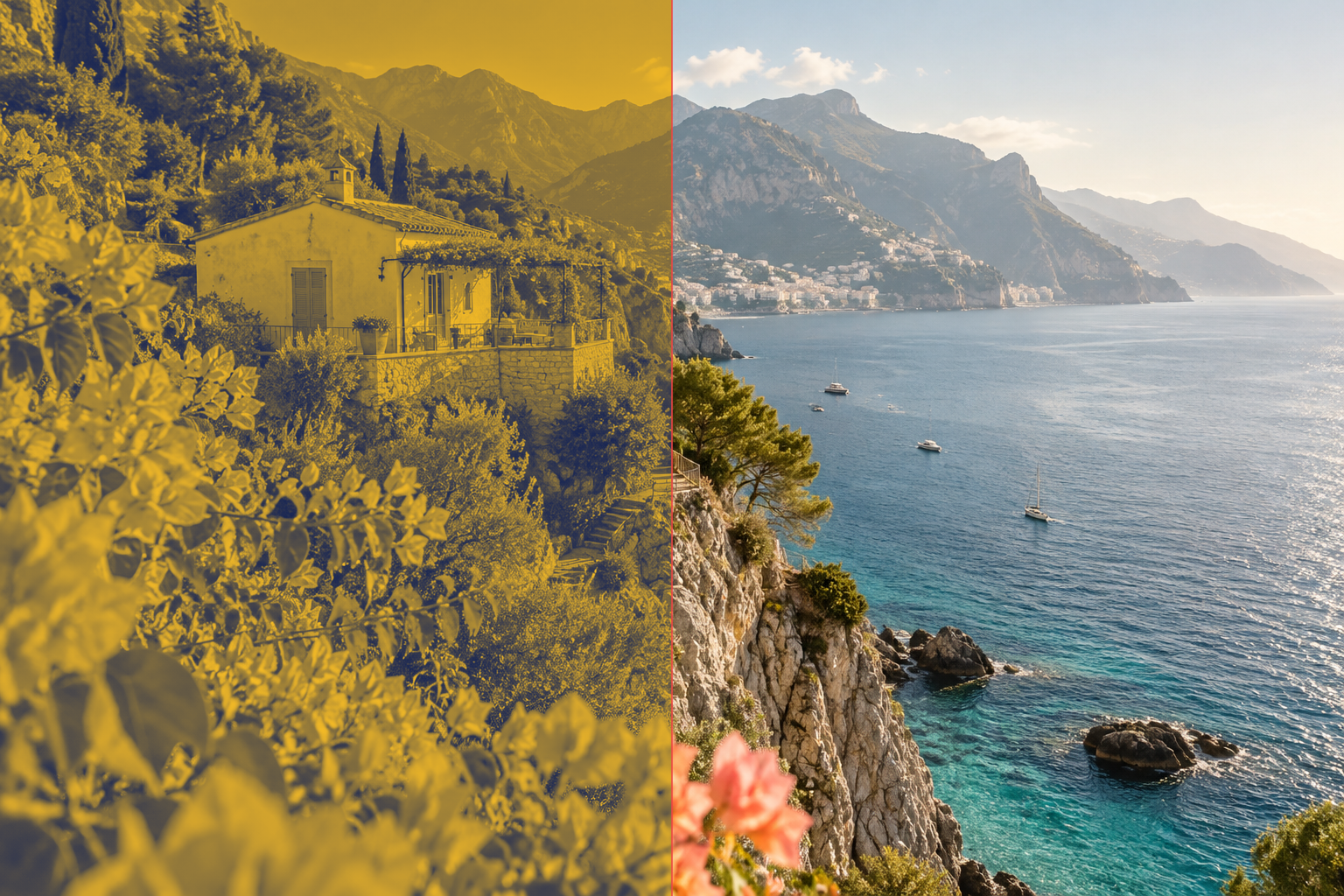
Revision review: Coastal travel: blue and gold cover
Compare the source with a real duotone-tool export using slide mode.

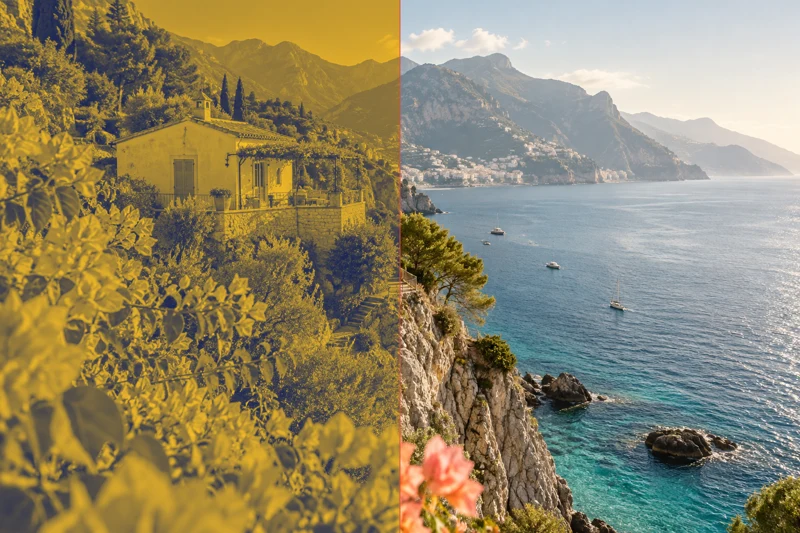
Revision review: Botanical poster: warm two-ink artwork
Compare the source with a real duotone-tool export using overlay mode.



Unchanged transparent asset: verify zero pixel changes
Compare two copies of the same transparent PNG at zero tolerance; expect 0% changes.



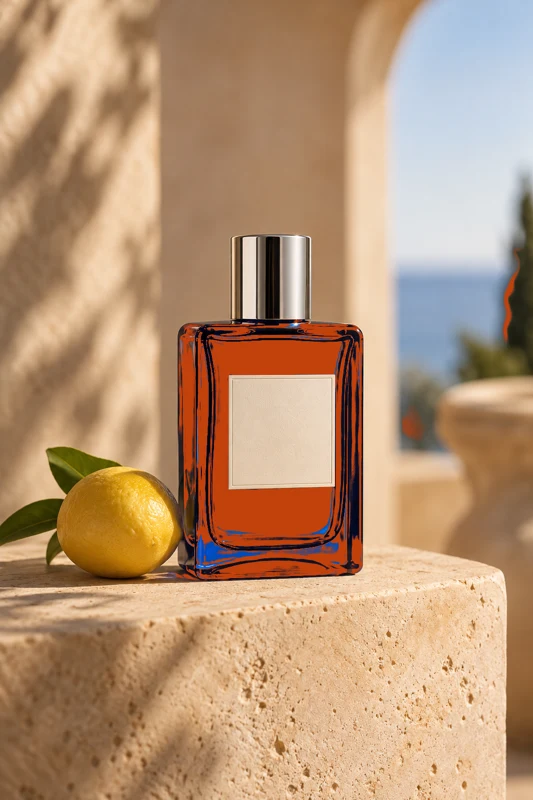
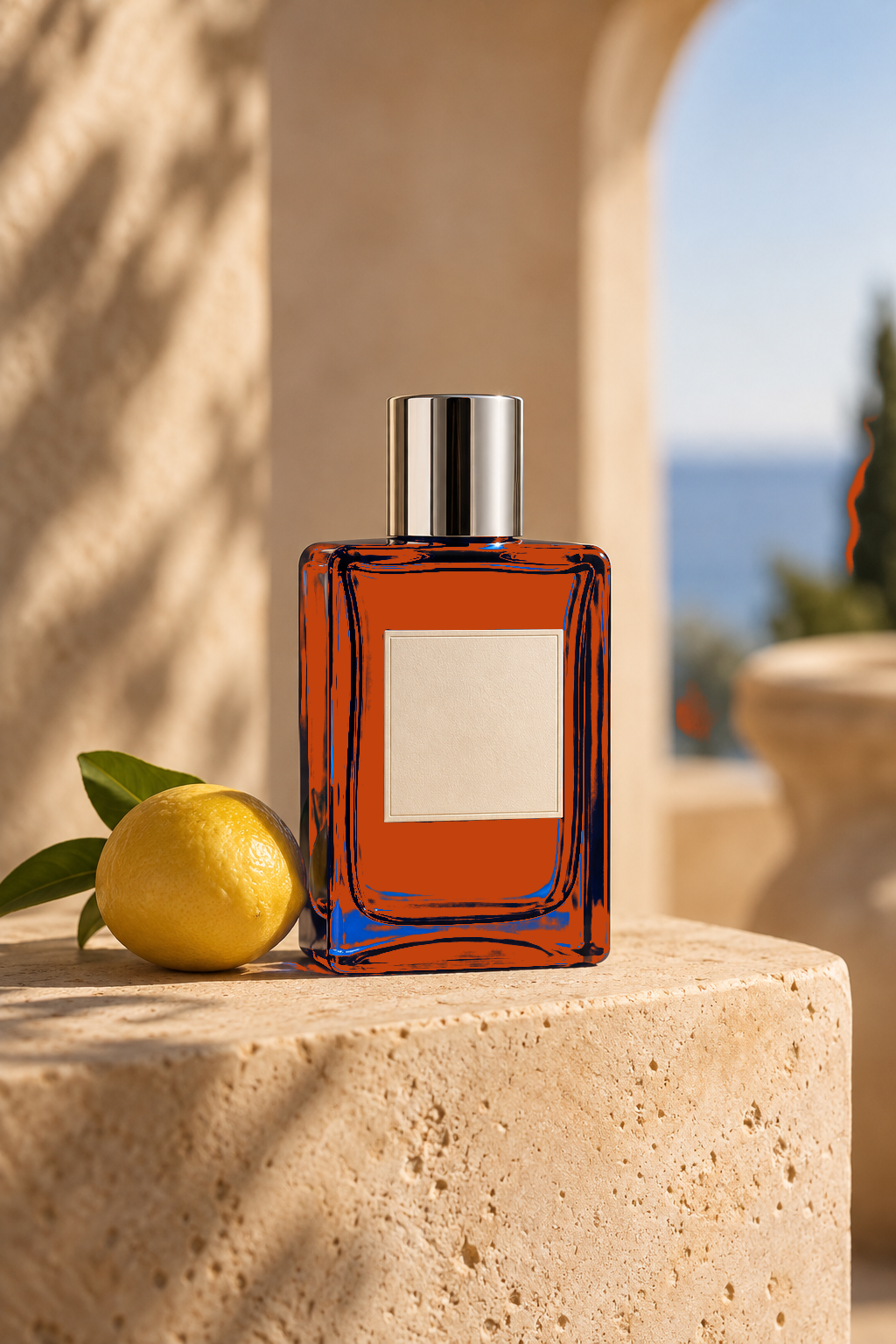
Local packaging revision: highlight bottle recoloring
Compare the original with a real color-replacement export and highlight changed pixels.


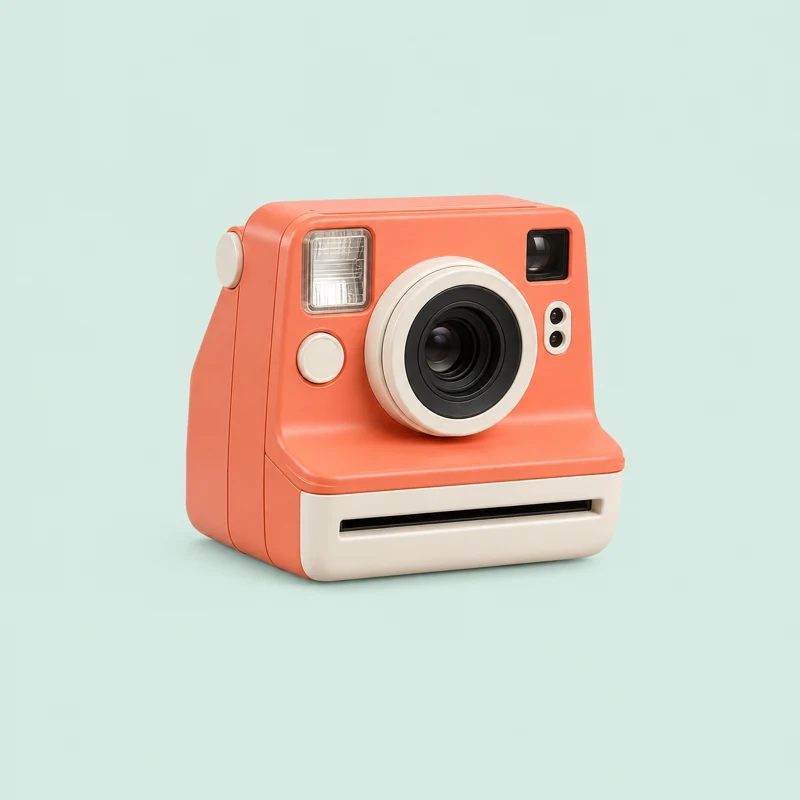
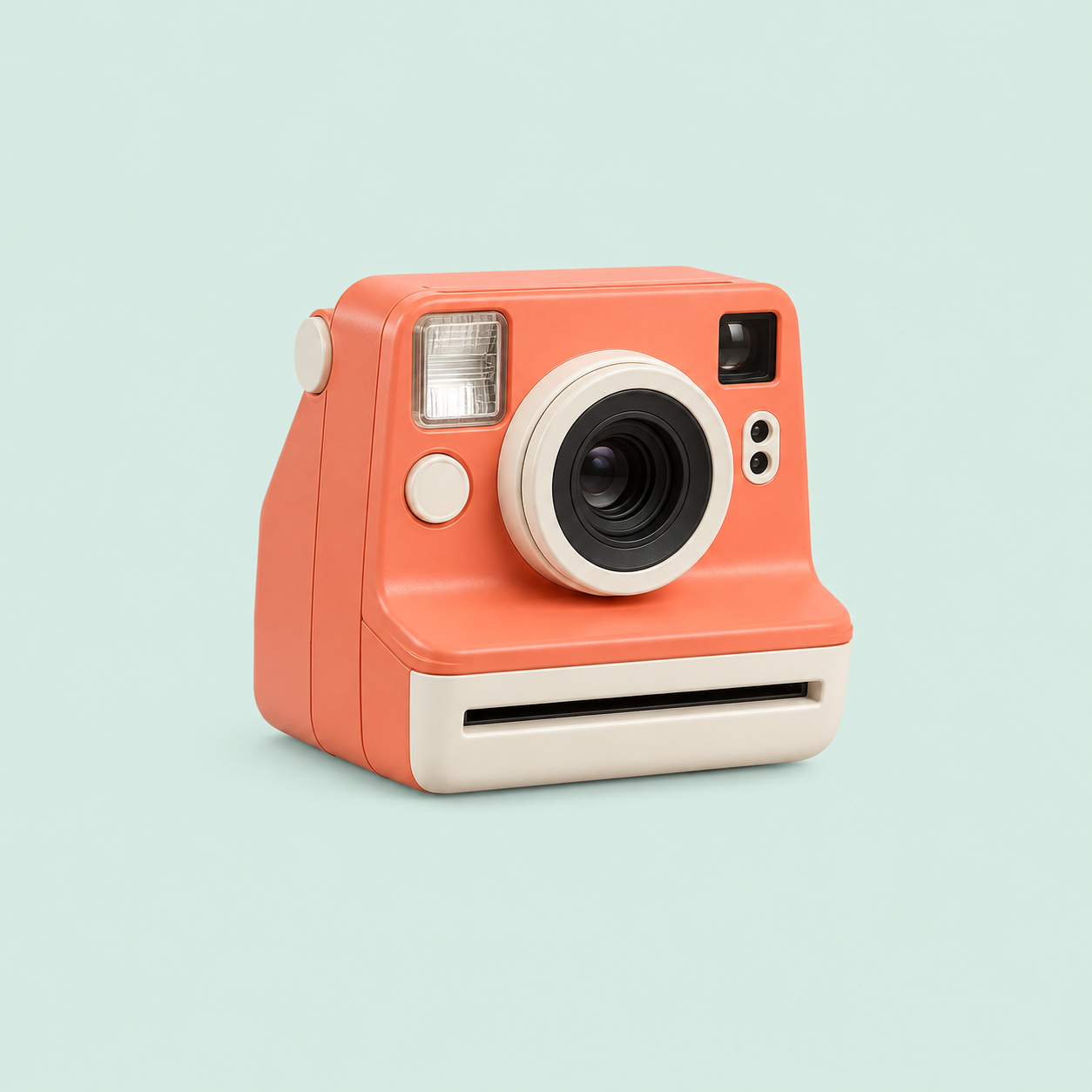
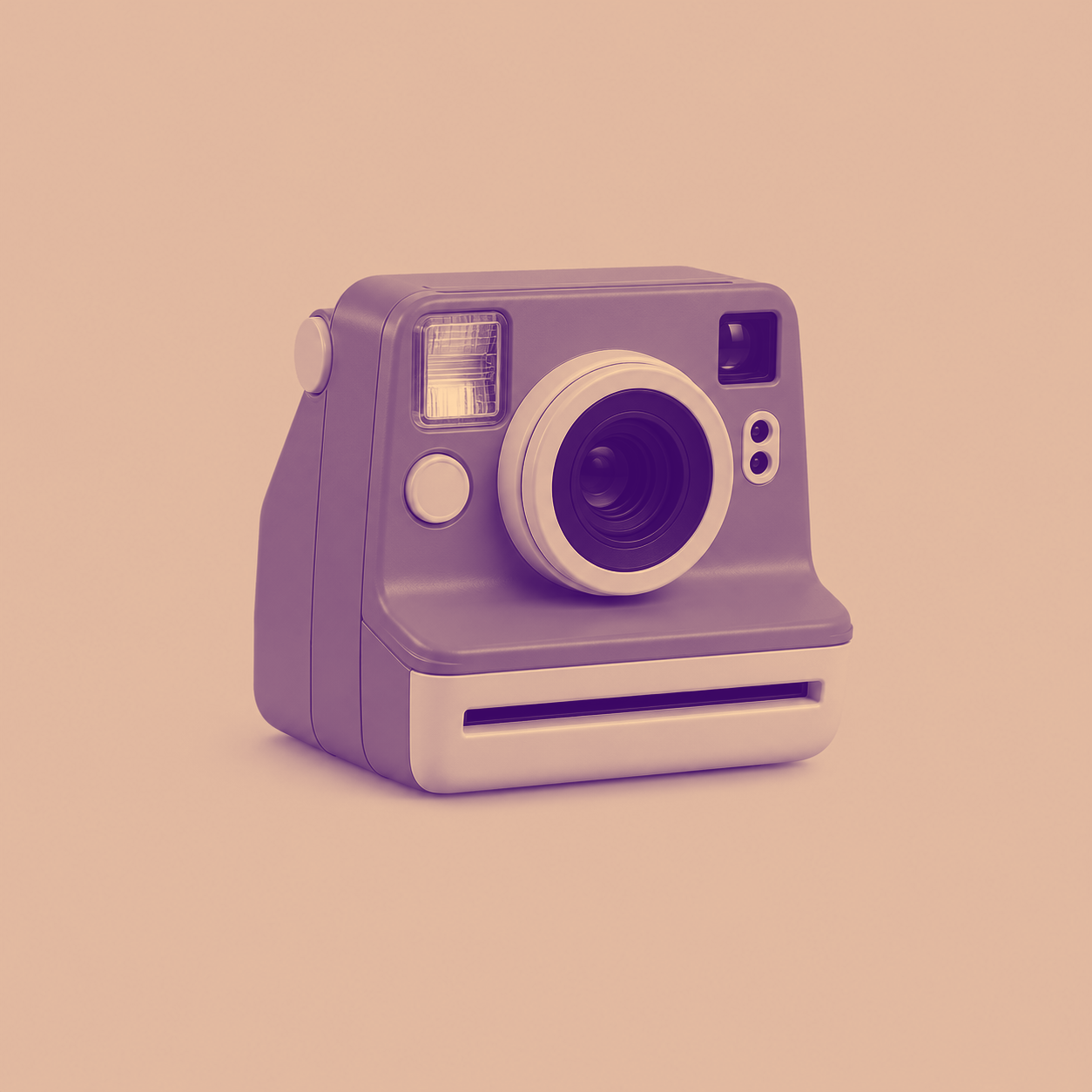
Revision review: Retro camera: purple and orange poster
Compare the source with a real duotone-tool export using flash mode.
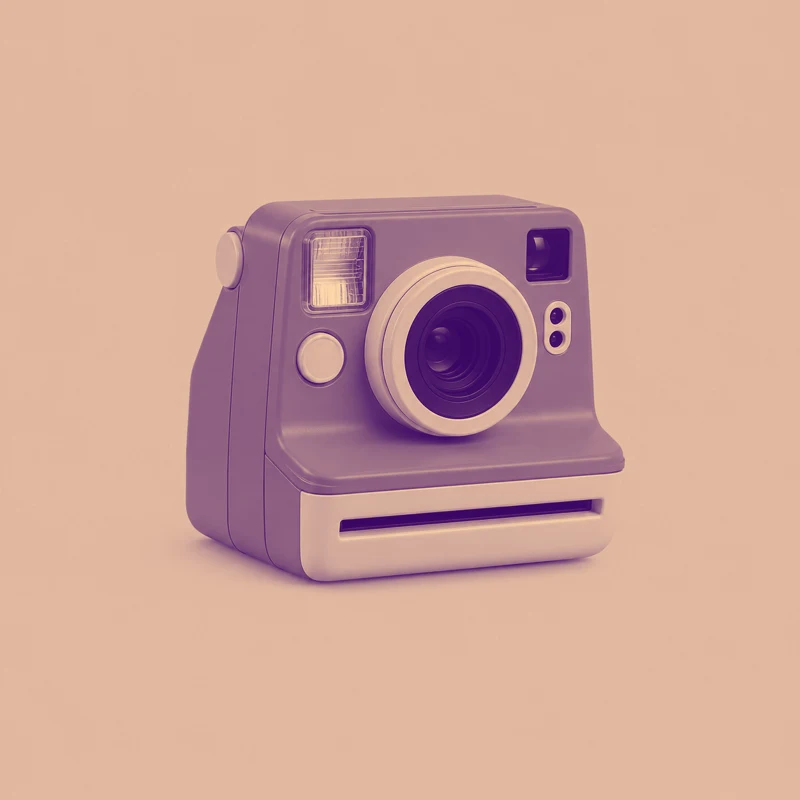
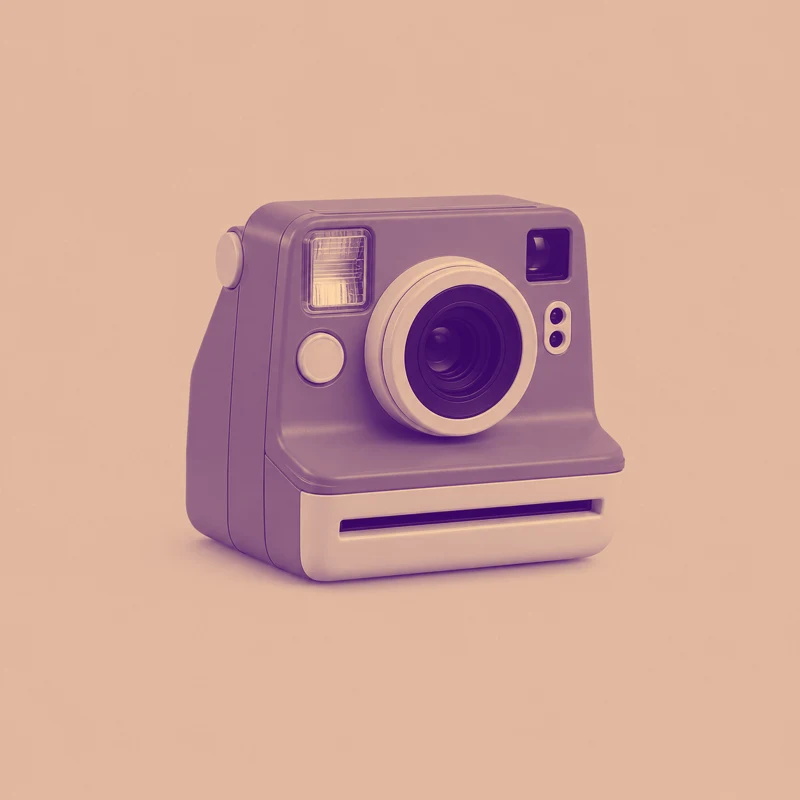
Web image compression: inspect WebP differences
Compare the generated original with a PNG decoded from a real WebP conversion, using tolerance 5 to reveal lossy compression differences.















What this tool does
Image Difference Checker
Compare two same-size images locally with a slider, overlay, blinking or difference highlighting, and export PNG.
Local processing
Selected files are processed in your browser without a file-upload step or account.
How to use
- Choose two same-size images
- Set comparison mode, tolerance and zoom
- Inspect changes and export the comparison
Formats and limits
Inputs must have identical pixel dimensions. No automatic perspective alignment; differences are not a quality score.
Frequently asked questions
Are my files uploaded?
No. Processing happens on your device. The website, fonts and dependencies may still use the network; offline use is not guaranteed.
Will my original files change?
No. Results are downloaded as new files. The batch renamer also writes copies when exporting to a folder.
What are the limitations?
Inputs must have identical pixel dimensions. No automatic perspective alignment; differences are not a quality score.