
6 real use cases
Choose a use case, download its inputs and try the listed settings in the tool above. Compare your work with the actual exported result.
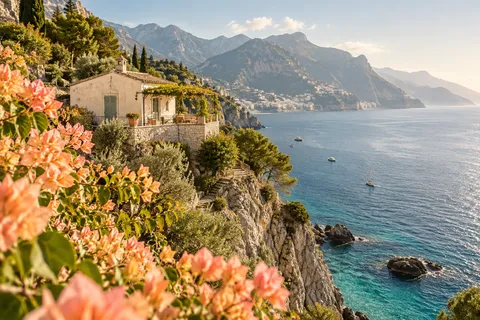
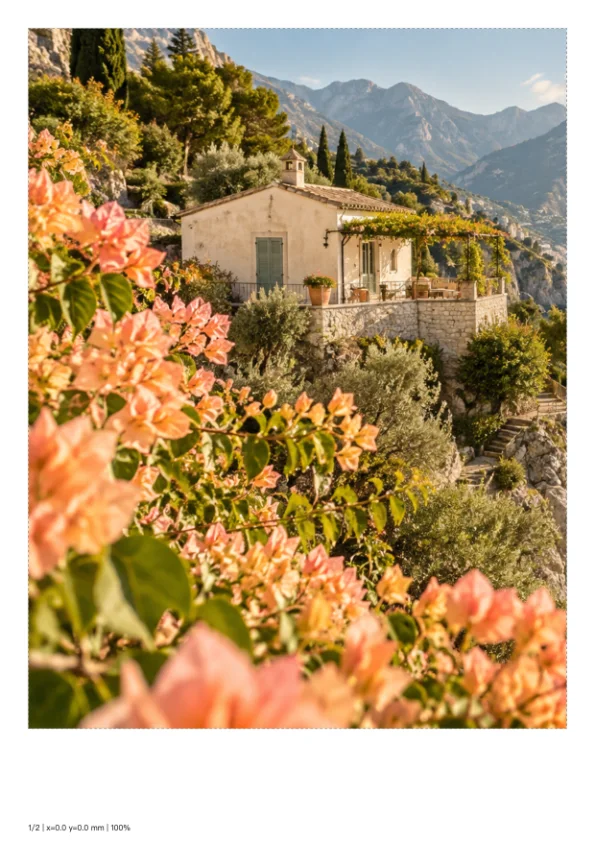
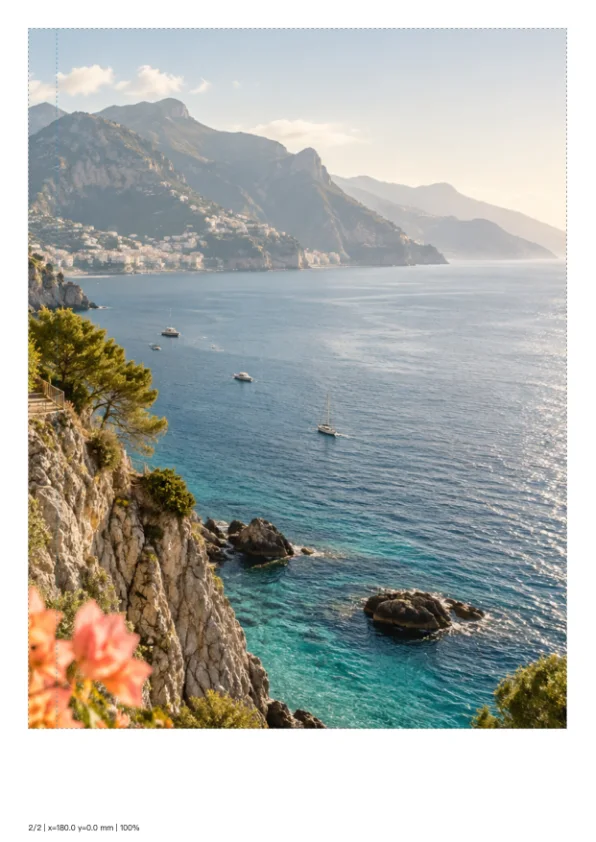
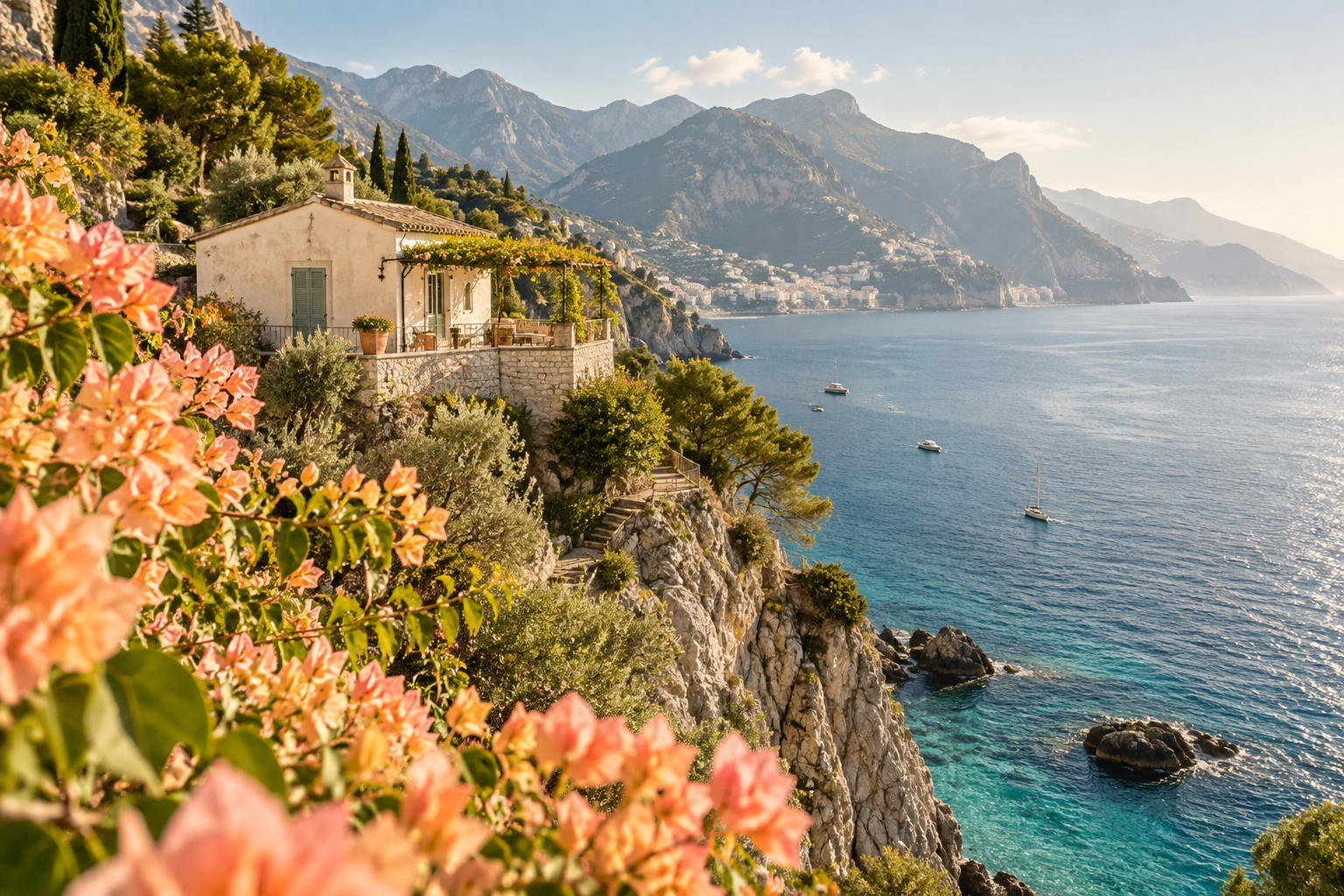
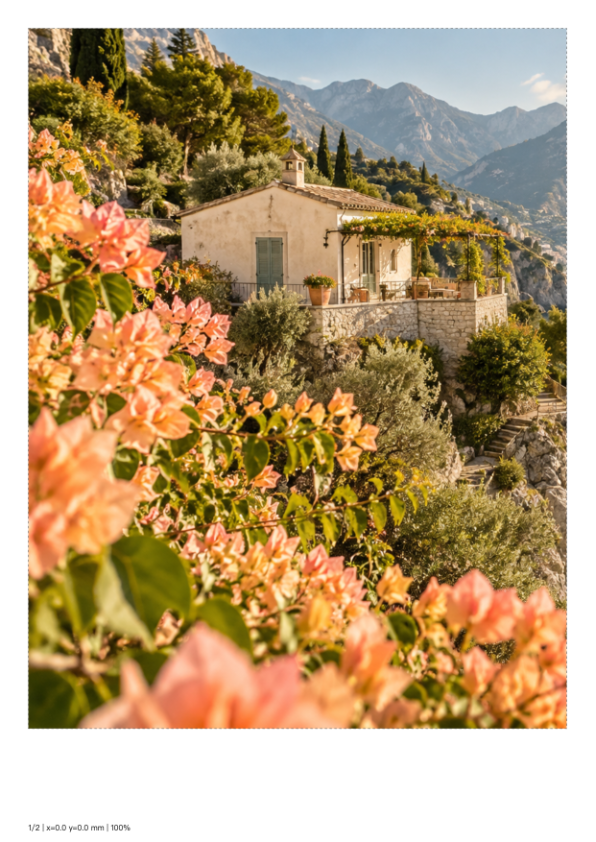
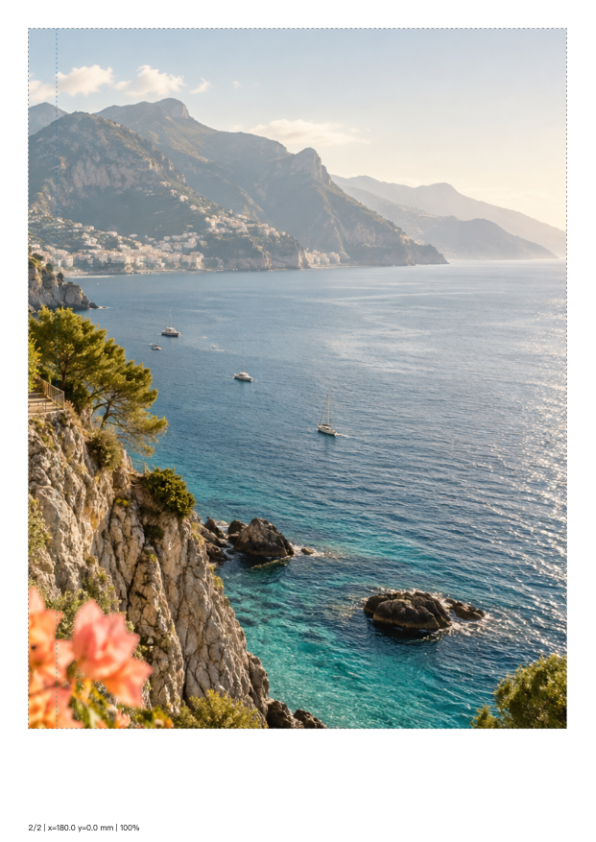
Coastal wall print
Print a wide coastal wall picture at 370 × 247 mm on A4 sheets with 10 mm overlap; assemble the numbered pages at actual size.
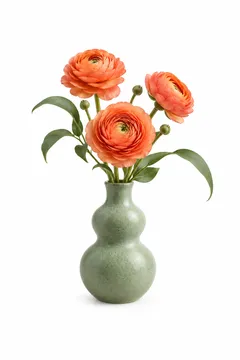
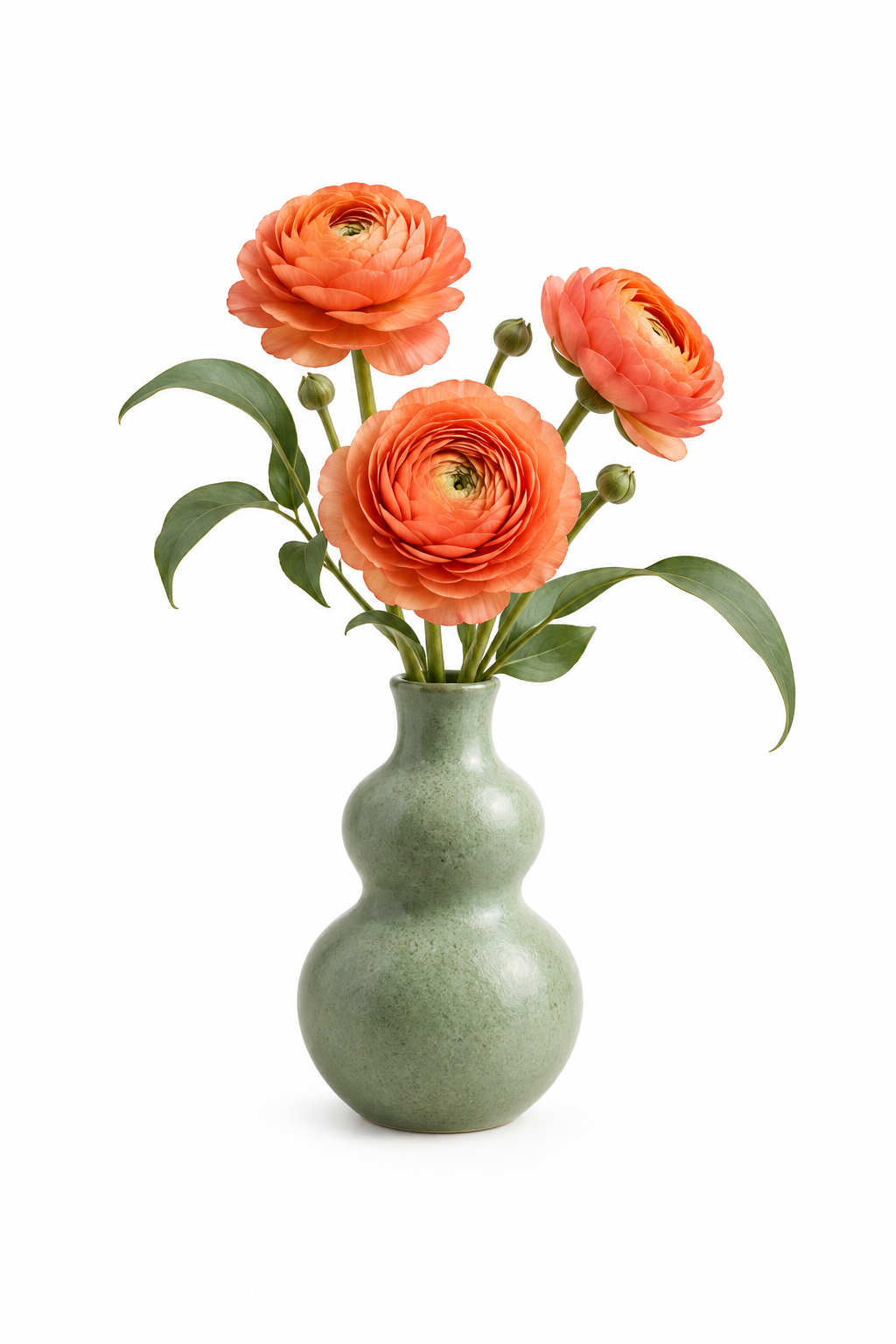
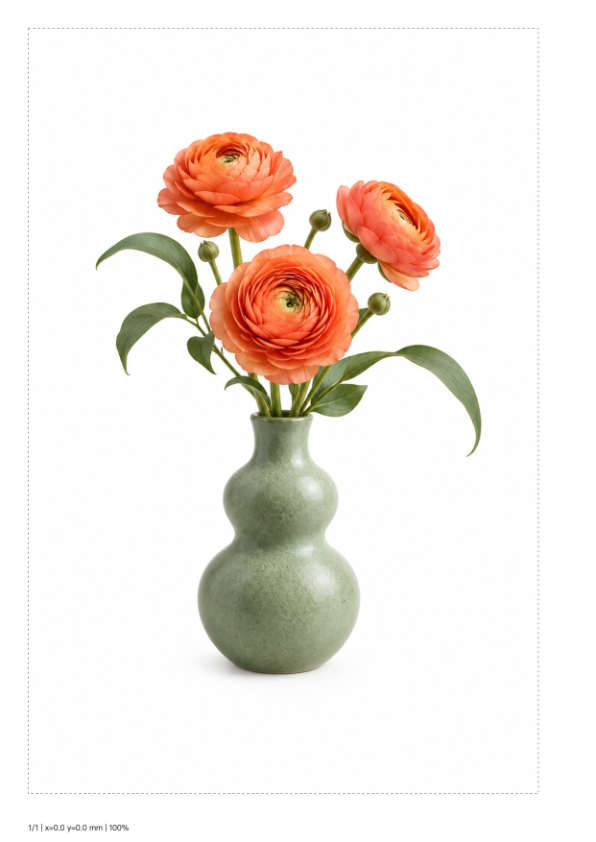
Botanical portrait print
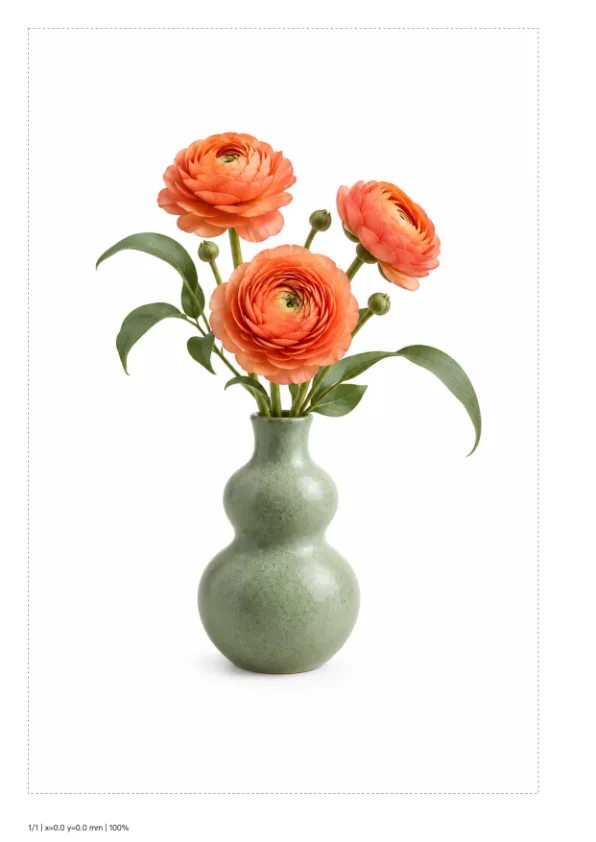
Print a tall vase illustration at 180 × 270 mm on one A4 sheet, retaining the complete subject and its original white space.
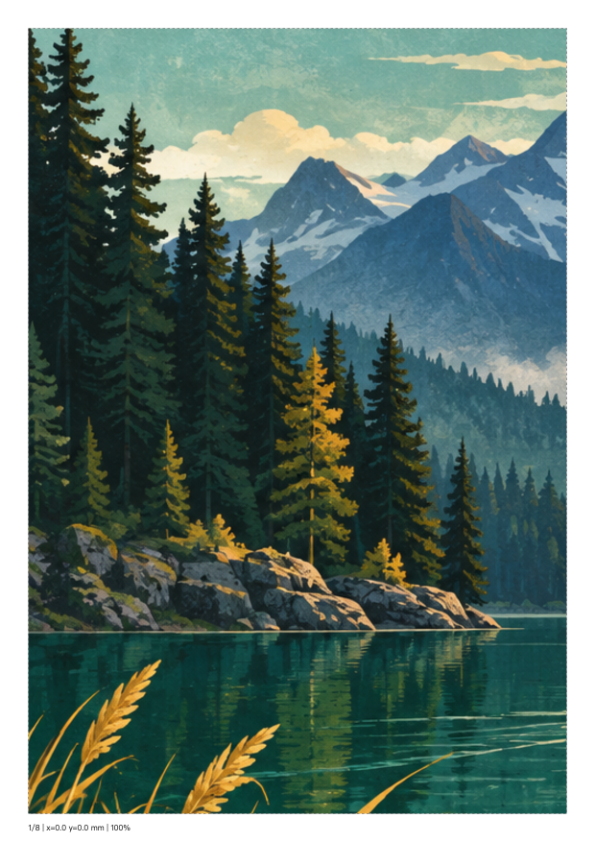
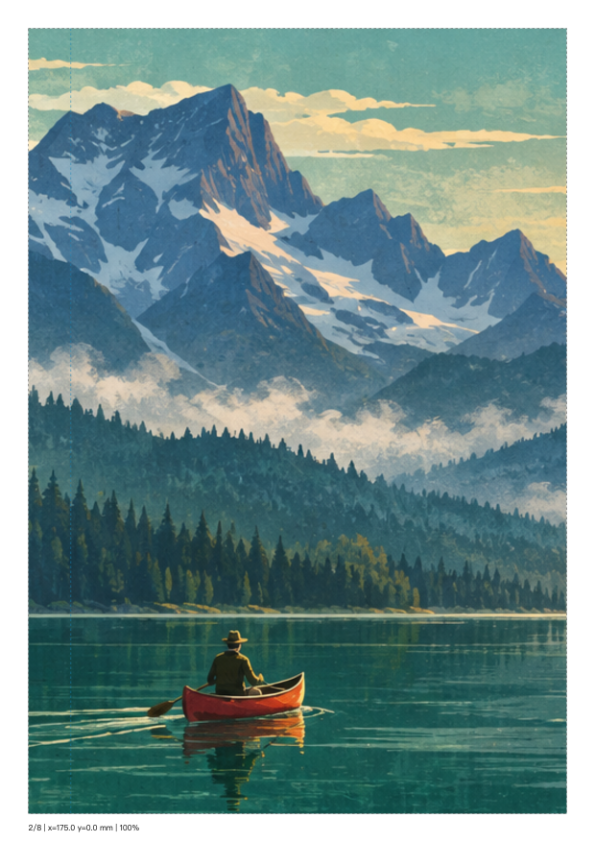
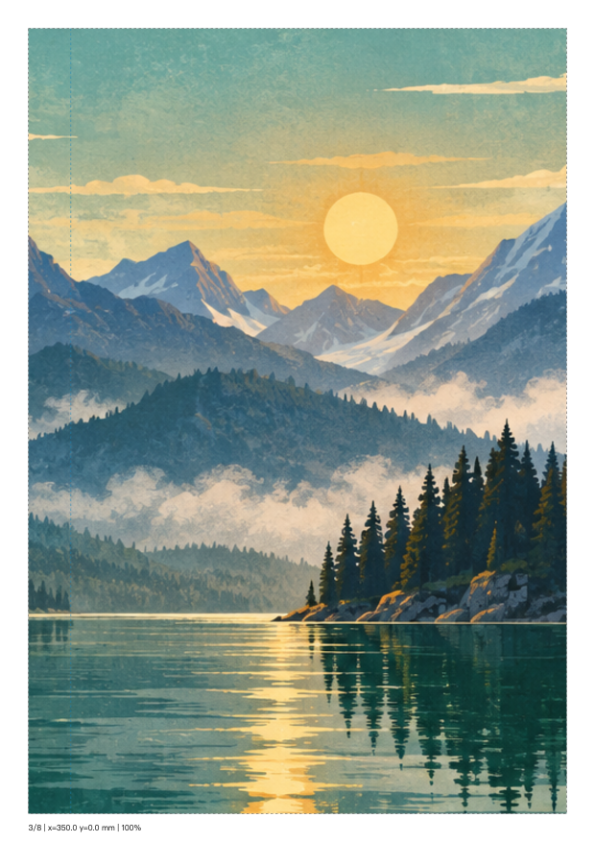
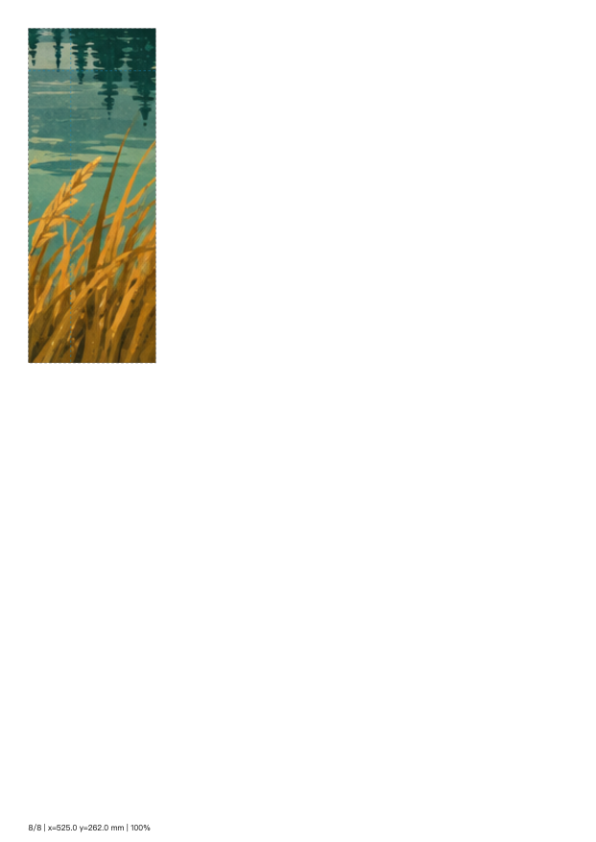
Lake display board
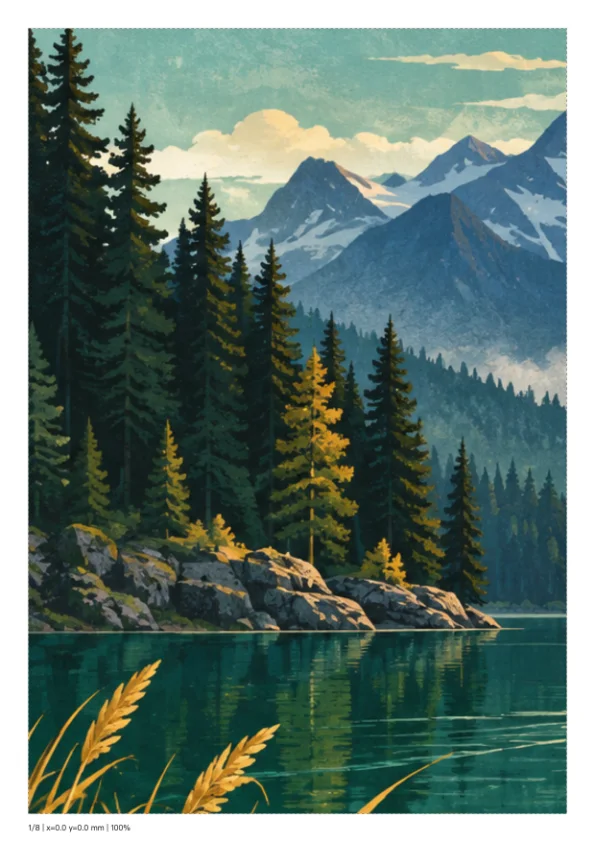
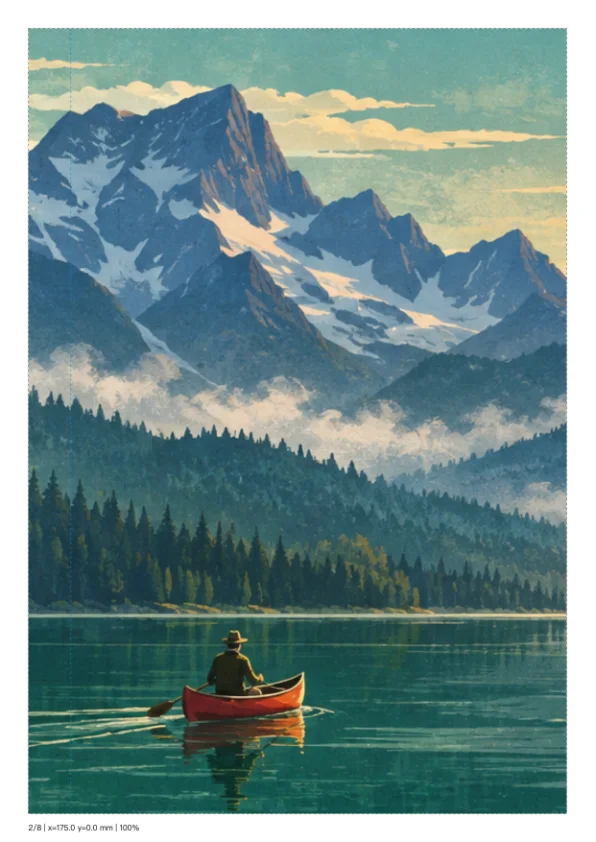
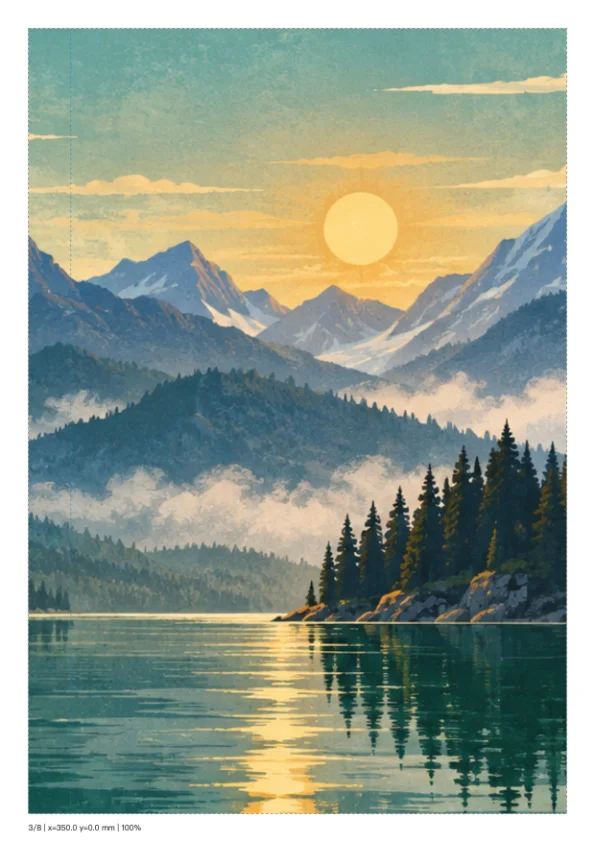
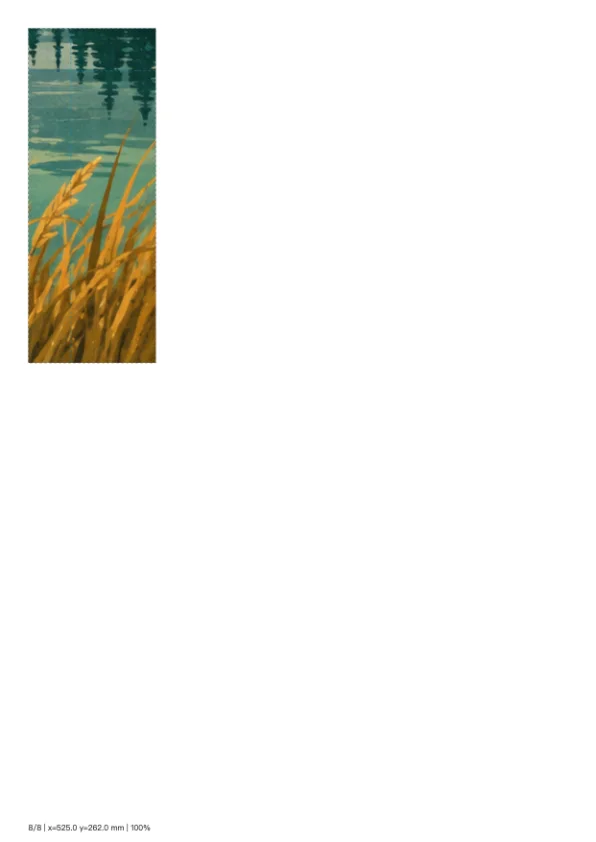
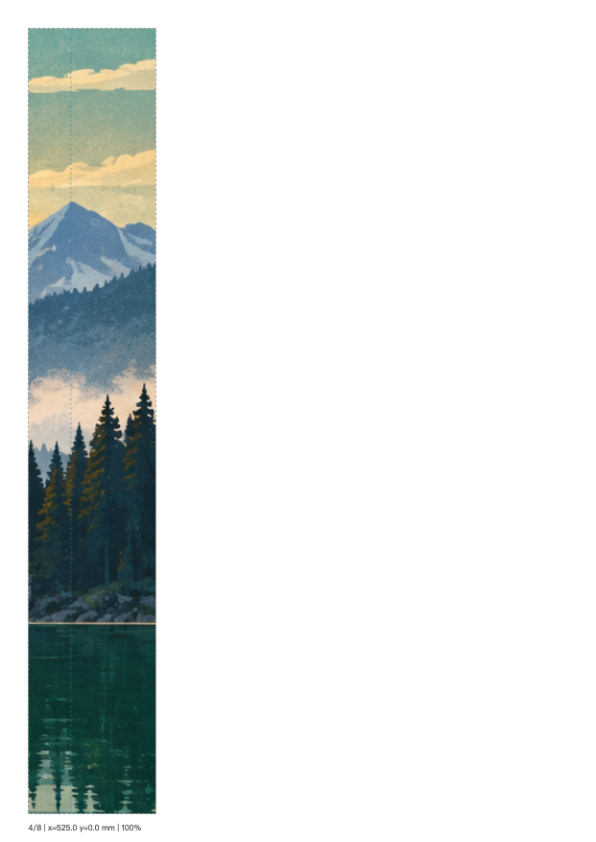
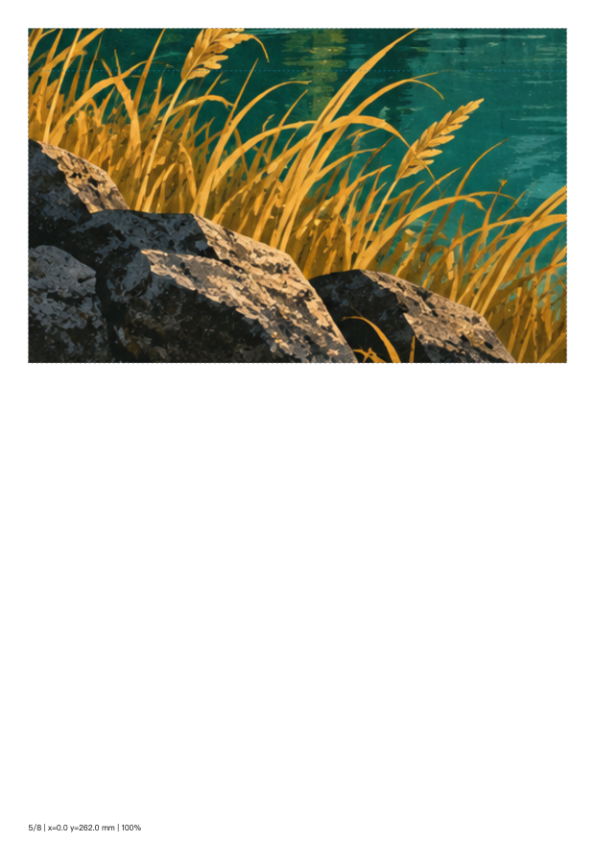
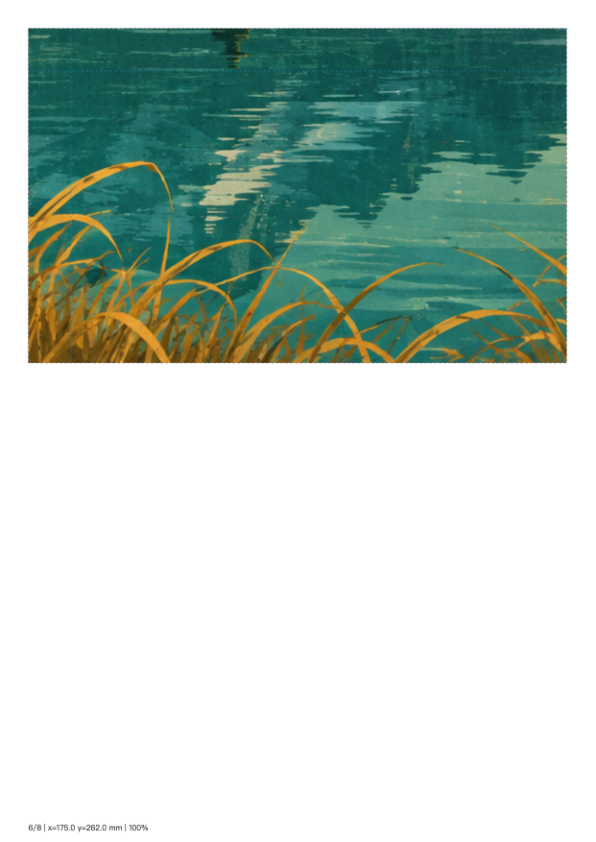
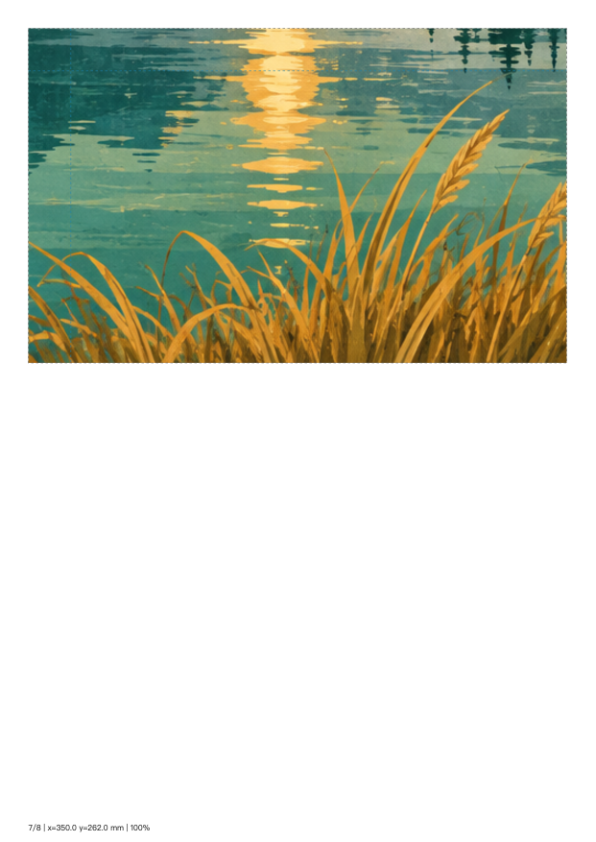
Make a 570 × 380 mm lake display board from eight A4 sheets with 15 mm overlap and numbered assembly positions.

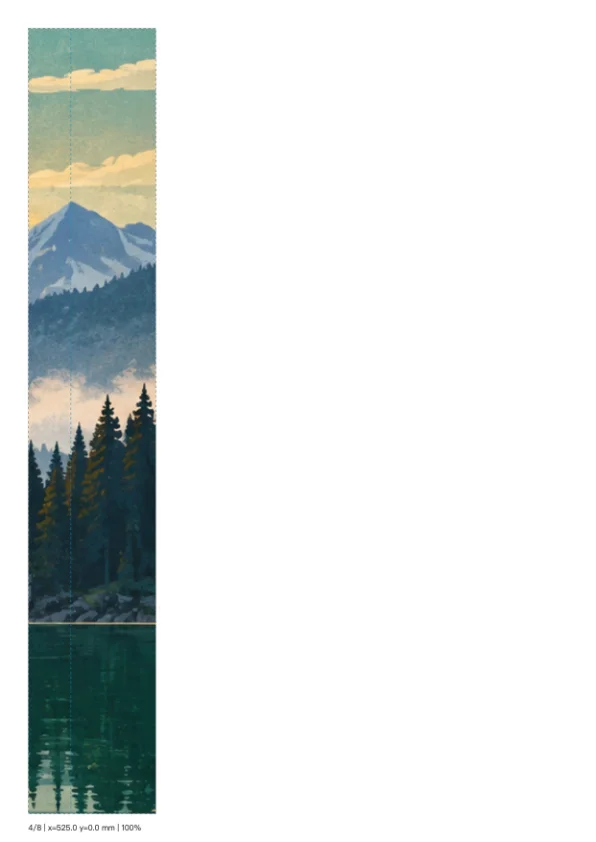
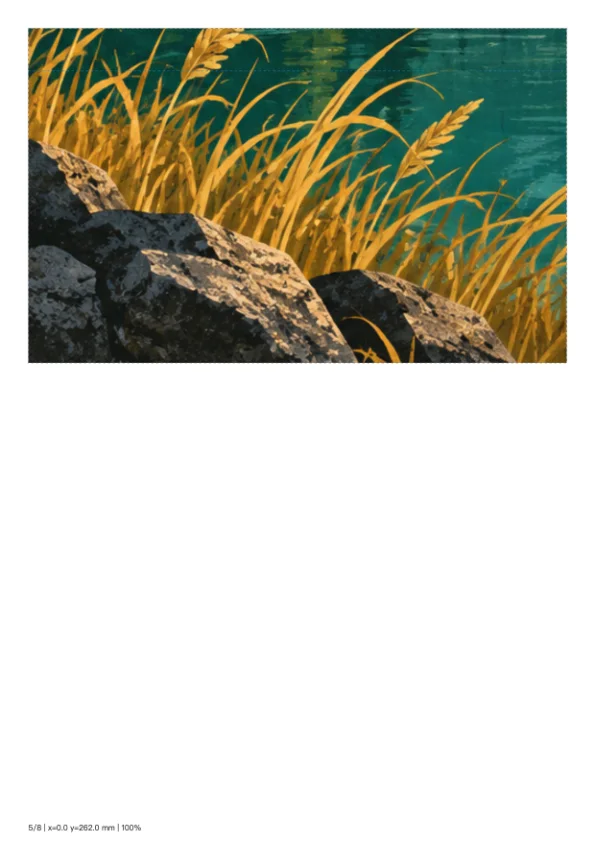
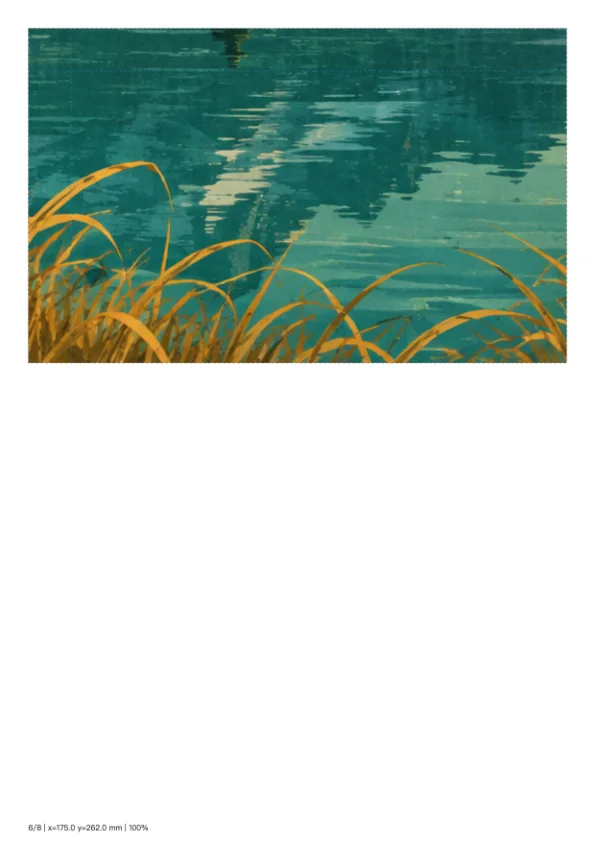
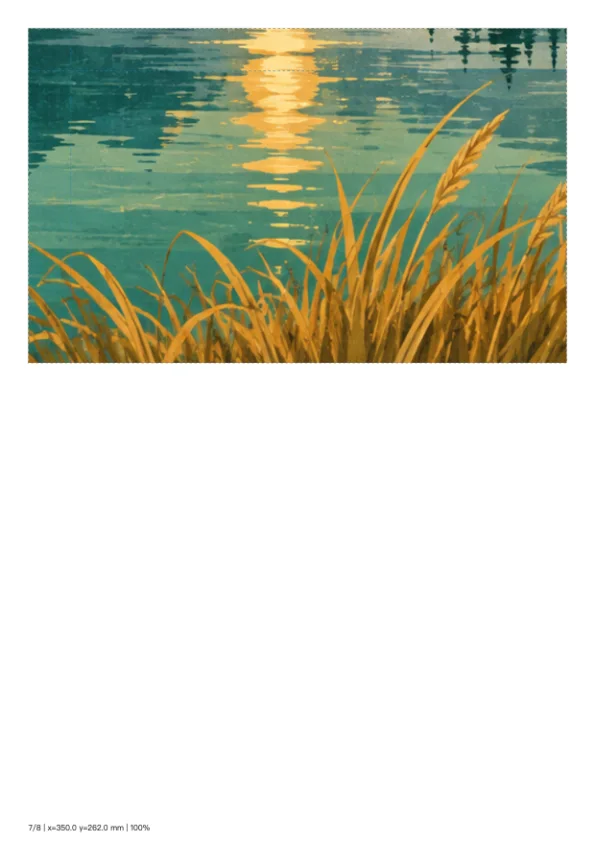
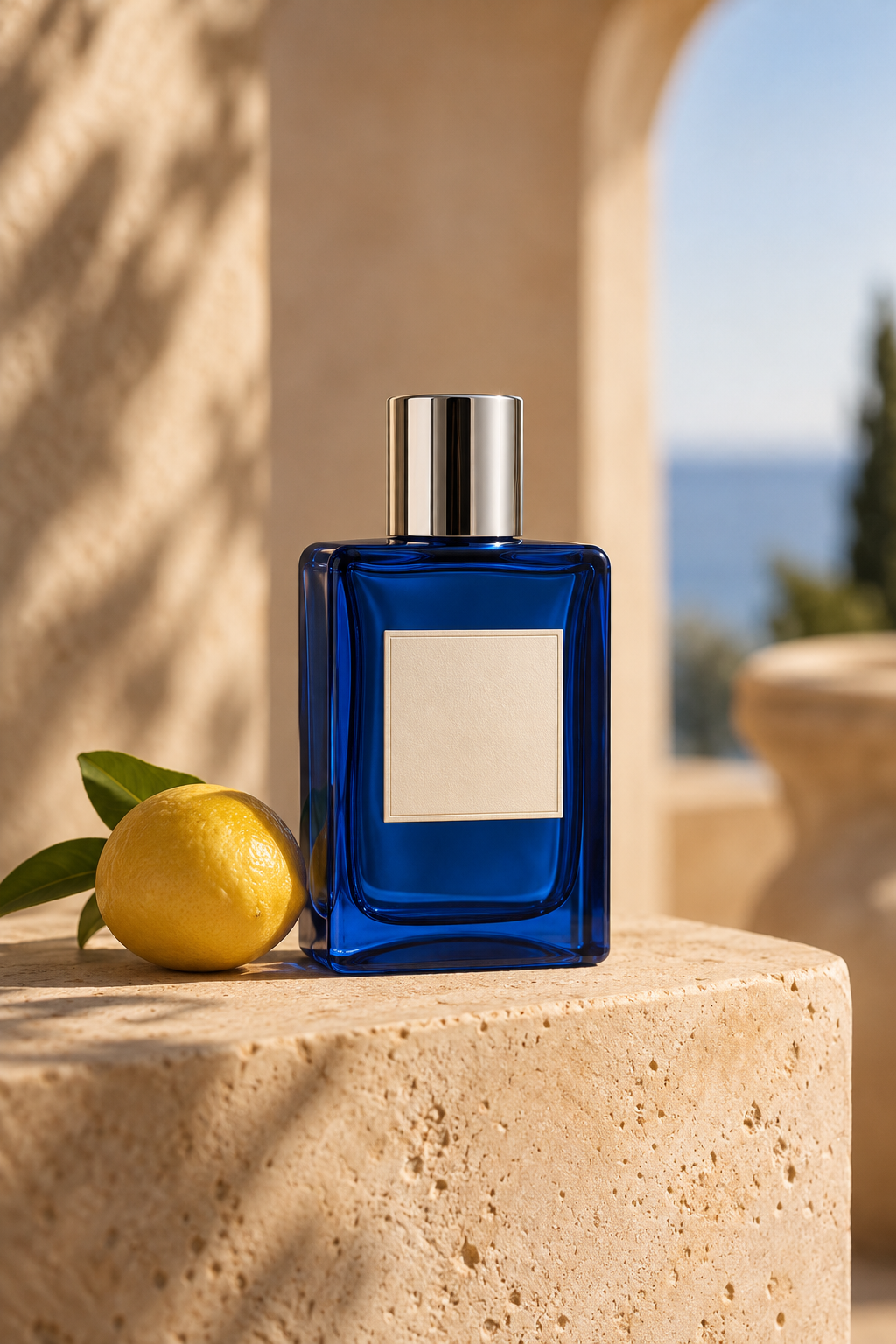
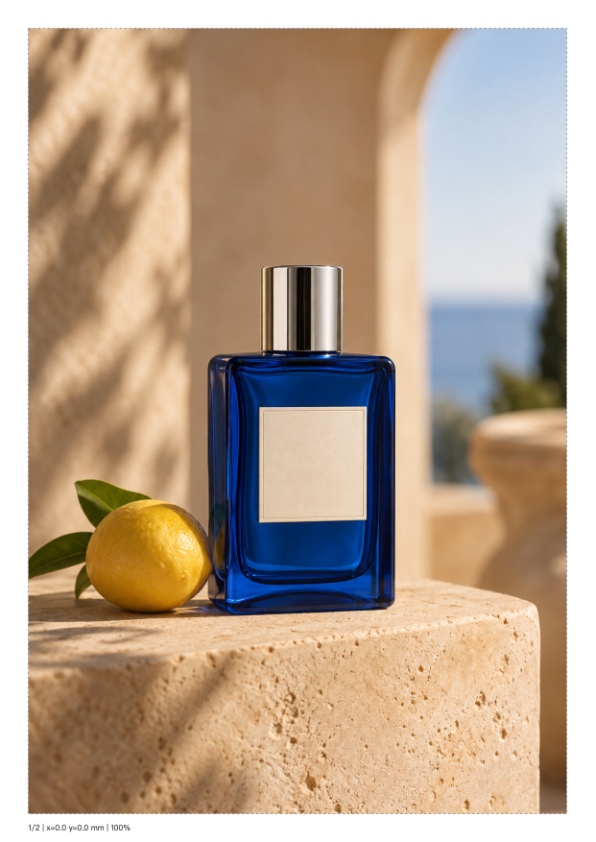
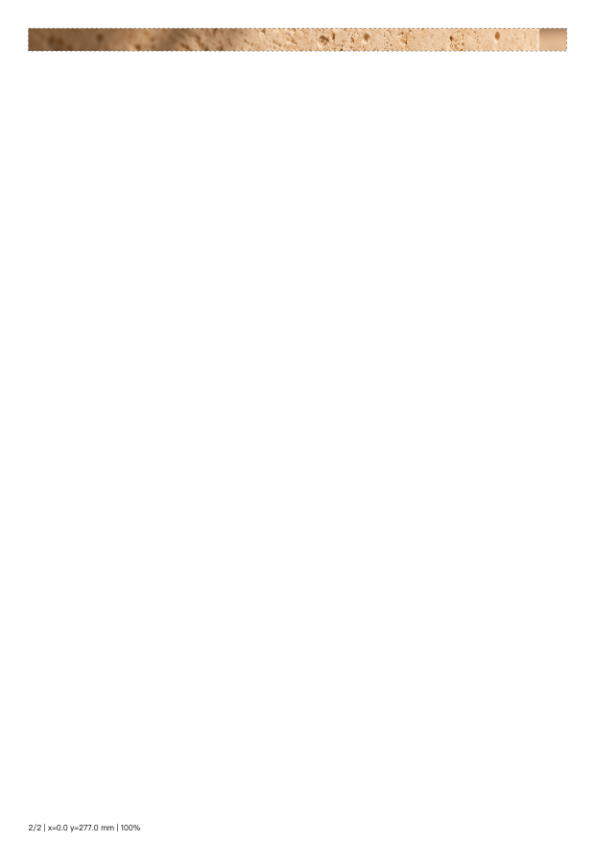
Perfume shop display
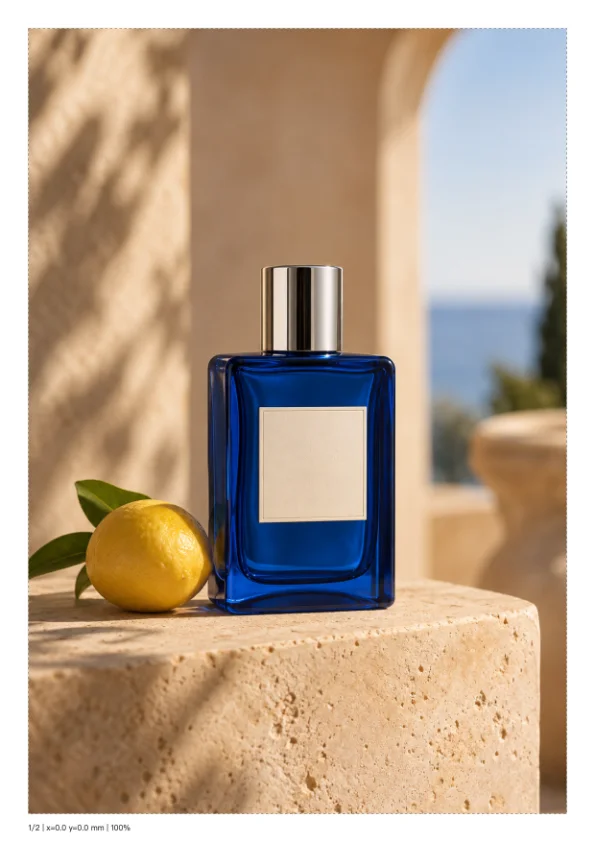
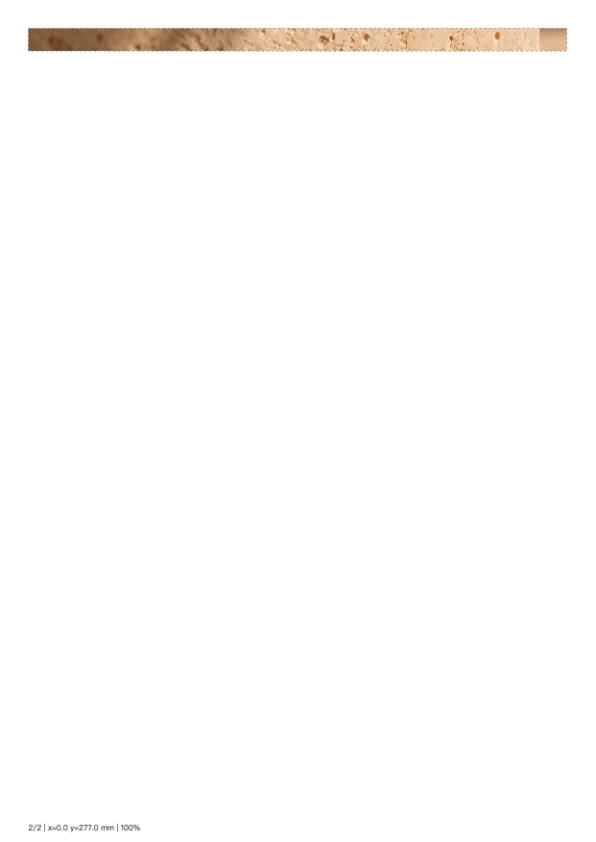
Print a 190 × 285 mm perfume display using two sheets without overlap; the second sheet contains the remaining bottom strip.

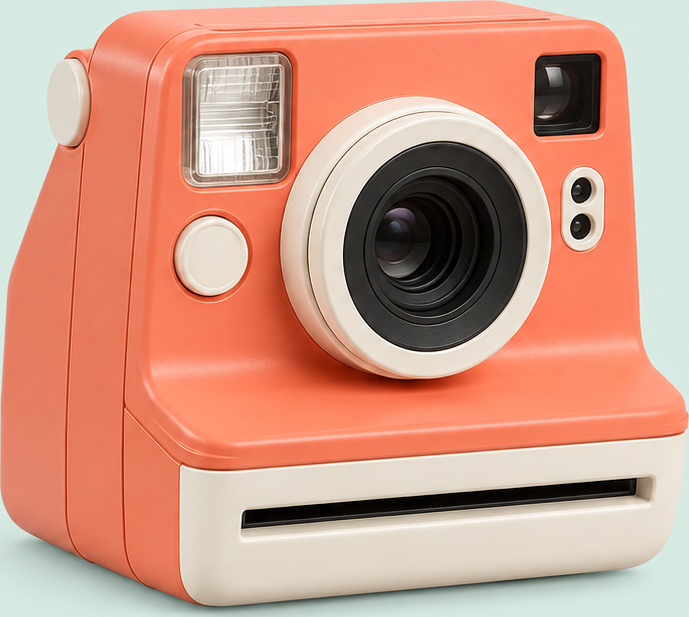
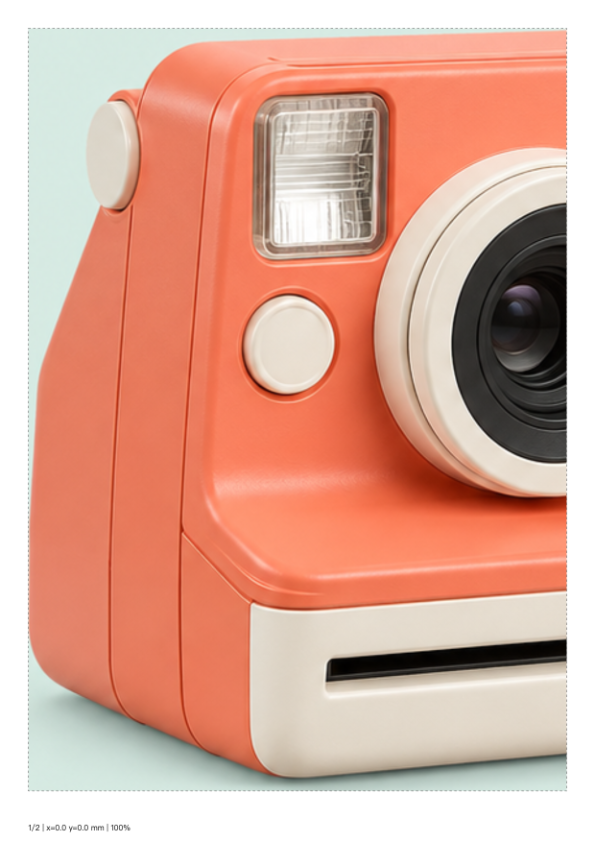
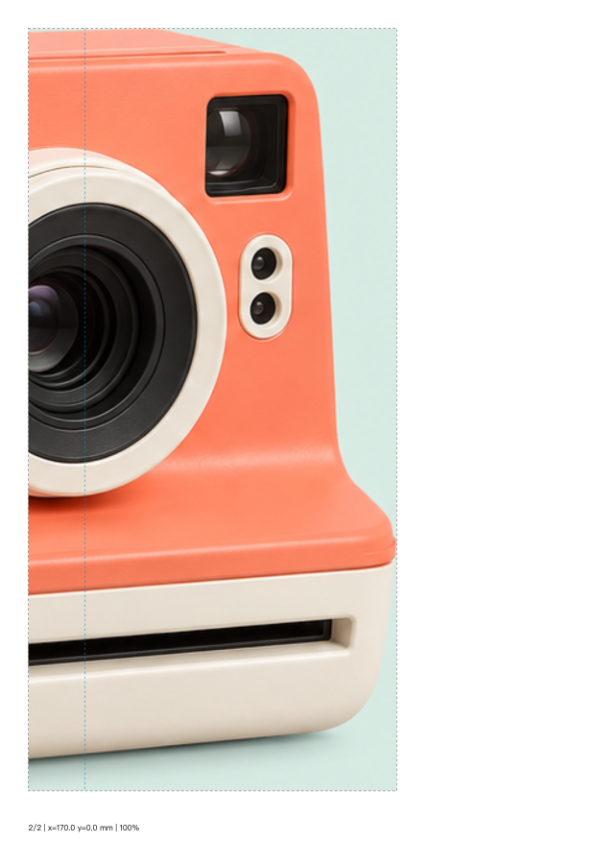
Trimmed camera display
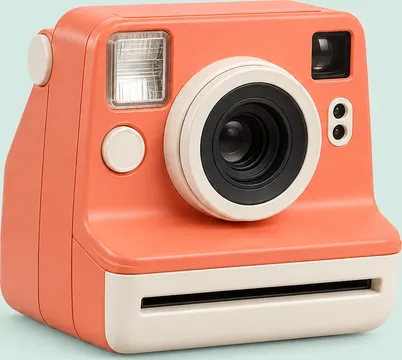
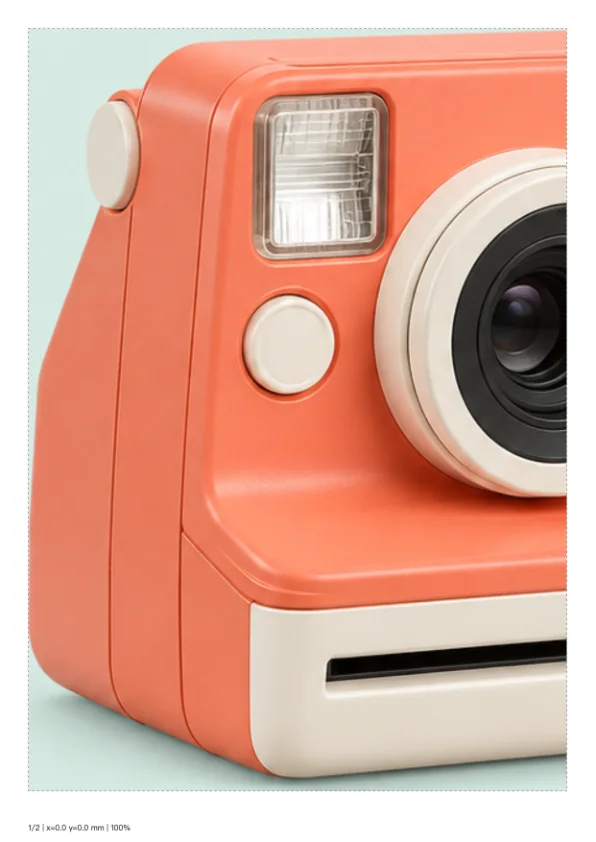
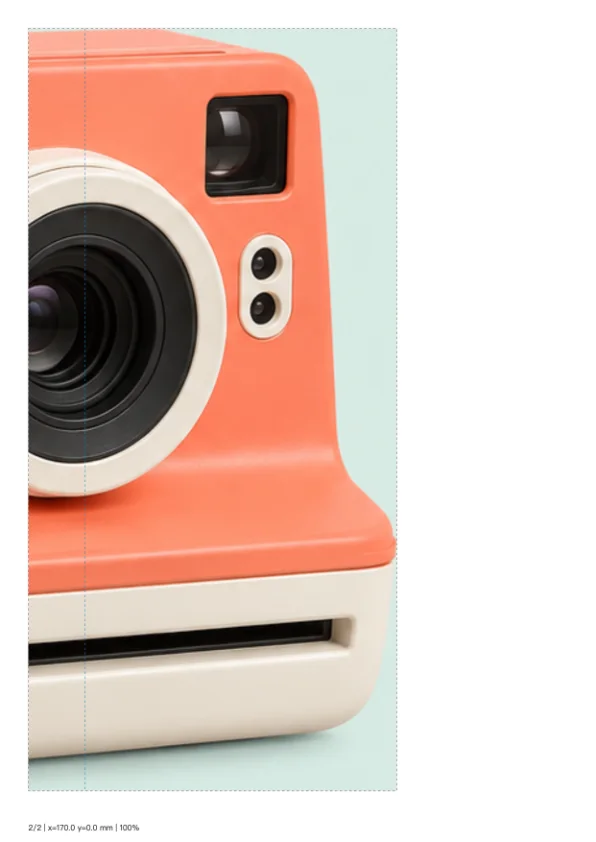
Reuse the actual auto-crop output of an AI camera illustration to print a 300 × 269 mm display across two A4 sheets with 20 mm overlap, avoiding unnecessary background-only pages.
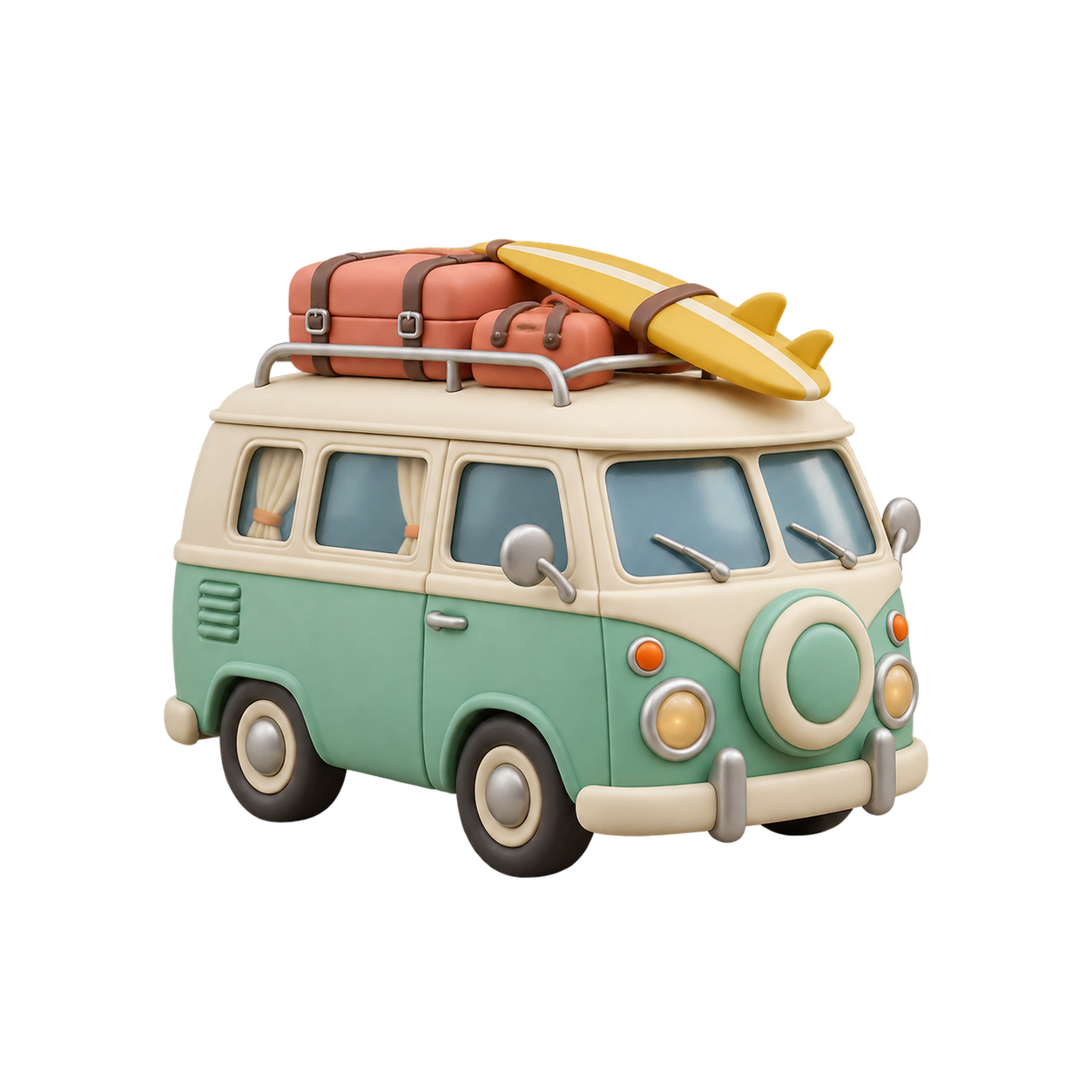
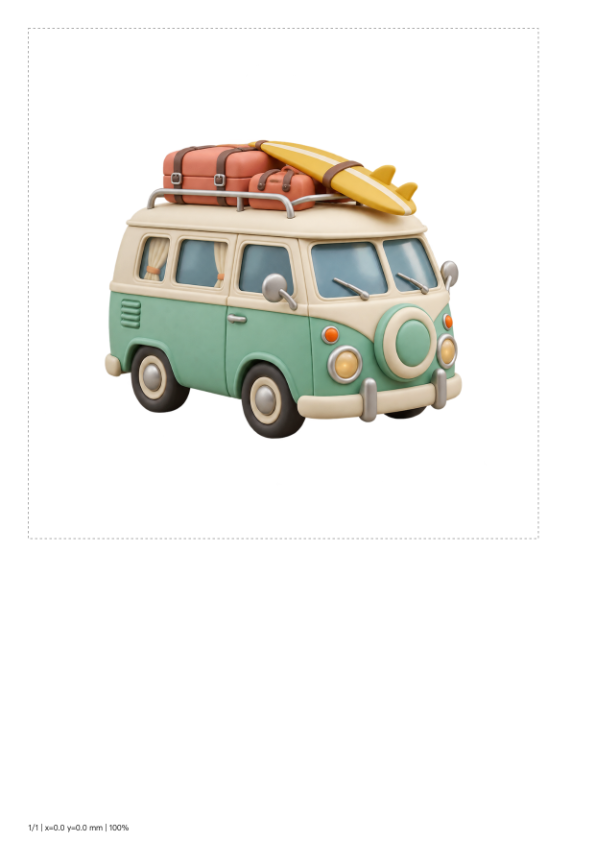
Camper wall art
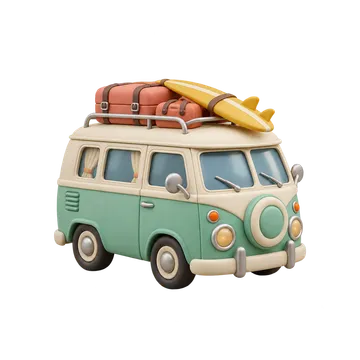
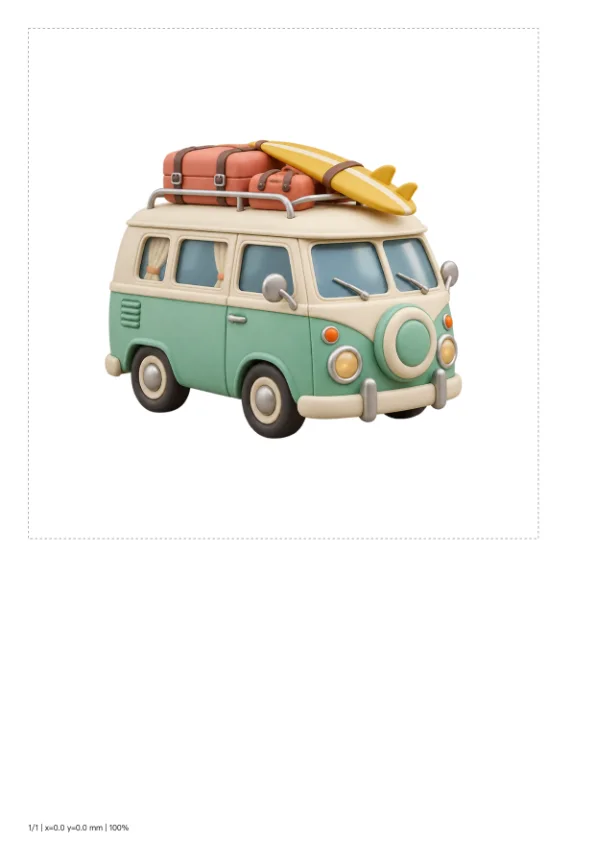
Print a 180 × 180 mm camper artwork on one A4 sheet. The transparent original is composited onto the white printable page.

What this tool does
Tiled Poster Print
Split an image across A4 pages at a chosen physical size, with overlap, guides and page numbers. Export a printable PDF.
Local processing
Selected files are processed in your browser without a file-upload step or account.
How to use
- Choose an image and set its finished size in millimeters
- Set overlap and inspect the page grid with fixed 10 mm margins
- Export PDF and print at 100% scale
Formats and limits
Print at actual size or 100%, not fit-to-page. Physical dimensions control layout; they do not add source-image detail.
Frequently asked questions
Are my files uploaded?
No. Processing happens on your device. The website, fonts and dependencies may still use the network; offline use is not guaranteed.
Will my original files change?
No. Results are downloaded as new files. The batch renamer also writes copies when exporting to a folder.
What are the limitations?
Print at actual size or 100%, not fit-to-page. Physical dimensions control layout; they do not add source-image detail.