
6 real use cases
Choose a use case, download its inputs and try the listed settings in the tool above. Compare your work with the actual exported result.
Solid illustration alpha
Export the inspection view to examine the subject and gaps. The inspection PNG itself is opaque.


Leaf gaps on checkerboard
Export the inspection view to examine the subject and gaps. The inspection PNG itself is opaque.


Fine antennae on white
Export the inspection view to examine the subject and gaps. The inspection PNG itself is opaque.


Glass on black
Inspect the glass outline and transparent space on black. Most of this source bottle is nearly opaque; the view preserves that property.


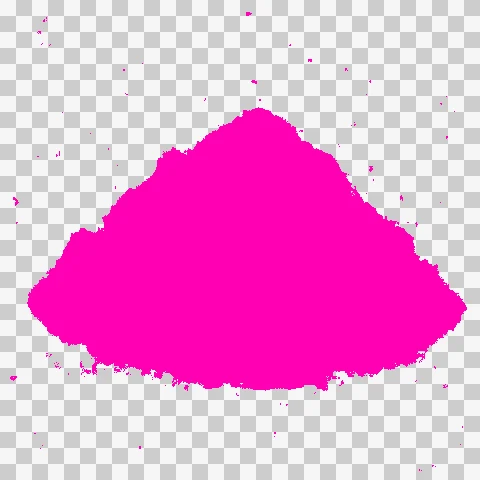
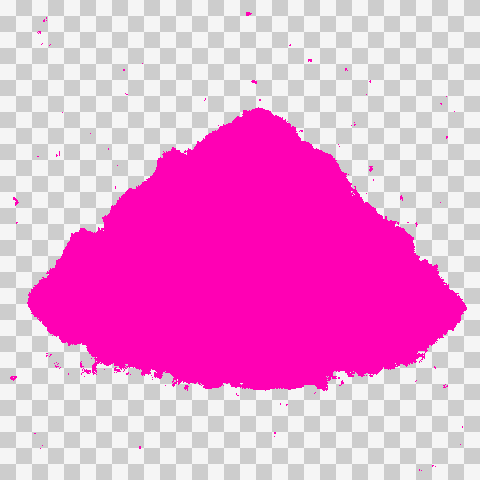
Highlight cloud translucency
Pink marks every translucent pixel. This generated cloud is translucent throughout, so the whole subject is highlighted, including faint stray pixels around it.

Ribbon loop alpha
Export the inspection view to examine the subject and gaps. The inspection PNG itself is opaque.













What this tool does
Alpha Channel Checker
Inspect transparent artwork on black, white or checkerboard backgrounds. View alpha and highlight translucent pixels.
Local processing
Selected files are processed in your browser without a file-upload step or account.
How to use
- Choose an image with transparency
- Switch background, alpha or translucency view
- Zoom in and export the diagnostic view
Formats and limits
Inspects existing alpha information; it cannot recover lost transparency. Diagnostic exports do not automatically repair edge fringes.
Frequently asked questions
Are my files uploaded?
No. Processing happens on your device. The website, fonts and dependencies may still use the network; offline use is not guaranteed.
Will my original files change?
No. Results are downloaded as new files. The batch renamer also writes copies when exporting to a folder.
What are the limitations?
Inspects existing alpha information; it cannot recover lost transparency. Diagnostic exports do not automatically repair edge fringes.