
6 real use cases
Choose a use case, download its inputs and try the listed settings in the tool above. Compare your work with the actual exported result.
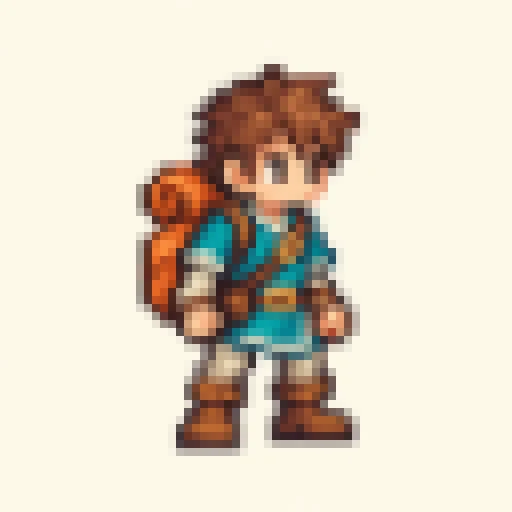
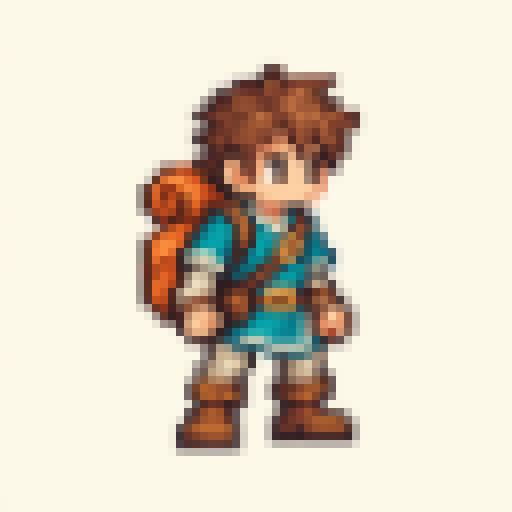
Game character: preserve sprite edges
Enlarge a real low-resolution input by an integer factor, preserving source RGBA without smoothing.

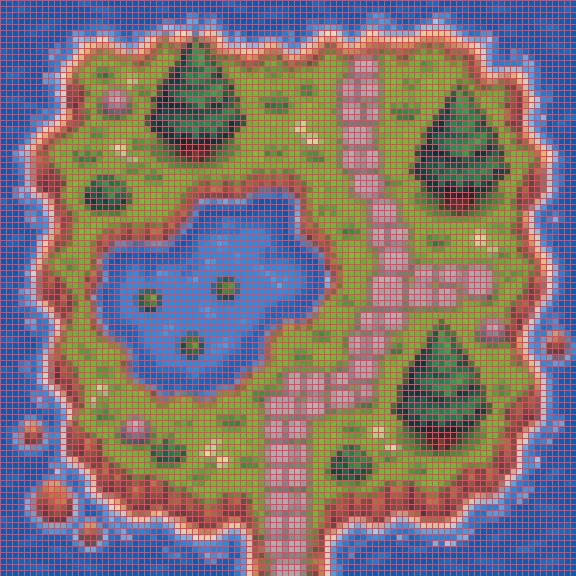
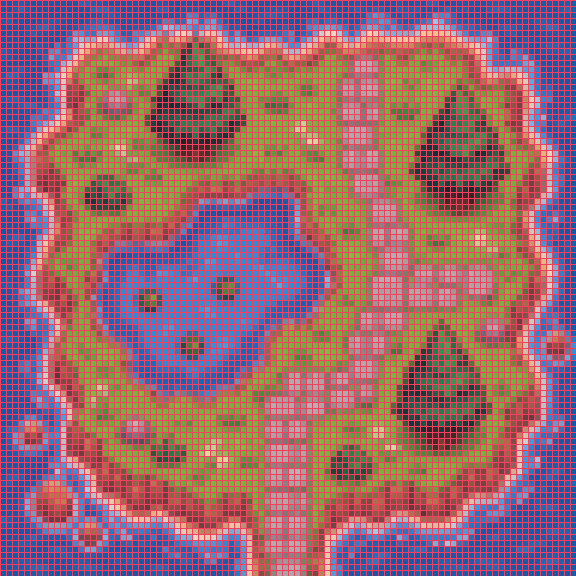
Terrain tile: inspect the pixel grid
Enlarge terrain artwork with a pixel grid to inspect paths, grass and water boundaries.

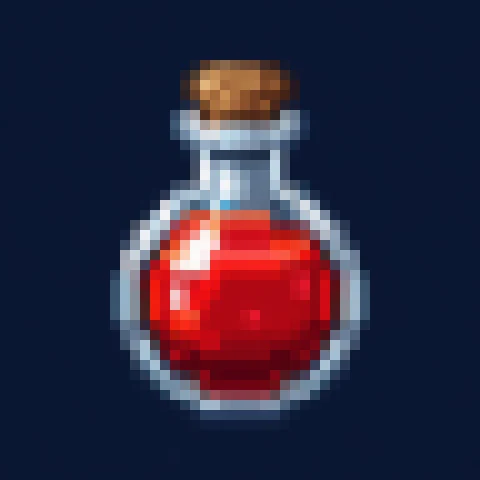
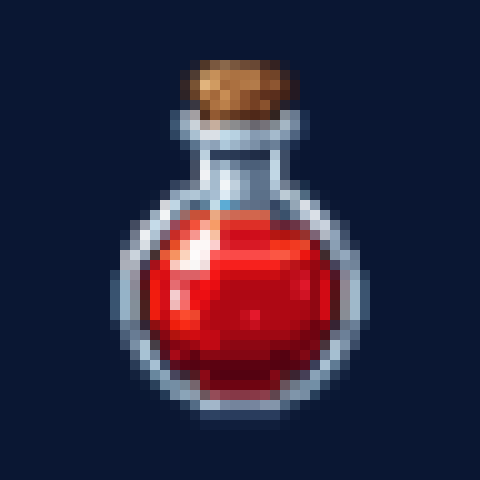
Inventory icon: enlarge a tiny potion
Enlarge a real low-resolution input by an integer factor, preserving source RGBA without smoothing.

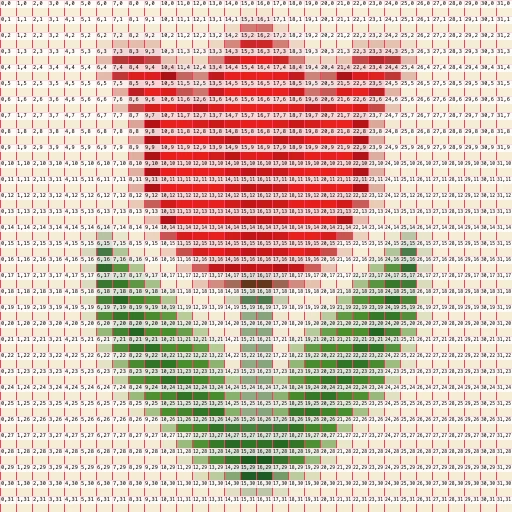
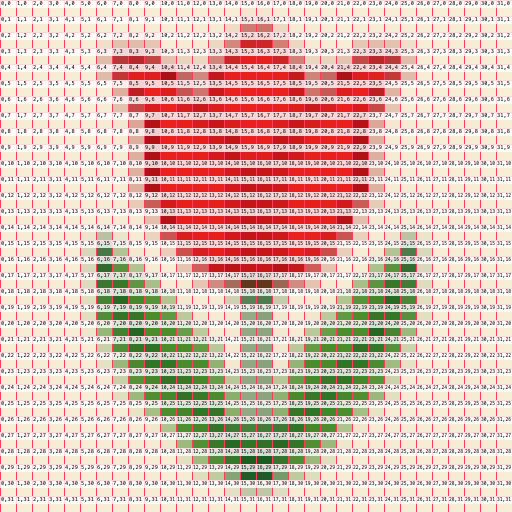
Embroidery pattern: show pixel coordinates
Enlarge a 32-pixel tulip pattern with a grid and zero-based coordinates for counting cells.

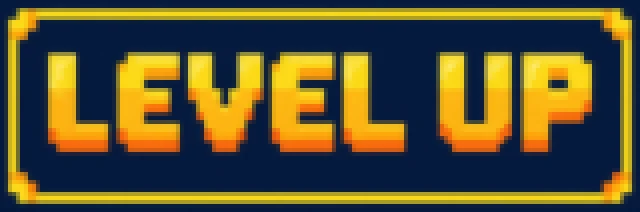
Pixel lettering: display a crisp plaque
Enlarge a real low-resolution input by an integer factor, preserving source RGBA without smoothing.

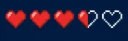
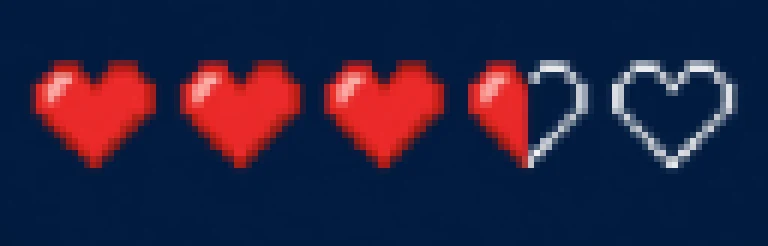
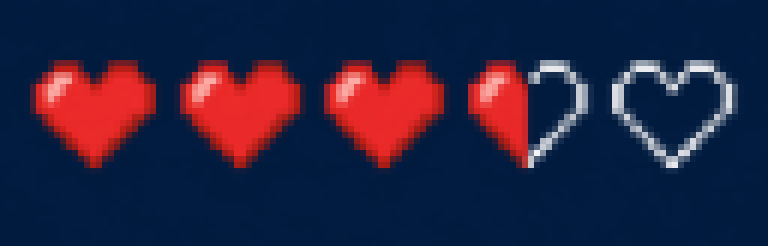
Game HUD: enlarge health indicators
Enlarge a real low-resolution input by an integer factor, preserving source RGBA without smoothing.





What this tool does
Pixel Art Scaler
Enlarge pixel art at integer scales with crisp edges and original colors. Add optional grids and coordinates, then export PNG.
Local processing
Selected files are processed in your browser without a file-upload step or account.
How to use
- Choose pixel artwork
- Set an integer scale and optional grid or coordinates
- Inspect the crisp edges and download PNG
Formats and limits
Does not turn photos into AI pixel art. Grids and coordinates are optional output annotations. Canvas limits still apply.
Frequently asked questions
Are my files uploaded?
No. Processing happens on your device. The website, fonts and dependencies may still use the network; offline use is not guaranteed.
Will my original files change?
No. Results are downloaded as new files. The batch renamer also writes copies when exporting to a folder.
What are the limitations?
Does not turn photos into AI pixel art. Grids and coordinates are optional output annotations. Canvas limits still apply.