
6 个真实使用场景
从你的用途出发挑选示例。下载输入,按所列参数在上方工具中尝试,再对照实际导出的结果。
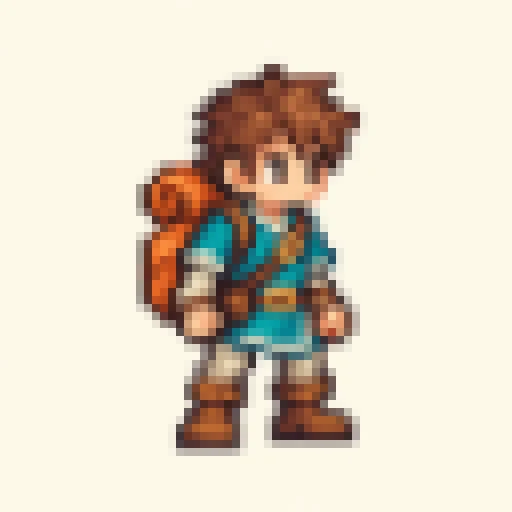
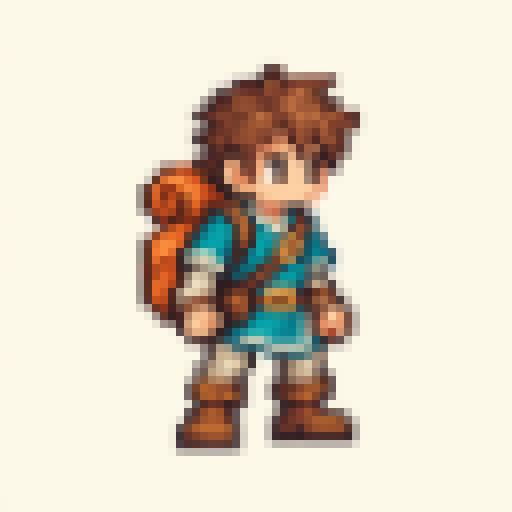
游戏人物:保留精灵轮廓
把真实低分辨率输入按整数倍放大,每个源像素保持原来的RGBA,不添加平滑插值。

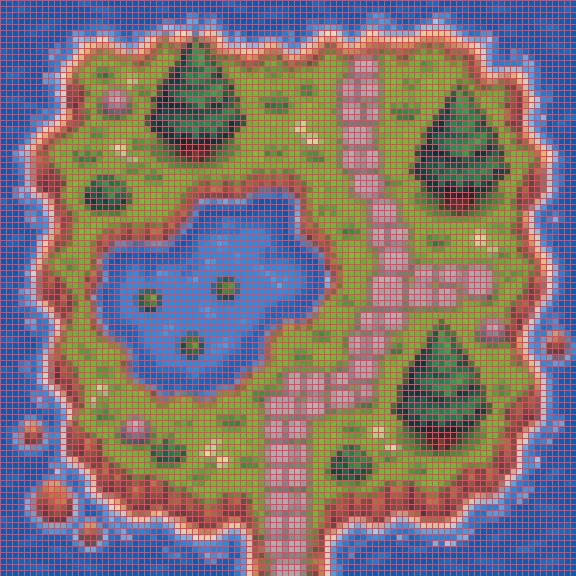
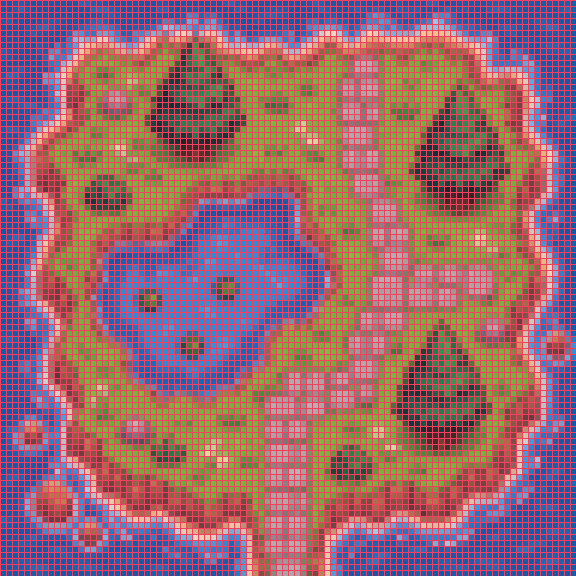
地形瓦片:核对像素网格
放大地形素材并显示像素网格,检查瓦片中的路径、草地与水面边界。

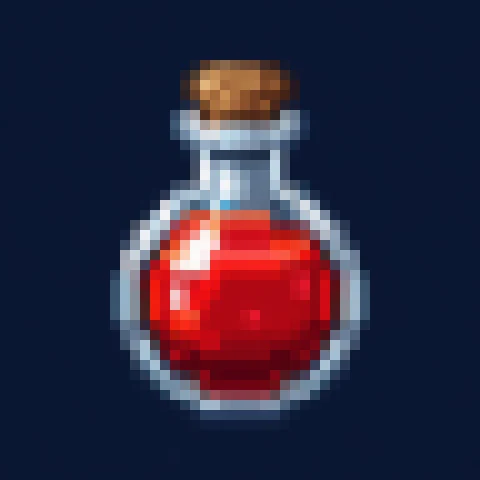
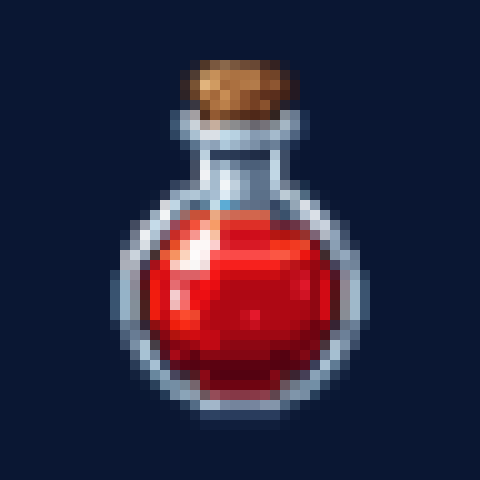
道具图标:放大细小药水瓶
把真实低分辨率输入按整数倍放大,每个源像素保持原来的RGBA,不添加平滑插值。

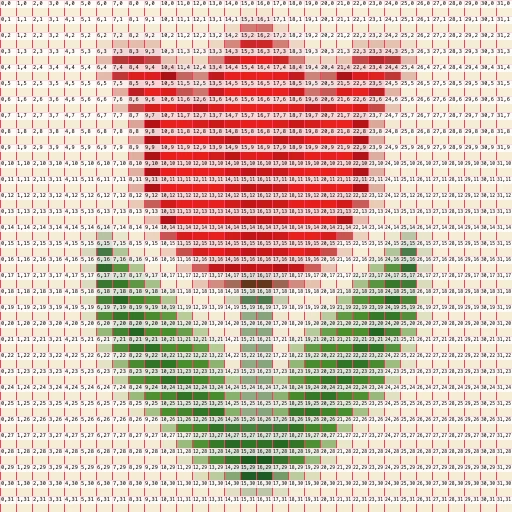
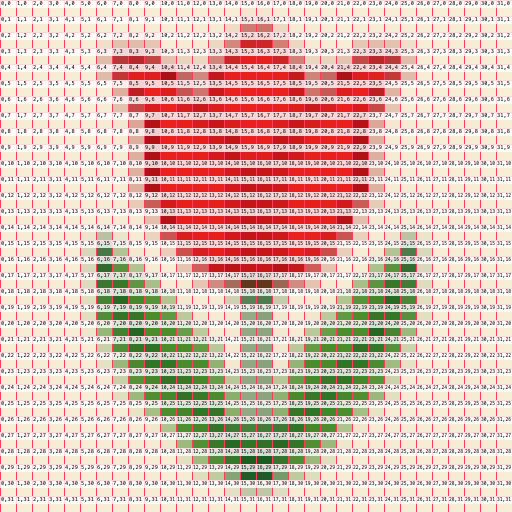
刺绣图案:显示像素坐标
把32像素宽的郁金香图案放大,导出网格和从0开始的坐标,便于数格。

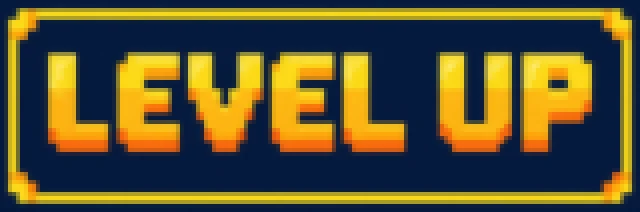
像素字体:清晰展示铭牌
把真实低分辨率输入按整数倍放大,每个源像素保持原来的RGBA,不添加平滑插值。

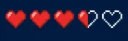
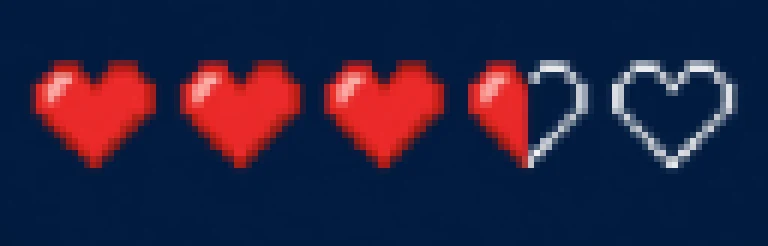
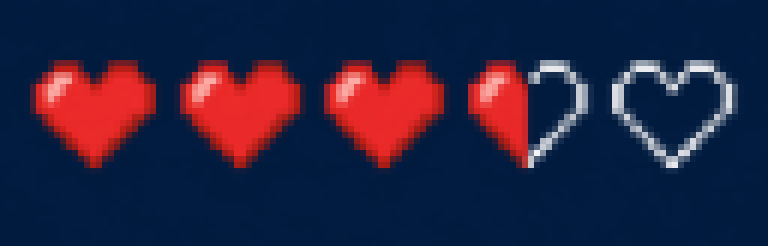
游戏界面:放大生命值图标
把真实低分辨率输入按整数倍放大,每个源像素保持原来的RGBA,不添加平滑插值。





What this tool does
Pixel Art Scaler
Enlarge pixel art at integer scales with crisp edges and original colors. Add optional grids and coordinates, then export PNG.
Local processing
Selected files are processed in your browser without a file-upload step or account.
How to use
- Choose pixel artwork
- Set an integer scale and optional grid or coordinates
- Inspect the crisp edges and download PNG
Formats and limits
Does not turn photos into AI pixel art. Grids and coordinates are optional output annotations. Canvas limits still apply.
Frequently asked questions
Are my files uploaded?
No. Processing happens on your device. The website, fonts and dependencies may still use the network; offline use is not guaranteed.
Will my original files change?
No. Results are downloaded as new files. The batch renamer also writes copies when exporting to a folder.
What are the limitations?
Does not turn photos into AI pixel art. Grids and coordinates are optional output annotations. Canvas limits still apply.