
6 个真实使用场景
从你的用途出发挑选示例。下载输入,按所列参数在上方工具中尝试,再对照实际导出的结果。
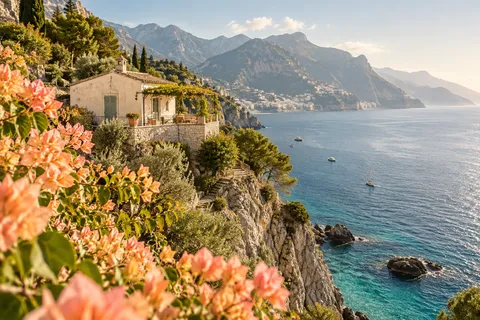
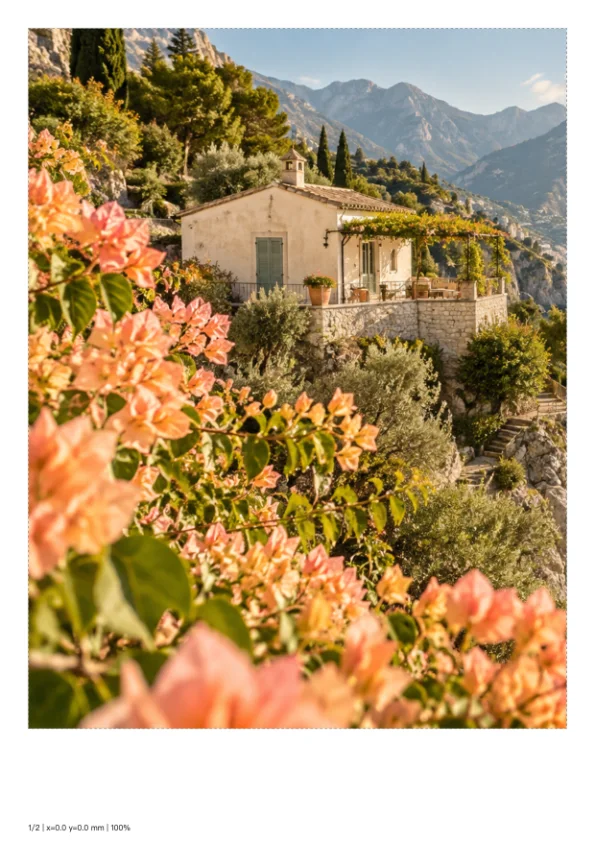
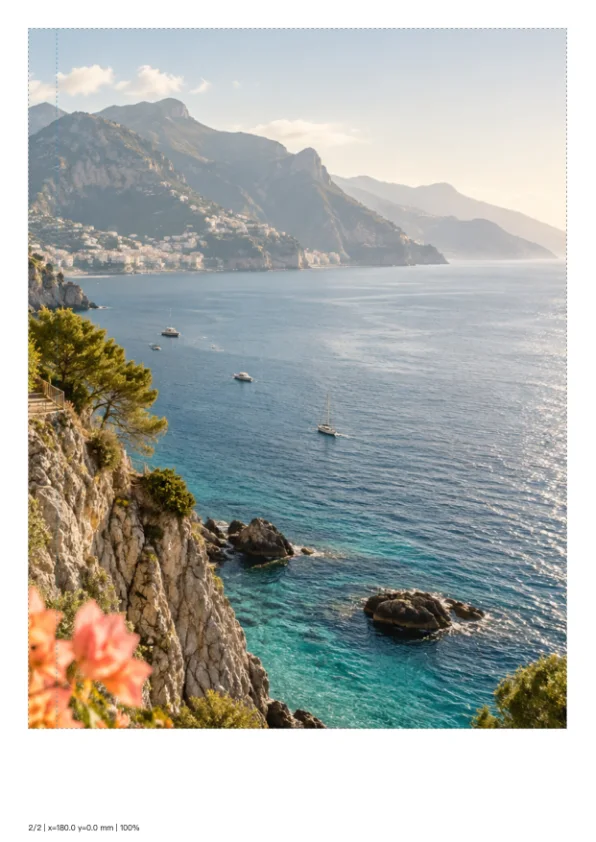
海岸横幅墙画
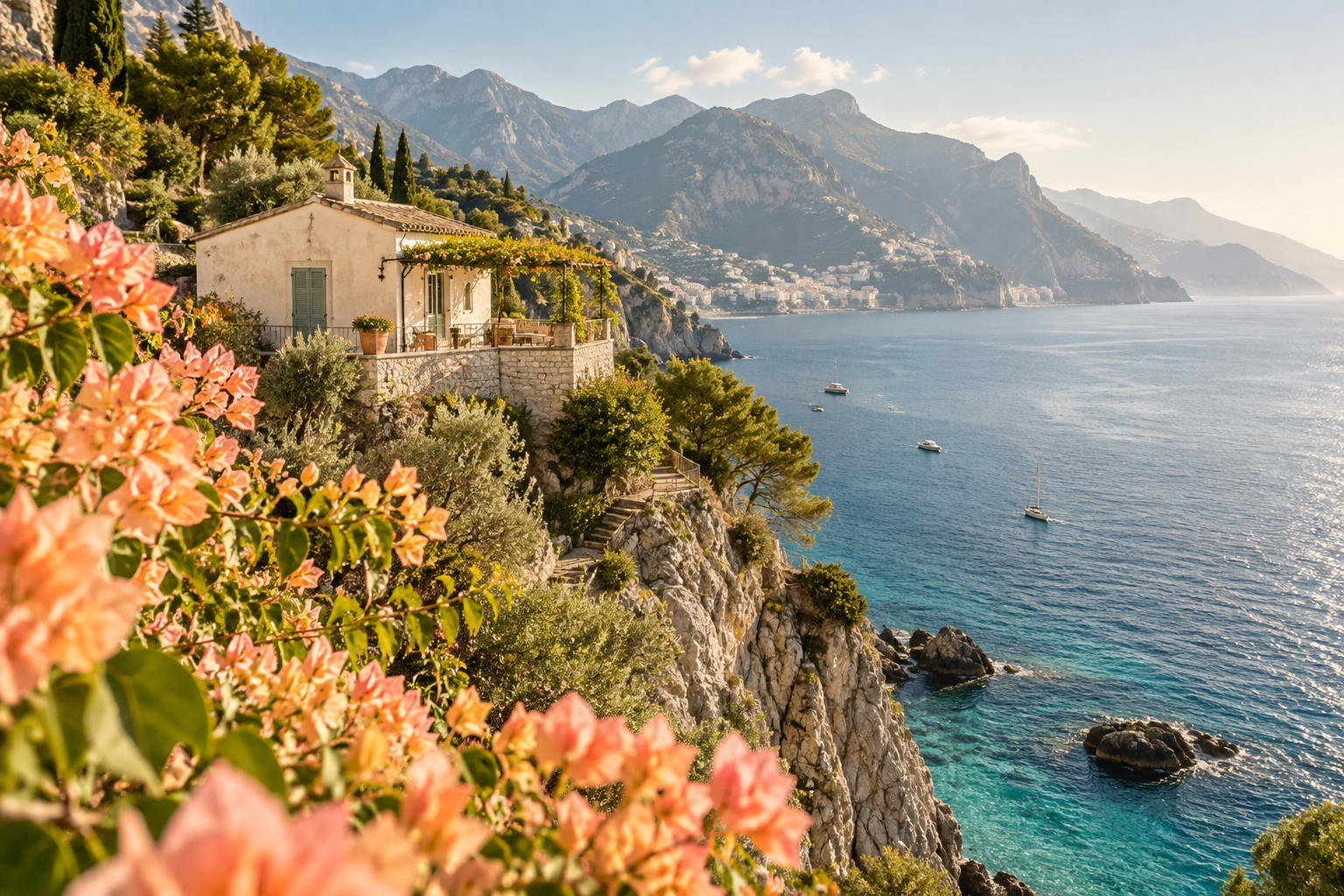
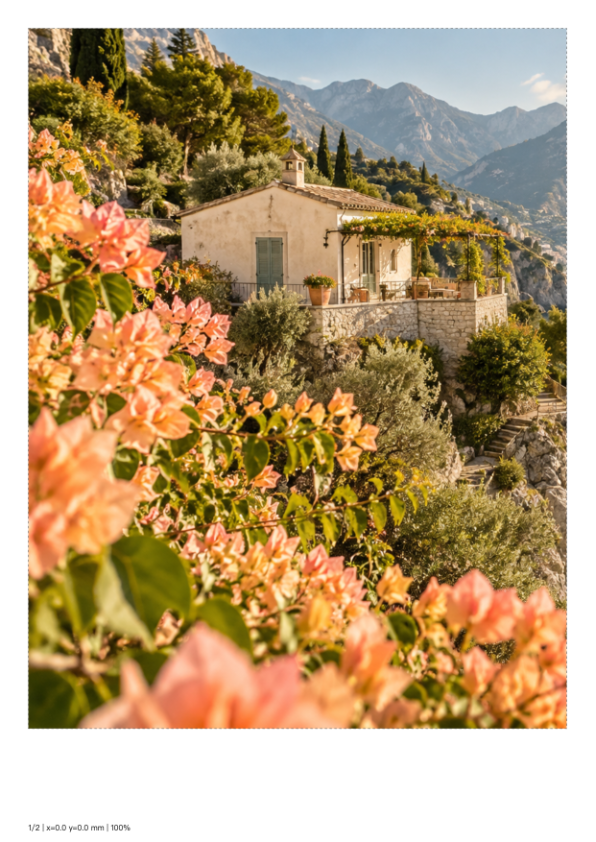
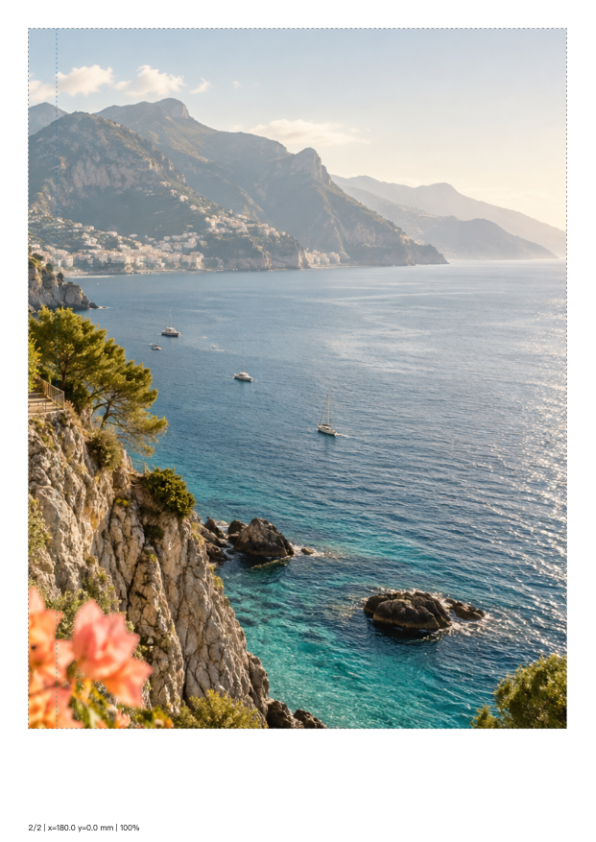
把海岸横幅按370×247毫米分成两张A4纸,保留10毫米重叠;打印时选择实际大小,再按页号拼接。
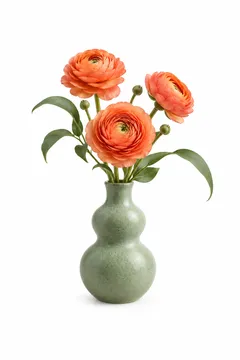
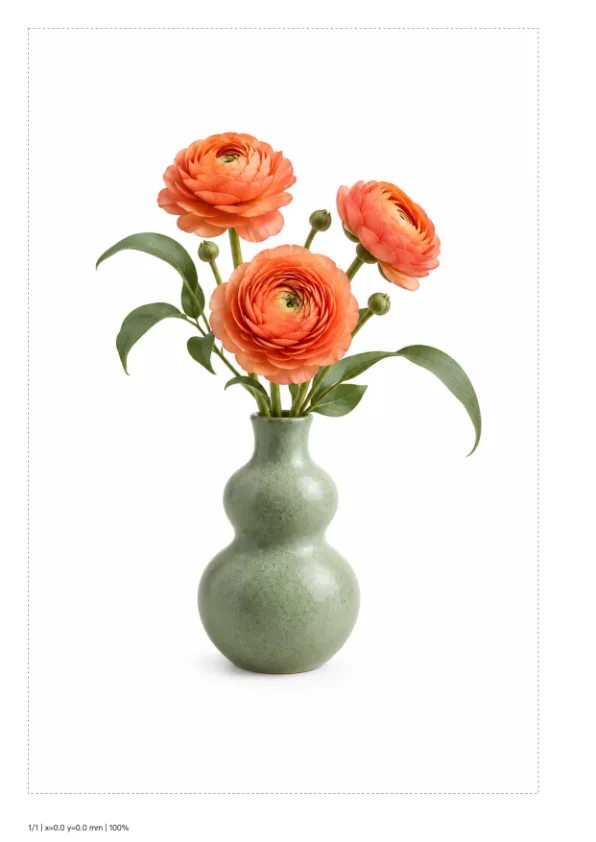
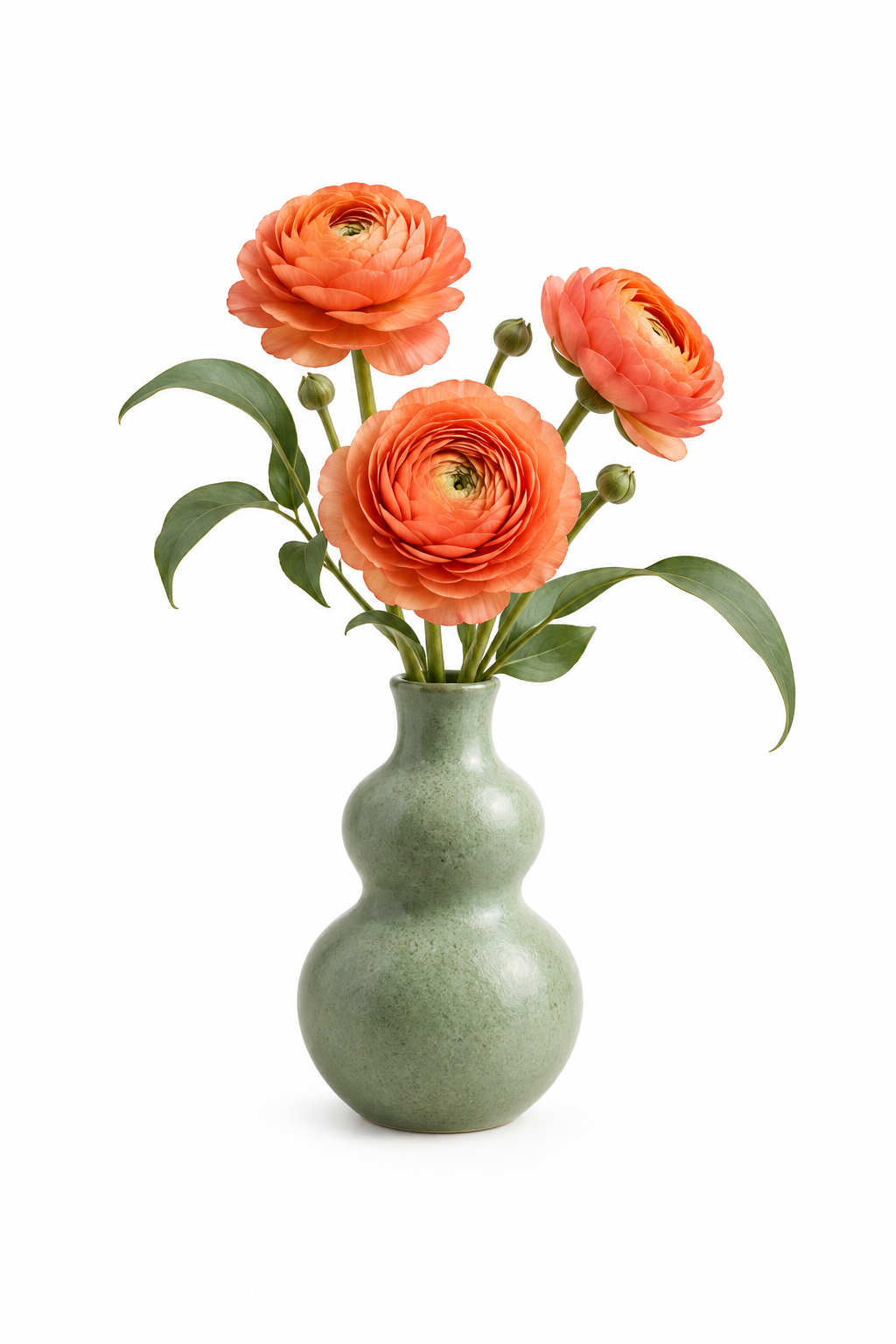
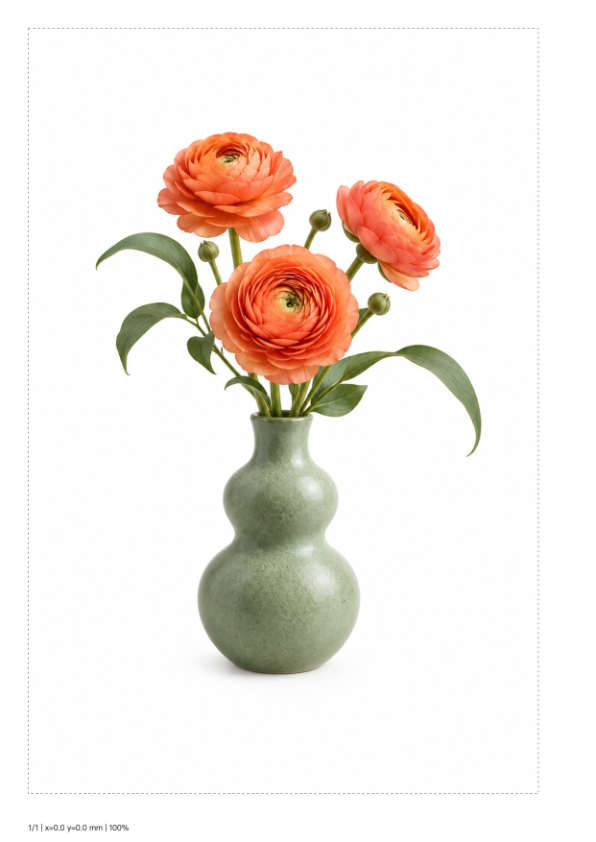
竖幅植物装饰
把竖幅花瓶按180×270毫米放在单张A4上,保留完整主体和原始白色留白。
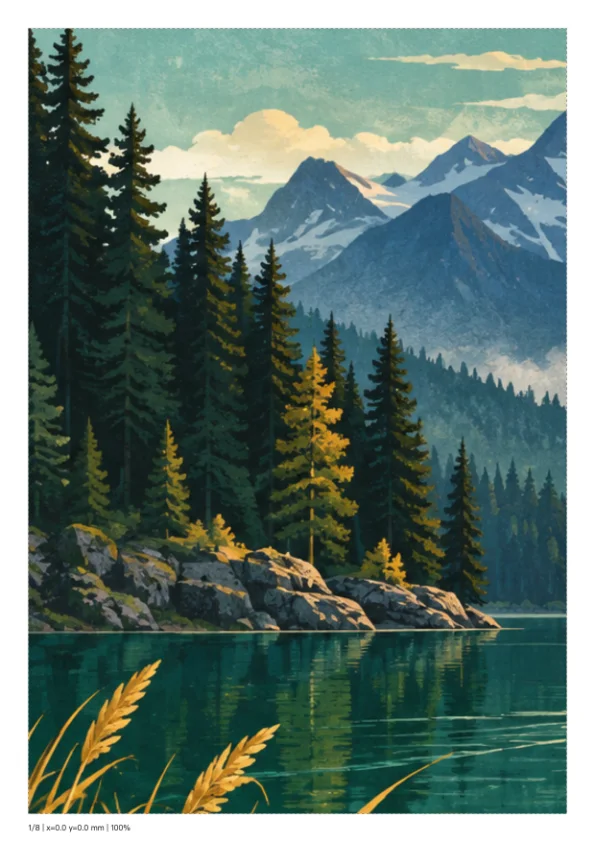
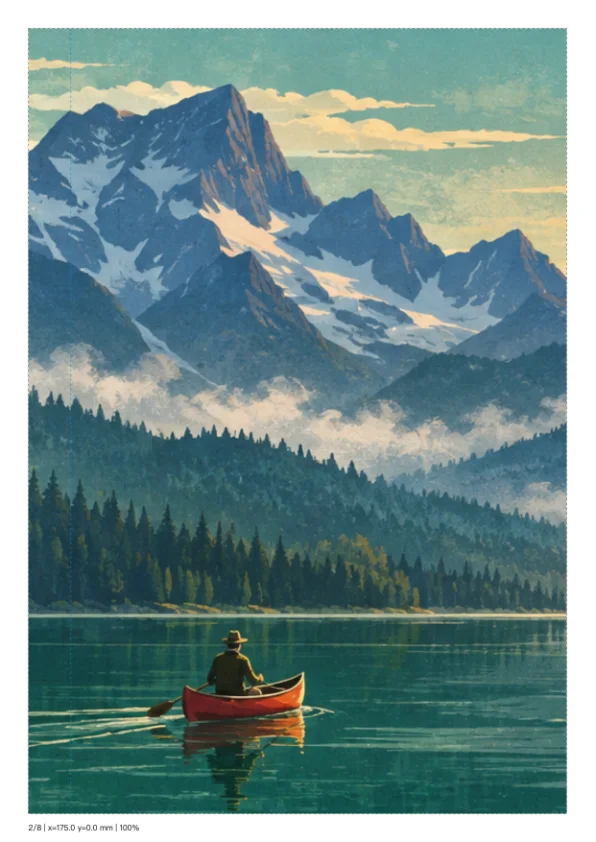
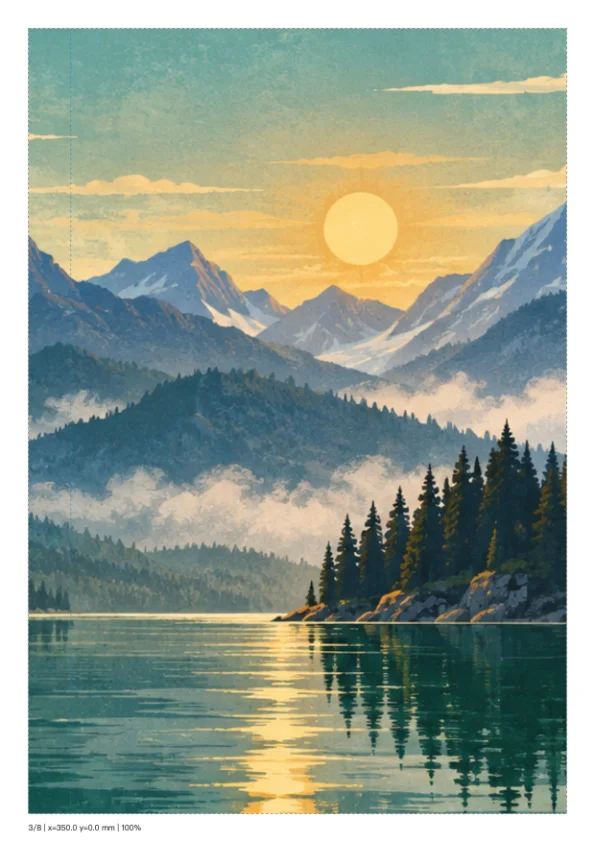
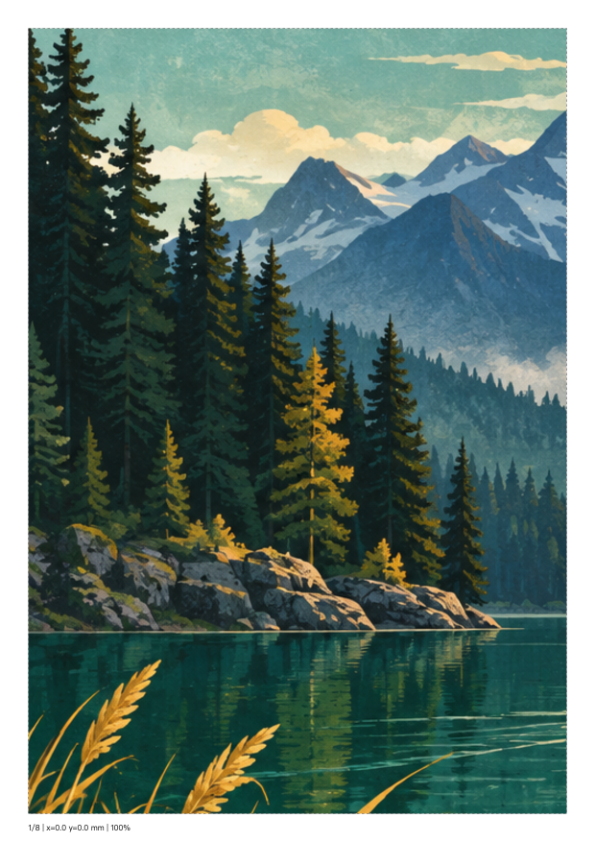
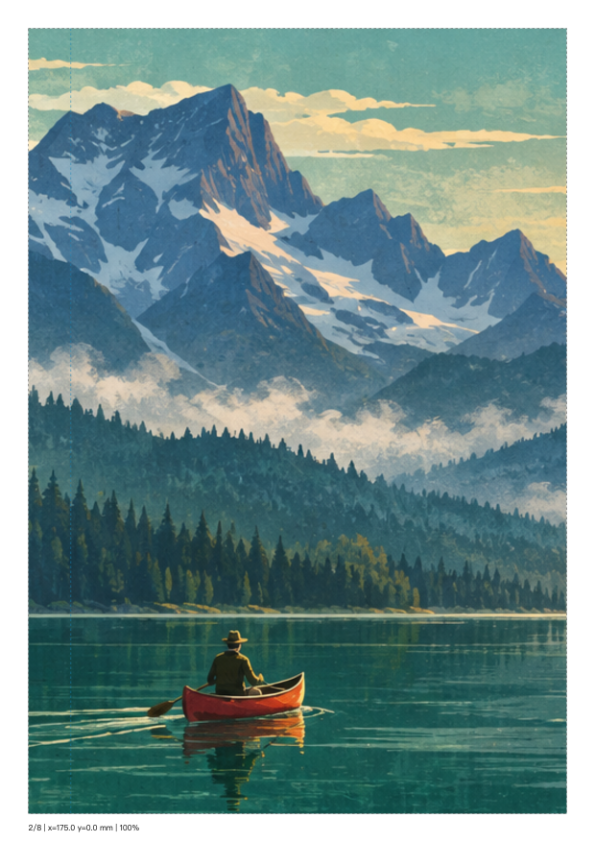
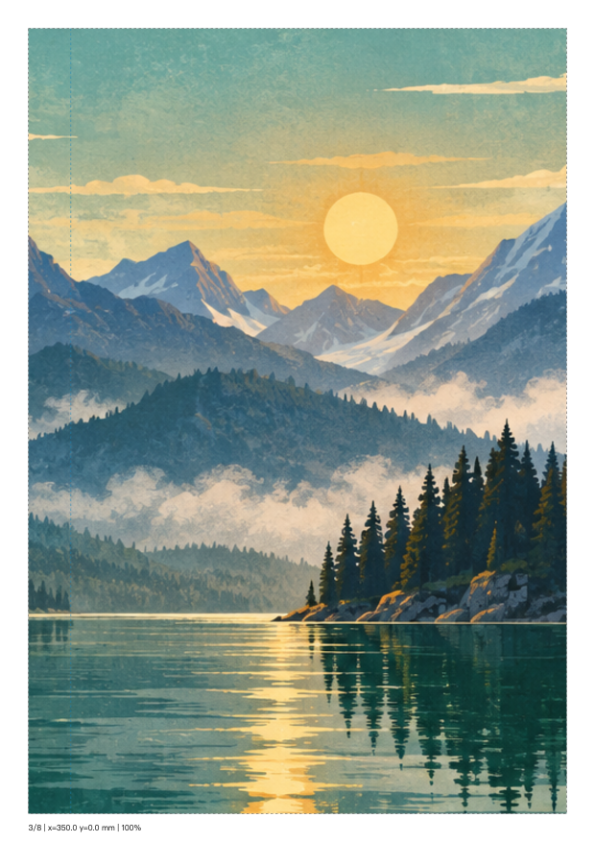
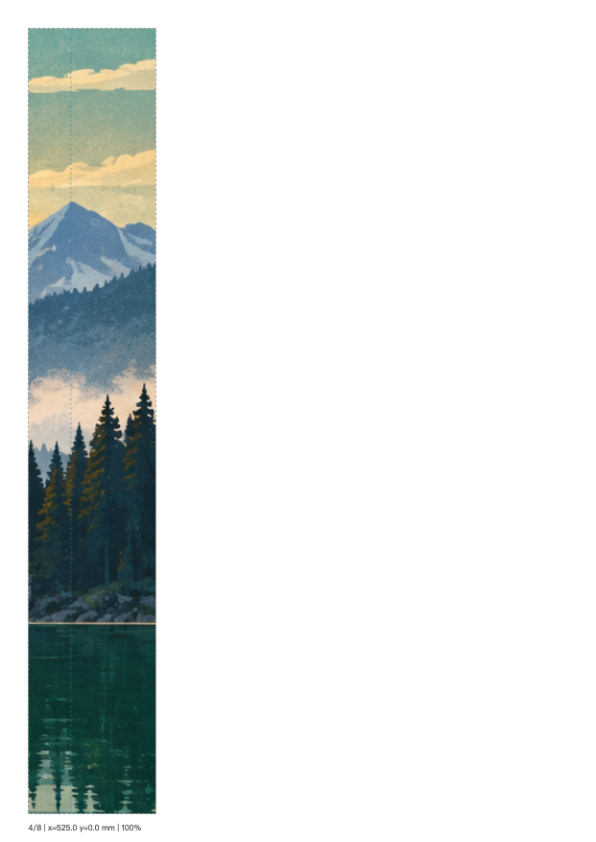
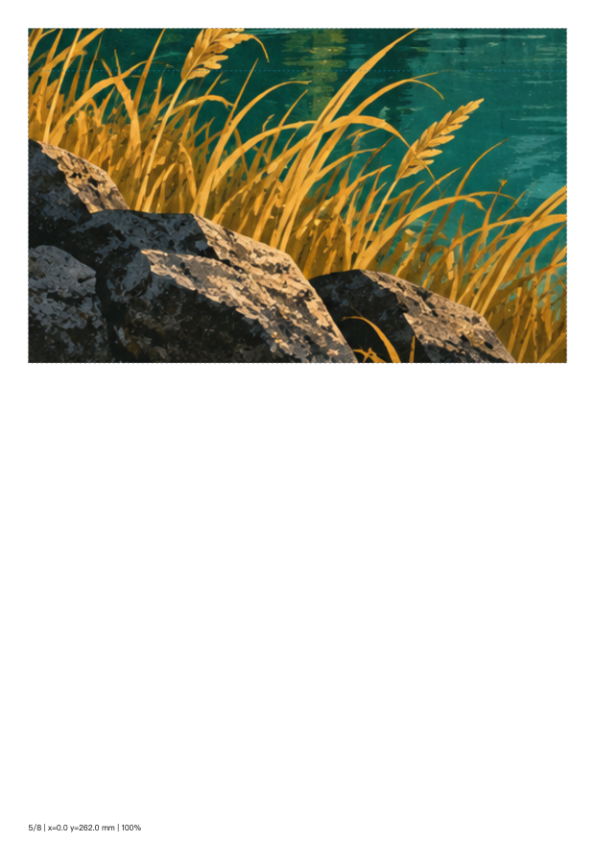
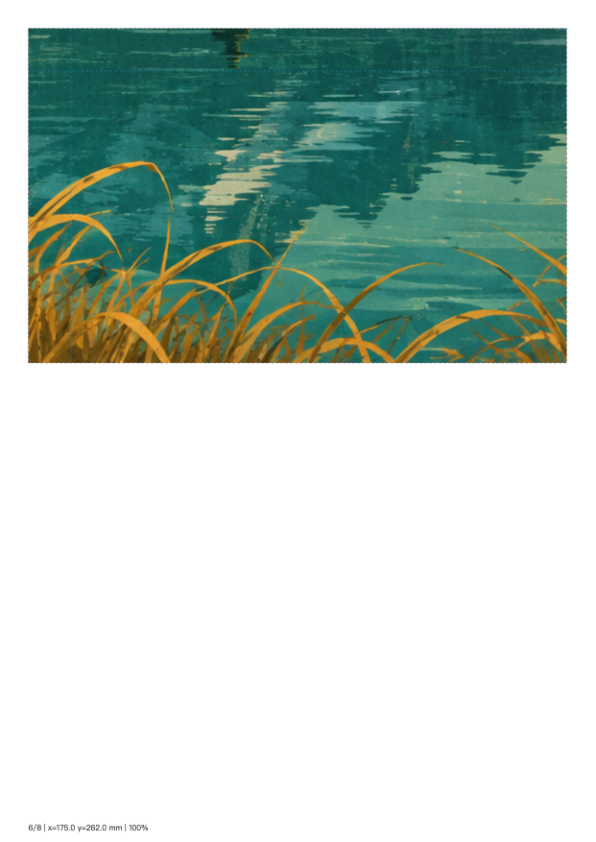
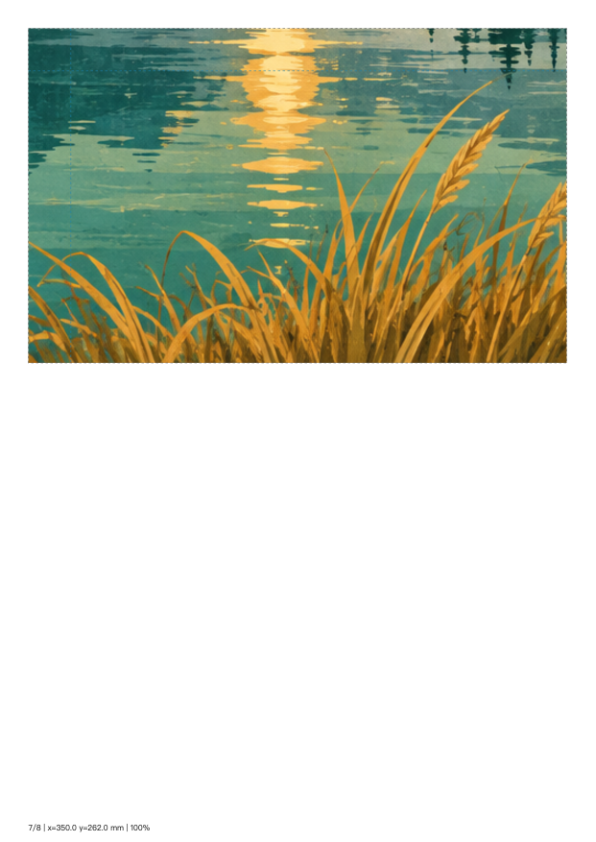
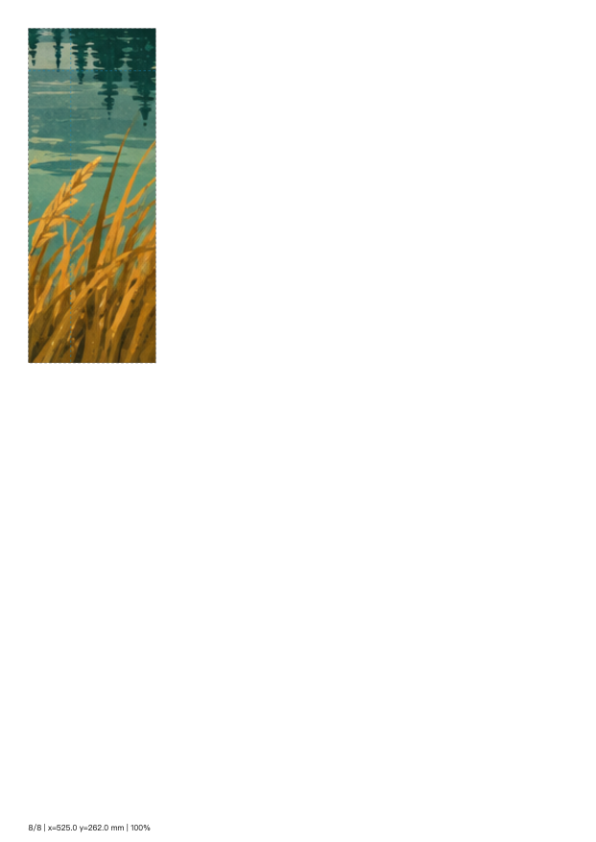
湖景展板
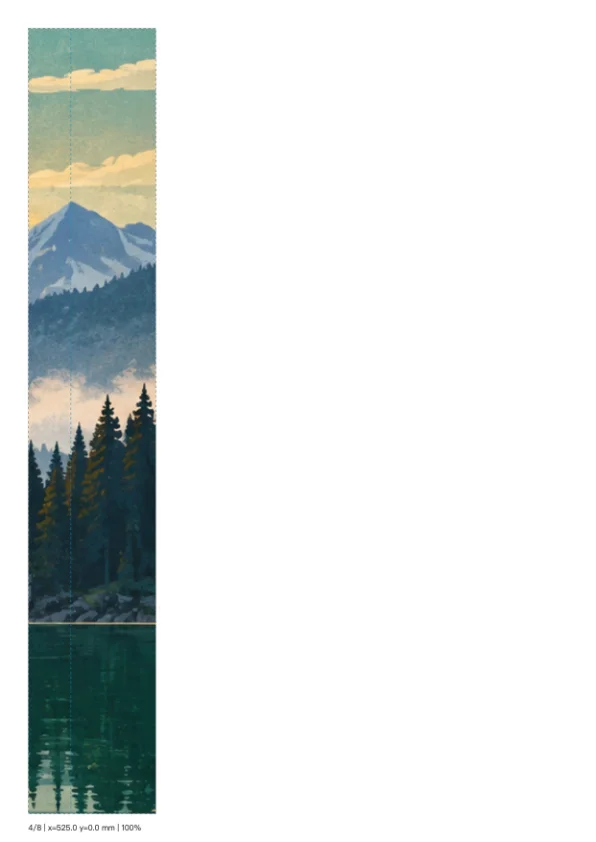
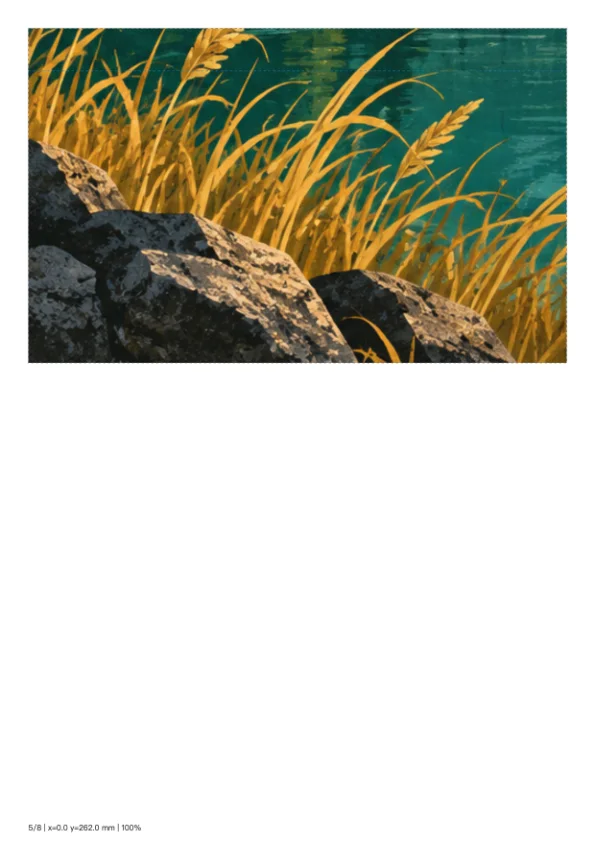
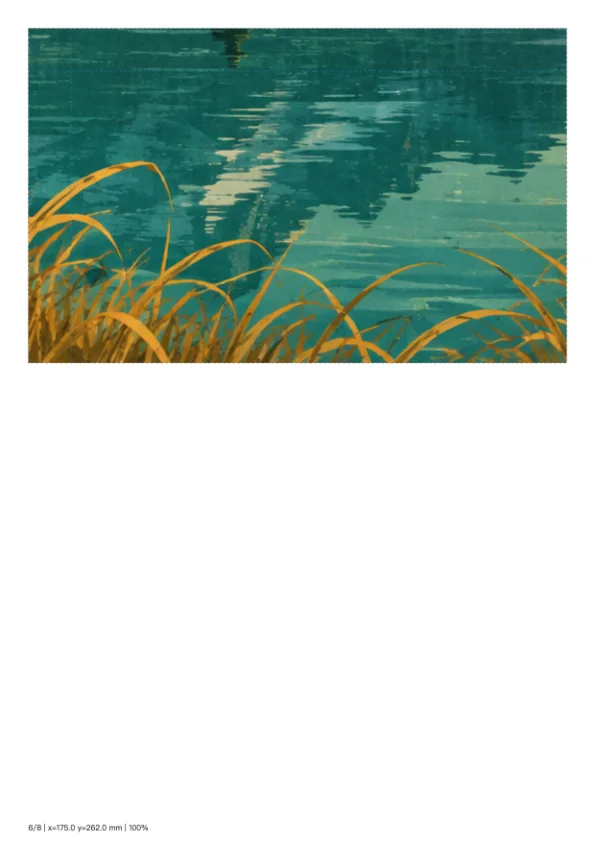
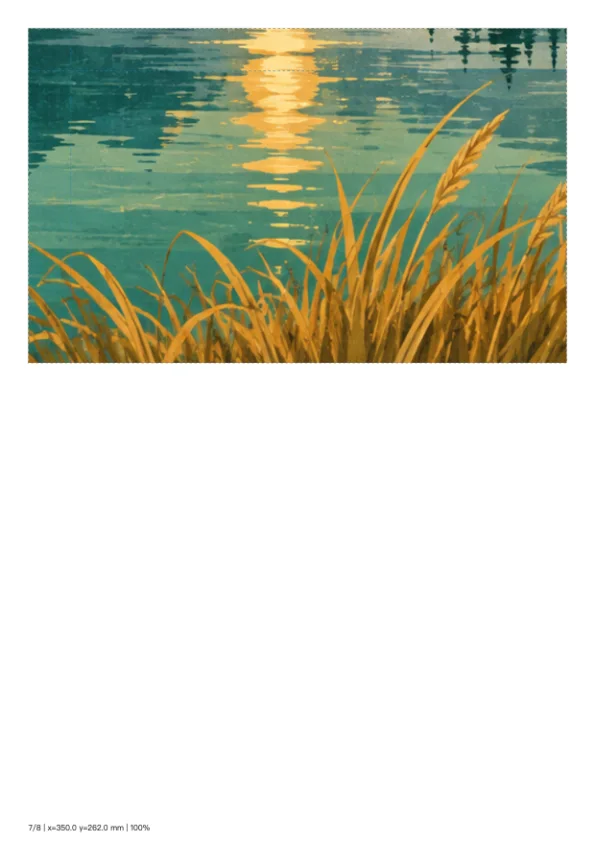
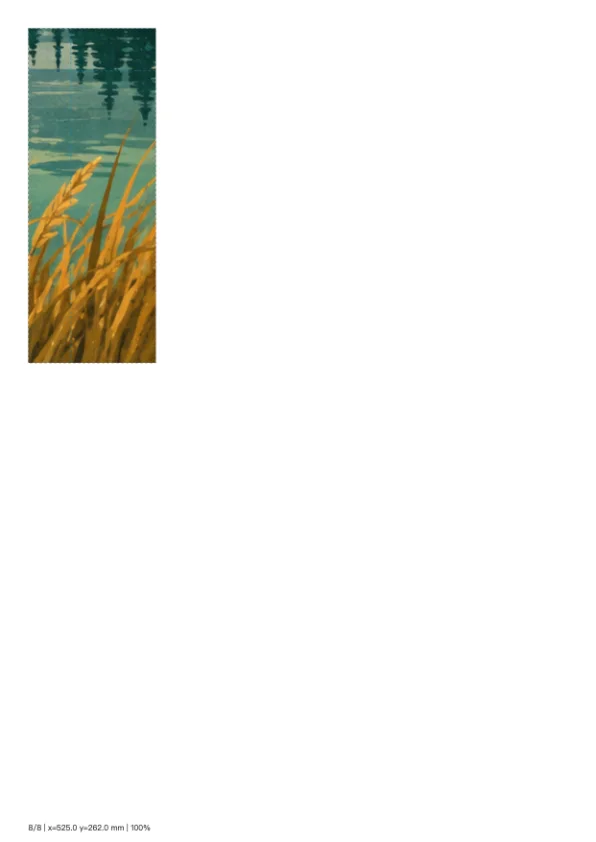
把湖景展板按570×380毫米分成八张A4,使用15毫米重叠;末列和下排按剩余图像大小保留。

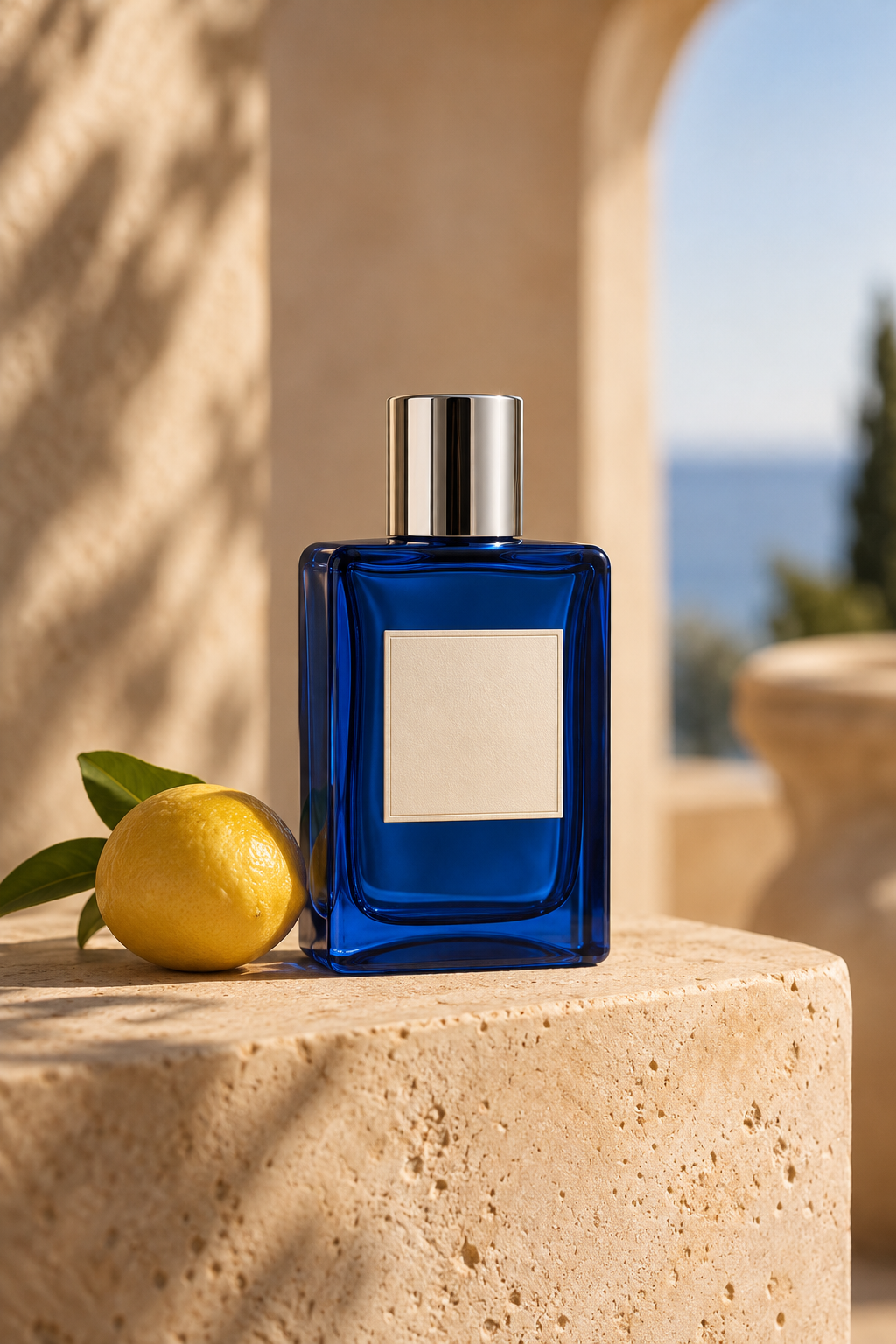
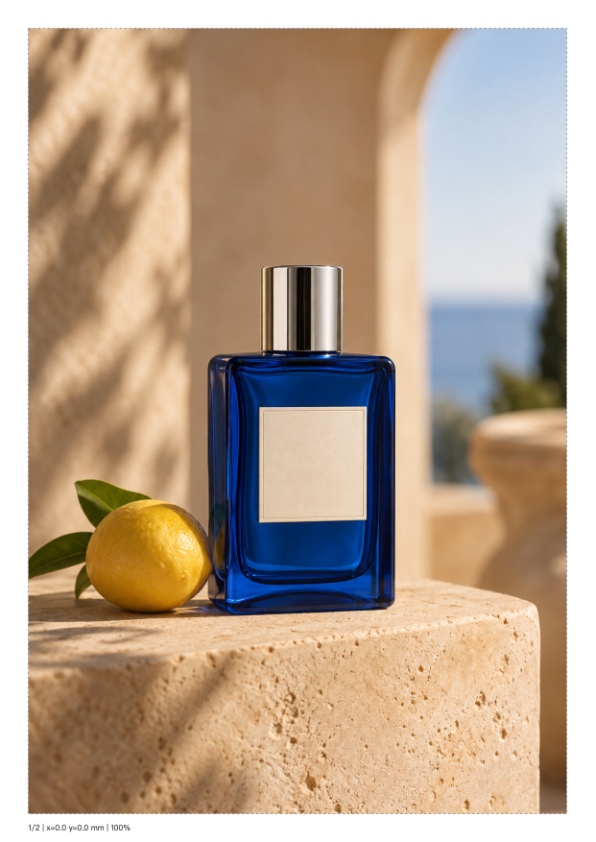
香水门店立牌
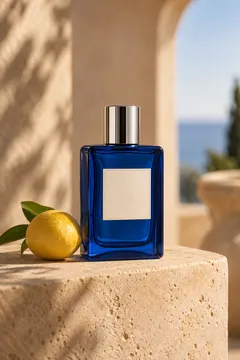
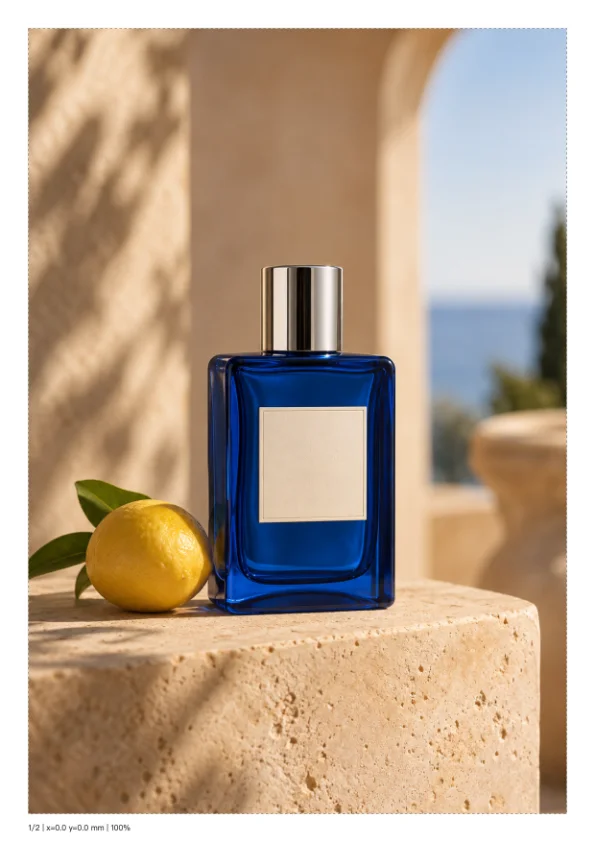
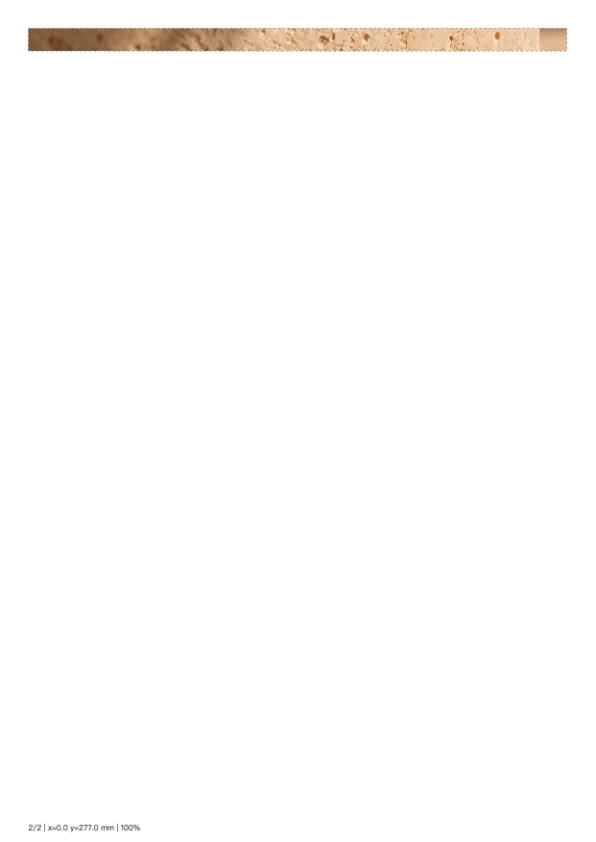
将190×285毫米香水立牌拆成两页且不加重叠;第二张仅含剩余8毫米底边,展示尺寸刚超一页时的真实结果。
相机展板:先去白边再打印
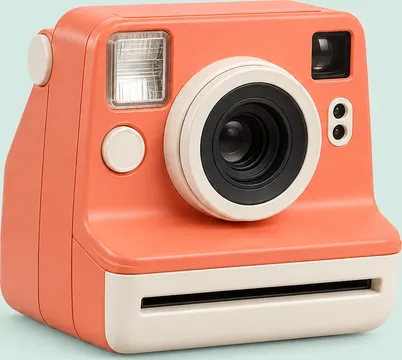
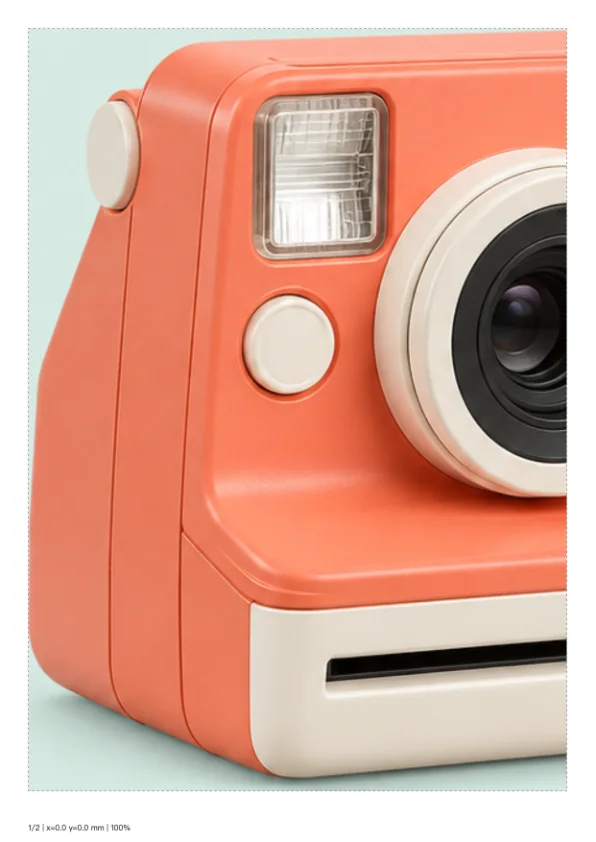
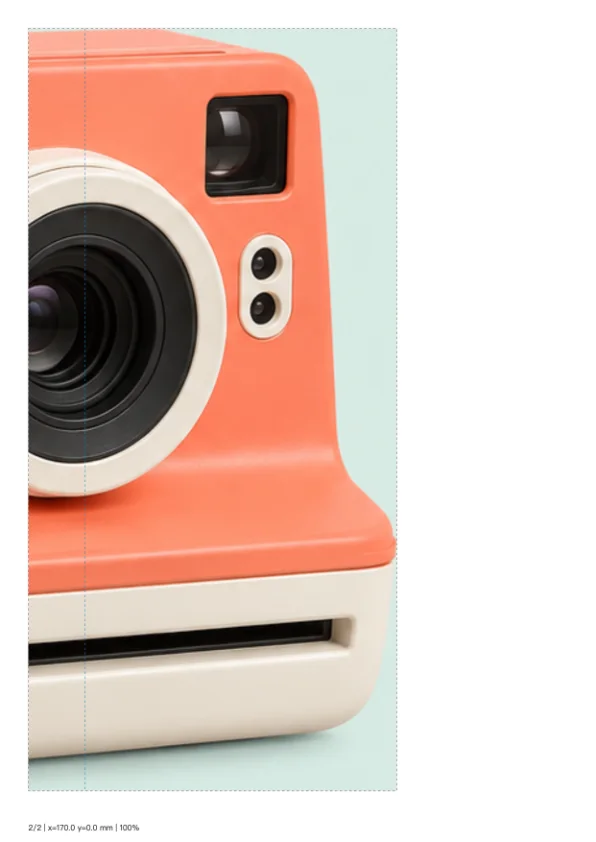
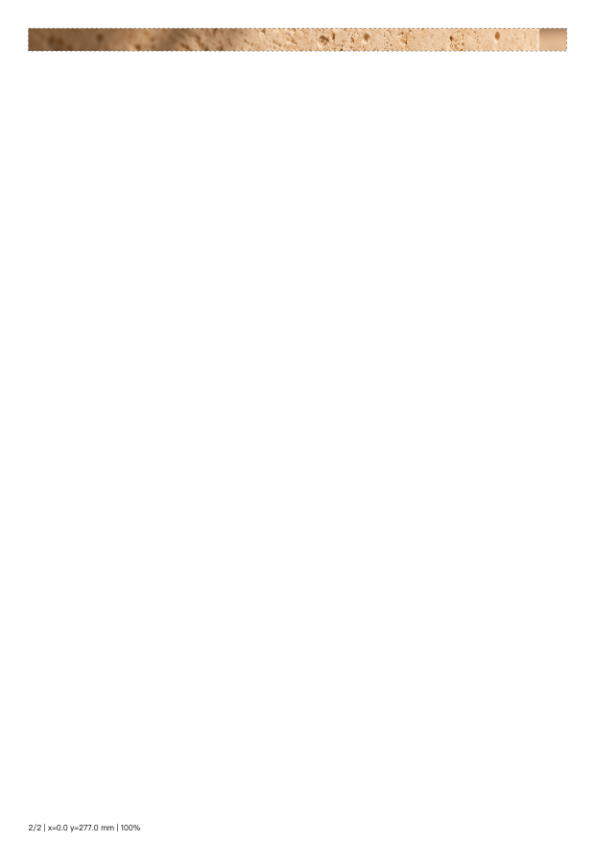
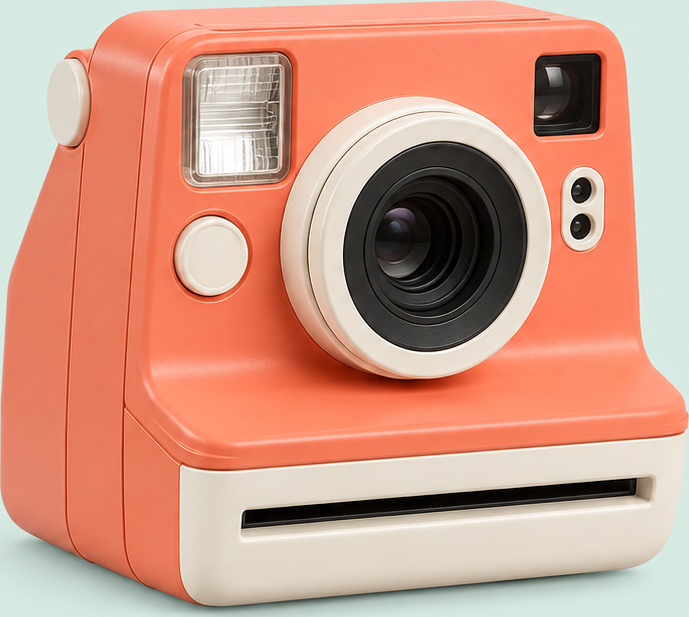
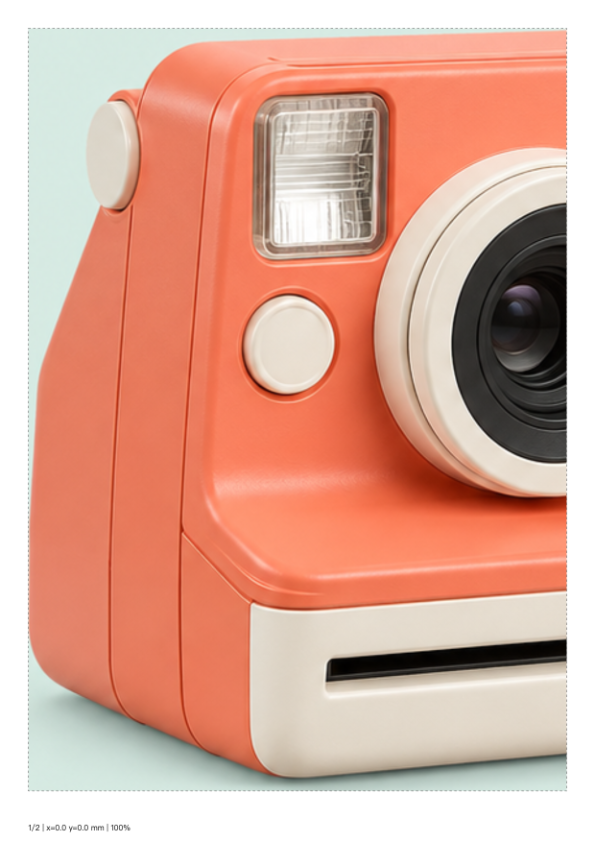
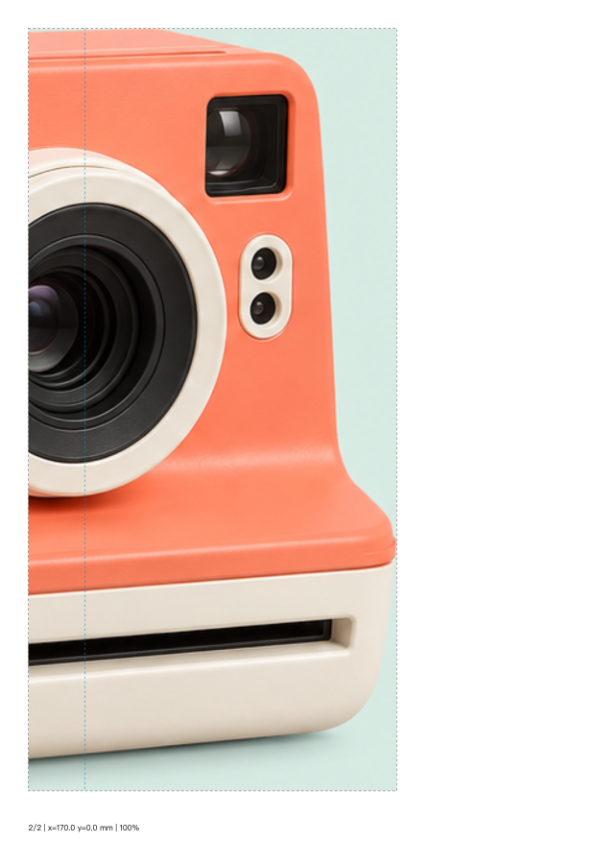
先复用自动裁边工具的真实相机输出,再按300×269毫米分成两张A4,保留20毫米重叠,避免把原图大面积背景单独打印。
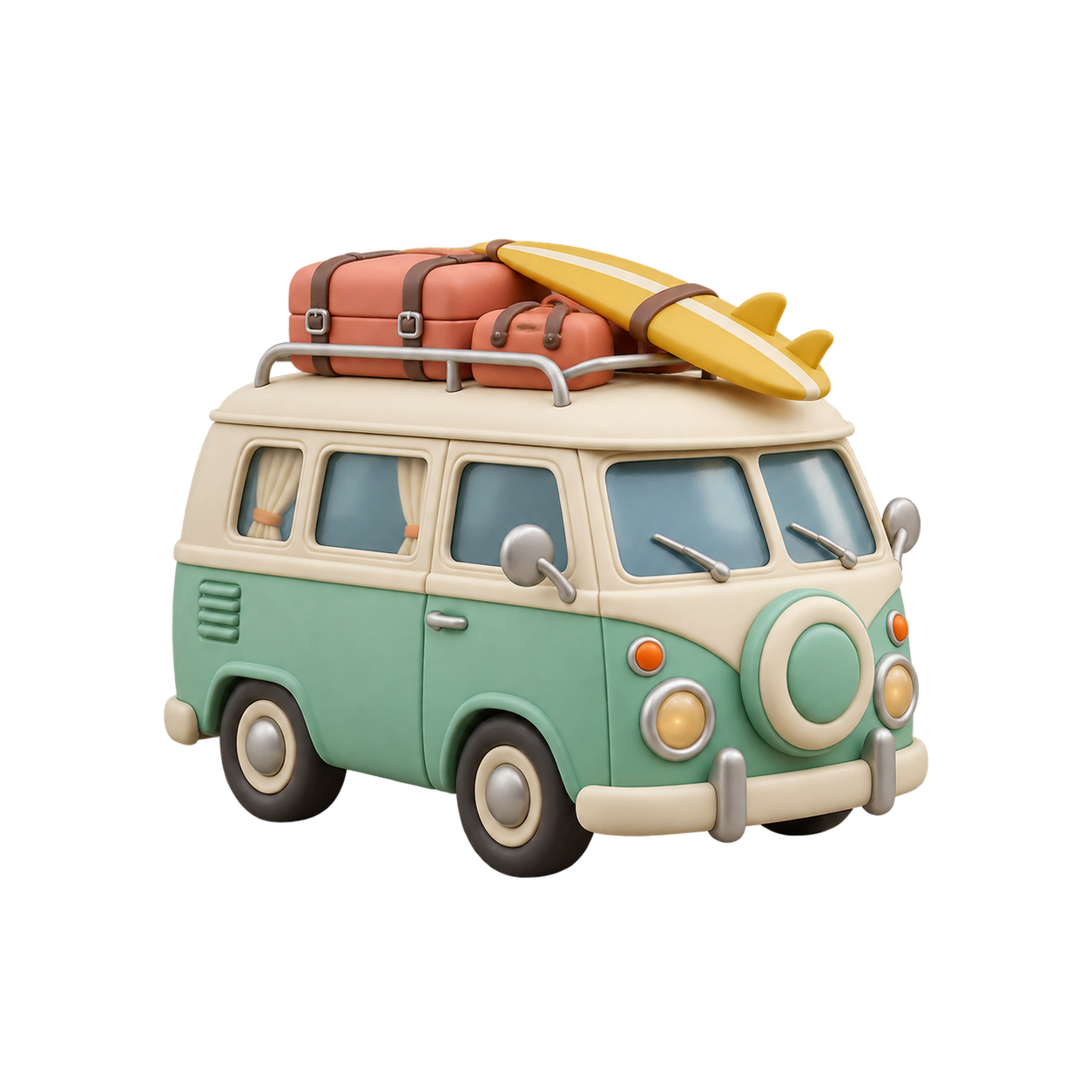
露营车贴画
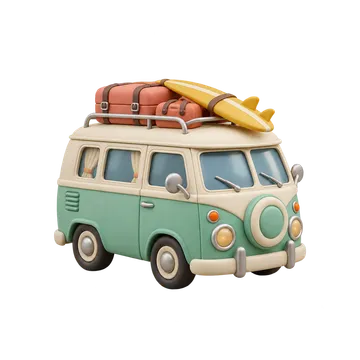
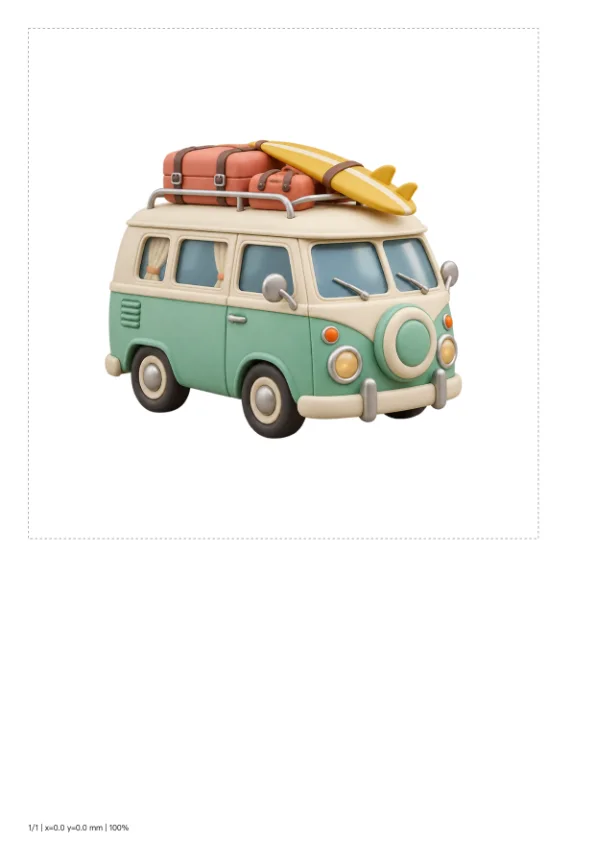
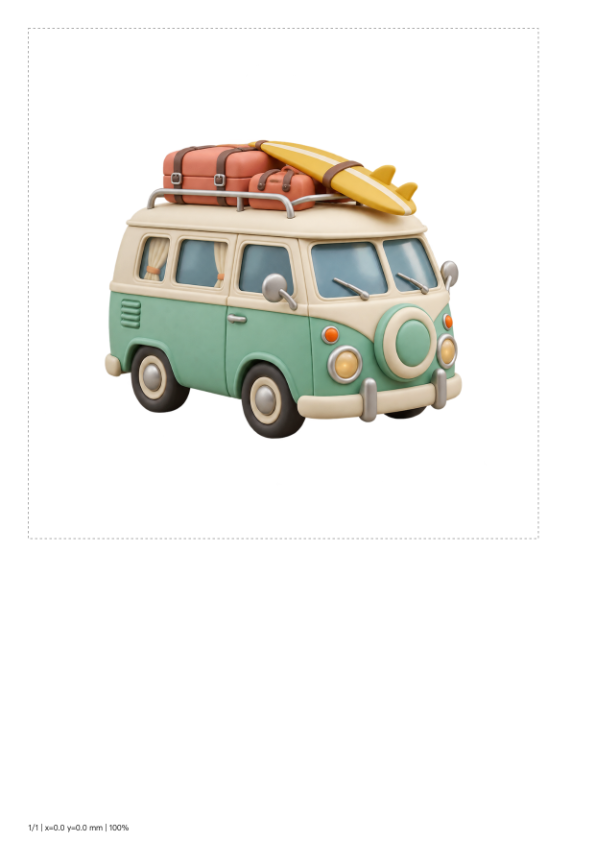
透明露营车按180×180毫米印到一张A4上,透明区域落在白纸底色,方形成品完整保留。

What this tool does
Tiled Poster Print
Split an image across A4 pages at a chosen physical size, with overlap, guides and page numbers. Export a printable PDF.
Local processing
Selected files are processed in your browser without a file-upload step or account.
How to use
- Choose an image and set its finished size in millimeters
- Set overlap and inspect the page grid with fixed 10 mm margins
- Export PDF and print at 100% scale
Formats and limits
Print at actual size or 100%, not fit-to-page. Physical dimensions control layout; they do not add source-image detail.
Frequently asked questions
Are my files uploaded?
No. Processing happens on your device. The website, fonts and dependencies may still use the network; offline use is not guaranteed.
Will my original files change?
No. Results are downloaded as new files. The batch renamer also writes copies when exporting to a folder.
What are the limitations?
Print at actual size or 100%, not fit-to-page. Physical dimensions control layout; they do not add source-image detail.