
6 个真实使用场景
从你的用途出发挑选示例。下载输入,按所列参数在上方工具中尝试,再对照实际导出的结果。
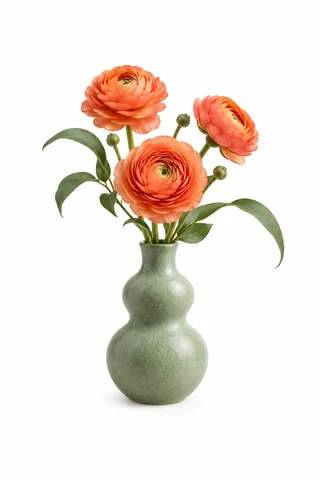
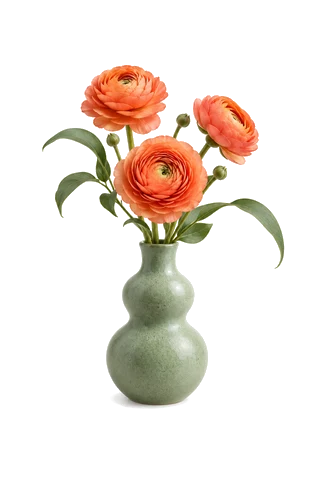
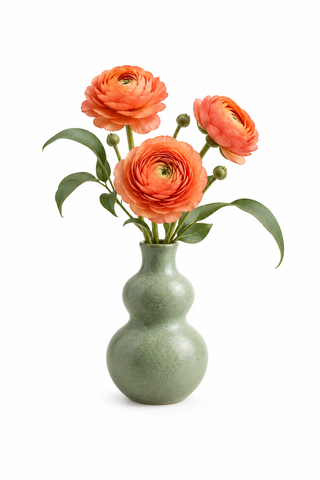
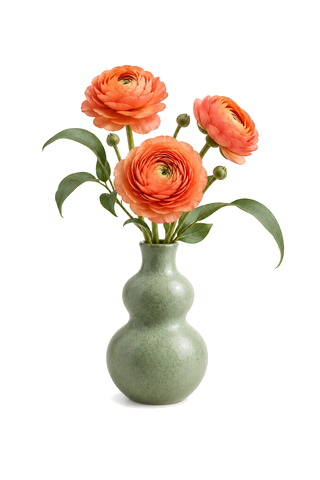
吸取白底,让花瓶背景透明
吸管点击白底,再勾选转透明;花朵、花瓶及未命中的阴影保留。
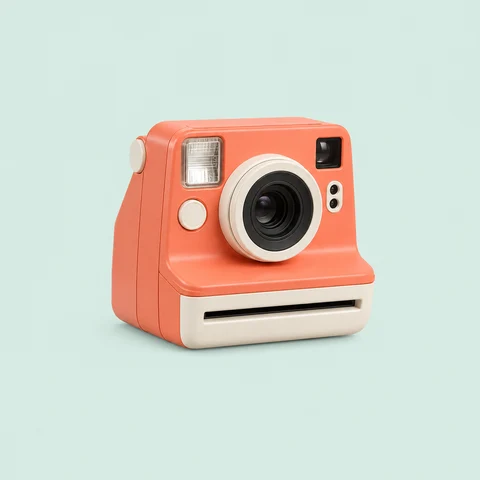
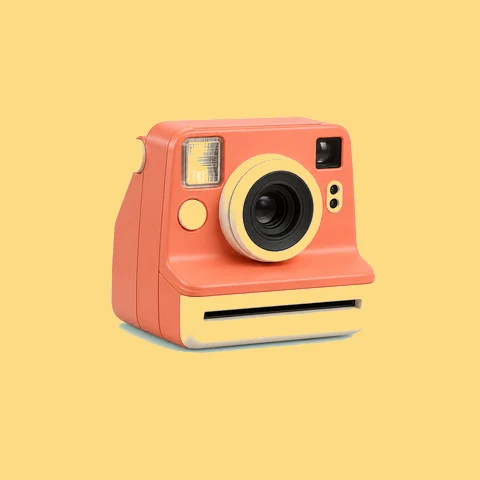
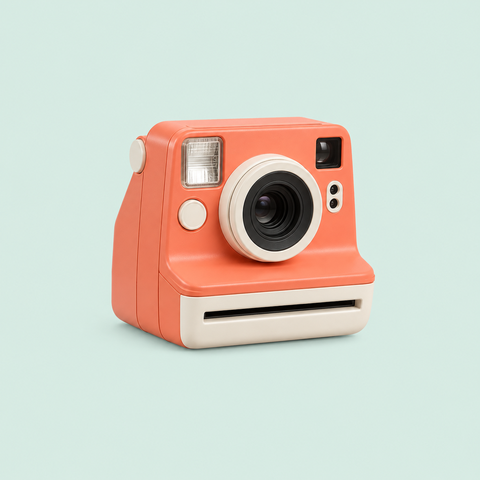
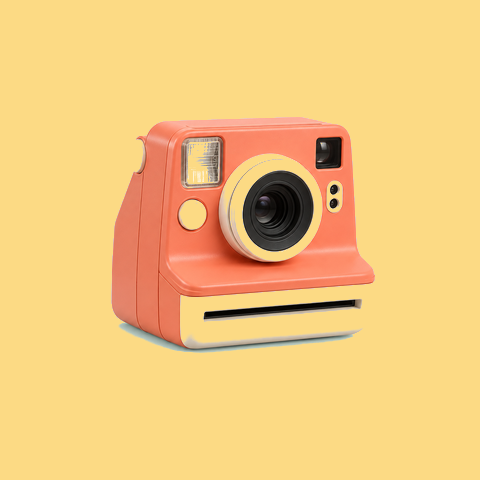
从参考海报吸取相机背景配色
原图吸取背景,上传湖泊海报作为参考,再吸取太阳的暖黄色;参考图仅提供配色。全图匹配也会改变近色的浅色按钮和边框。

冲浪板与行李统一成主题蓝
分别吸取黄色冲浪板与红色行李,共用一个蓝色结果;相近阴影按容差处理,绿色车身保留。近色金属亮部也可能受影响。


树林与湖水分别试配秋色
两组原色分别指定棕色与蓝色;颜色始终按原图匹配,换色结果不会被另一条规则再次替换。自然图像的渐变可能出现换色边界,宜小幅调色。


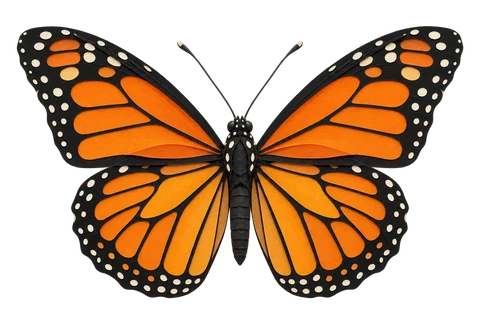
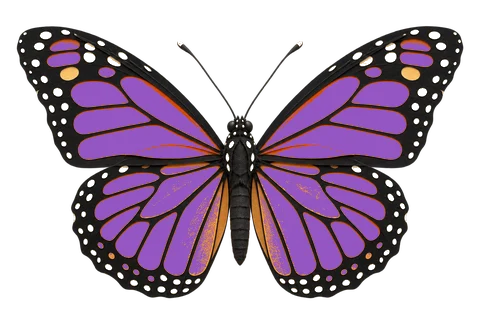
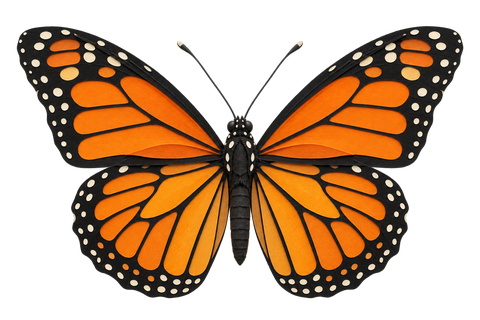
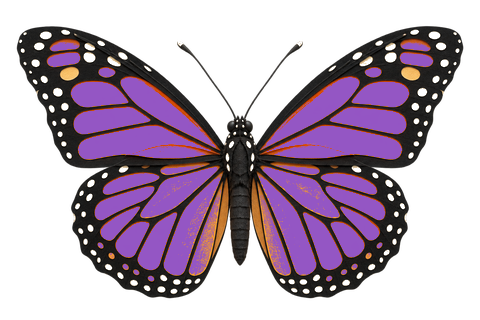
蝴蝶橙翼换紫,浅色斑点转透明
橙色翅膀替换为紫色,另一条浅色斑点规则转透明;黑色纹理和原有透明区域保留。
从缎带自身吸取深红色
原色和替换色均从同一张图吸取,把选中的亮红范围改为褶皱处的深红色;保留镂空和透明度。









What this tool does
Original and reference eyedroppers
Pick source and replacement colors directly from images. A pixel magnifier helps you aim; a color selector is also available.
Replace colors together or individually
Use up to 12 source colors with one shared output or separate colors and transparency. Overlaps use the closest source color, ties use list order, and replacement colors never cascade.
Local processing
Originals, references and results are handled in your browser. Download a new PNG without uploading or overwriting your source.
How to use
- Choose your original image and use the source-color eyedropper to pick from the enlarged image
- Add more source colors and choose one shared result or separate replacements
- Choose an output color, sample the original or an uploaded reference, or select transparency
- Adjust tolerance and feathering, inspect the preview, and download PNG
Formats and limits
Best for logos, icons and illustrations. Matches colors, not objects; similar colors elsewhere may also change.
Frequently asked questions
Are my files uploaded?
No. Processing happens on your device. The website, fonts and dependencies may still use the network; offline use is not guaranteed.
Will my original files change?
No. Both the original and reference stay unchanged. The result downloads as a new PNG.
What are the limitations?
Best for logos, icons and illustrations. Matches colors, not objects; similar colors elsewhere may also change.
What if I do not know the color value?
Click an eyedropper and pick a visible pixel from the original or a reference. Arrow keys move one pixel, Enter confirms, and Escape cancels. Fully transparent pixels cannot supply a visible color.