
6 个真实使用场景
从你的用途出发挑选示例。下载输入,按所列参数在上方工具中尝试,再对照实际导出的结果。
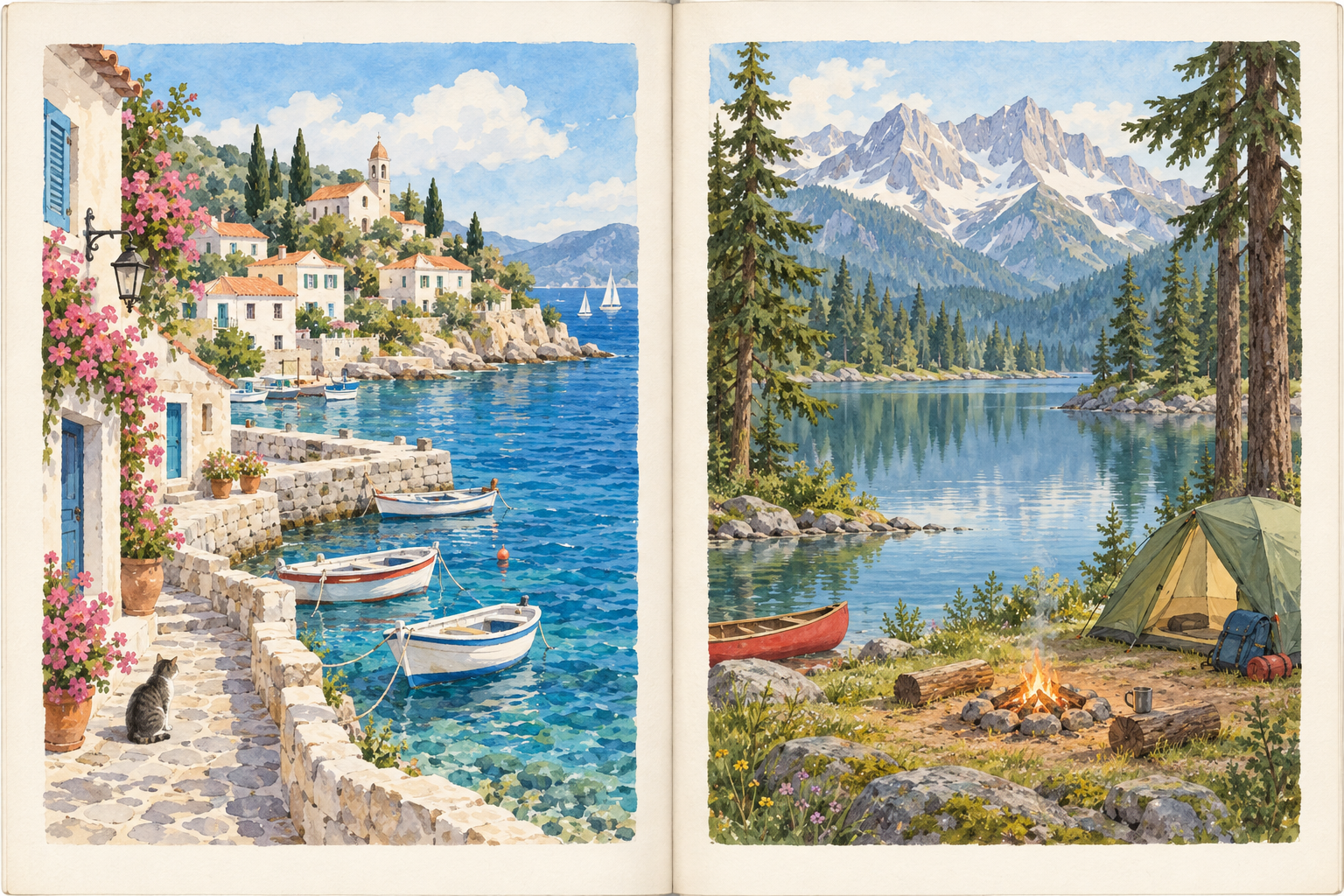
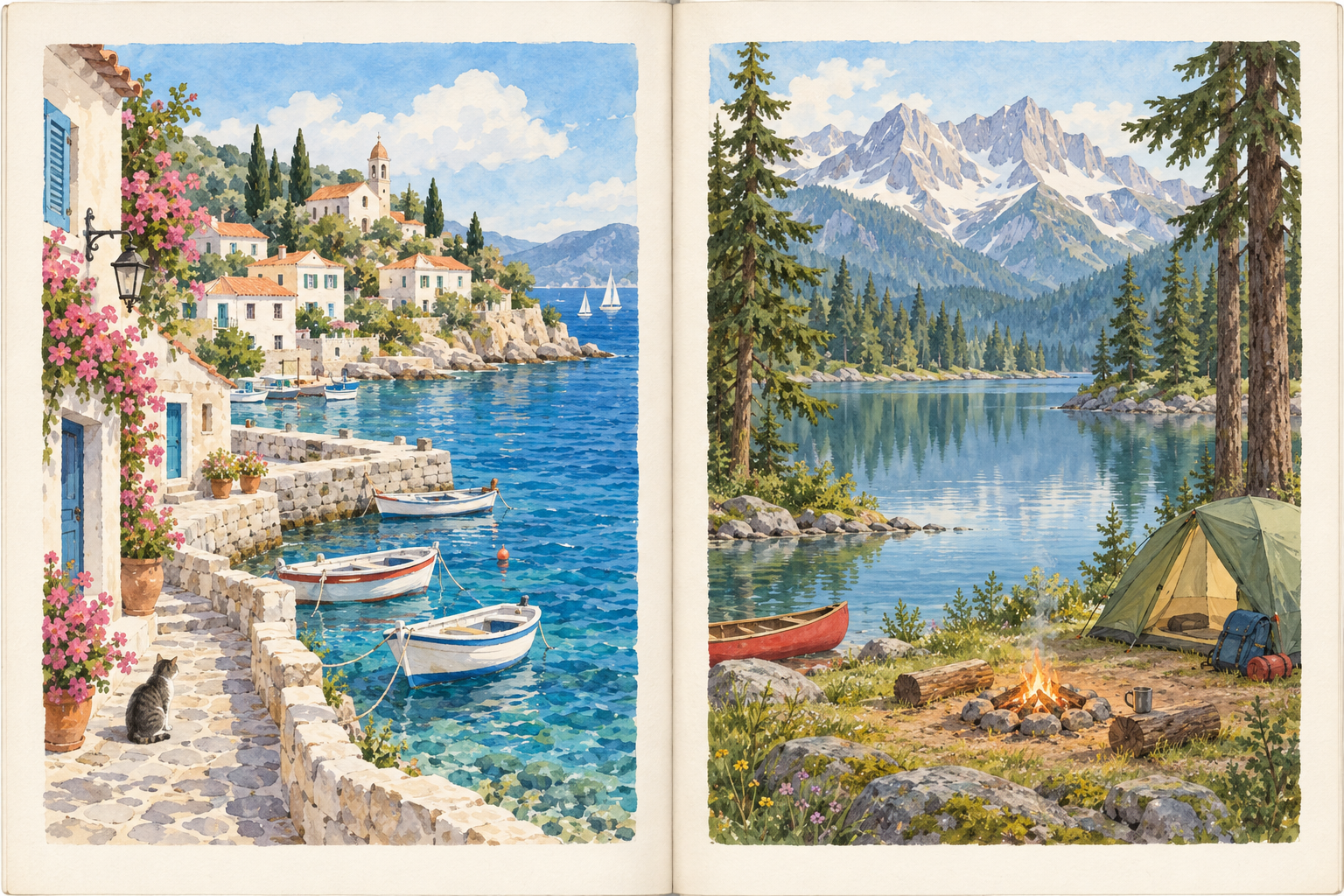
对称绘本双页
沿中央沟槽拆出海边与露营两页,保留原始纸边。



不对称商品书页
将45%处的非居中书页边界设为分割线,左右输出宽度不同。



右起阅读插画
右页植物先输出,左页露营车后输出,适用于右起阅读材料。



多跨页批次
批量处理两张不同宽度书页,核对跨文件四页顺序。






无中缝艺术跨页
把双幅旅行画册拆开,保留每侧全部像素。



留白页与插图页
保留空白记事页作为独立页,不因为缺少图像内容而遗漏。

















What this tool does
Split Scanned Pages
Split two-page scans into individual pages, adjust the center line and reading order, and download a ZIP.
Local processing
Selected files are processed in your browser without a file-upload step or account.
How to use
- Choose one or more two-page scan images
- Review each split line and choose reading order
- Preview the pages and download ZIP
Formats and limits
Accepts static images, not PDF input. The suggested center is a starting point; skewed or curved pages require separate correction.
Frequently asked questions
Are my files uploaded?
No. Processing happens on your device. The website, fonts and dependencies may still use the network; offline use is not guaranteed.
Will my original files change?
No. Results are downloaded as new files. The batch renamer also writes copies when exporting to a folder.
What are the limitations?
Accepts static images, not PDF input. The suggested center is a starting point; skewed or curved pages require separate correction.