
6 个真实使用场景
从你的用途出发挑选示例。下载输入,按所列参数在上方工具中尝试,再对照实际导出的结果。
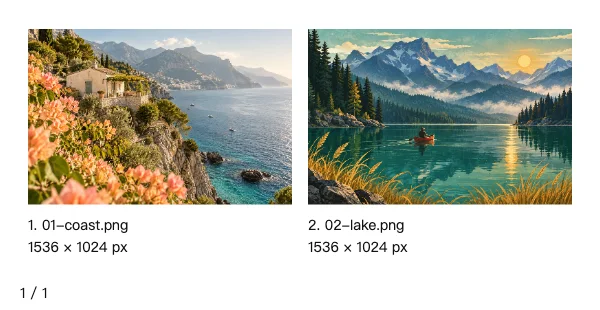
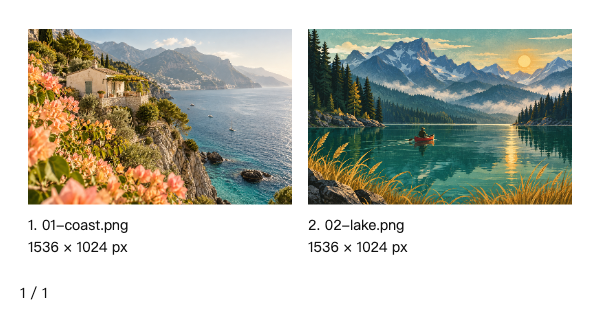
旅行编辑选片
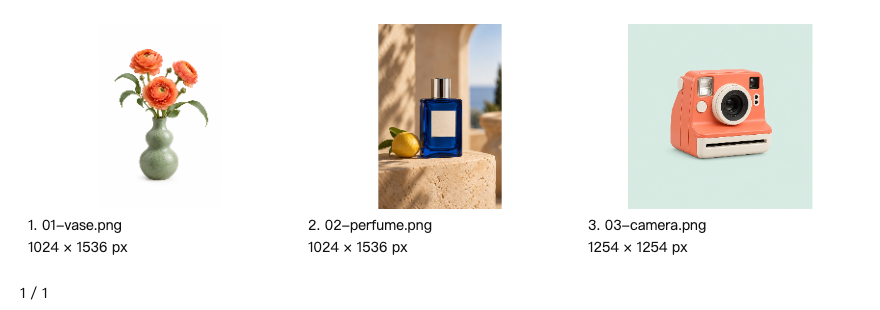
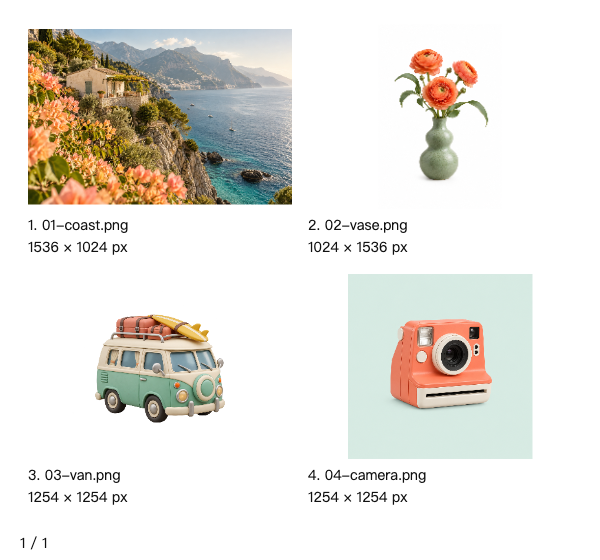
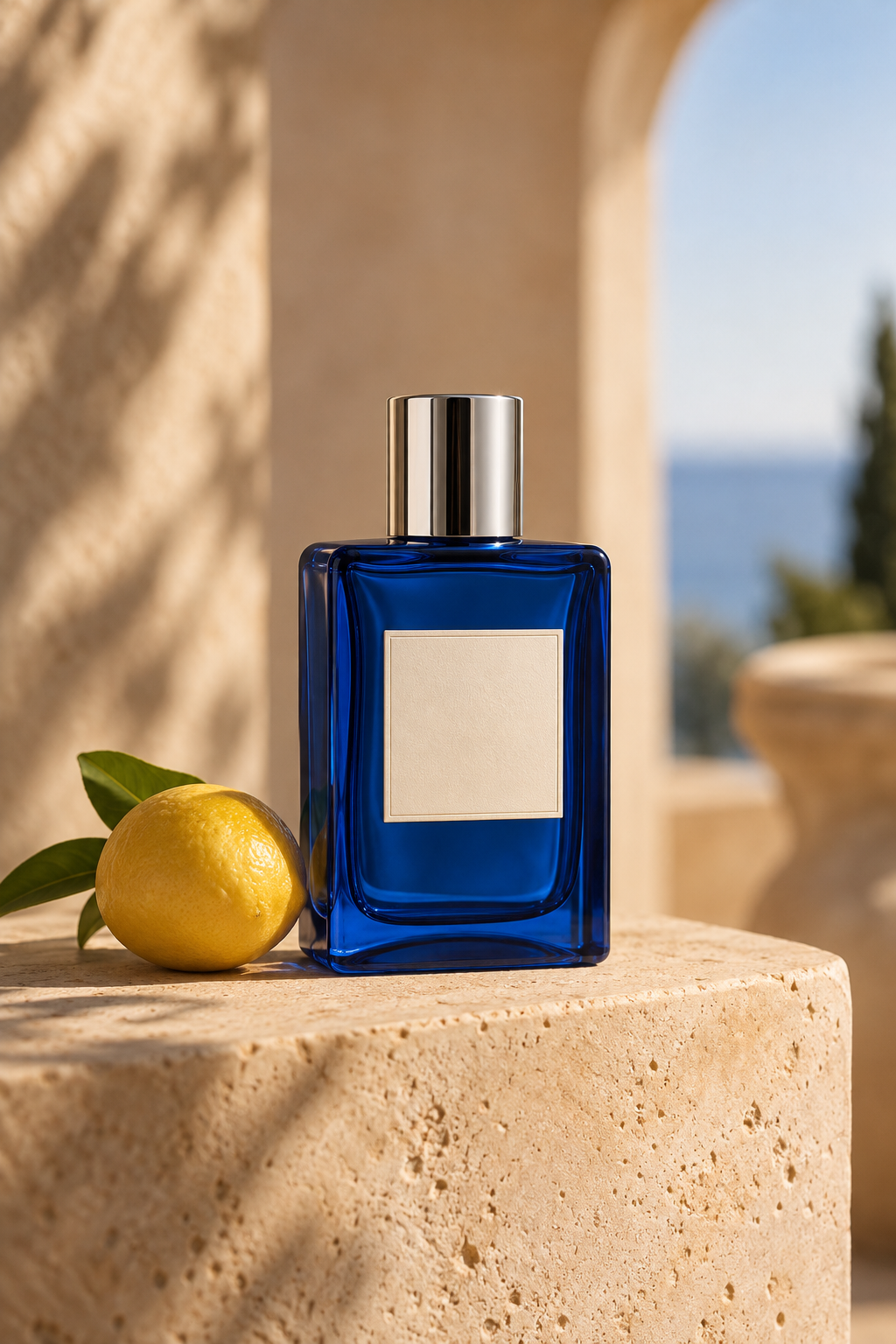
横幅摄影与插画并列,保留编号、文件名和原始尺寸供编辑选片。


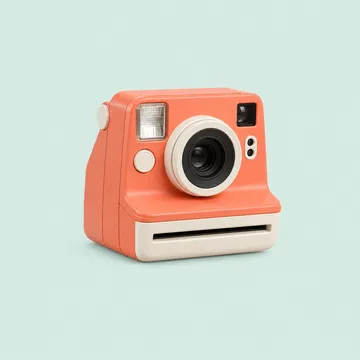
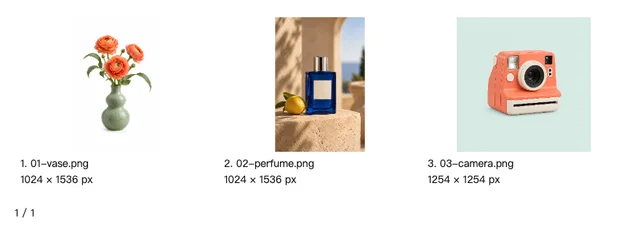
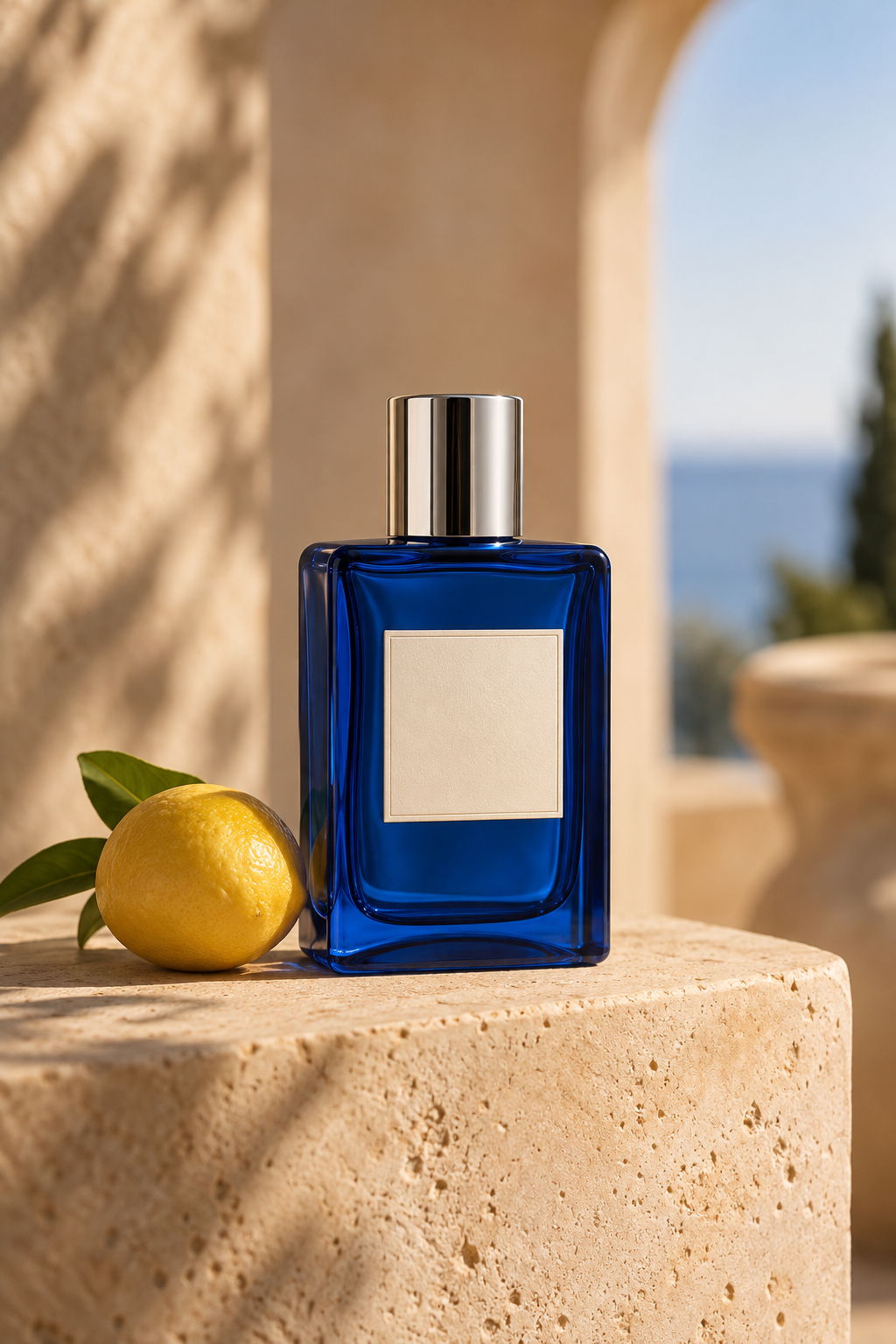
竖幅商品目录
把不同纵横比商品图完整放进统一格子,便于目录选品。


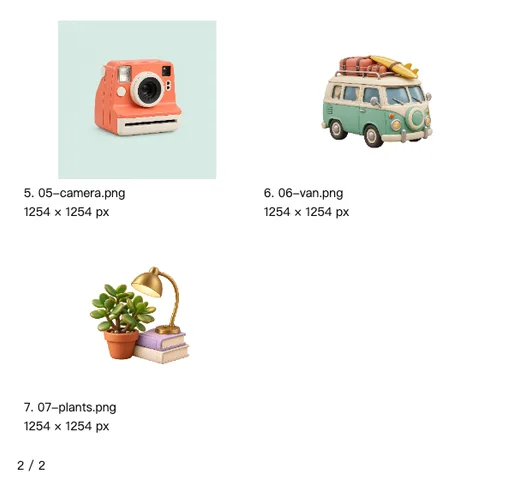
透明素材交接
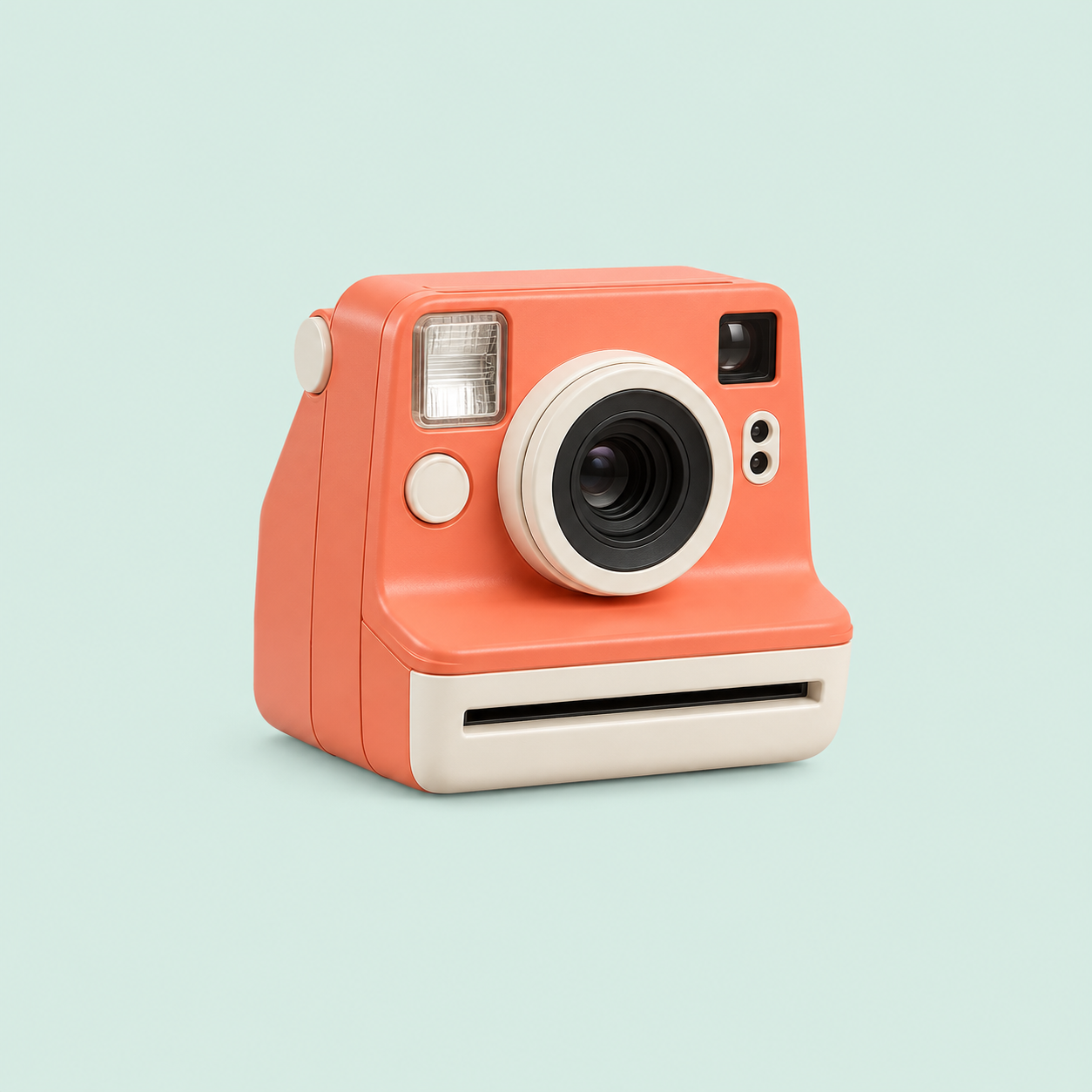
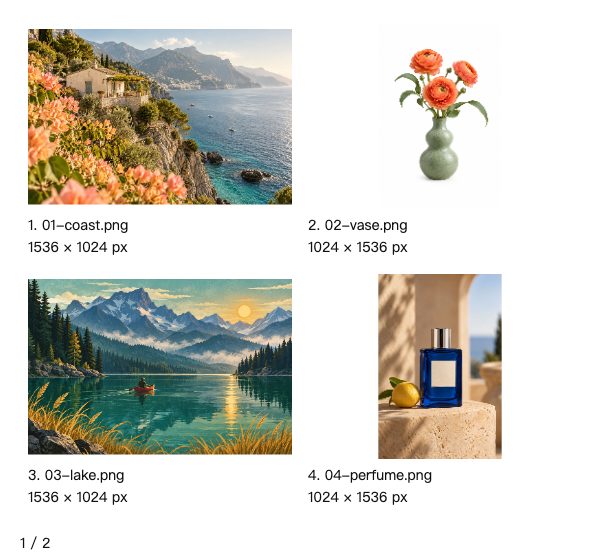
白色联系表检查透明道具主体,原始透明PNG仍可下载。


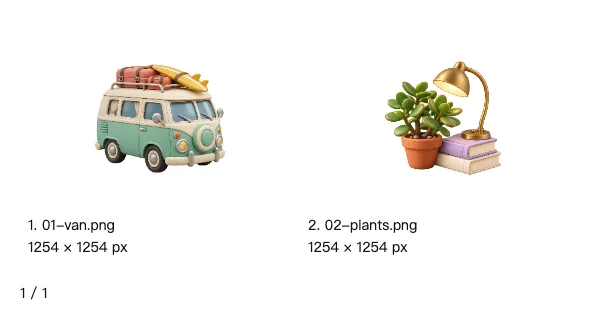
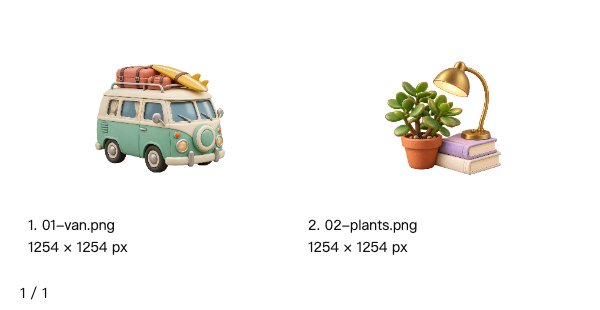
设计资产尺寸盘点
混合横图、竖图、方图,用原始尺寸标签核对设计资源。



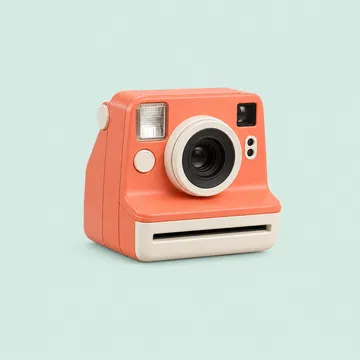
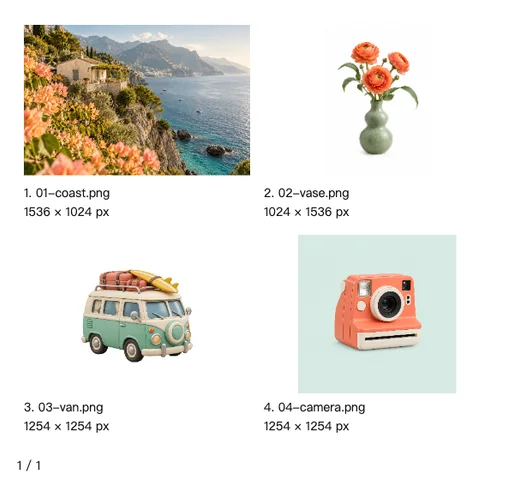
跨页素材审阅
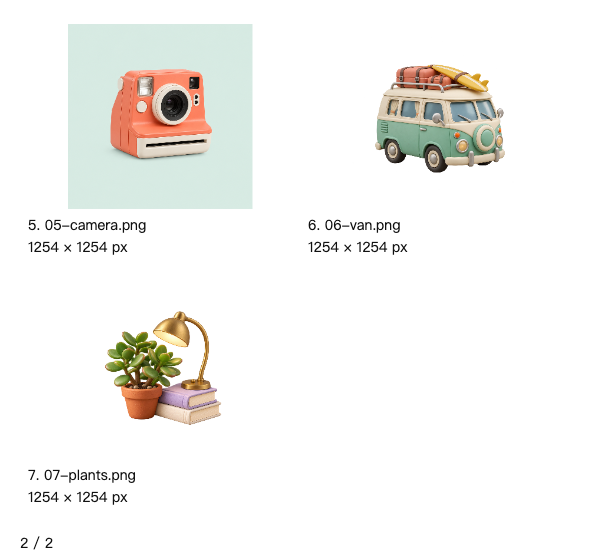
七张素材分两页,最后一页不足一行也保留全局编号。
输入素材 · 7



展开其余输入 (4)

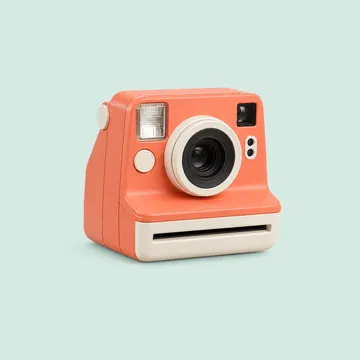


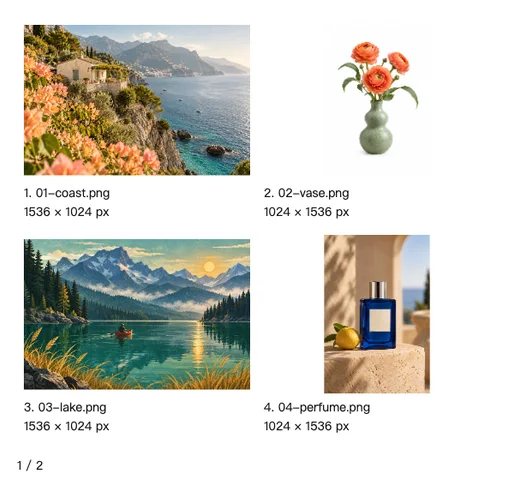
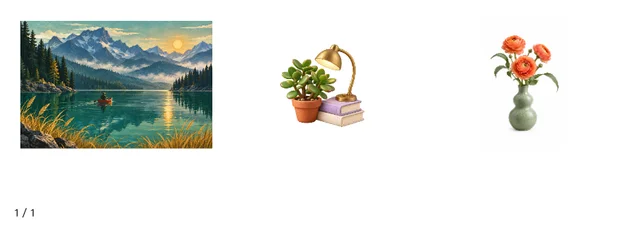
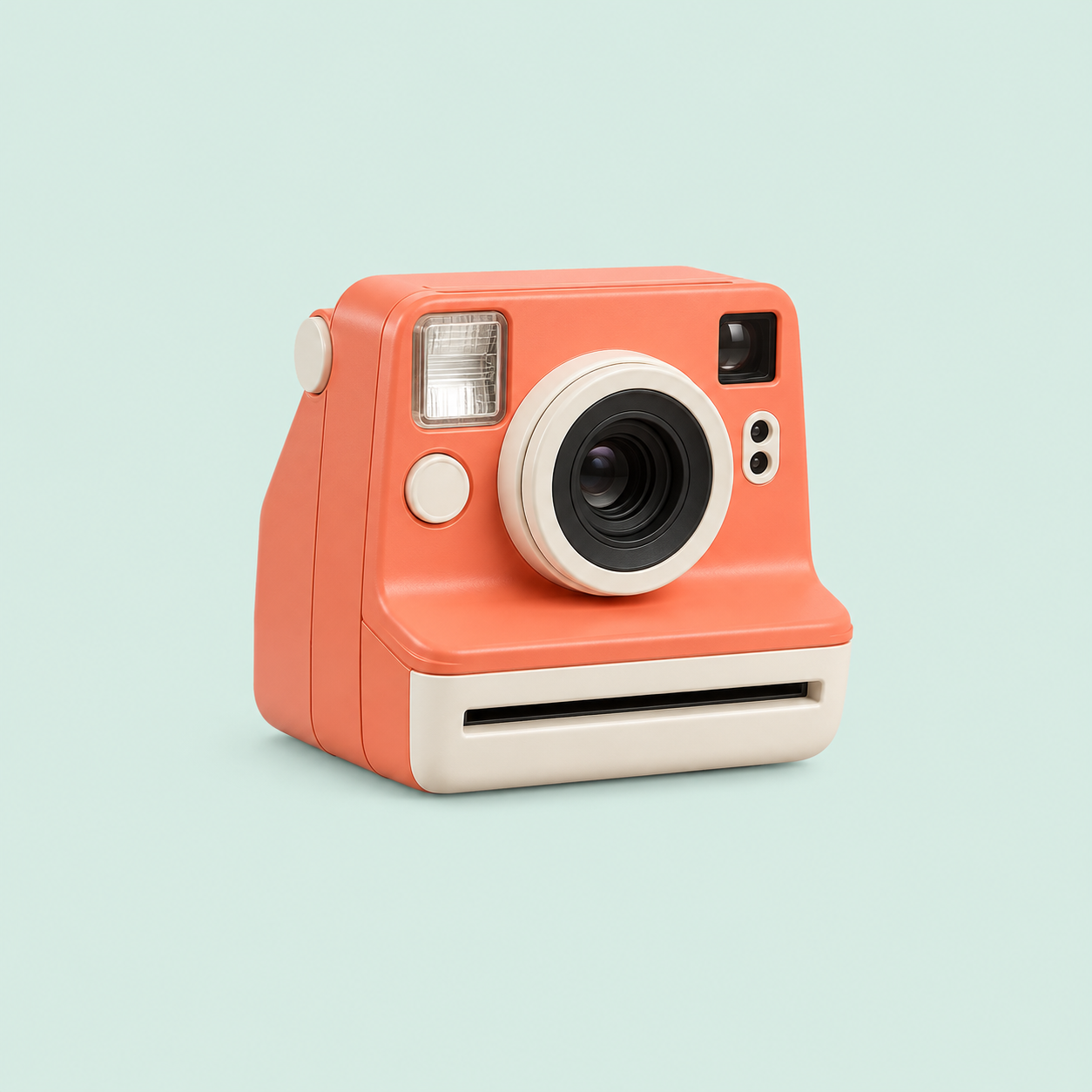
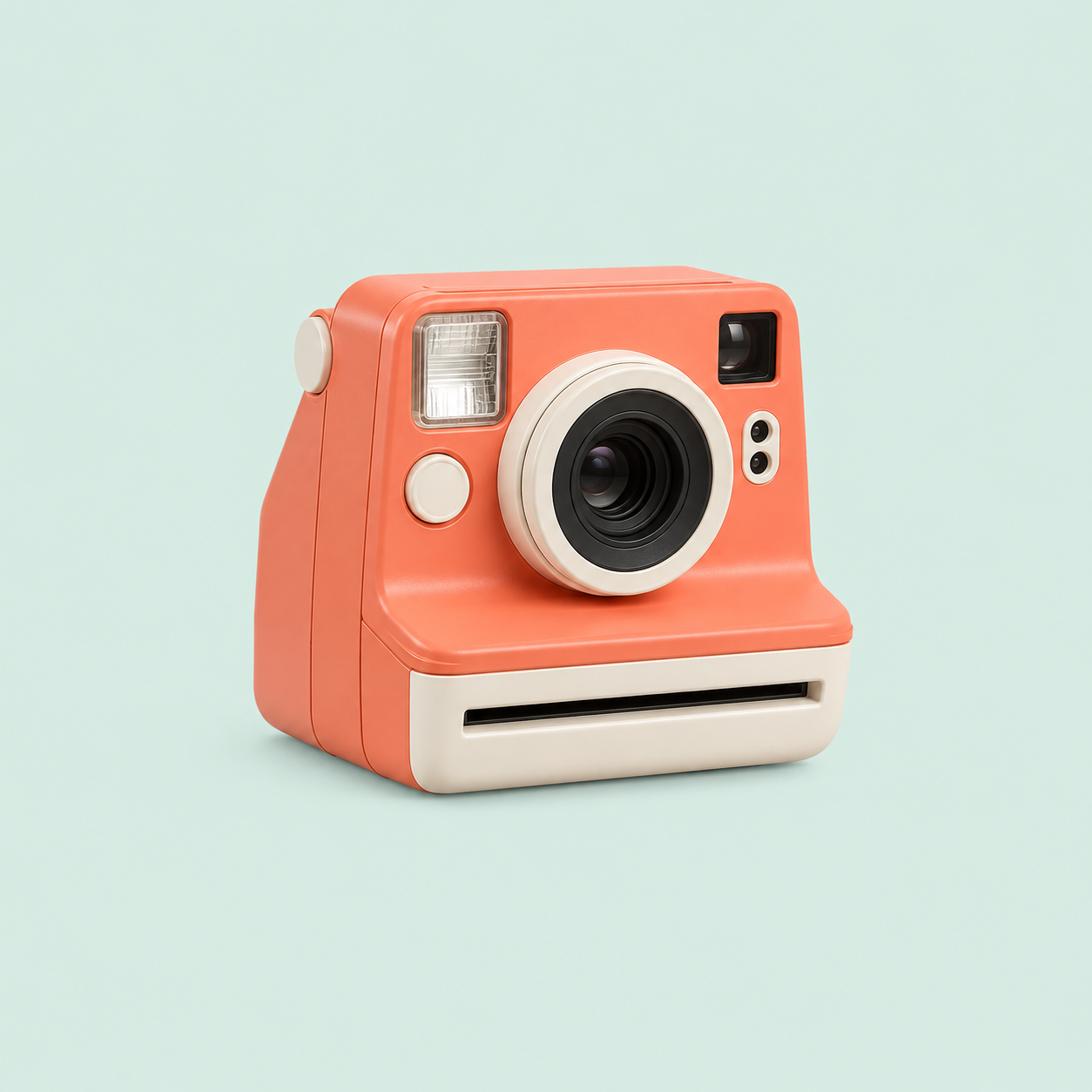
无文件名情绪板
关掉文件名和尺寸,展示自然配色组合以便讨论视觉方向。




















What this tool does
Image Contact Sheet Maker
Arrange images into labeled contact sheets with filenames, numbers and dimensions. Preview pages and export PNG ZIP or PDF.
Local processing
Selected files are processed in your browser without a file-upload step or account.
How to use
- Choose images and arrange their order
- Set columns, labels and rows per page
- Review the pages and export PNG ZIP or PDF
Formats and limits
Designed for visual indexing and selection. Thumbnails fit the cells and do not replace originals. Batch and canvas limits apply.
Frequently asked questions
Are my files uploaded?
No. Processing happens on your device. The website, fonts and dependencies may still use the network; offline use is not guaranteed.
Will my original files change?
No. Results are downloaded as new files. The batch renamer also writes copies when exporting to a folder.
What are the limitations?
Designed for visual indexing and selection. Thumbnails fit the cells and do not replace originals. Batch and canvas limits apply.