
6 个真实使用场景
从你的用途出发挑选示例。下载输入,按所列参数在上方工具中尝试,再对照实际导出的结果。
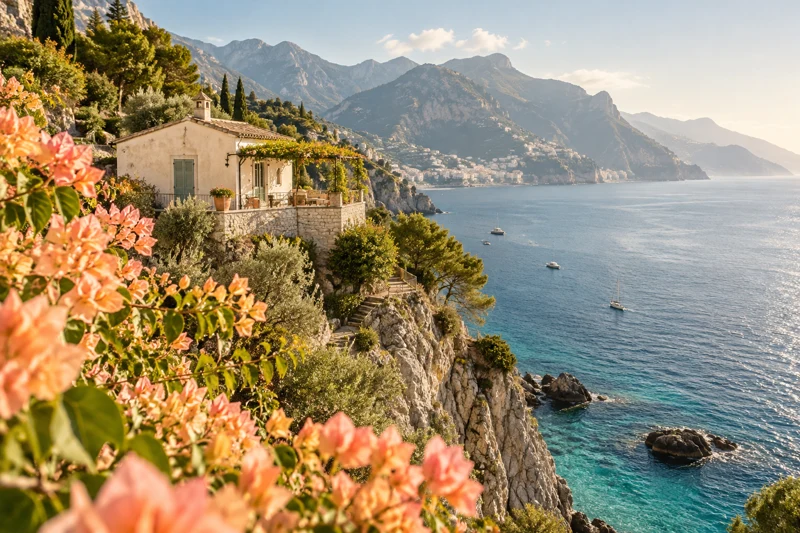
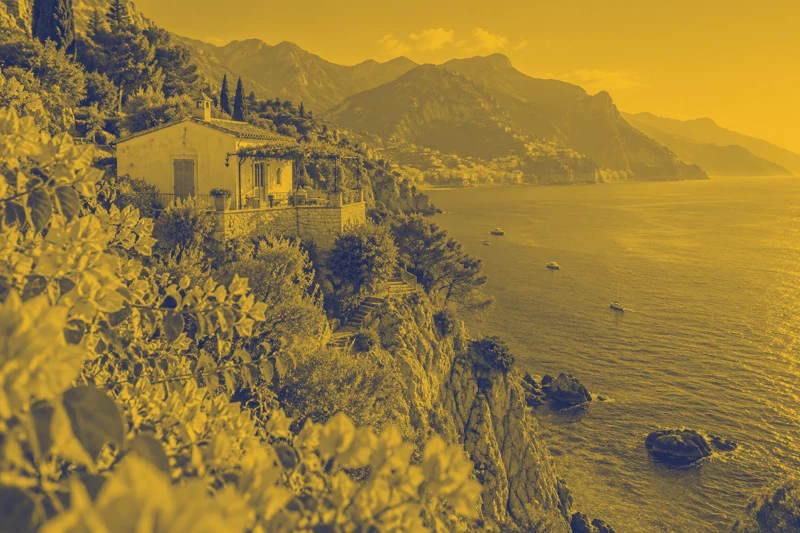
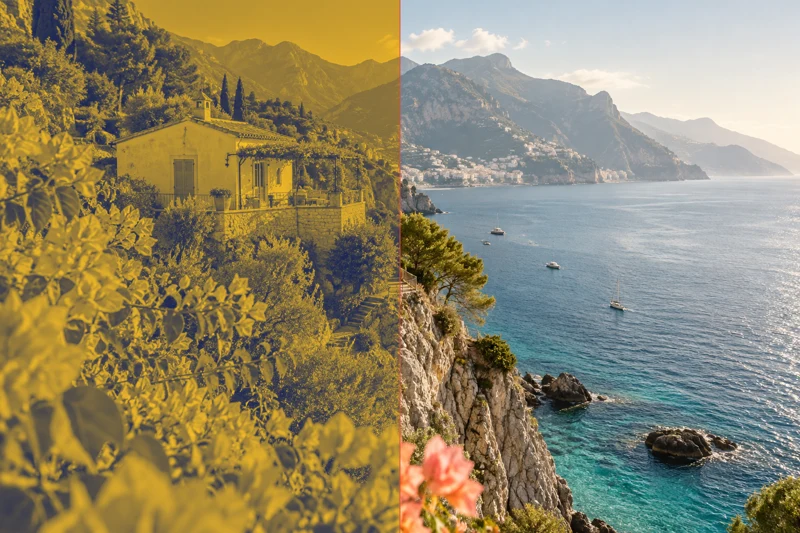
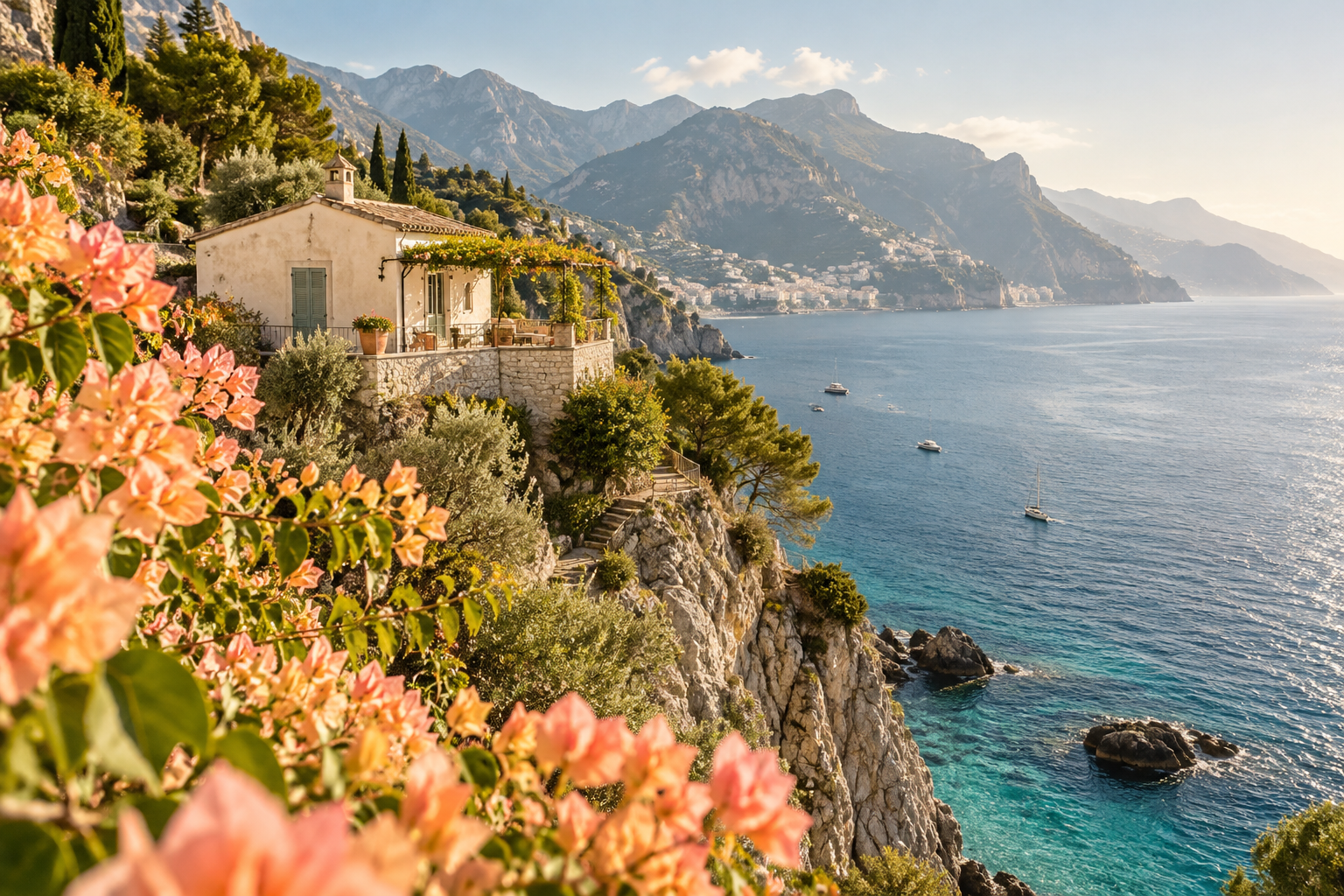
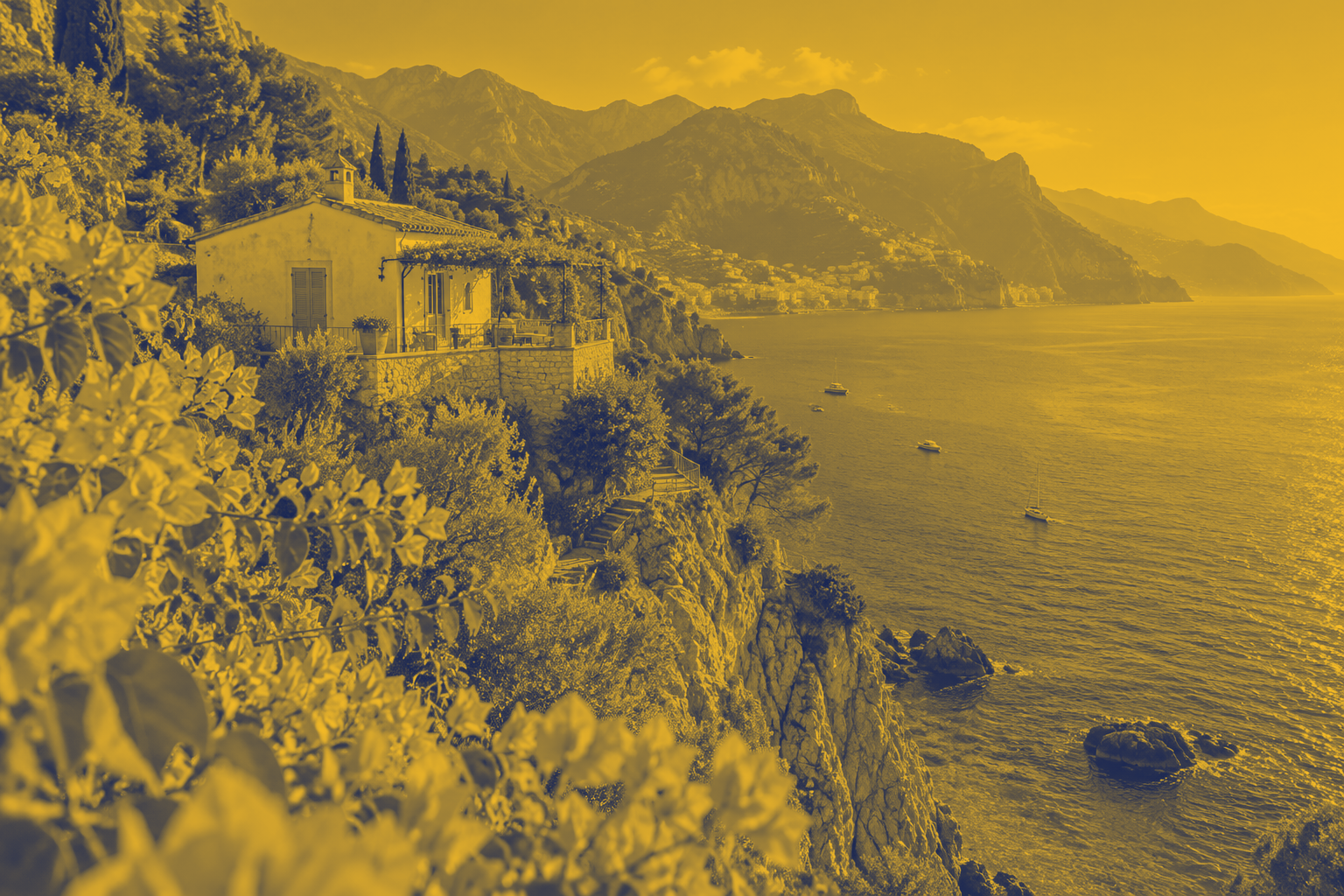
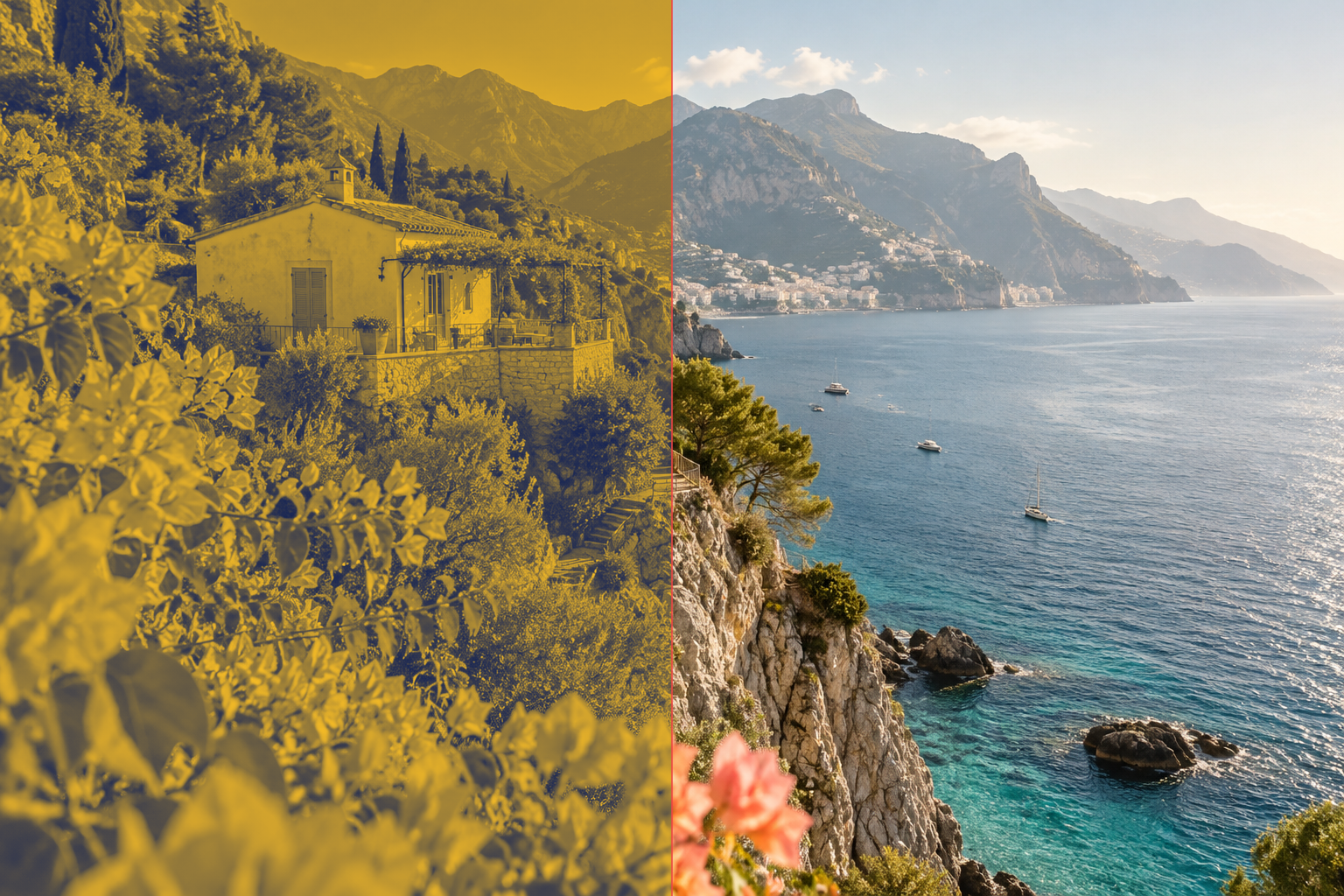
改稿校对:旅行海岸:蓝黄双色封面
用滑动分界检查原图与真实双色工具输出。
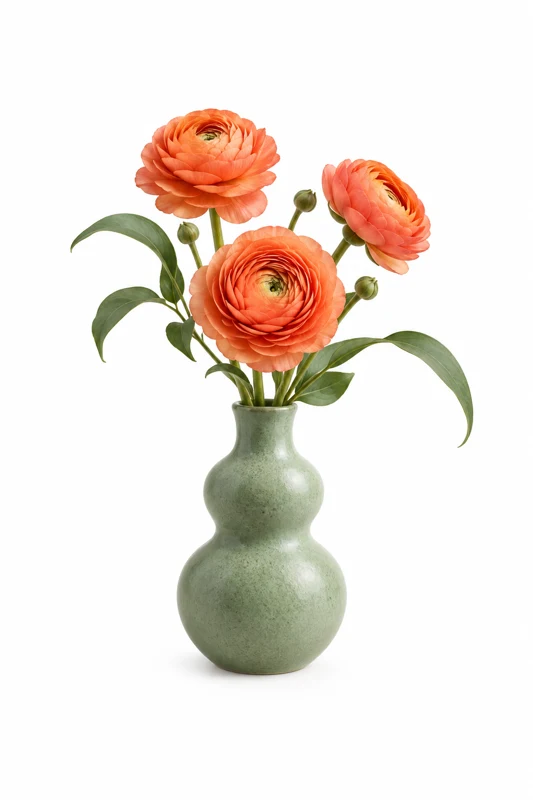
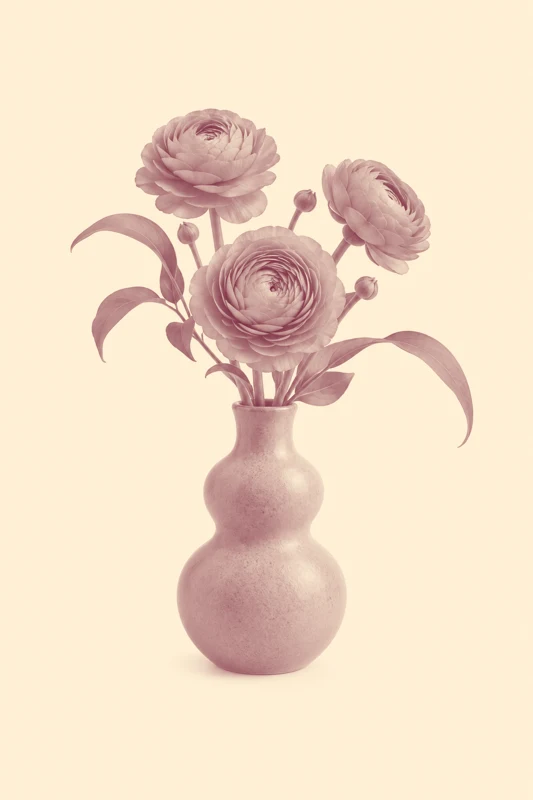
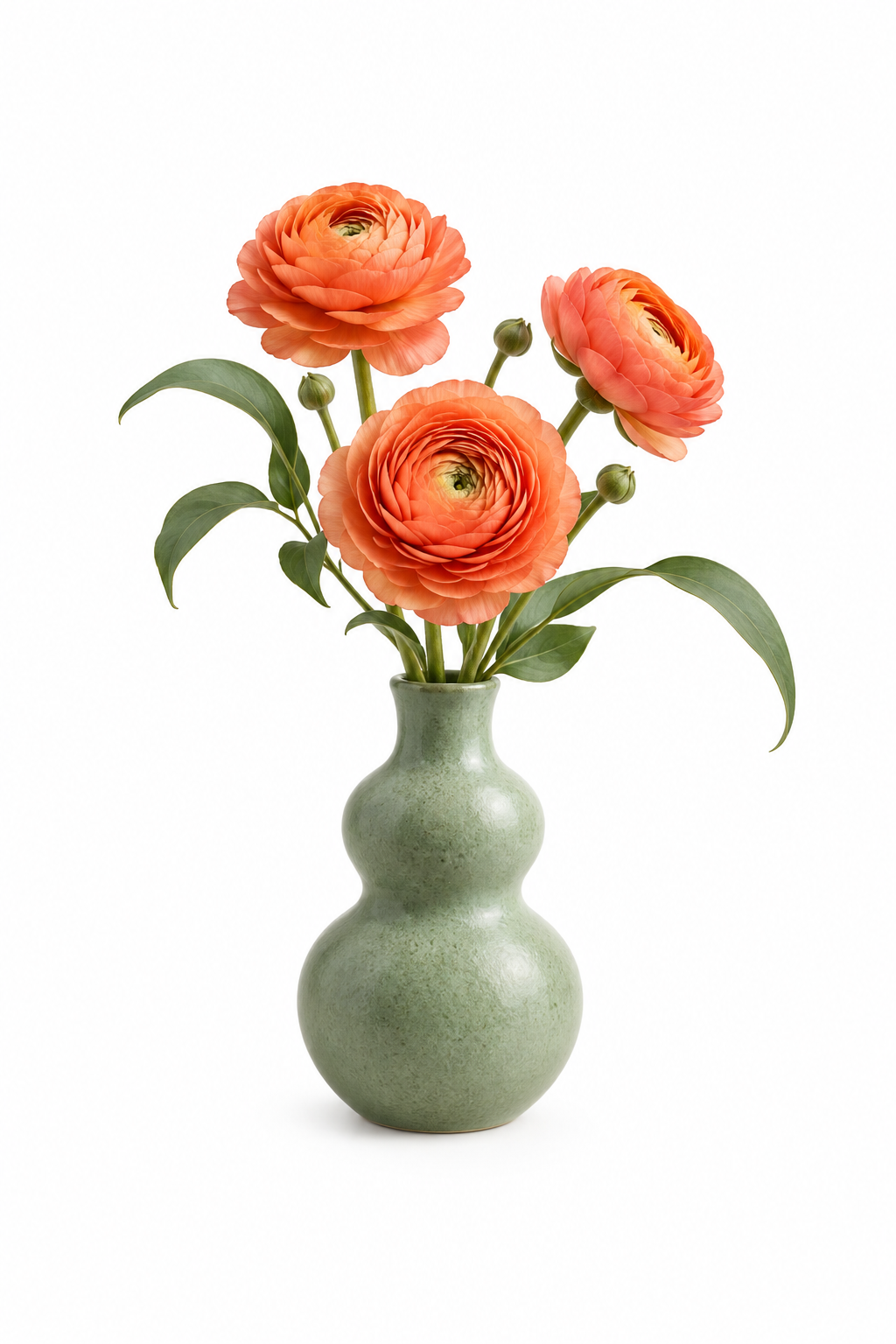
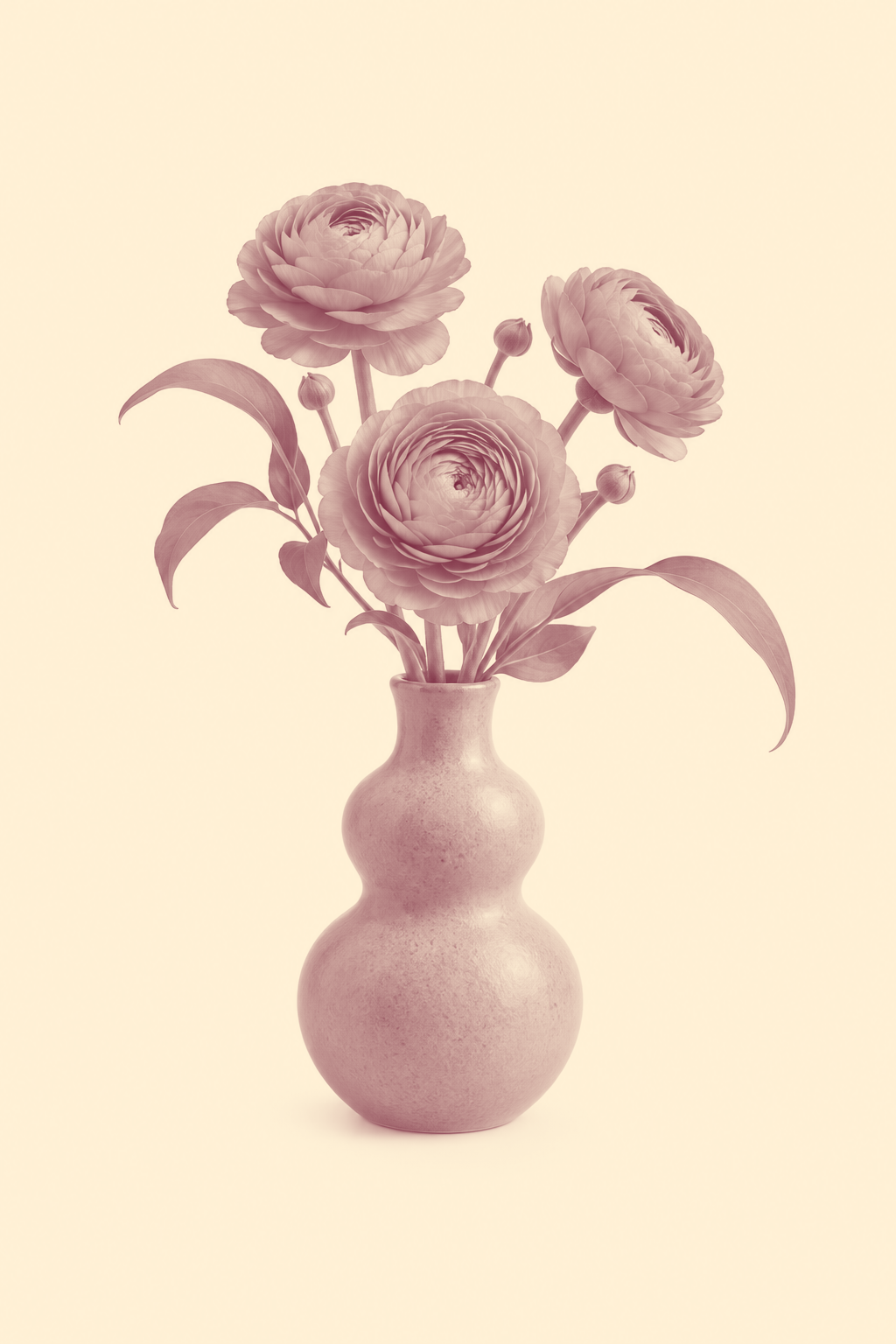
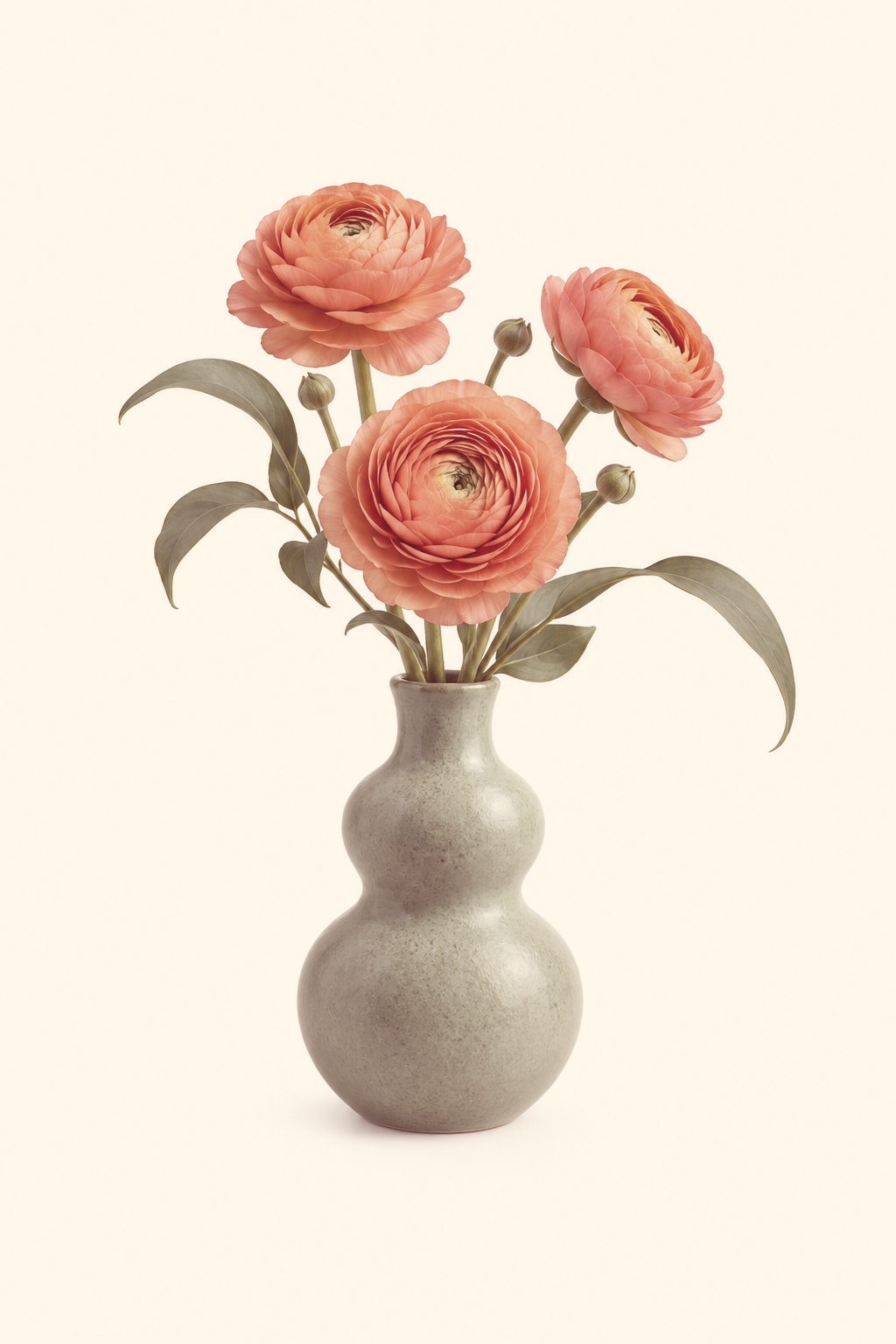
改稿校对:花瓶招贴:暖红双色印刷稿
用透明叠加检查原图与真实双色工具输出。
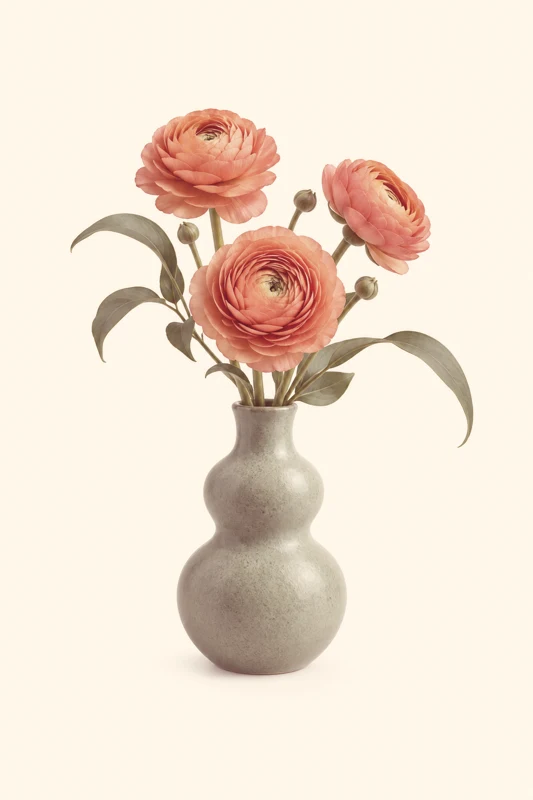
透明素材原样交付:确认没有像素改动
两份同源透明PNG进行零容差核对,预期差异为0%。



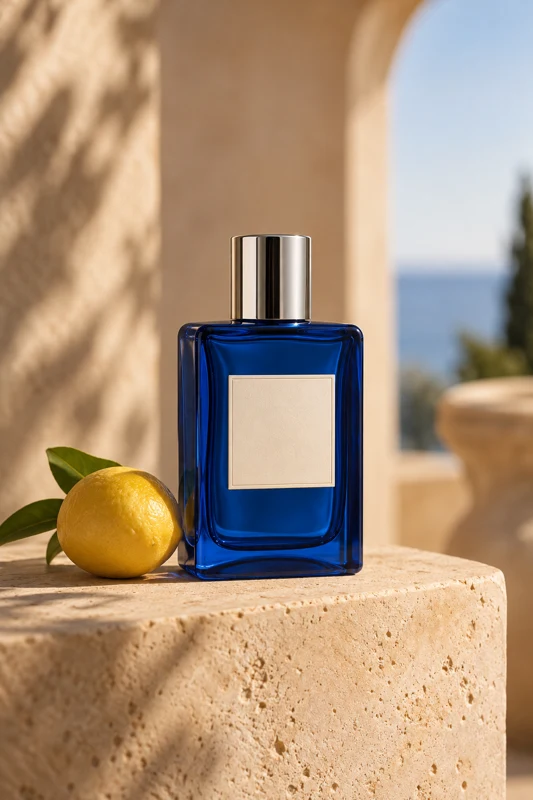
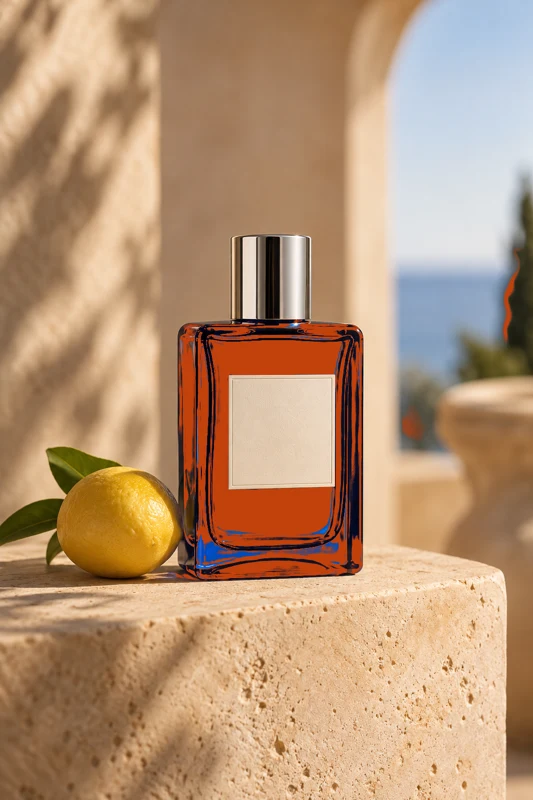
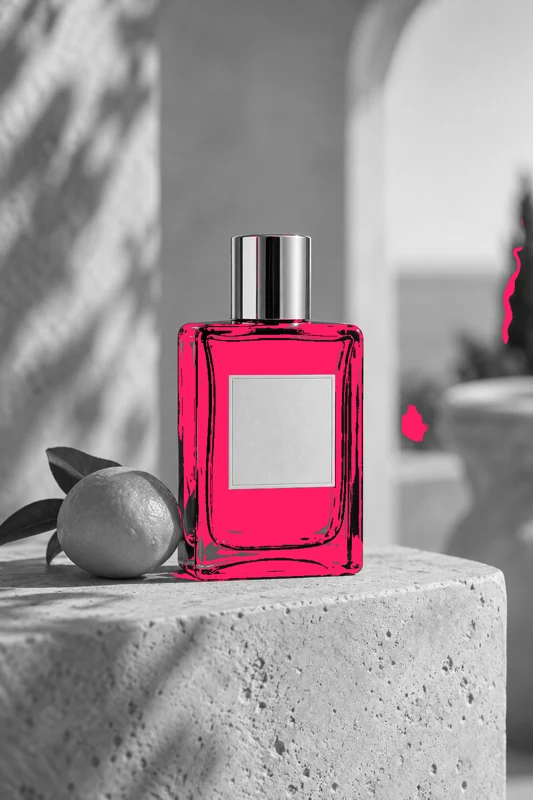
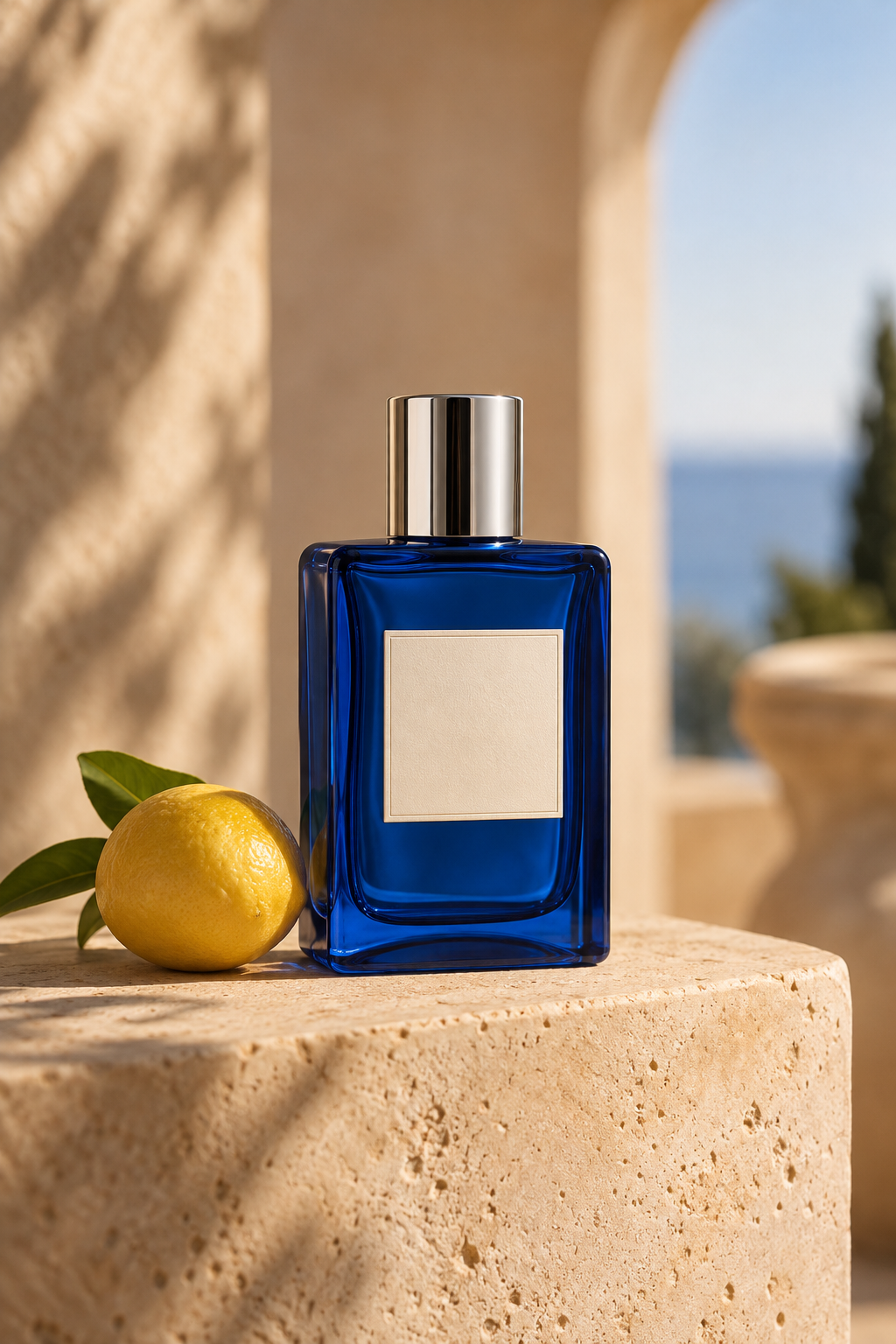
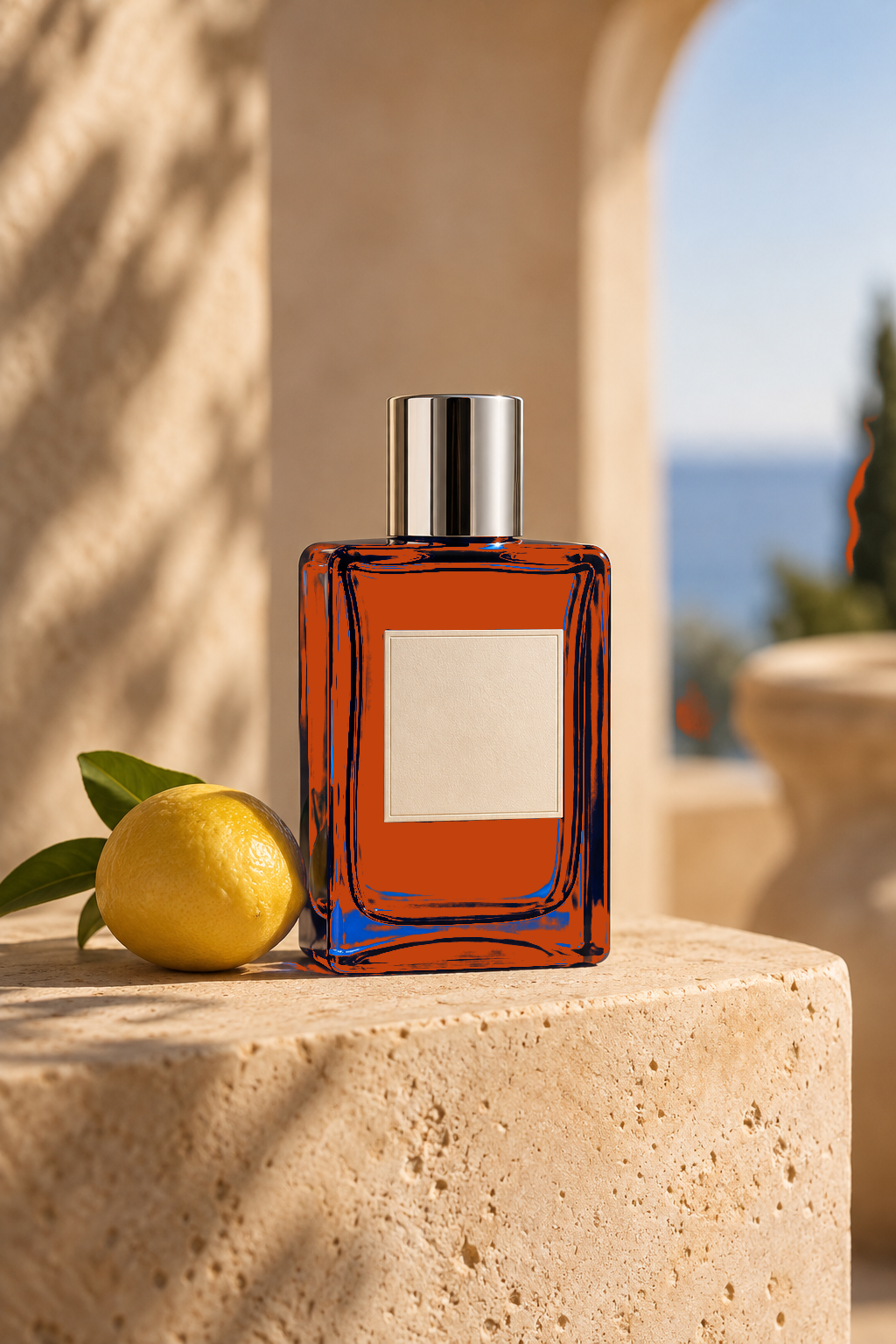
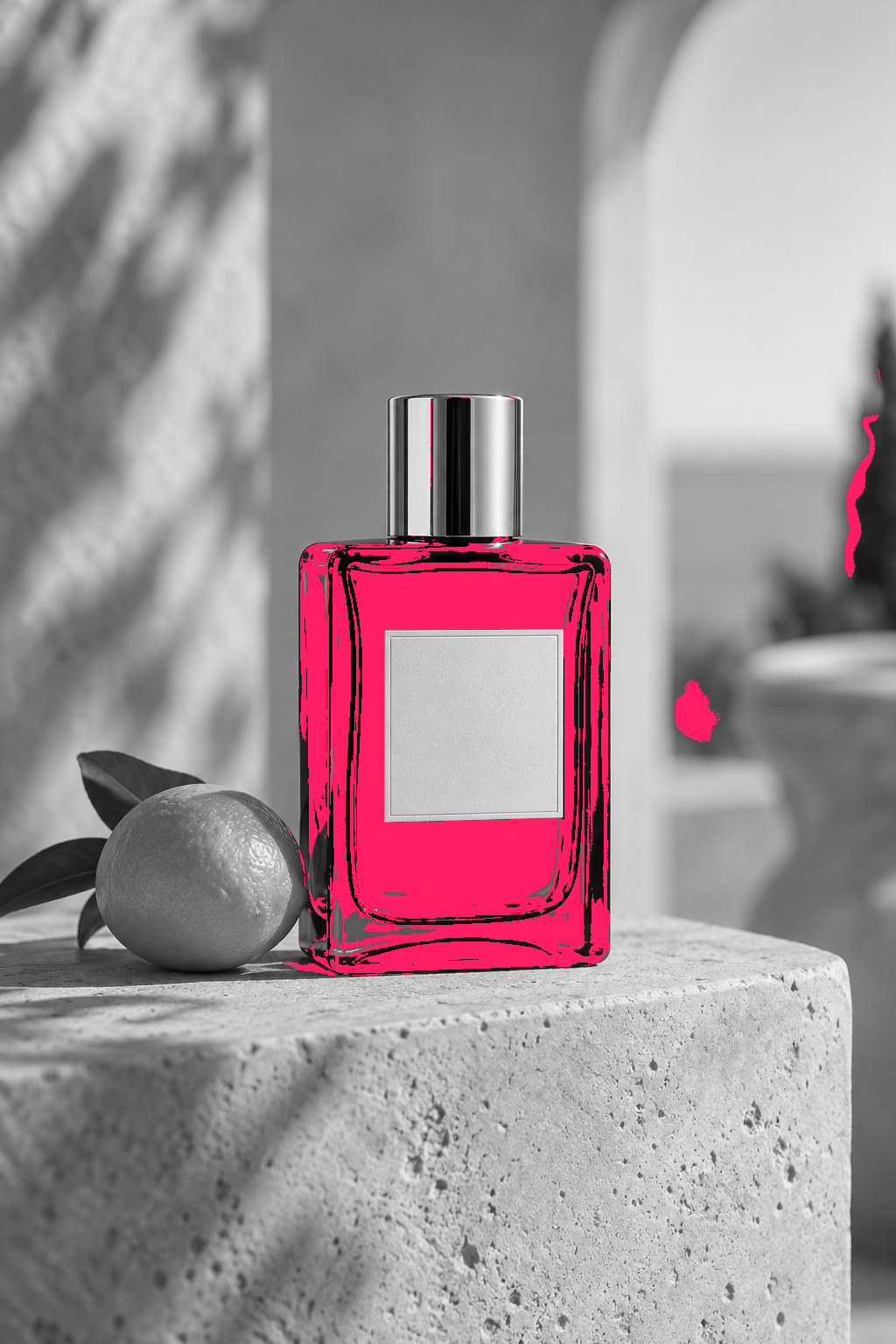
包装局部改稿:标记香水瓶换色
对比原图与真实换色工具导出的包装修订稿,只高亮发生改动的像素。
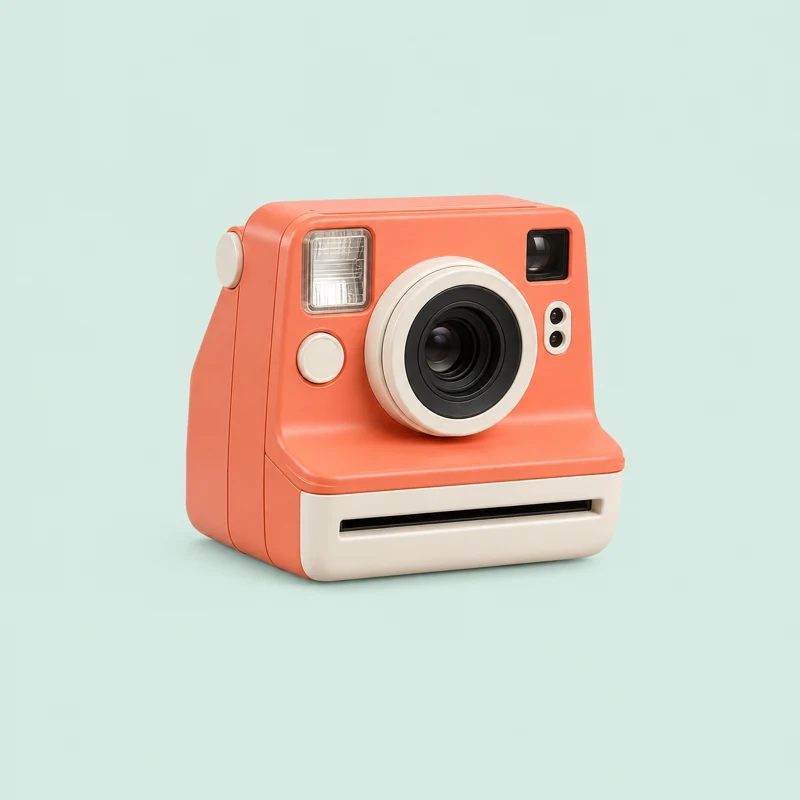
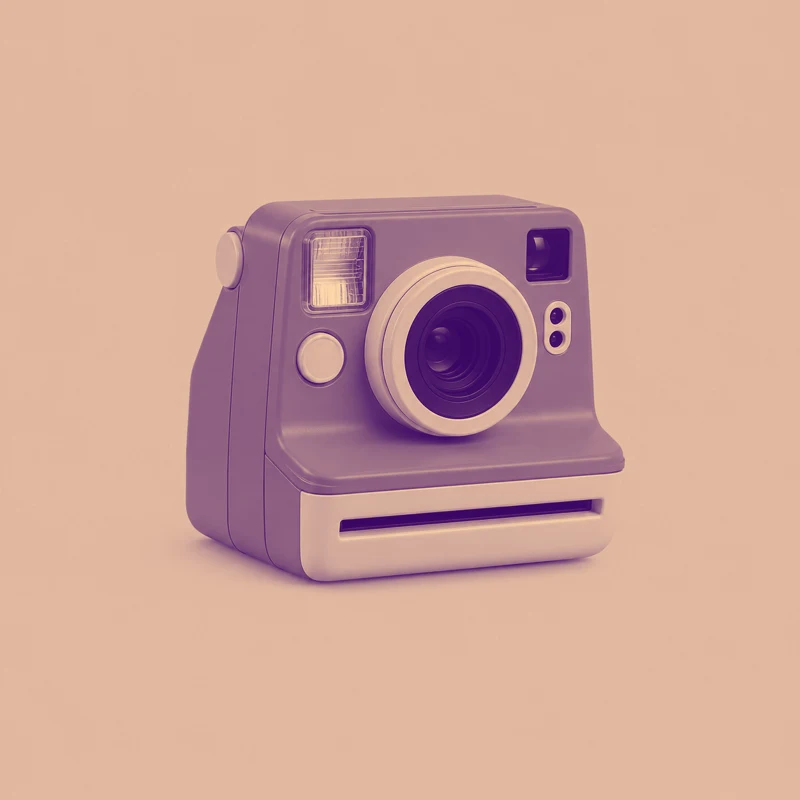
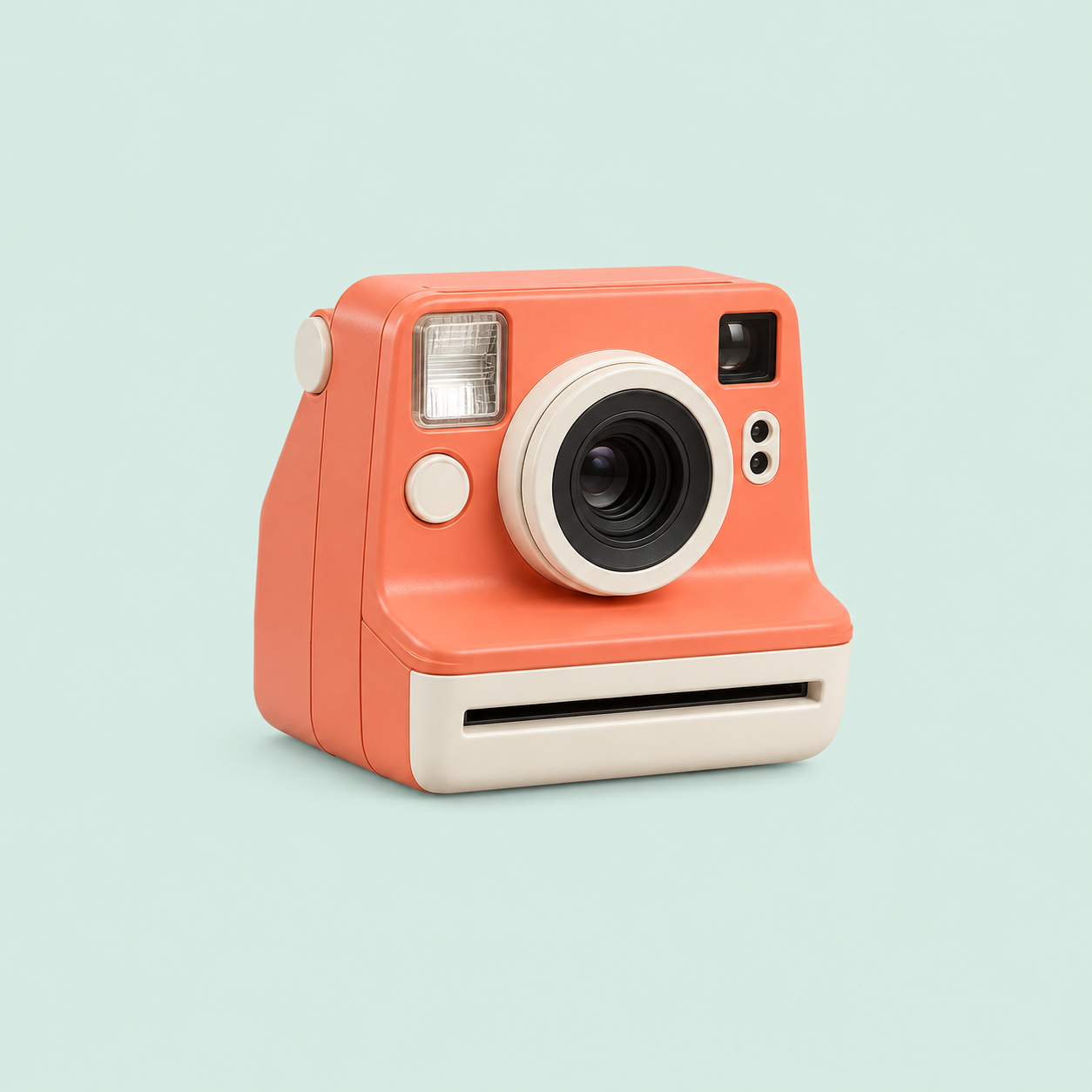
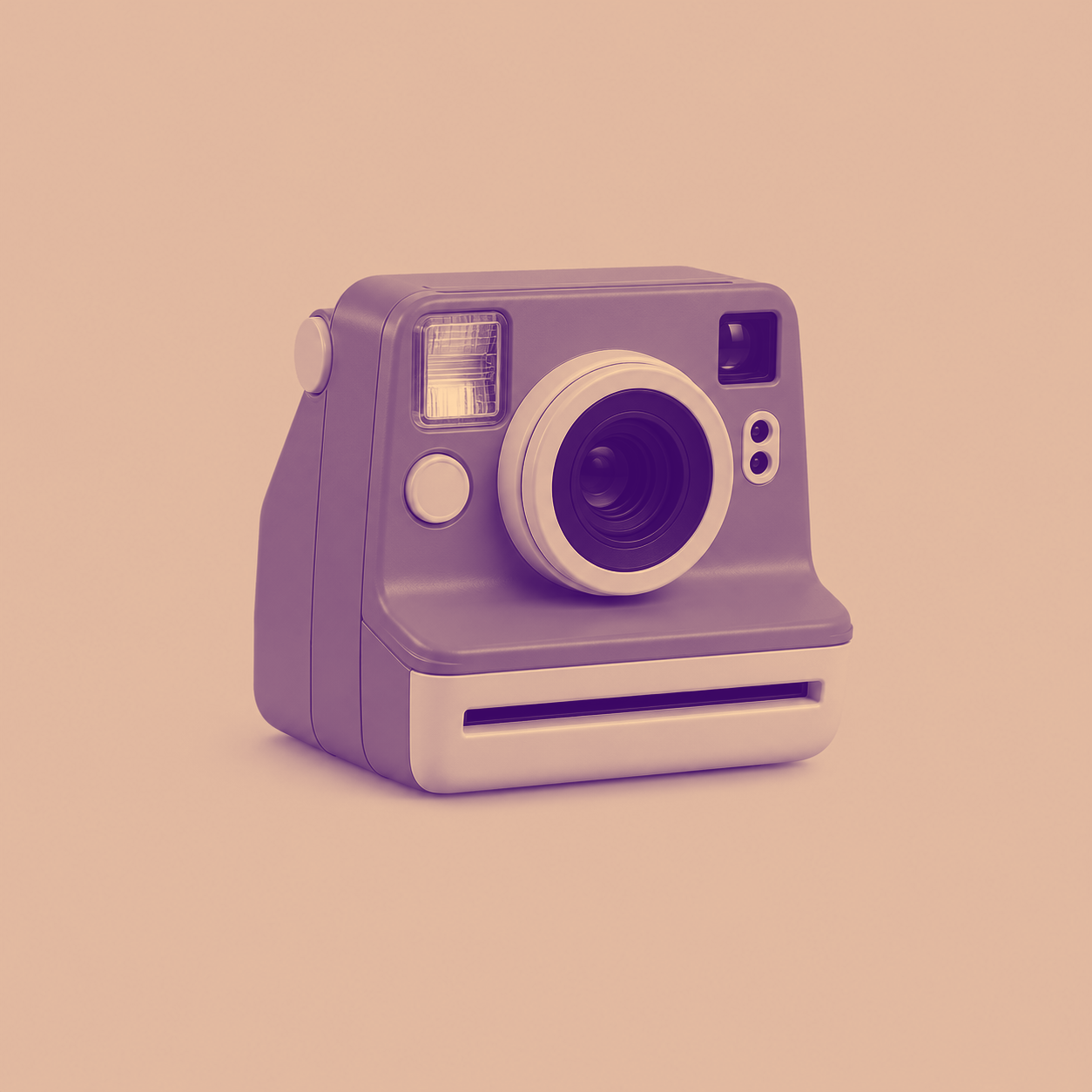
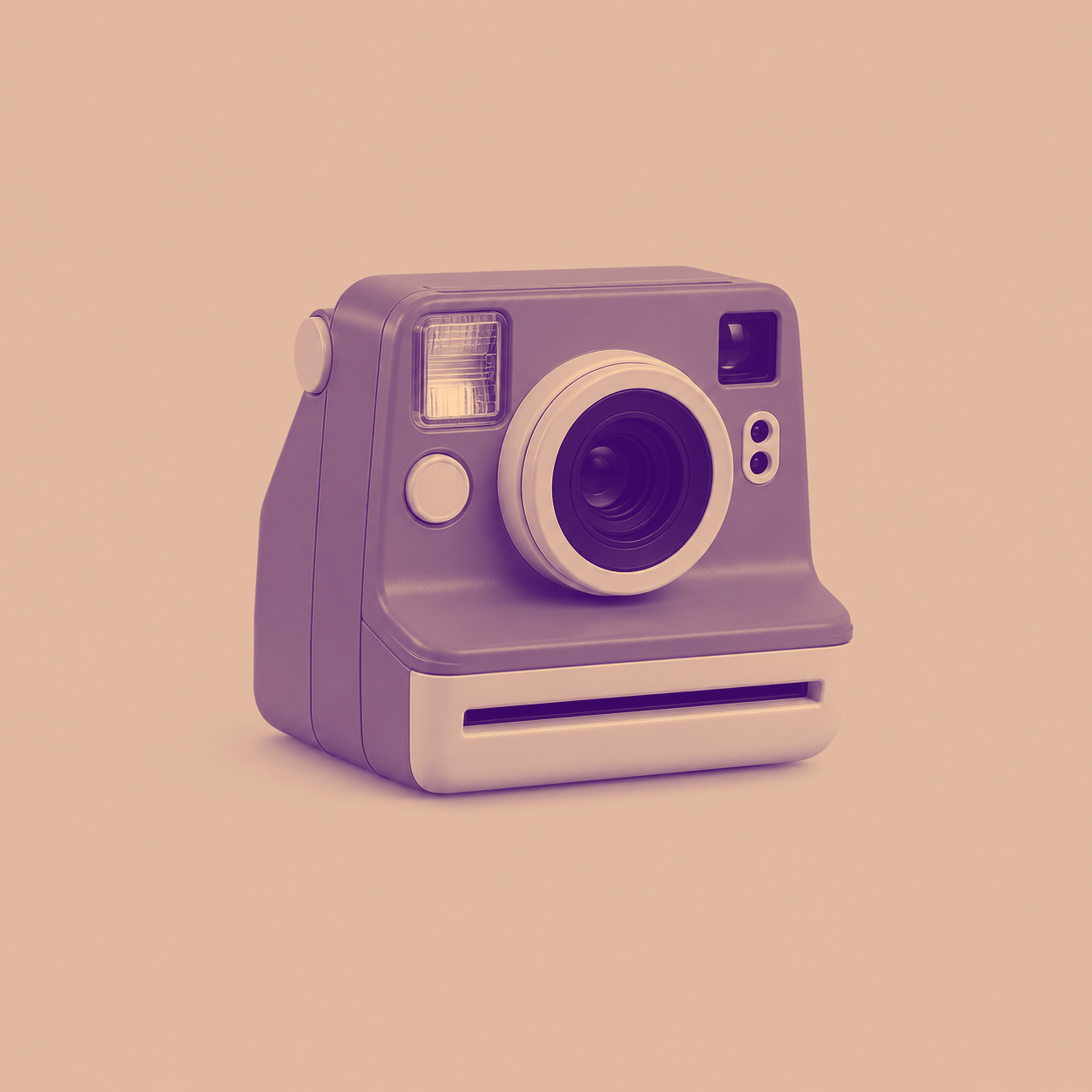
改稿校对:复古相机:紫橙宣传海报
用手动交替检查原图与真实双色工具输出。
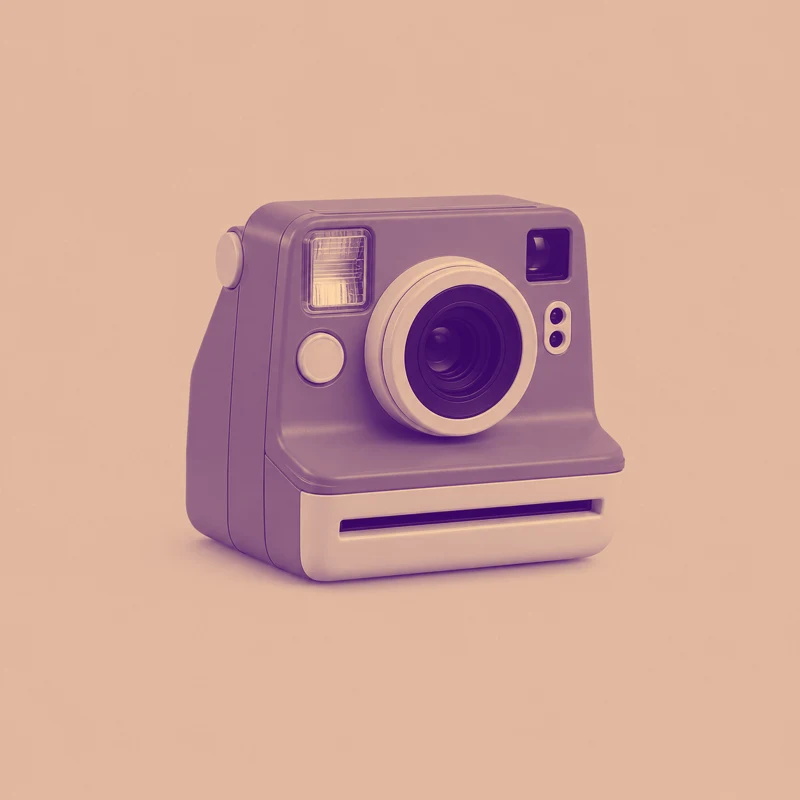
网页图片压缩:检查WebP色差
对比生图原稿与网站WebP转换后再解码的PNG,以容差5标记有损压缩色差。








What this tool does
Image Difference Checker
Compare two same-size images locally with a slider, overlay, blinking or difference highlighting, and export PNG.
Local processing
Selected files are processed in your browser without a file-upload step or account.
How to use
- Choose two same-size images
- Set comparison mode, tolerance and zoom
- Inspect changes and export the comparison
Formats and limits
Inputs must have identical pixel dimensions. No automatic perspective alignment; differences are not a quality score.
Frequently asked questions
Are my files uploaded?
No. Processing happens on your device. The website, fonts and dependencies may still use the network; offline use is not guaranteed.
Will my original files change?
No. Results are downloaded as new files. The batch renamer also writes copies when exporting to a folder.
What are the limitations?
Inputs must have identical pixel dimensions. No automatic perspective alignment; differences are not a quality score.