
6 个真实使用场景
从你的用途出发挑选示例。下载输入,按所列参数在上方工具中尝试,再对照实际导出的结果。
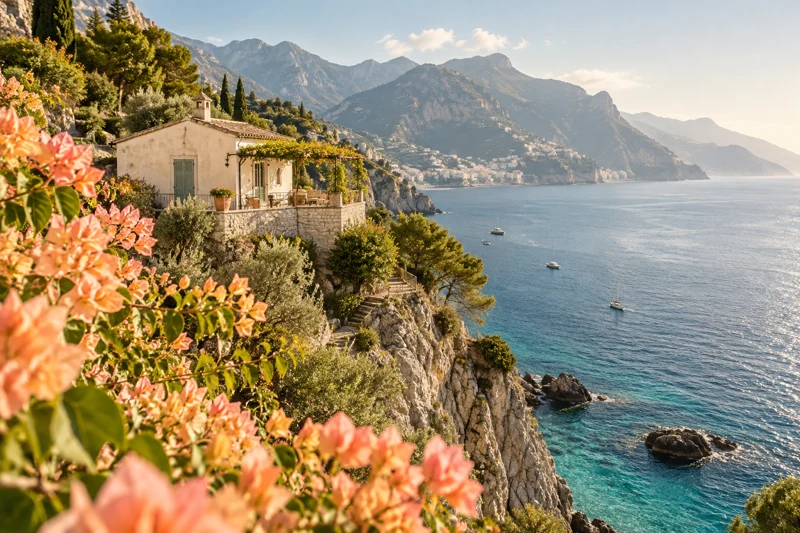
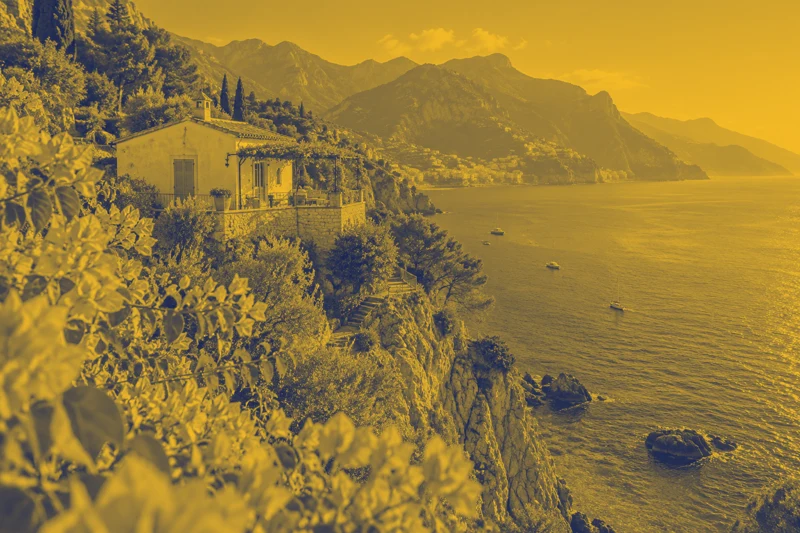
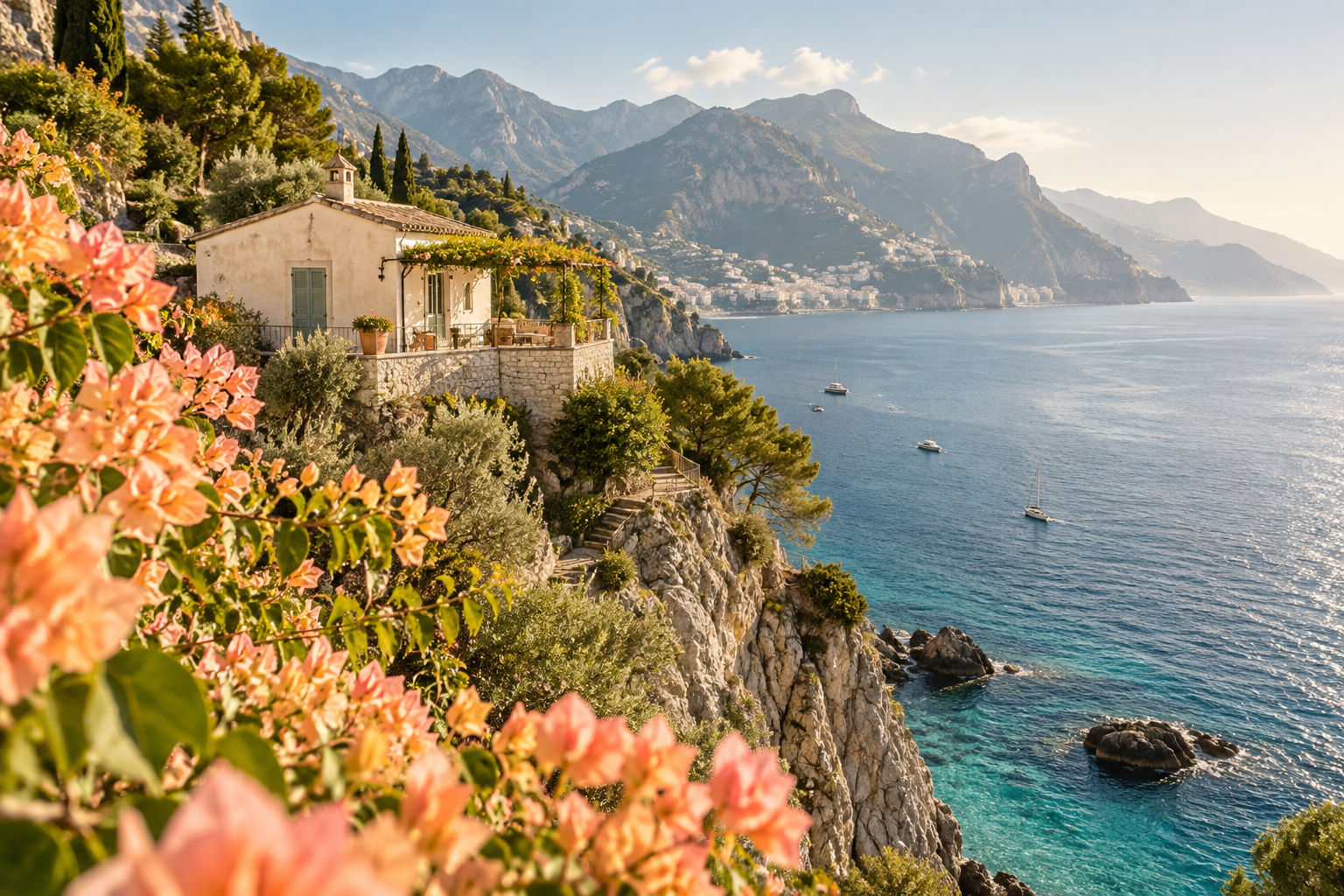
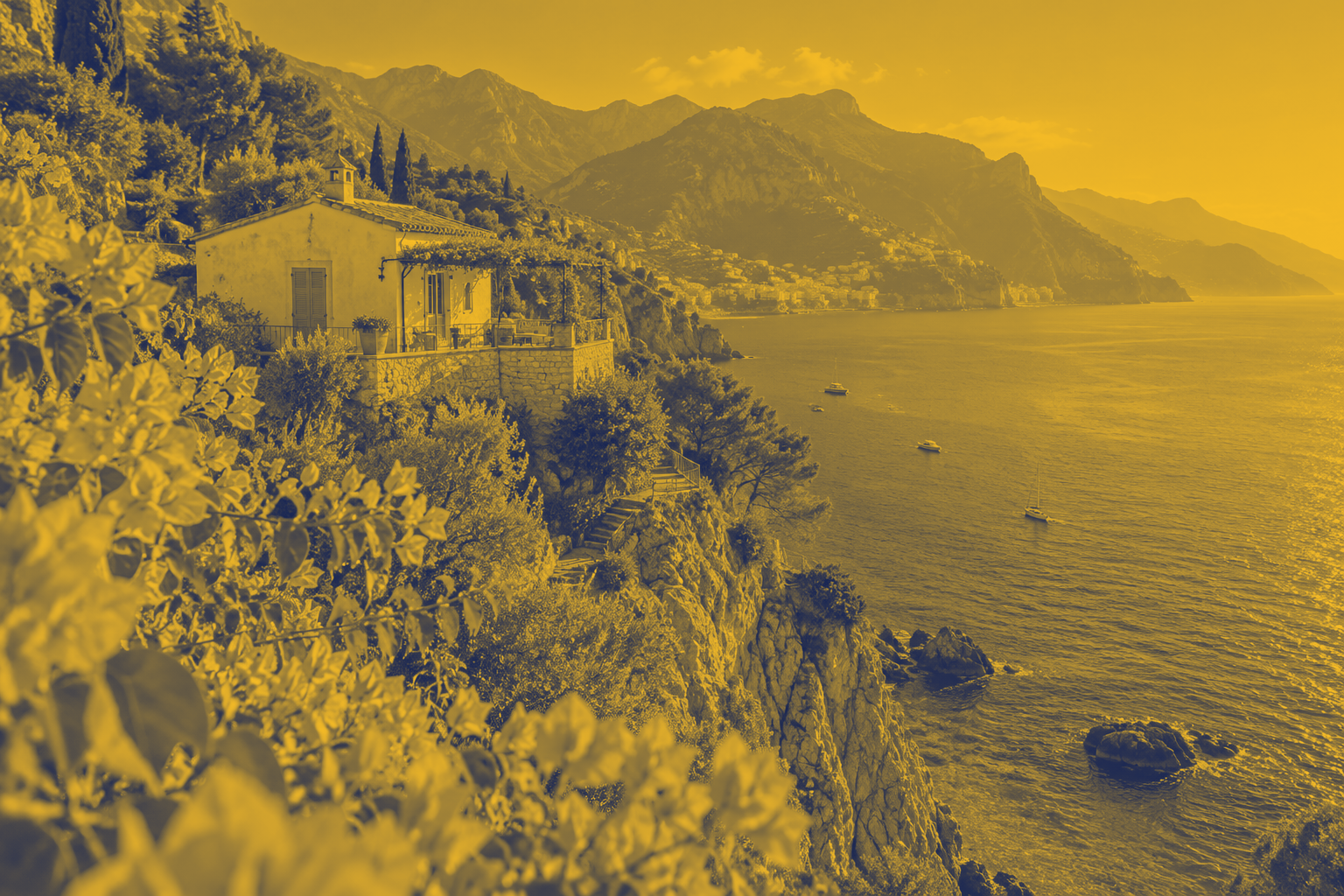
旅行海岸:蓝黄双色封面
把海岸摄影转为统一品牌色封面,保留明暗层次。
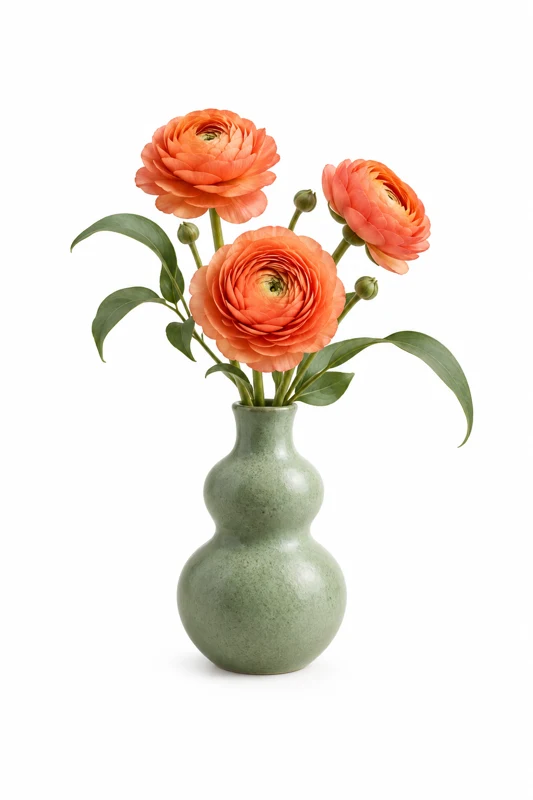
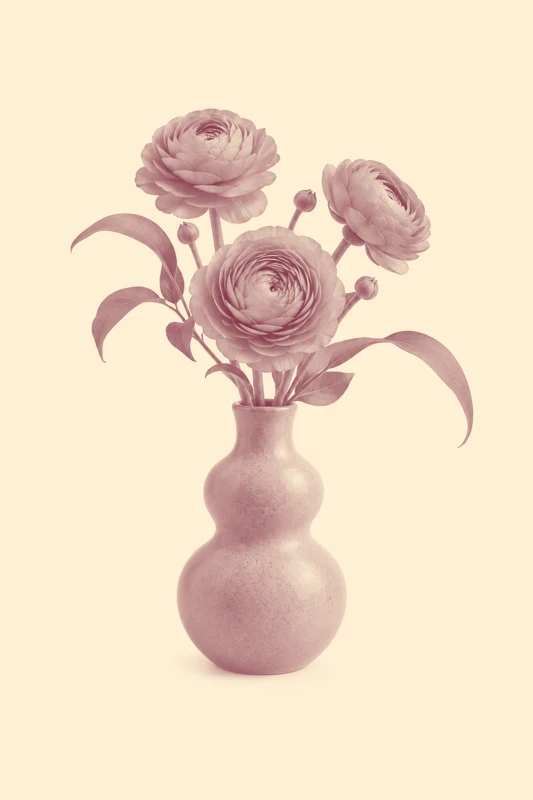
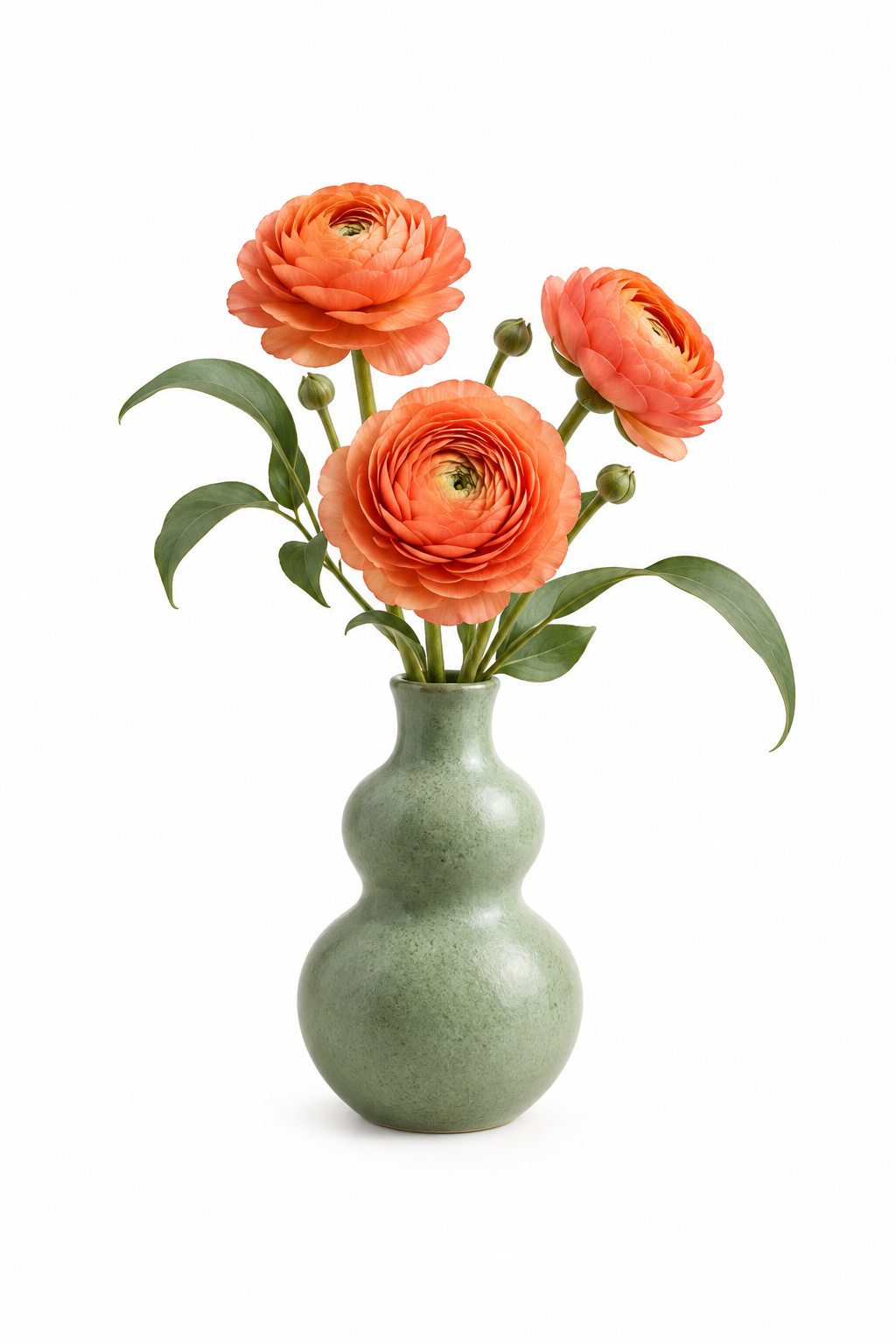
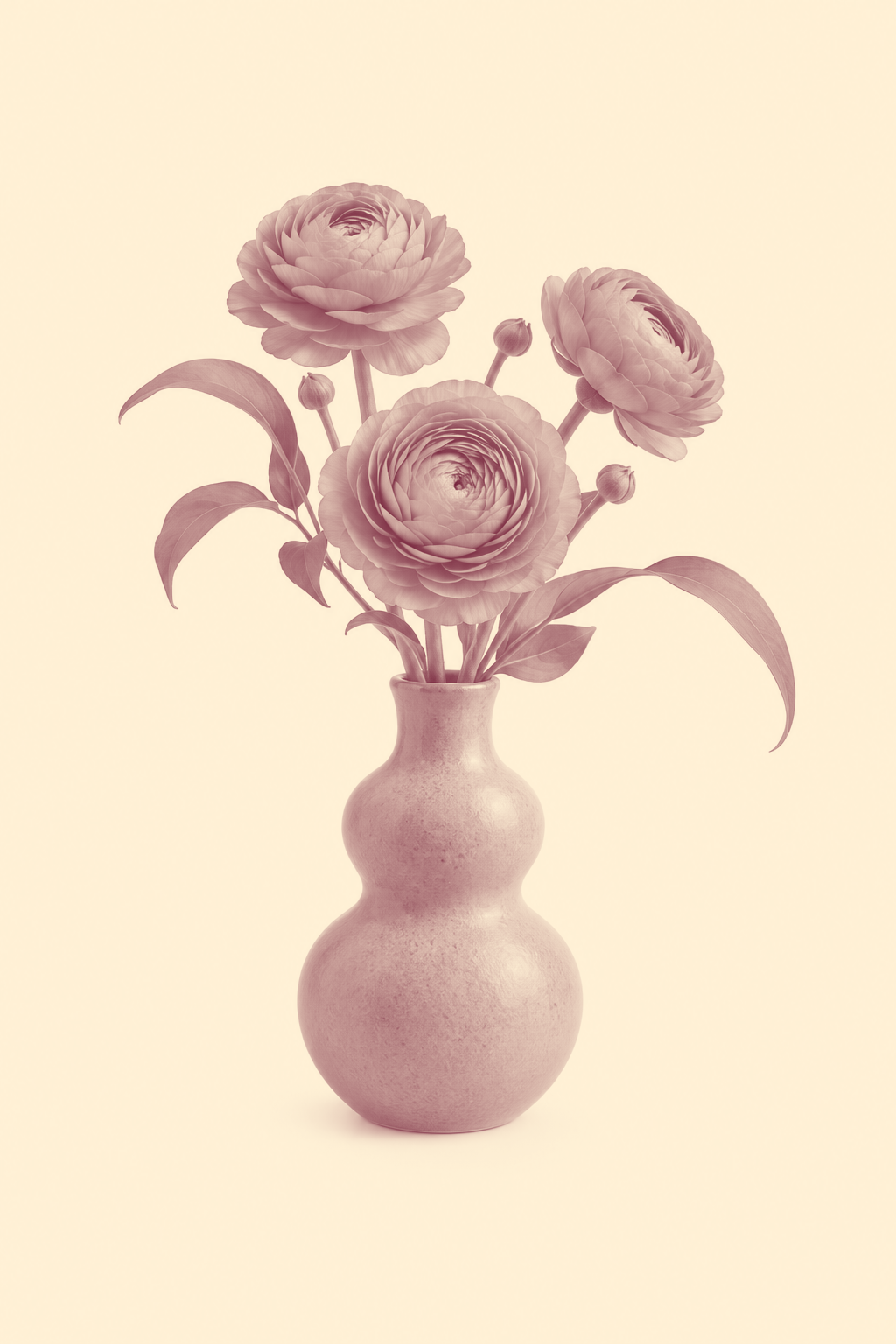
花瓶招贴:暖红双色印刷稿
为竖版花瓶招贴使用红与米白两种色调。
透明贴纸:露营车品牌配色
为露营车贴纸建立双色视觉,并保留原图透明背景。


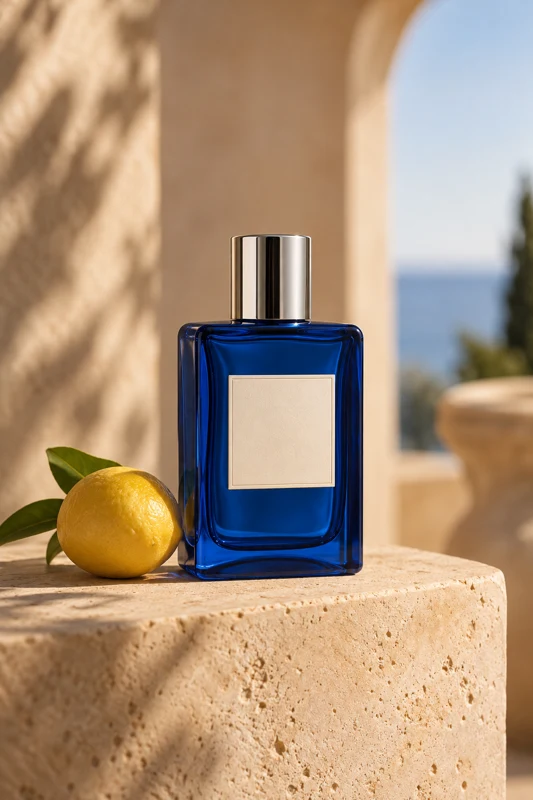
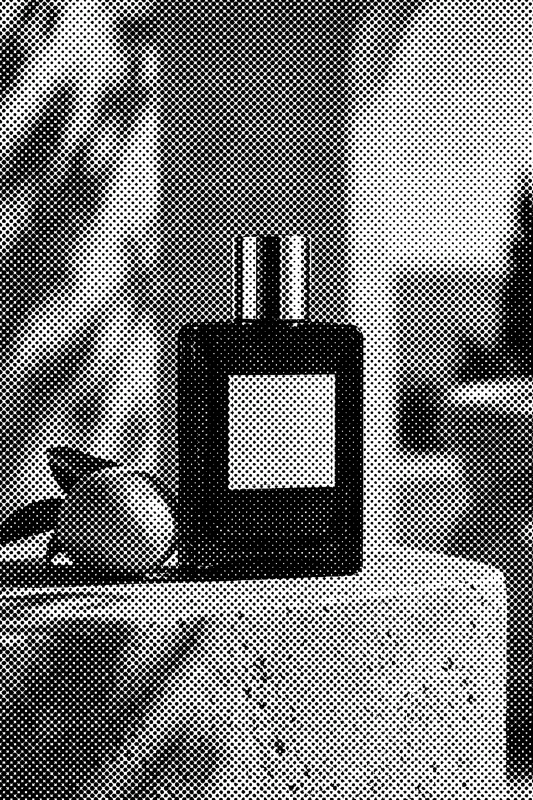
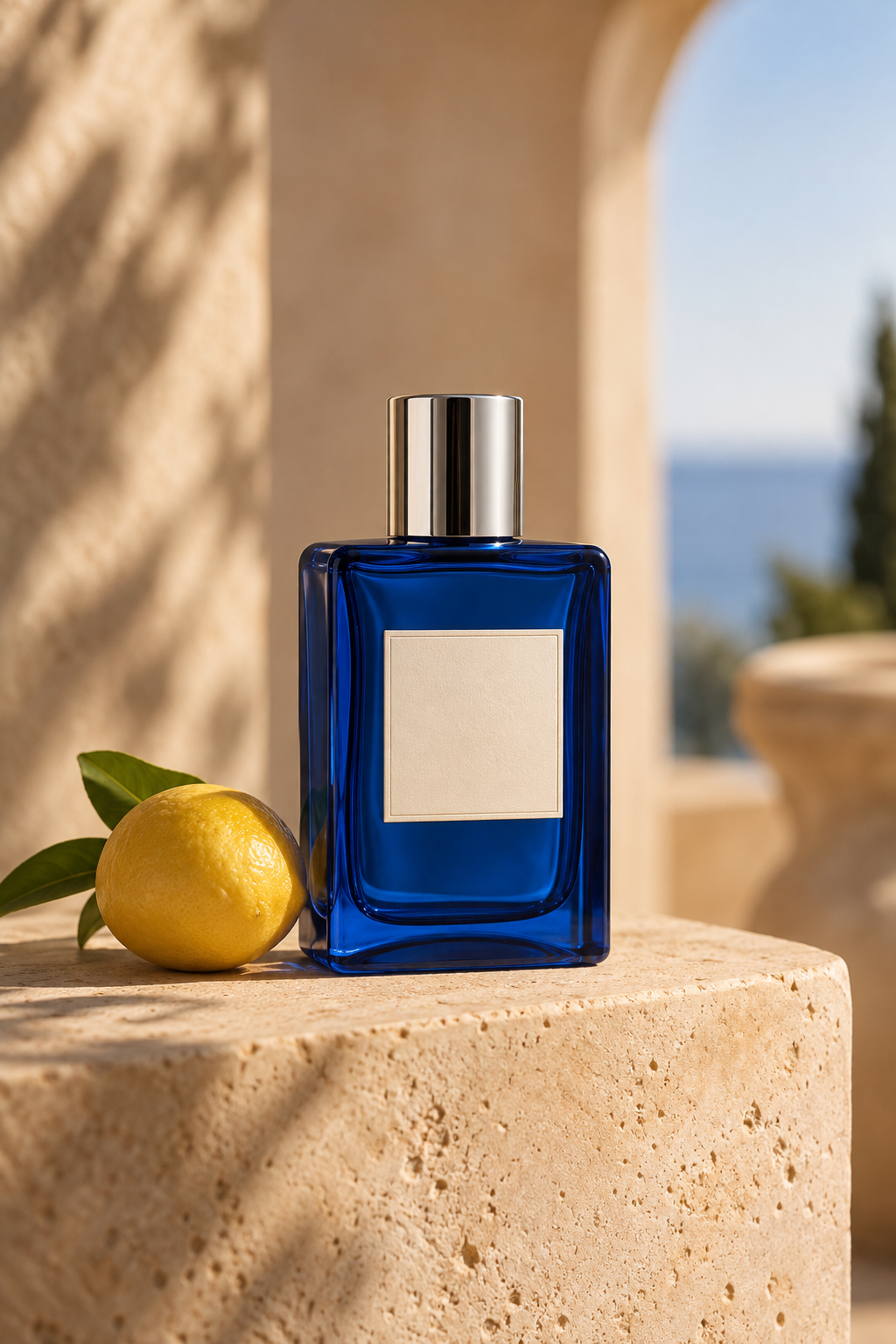
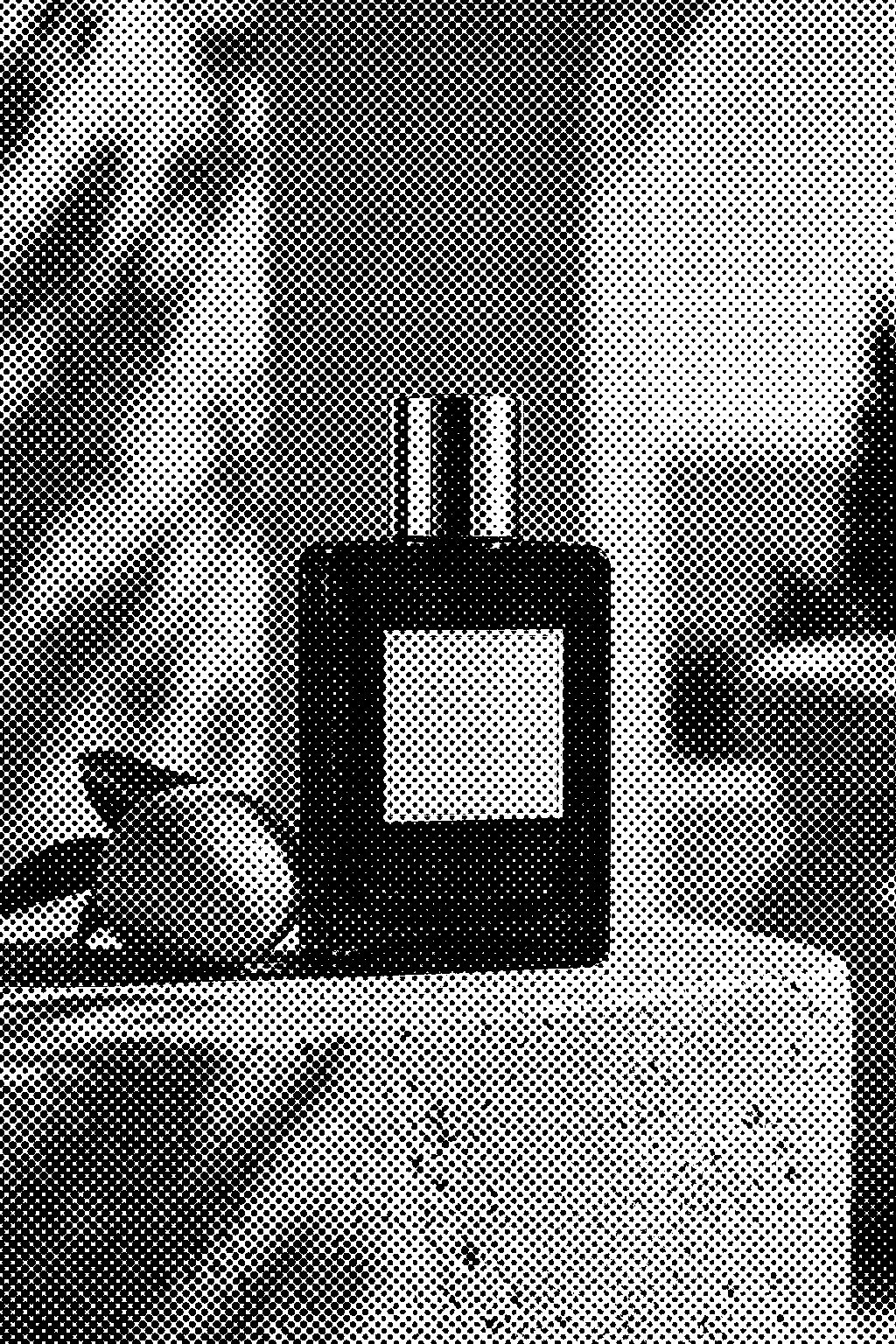
香水包装:黑白网点印刷
将产品照片变成清晰黑白网点稿,方便观察印刷风格。
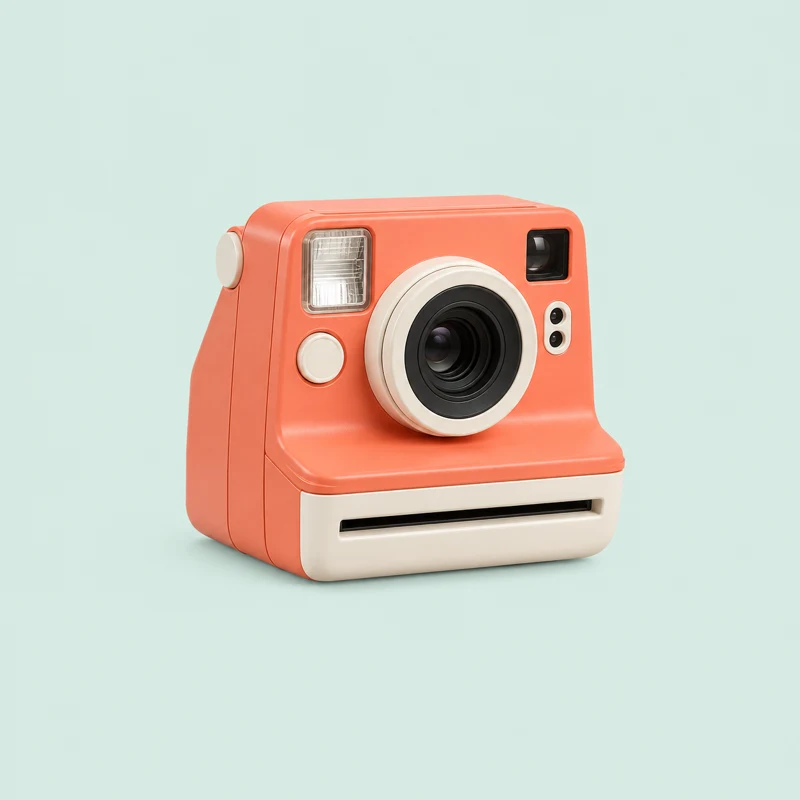
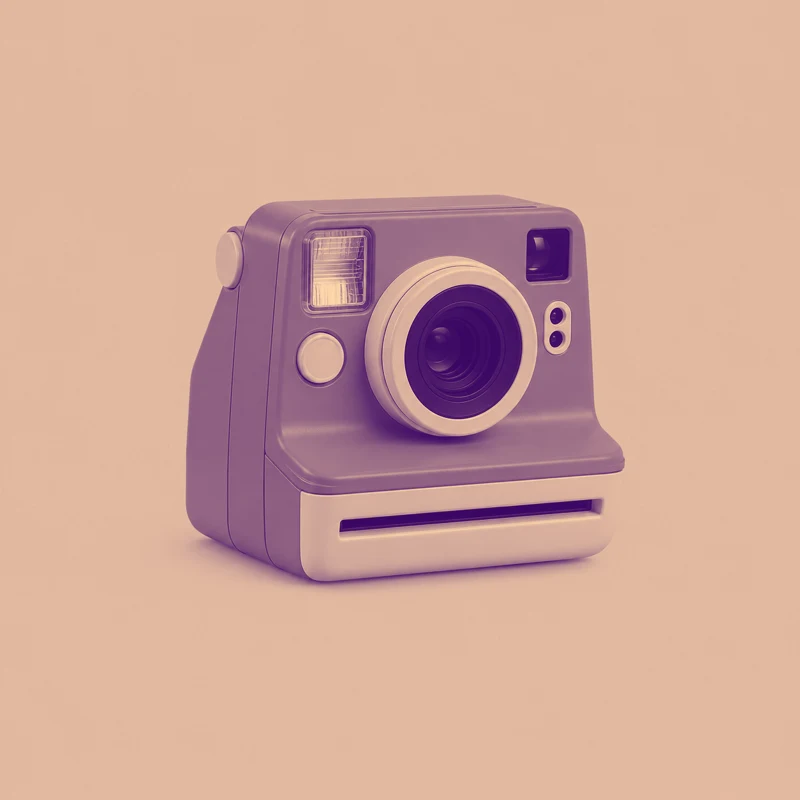
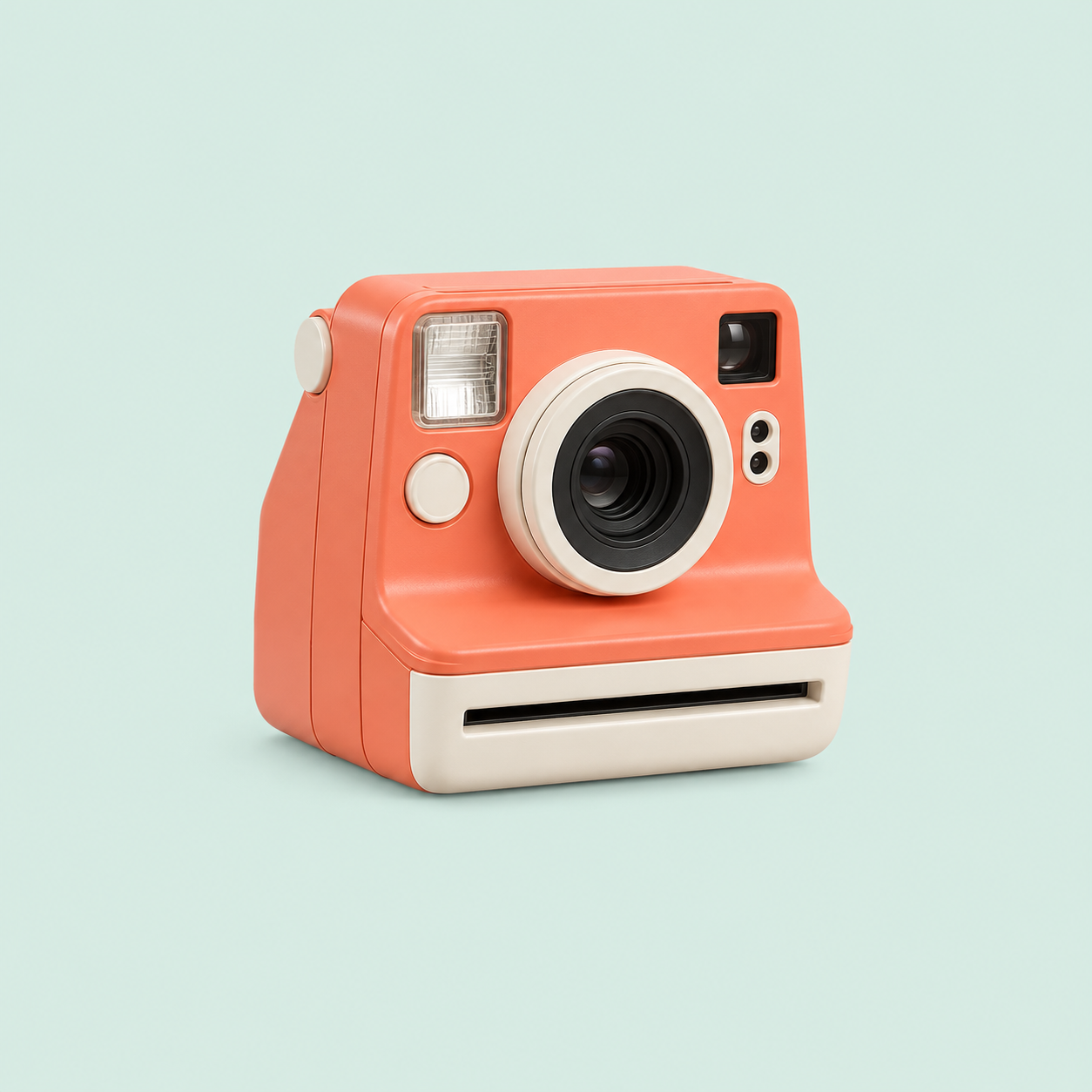
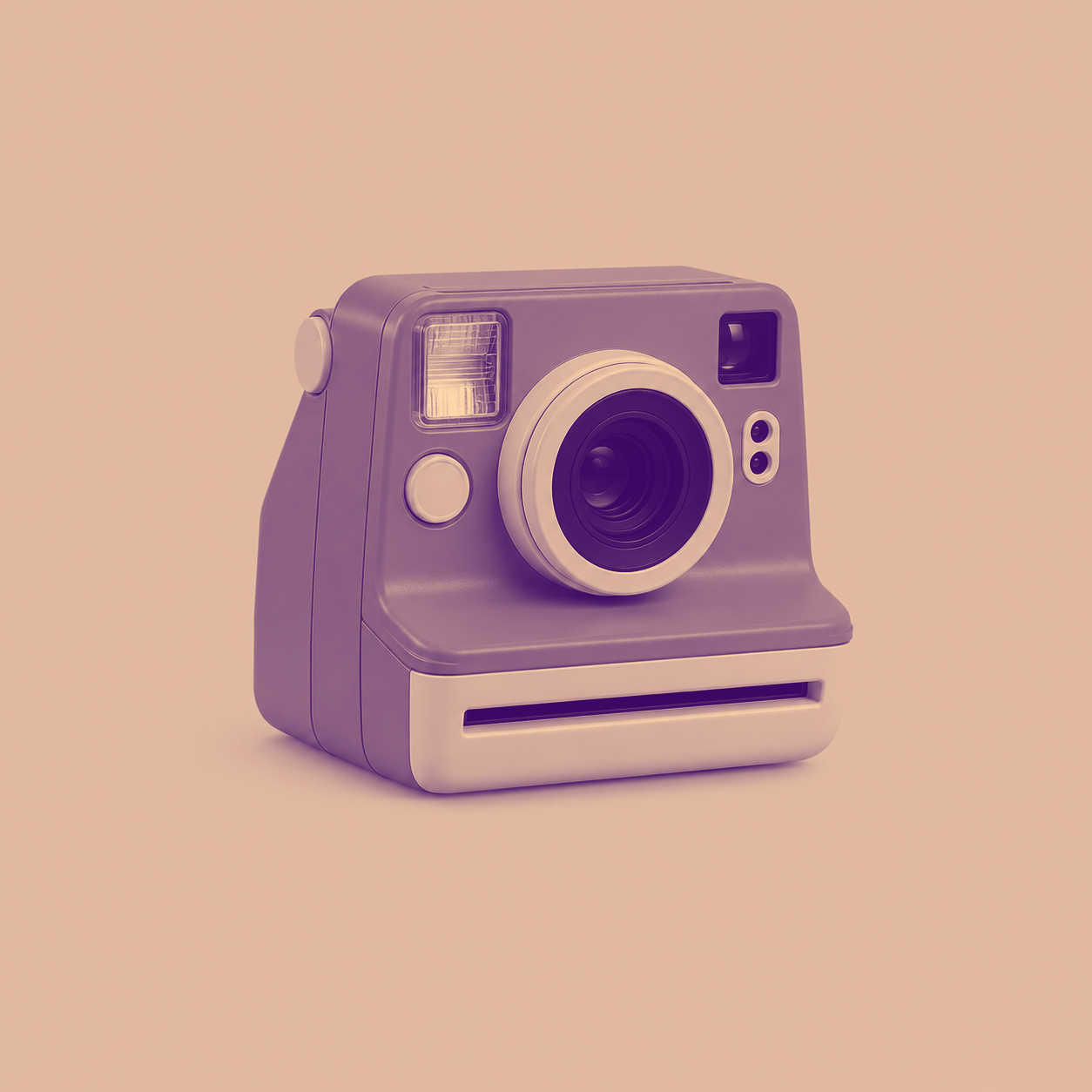
复古相机:紫橙宣传海报
将相机产品图统一为复古紫橙海报色调。
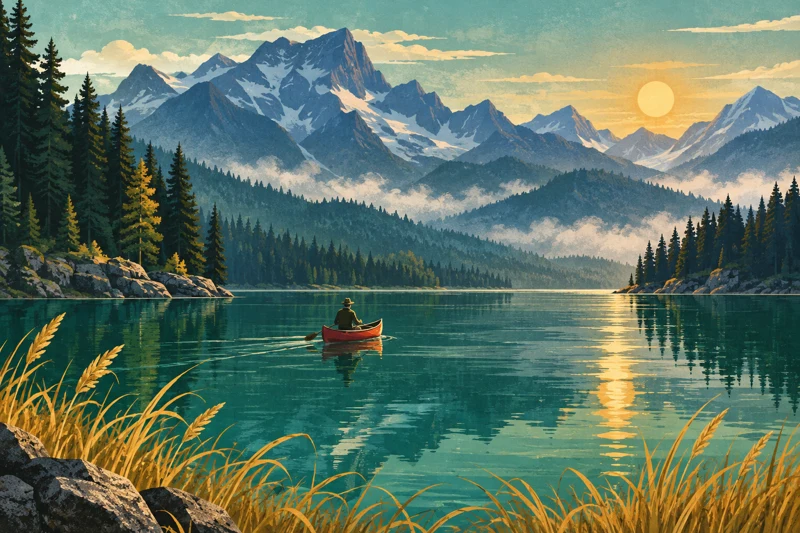
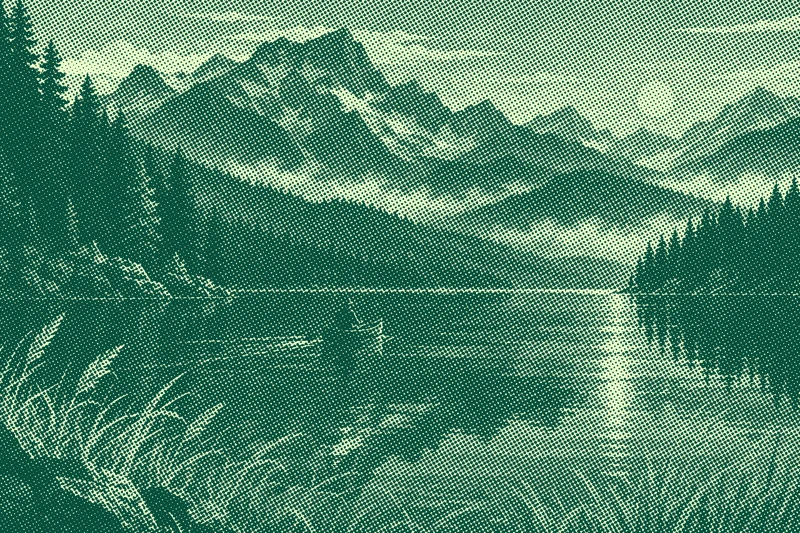
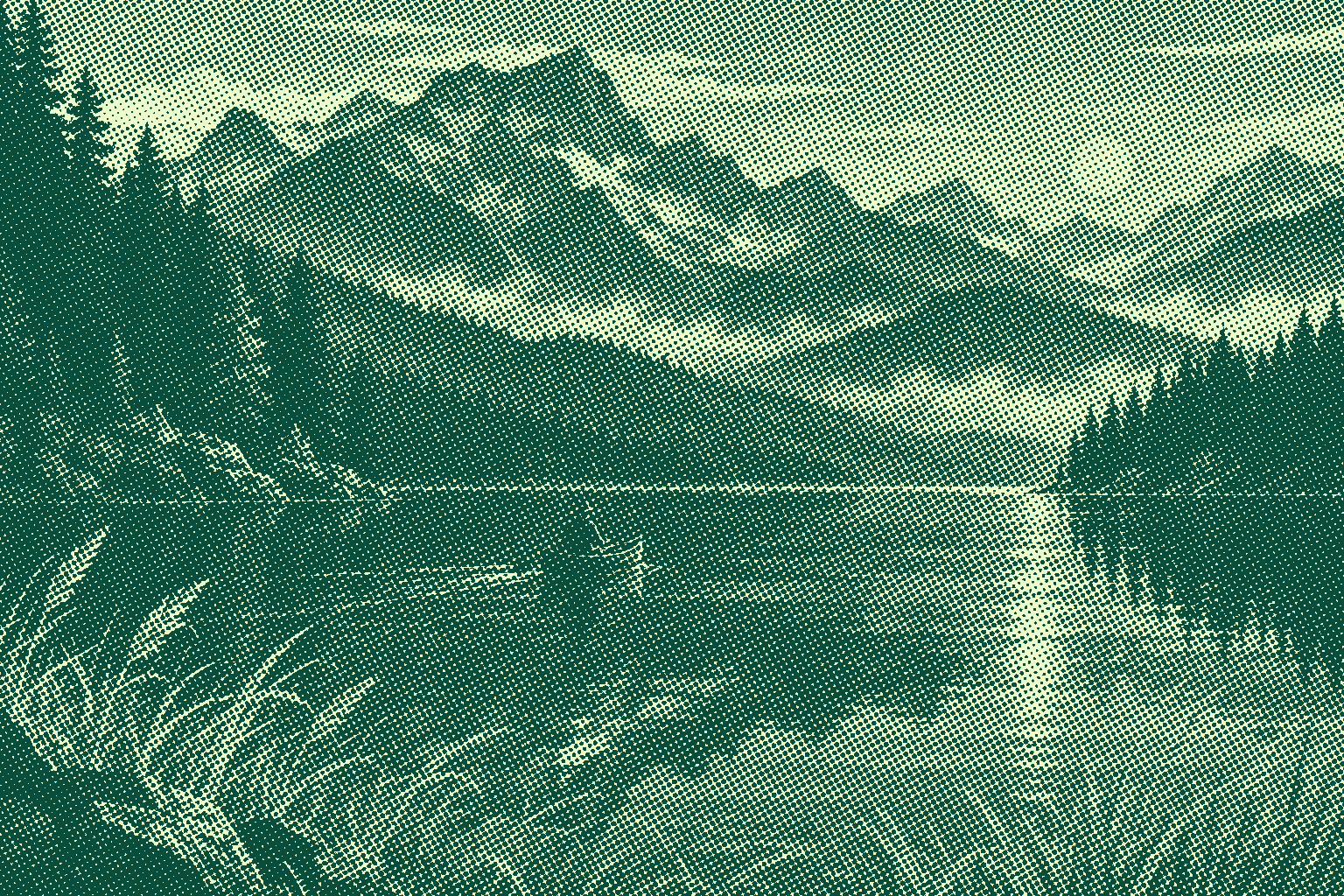
山湖书封:青绿网点插画
把山湖插画制作成青绿网点书封,强调纸上印刷感。



What this tool does
Duotone and Halftone Maker
Create duotone or halftone artwork with custom colors, tone curves, dot sizes and angles. Export PNG locally.
Local processing
Selected files are processed in your browser without a file-upload step or account.
How to use
- Choose an image and select duotone or halftone
- Adjust two colors, curves and dot settings
- Preview and download PNG
Formats and limits
Creates visual effects, not calibrated print separations. Small dots may show moiré in scaled previews; inspect at actual size.
Frequently asked questions
Are my files uploaded?
No. Processing happens on your device. The website, fonts and dependencies may still use the network; offline use is not guaranteed.
Will my original files change?
No. Results are downloaded as new files. The batch renamer also writes copies when exporting to a folder.
What are the limitations?
Creates visual effects, not calibrated print separations. Small dots may show moiré in scaled previews; inspect at actual size.