
HTML to Image
Render an HTML and CSS layout as a still image. Set the canvas size, inspect the preview and export PNG or JPG for a card or design mockup.
Powerful HTML to Image Features
HTML and CSS preview
Rendering depends on the browser and available fonts and images. External resources may fail to load or export because of cross-origin restrictions. Export creates a still image, not a CSS animation.
10+ Ready-Made Templates
Choose from pre-designed templates for social cards, quotes, birthday wishes, stats cards, and more. Quickly convert HTML designs to images without writing code from scratch.
Multiple Output Formats
Export HTML as PNG, JPEG, or SVG. Generate HTML to PNG with transparency, HTML to JPEG for smaller file sizes, or HTML to SVG for scalability.
Transparent Backgrounds
Create HTML to PNG images with transparent backgrounds. for overlays, watermarks, and graphics that need to blend with any background color.
Custom Dimensions
Set precise width and pixel ratio for your HTML to image conversion. Generate high-resolution images up to 3x scale for crisp, clear results on any device or display.
Instant Preview & Download
See real-time preview as you edit HTML and CSS code. Our HTML screenshot tool renders changes, allowing you to download your HTML image immediately.
How to Convert HTML to Image
Choose Your Mode
Select template mode for quick designs using pre-built templates, or switch to advanced mode to write custom HTML and CSS code for your HTML to image conversion.
Enter HTML & CSS Code
In advanced mode, paste your HTML code and add CSS styling. In template mode, simply fill in the fields like title, text, and colors to customize your HTML image.
Configure Output Settings
Choose output format (PNG, JPEG, or SVG), set image width, adjust pixel ratio for resolution, and enable transparent background if needed for your HTML to PNG conversion.
Preview & Download
View the real-time preview of your HTML rendered as an image. Click download to save your HTML to PNG, HTML to JPEG, or HTML to SVG file to your device.
HTML to Image · Example 1
These files were processed with this tool or its shared processing code. Compare the source, settings and downloadable results.
Input2
<section><small>01 / 03</small><h1>2026</h1><p>09 / 22</p></section>
*{box-sizing:border-box} body{margin:0} section{padding:56px;background:#153d36;color:#f7e3b6;min-height:320px;font-family:system-ui;border-radius:20px} small{letter-spacing:4px;font-size:16px} h1{font-size:72px;line-height:1.1;margin:30px 0} p{font-size:22px}Source files (2)

Tips for Better HTML to Image Conversion
Optimize Image Width
Choose appropriate width for your HTML to image output. Use 1200px for social media, 800px for email banners, or custom sizes based on your specific needs for best results.
Use High Pixel Ratio
Set pixel ratio to 2x or 3x for high-DPI displays. This ensures your HTML to PNG or JPEG images look crisp on retina screens and high-resolution devices.
Web-Safe Fonts
Use common web fonts (Arial, Helvetica, etc.) or load custom fonts via CSS @font-face. Ensure fonts are available when converting HTML to image for consistent rendering.
Transparent PNG for Overlays
Enable transparent background when converting HTML to PNG for logos, watermarks, or graphics that need to overlay on other images or colored backgrounds.
Validate HTML & CSS
Use valid, well-formatted HTML and CSS code. Proper structure ensures accurate rendering when converting HTML code to image. Preview before downloading to verify output.
Use Templates for Speed
Start with built-in templates for common designs. Templates provide optimized HTML structure for converting to images, saving time while maintaining professional quality.
HTML to Image · More examples
These files were processed with this tool or its shared processing code. Compare the source, settings and downloadable results.
Input2
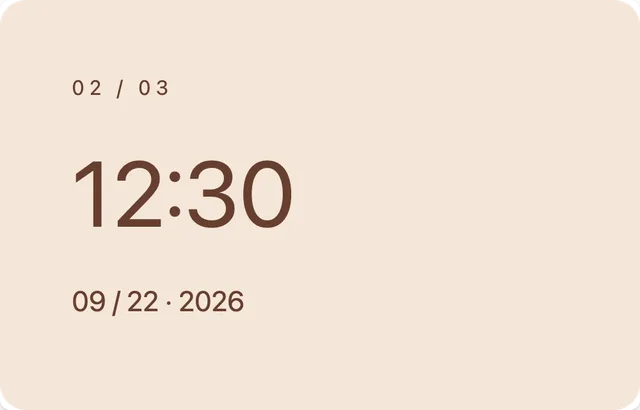
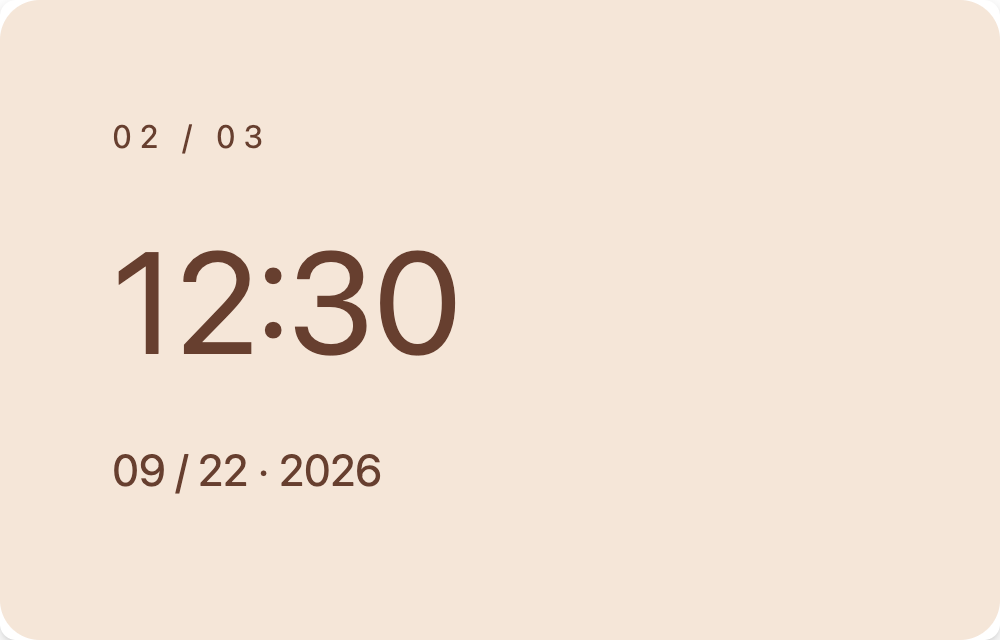
<section><small>02 / 03</small><h1>12:30</h1><p>09 / 22 · 2026</p></section>
*{box-sizing:border-box} body{margin:0} section{padding:56px;background:#f5e6d8;color:#673f2f;min-height:320px;font-family:system-ui;border-radius:20px} small{letter-spacing:4px;font-size:16px} h1{font-size:72px;line-height:1.1;margin:30px 0} p{font-size:22px}Source files (2)
Input2
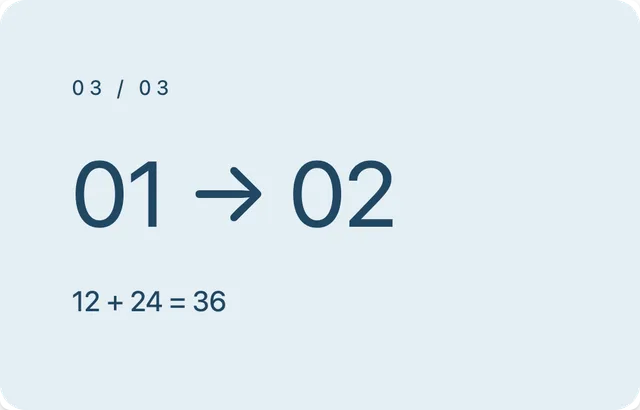
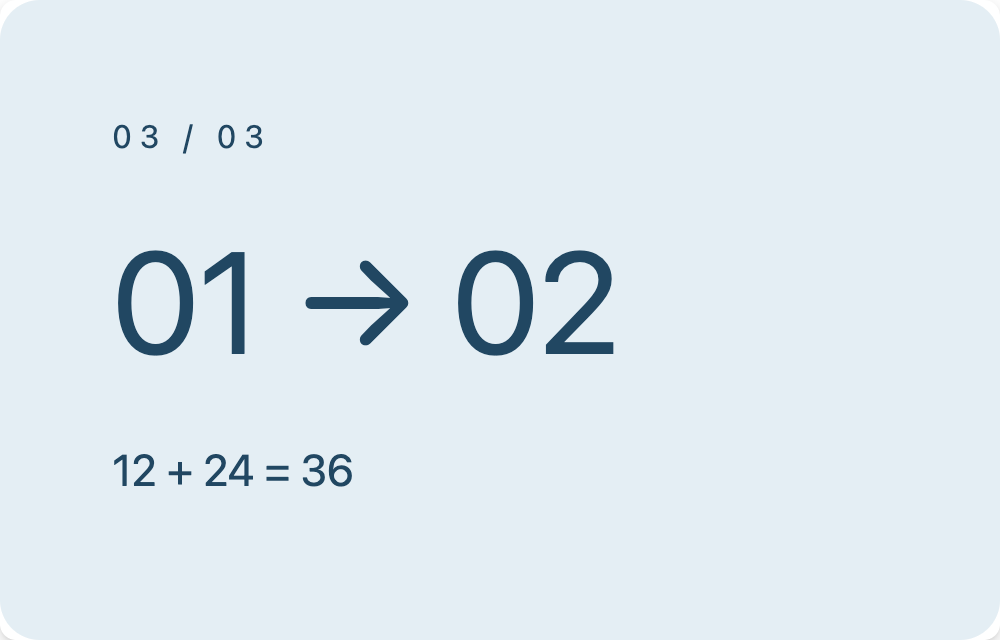
<section><small>03 / 03</small><h1>01 → 02</h1><p>12 + 24 = 36</p></section>
*{box-sizing:border-box} body{margin:0} section{padding:56px;background:#e4eef4;color:#214762;min-height:320px;font-family:system-ui;border-radius:20px} small{letter-spacing:4px;font-size:16px} h1{font-size:72px;line-height:1.1;margin:30px 0} p{font-size:22px}Source files (2)

HTML to Image FAQ
Related Image Tools
Explore more free online image tools
Image to PDF
Combine JPG, PNG, WebP, GIF or BMP images into a PDF. Arrange the page order and choose A4, Letter or the original image size.
Compress Image
Compress JPG, PNG and WebP images in your browser. Compare the output size and appearance before downloading individual files or a ZIP.
Resize Image
Resize one or several images by pixel dimensions or percentage. Lock the aspect ratio to avoid distortion and compare the preview before downloading.
Convert to PNG
Convert supported images to PNG for graphics, screenshots and logos. Preserve existing transparency; converting a JPG does not remove its background.
Convert to JPG
Convert images to JPG, choose output quality, and compare file sizes. Process multiple files and check the result before downloading.
Add Watermark
Add a text or image watermark to one or several pictures. Adjust position, opacity, rotation and repetition, then review the exported files.