
Image to PDF
Combine JPG, PNG, WebP, GIF or BMP images into a PDF. Arrange the page order and choose A4, Letter or the original image size.
Image to PDF Features
Multiple Format Image to PDF
Combine JPG, PNG, WebP, GIF or BMP images into a PDF. Arrange the page order and choose A4, Letter or the original image size.
Merge Multiple Images to PDF
Add up to 50 images, with a limit of 50 MB per file and 200 MB in total. Drag the images into the desired page order before downloading.
How to Convert Image to PDF Free
Upload Images for Image to PDF
Click the upload area or drag and drop your images. Supports JPG, PNG, WebP, GIF, BMP up to 50MB each for image to PDF conversion.
Arrange Image to PDF Order
Add up to 50 images, with a limit of 50 MB per file and 200 MB in total. Drag the images into the desired page order before downloading.
Download PDF File
Click download to get your converted PDF file. All images merged to PDF in your specified order. High quality image to PDF output every time.
Image to PDF · Example 1
These files were processed with this tool or its shared processing code. Compare the source, settings and downloadable results.
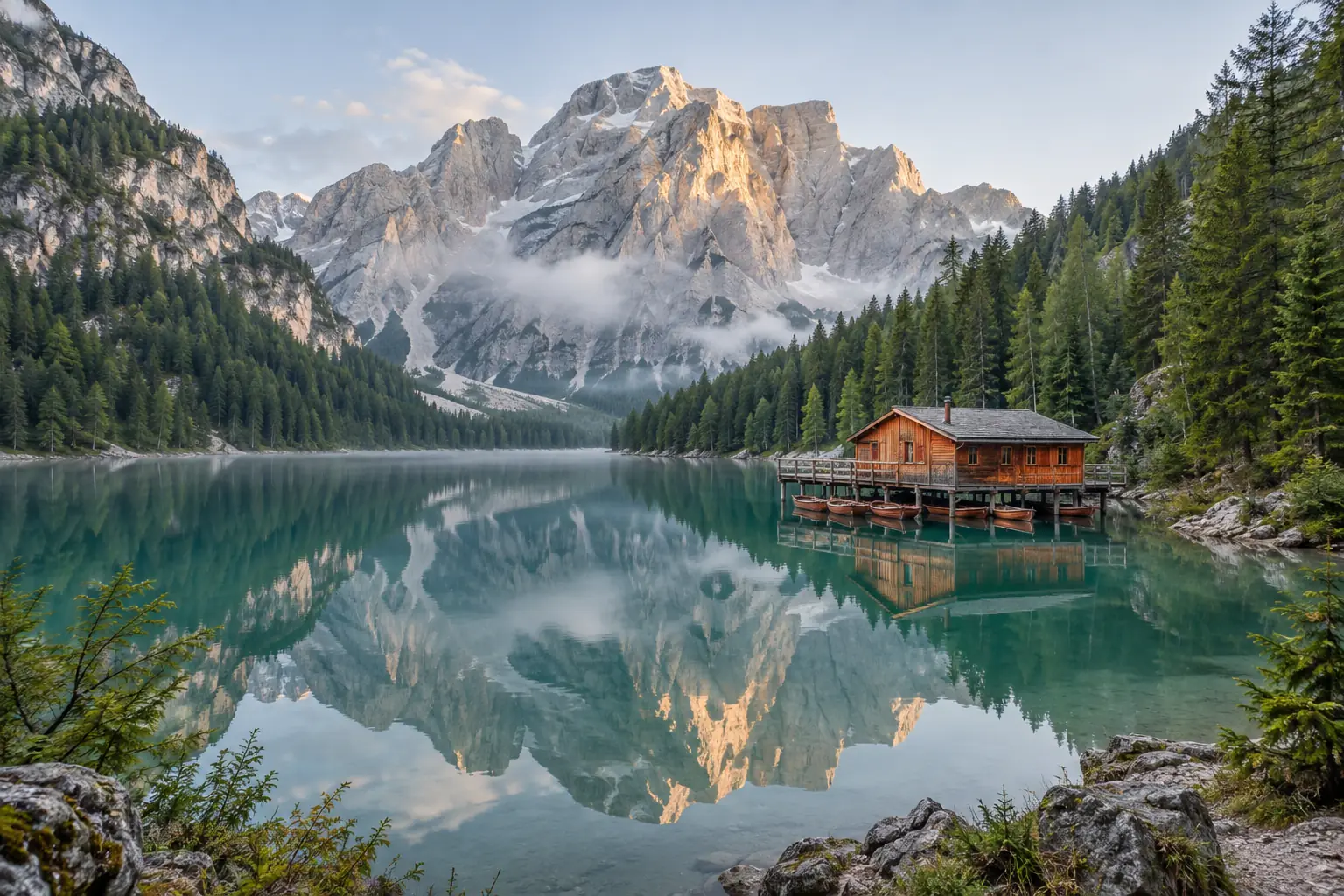
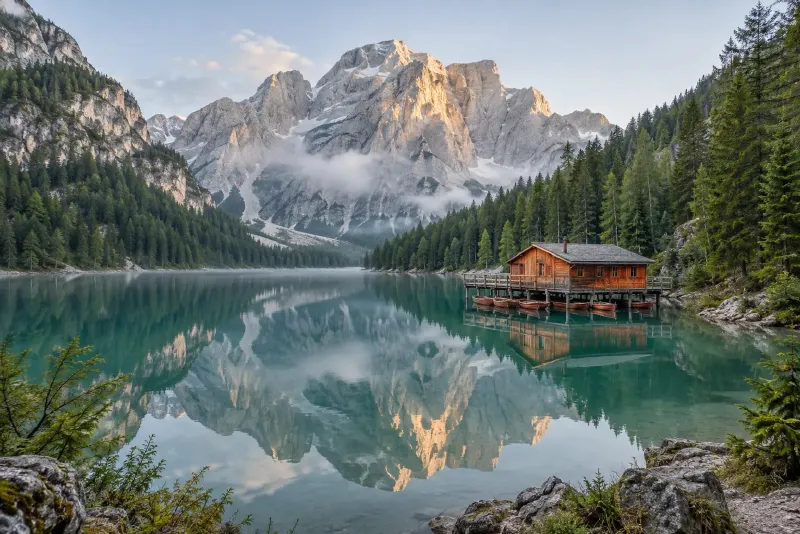
Image to PDF · More examples
These files were processed with this tool or its shared processing code. Compare the source, settings and downloadable results.
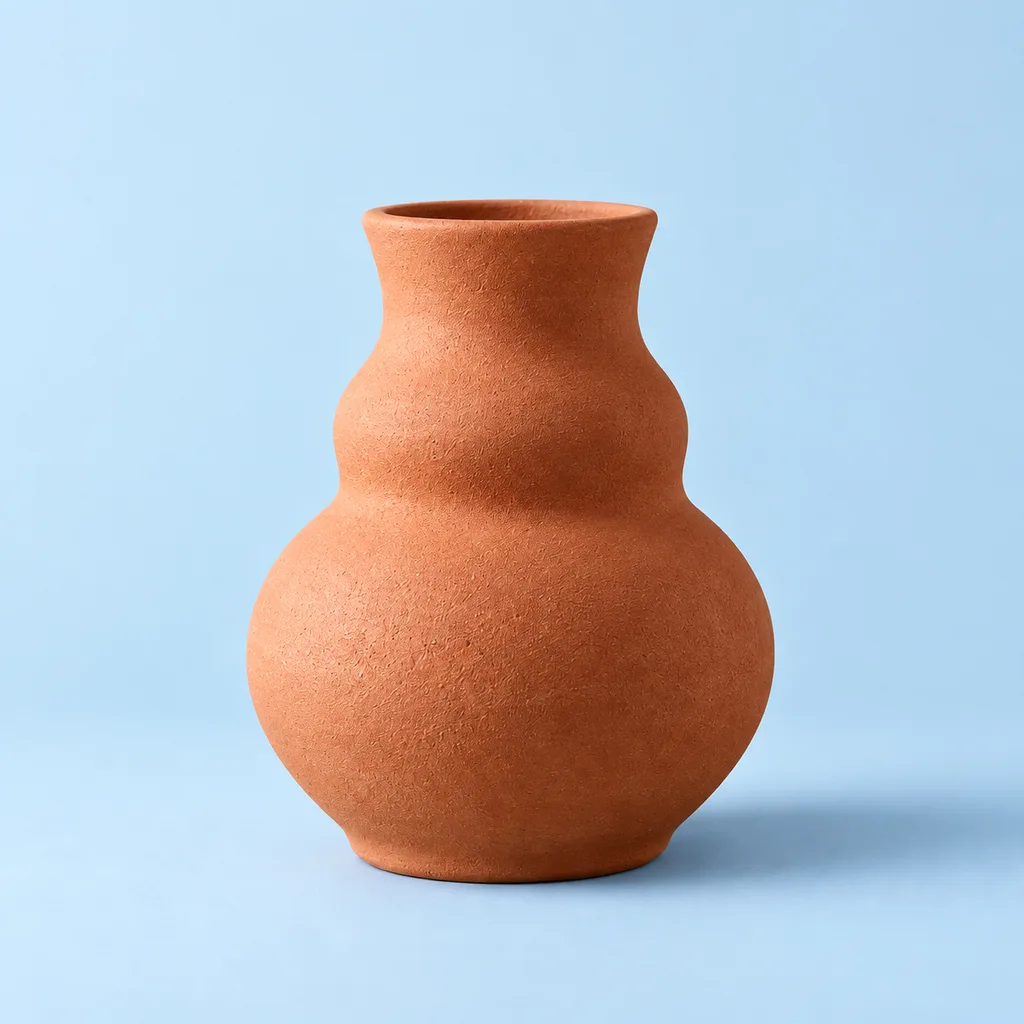


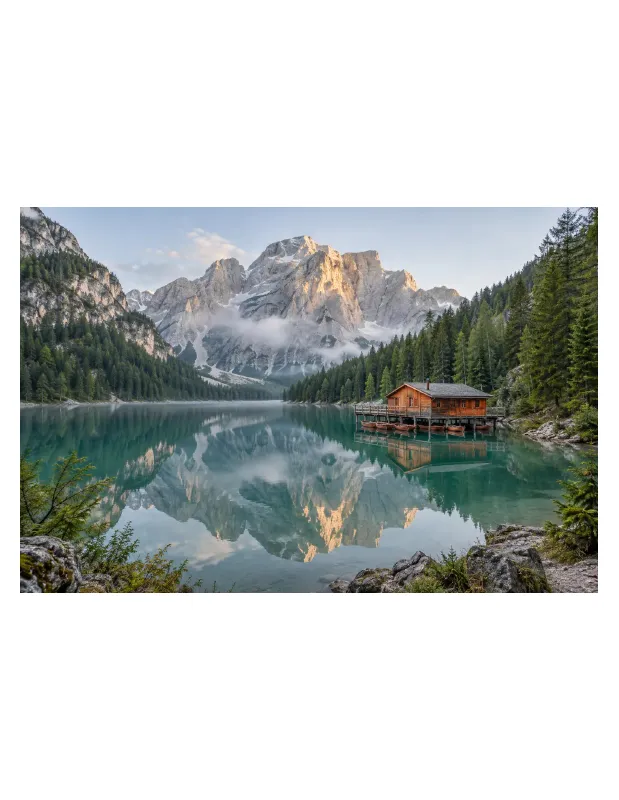
Image to PDF FAQ
More PDF Tools
Need other PDF tools? Try these:
PDF to JPG
Render PDF pages as JPG images. Choose the render scale, export individual pages or a long image, and download the results individually or as a ZIP.
PDF to PNG
Render PDF pages as PNG images for document previews and graphics. Choose a scale and export separate pages or a single long image.
Merge PDF
Combine multiple PDFs into one document. Drag files into the desired order, review the page count and download the merged PDF.
Split PDF
Extract selected page ranges from a PDF or save each page as a separate document. Review the selection and download PDF files or a ZIP.