
PDF to PNG
Render PDF pages as PNG images for document previews and graphics. Choose a scale and export separate pages or a single long image.
PDF to PNG Features
High-Quality PDF to PNG
Convert PDF to PNG with sharp text and graphics. PNG is ideal when you need cleaner edges than JPG for screenshots and UI captures.
PDF to Long PNG Image
Stitch all pages into one tall PNG. Long-image PDF to PNG is great for full-document reviews and scrollable previews.
How to Convert PDF to PNG Free
Upload PDF for PDF to PNG
Drag and drop your PDF or click to browse. Start PDF to PNG conversion without creating an account.
Select Pages or Long PNG
Keep each-page PDF to PNG as default, or choose one long image. Adjust scale for sharper PNG output.
Download PNG Files
Download a single PNG, a ZIP of all pages, or one long PDF to PNG image—watermark-free.
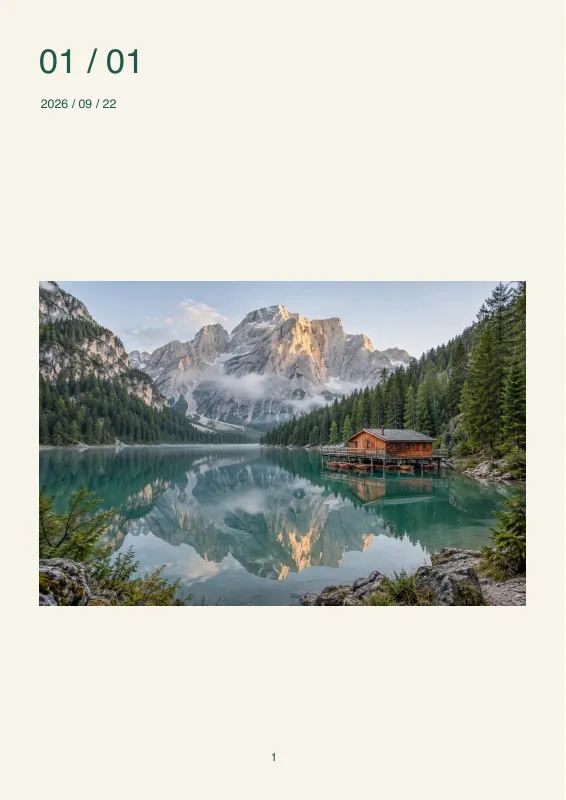
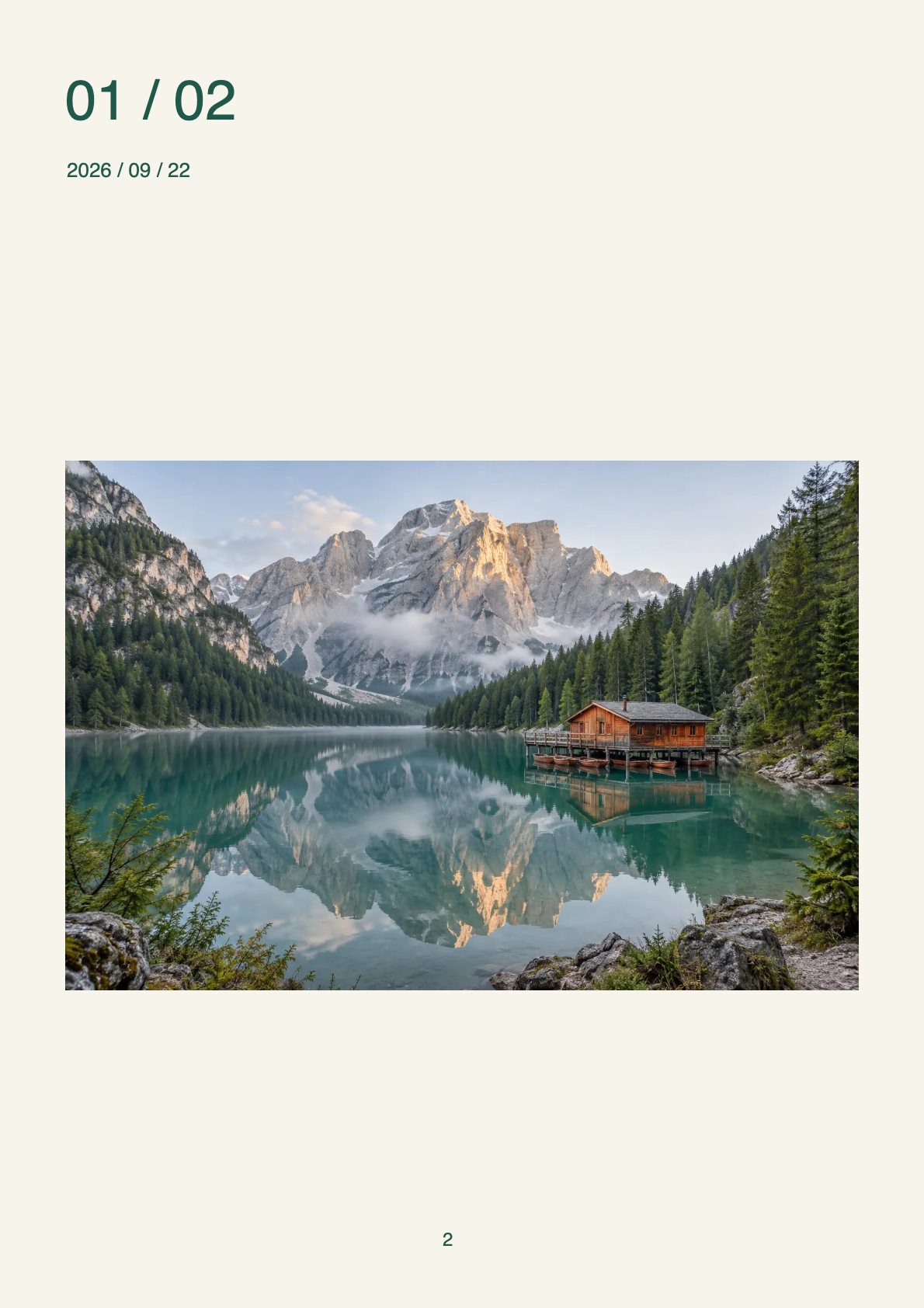
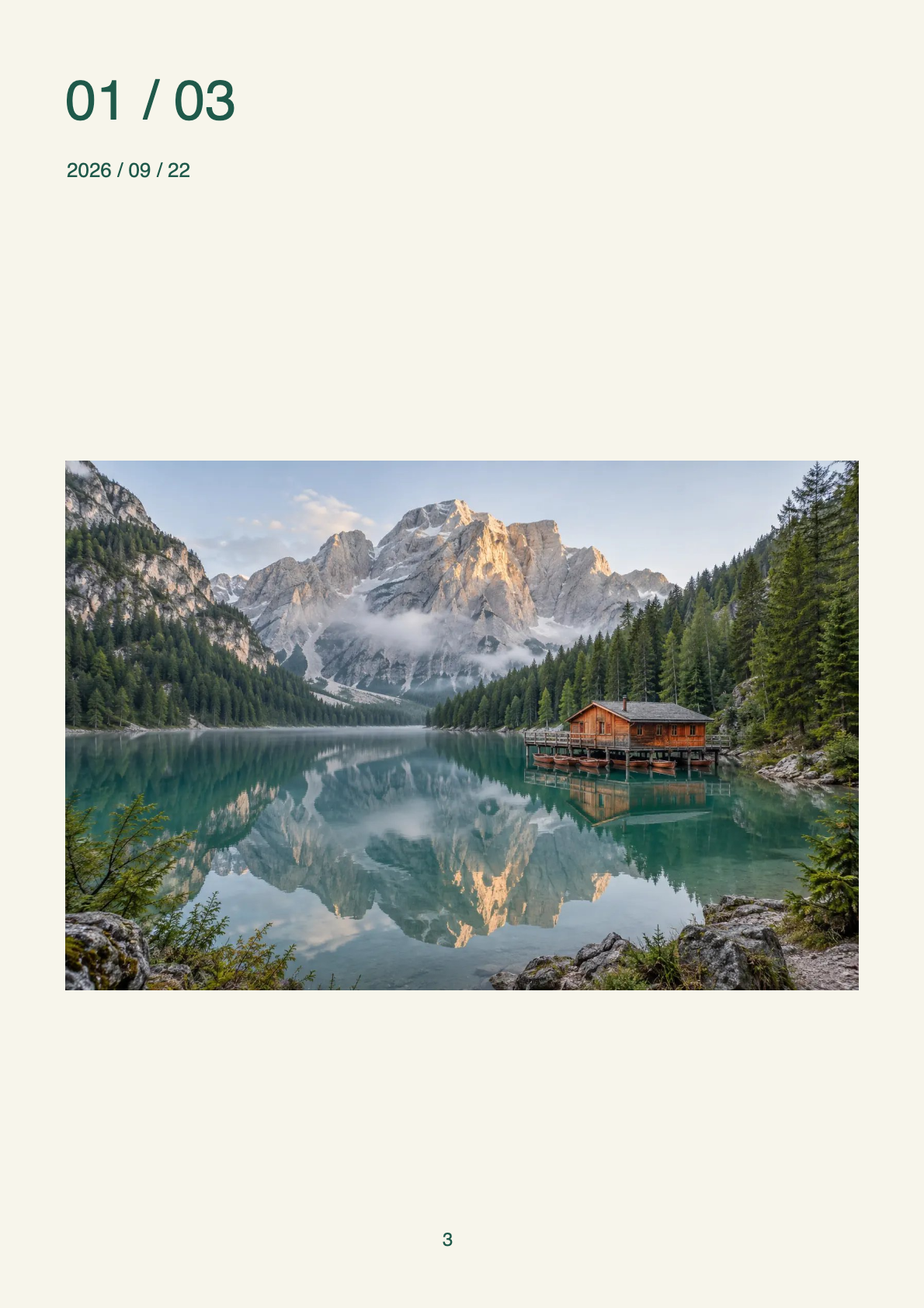
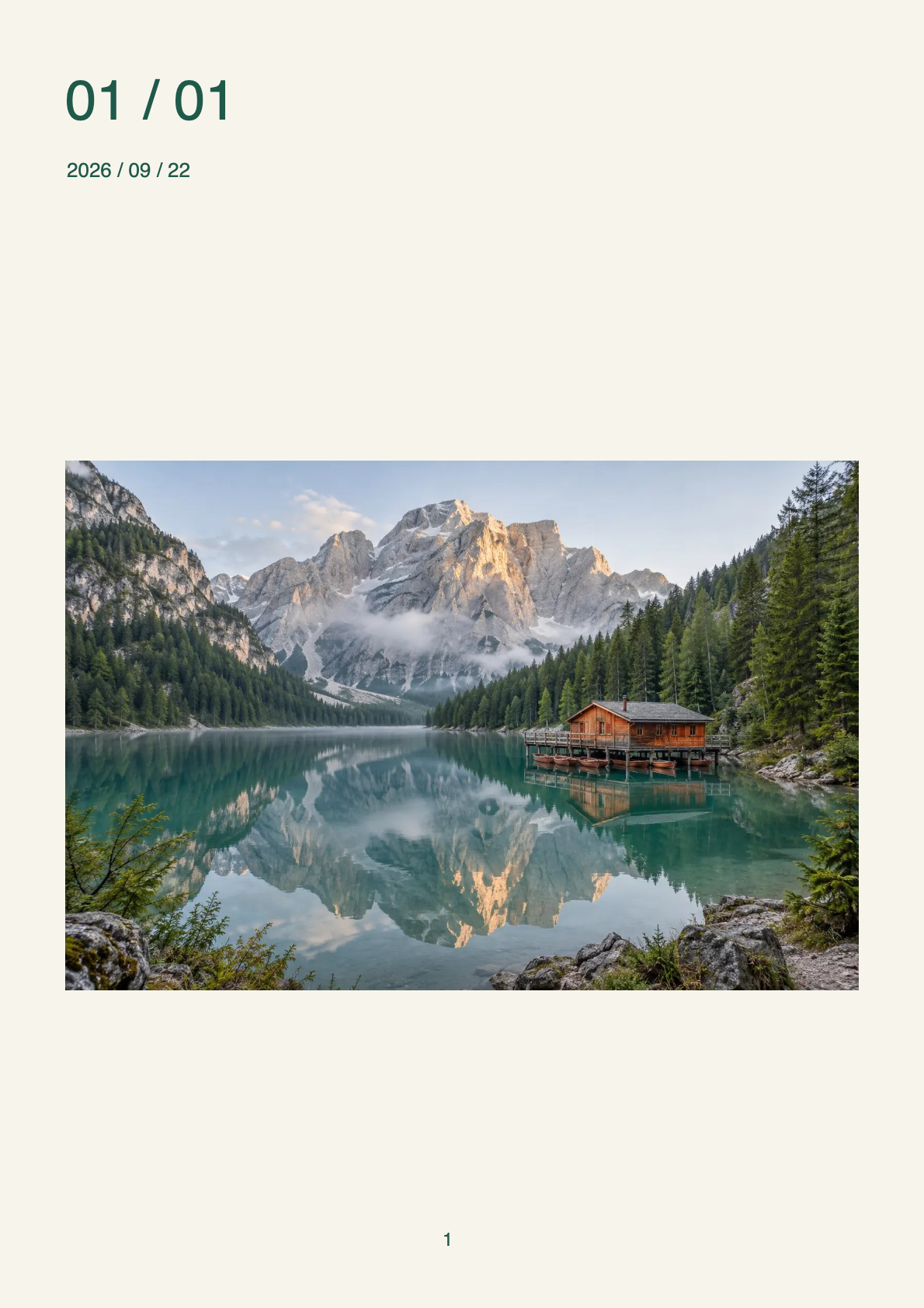
PDF to PNG · Example 1
These files were processed with this tool or its shared processing code. Compare the source, settings and downloadable results.
Tips for Better PDF to PNG Conversion
Increase Scale for Sharp Text
Use 2x–3x scale when you convert PDF to PNG so small fonts stay readable.
Prefer PNG for Graphics
Choose PDF to PNG over JPG for diagrams, UI, and text-heavy pages that need crisp edges.
Long PNG for Short PDFs
Long-image PDF to PNG works best on shorter documents; huge files may auto-scale down.
Keep Files Offline
Local PDF to PNG means drafts and NDAs never get uploaded.
Use ZIP for Many Pages
Batch PDF to PNG downloads package every page into one ZIP archive.
Preview Page Clarity
Check PNG previews after conversion before sending final assets.
PDF to PNG · More examples
These files were processed with this tool or its shared processing code. Compare the source, settings and downloadable results.










PDF to PNG FAQ
More PDF Tools
Need other PDF tools? Try these specialized tools:
PDF to JPG
Render PDF pages as JPG images. Choose the render scale, export individual pages or a long image, and download the results individually or as a ZIP.
Image to PDF
Combine JPG, PNG, WebP, GIF or BMP images into a PDF. Arrange the page order and choose A4, Letter or the original image size.
Merge PDF
Combine multiple PDFs into one document. Drag files into the desired order, review the page count and download the merged PDF.
Split PDF
Extract selected page ranges from a PDF or save each page as a separate document. Review the selection and download PDF files or a ZIP.