
Images to GIF
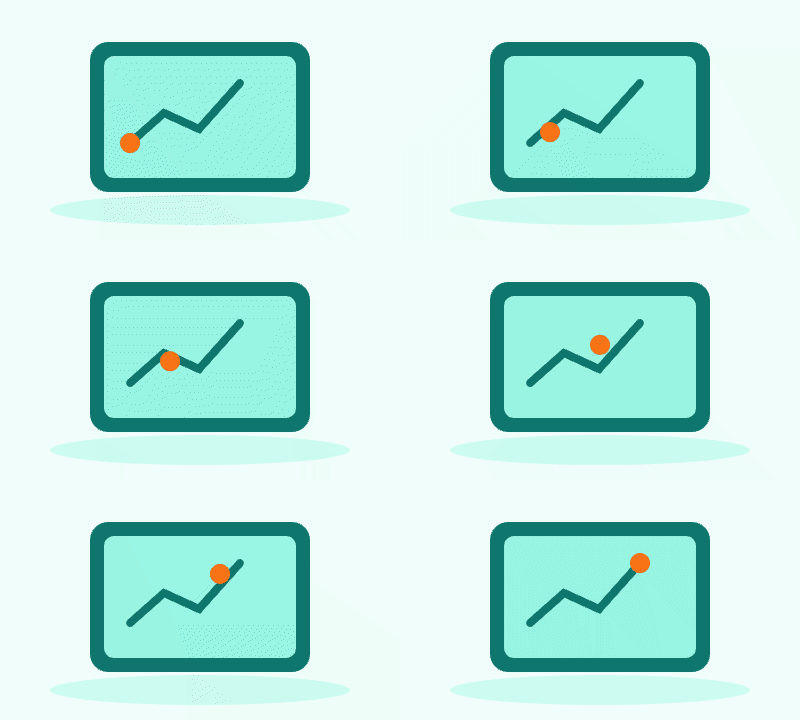
Combine still images into an animated GIF. Set the frame order, delay, dimensions, colors and loop count, then preview the animation.
Images to GIF Features
Multiple Image Formats to GIF
Create GIF from images including JPG, PNG, WebP, BMP and GIF. Our images to GIF maker supports all major image formats. Convert any pictures to animated GIF with our GIF maker tool.
Custom Frame Order for GIF
Drag and drop to reorder frames when making GIF from images. Our images to GIF creator lets you arrange pictures in any order. Full control over your animated GIF sequence.
How to Create GIF from Images Free
Upload Images to GIF Maker
Click upload area or drag and drop your images. Our images to GIF maker supports JPG, PNG, WebP, GIF, BMP up to 50MB each for animated GIF creation.
Arrange Frames for GIF
Drag to reorder images as needed. Set frame delay for your animated GIF. Our images to GIF creator shows live preview before generating your GIF from pictures.
Generate & Download GIF
Click generate to create your animated GIF from images. Download your GIF. Our images to GIF maker produces high-quality animated GIF every time.
Images to GIF · Example 1
These files were processed with this tool or its shared processing code. Compare the source, settings and downloadable results.
Input12



Images to GIF Tips
Start with sharp images
High-resolution photos make cleaner results when you convert images to GIF.
Order frames with intent
Drag to reorder and tell a clear story in your images to GIF sequence.
Adjust frame delay
Speed up for action, slow down for tutorials to get smoother animated GIFs.
Choose loop behavior
Set infinite loop or play once to match where the GIF will be used.
Balance colors and size
Lower color count or tweak dithering to reduce GIF file size.
Set output size
Resize to match target platforms so your GIF loads fast.
Images to GIF · More examples
These files were processed with this tool or its shared processing code. Compare the source, settings and downloadable results.
Input12




Input12


















Images to GIF FAQ
More GIF Tools
Need other GIF tools? Try these specialized tools:
Video to GIF
Convert a video clip to an animated GIF. Choose start and end times, set frame rate and output width, then preview and download the result.
GIF Editor
Edit an animated GIF in your browser. Resize it, change playback speed or reverse the frame order, then preview and download the animation.
GIF Splitter
Extract the frames of an animated GIF as PNG images. Inspect frame order and delays, then download one frame or the full sequence as a ZIP.
Screen to GIF
Record a screen, window or browser tab and export an animated GIF. Trim the recording and set the output size and frame rate for a short demonstration.