
Drag a GIF here
Or click to select a GIF file
GIF only · Max 50MB · or press Ctrl+V to paste
GIF Frame Extractor
Extract the frames of an animated GIF as PNG images. Inspect frame order and delays, then download one frame or the full sequence as a ZIP.
GIF Splitter Features
Frame-by-Frame Extraction
Extract every single frame from animated GIFs. Our GIF splitter preserves original quality and displays frame timing information for precise extraction.
Multiple Download Options
Download individual frames as PNG images or batch download all frames at once. Choose specific frames or get the entire animation sequence.
Frame Preview & Selection
Preview all frames with thumbnails before downloading. See frame numbers, timing delays, and select exactly which frames you need.
How to Split GIF into Frames
Upload Your GIF
Drag and drop or click to upload the animated GIF you want to split. The tool supports all standard GIF files.
Preview Frames
View all extracted frames with thumbnails. See frame numbers and timing information. Select specific frames if needed.
Download Frames
Download individual frames as PNG images or batch download all frames as a ZIP file. High-quality lossless extraction.
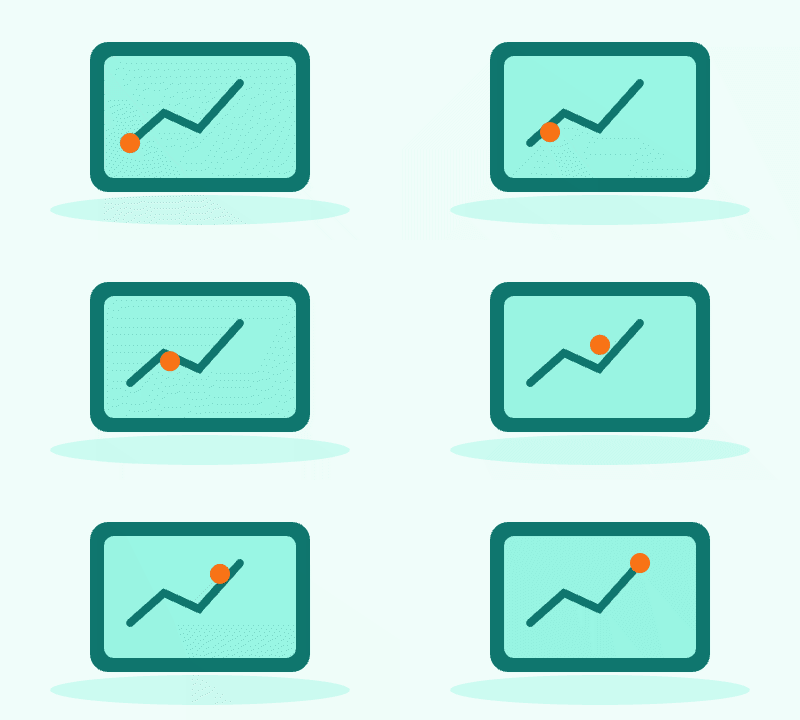
GIF Frame Extractor · Example 1
These files were processed with this tool or its shared processing code. Compare the source, settings and downloadable results.
Tips for Better GIF Frame Extraction
Preview Before Download
Check all extracted GIF frames before downloading. Use frame thumbnails to identify the exact frames you need from the animation sequence.
Check Frame Timing
Review frame delay times to understand animation speed. This helps when you need to recreate or modify the GIF timing later.
PNG for Best Quality
Extracted frames are saved as PNG to preserve transparency and quality. Use these lossless images for editing or conversion to other formats.
Frame Numbering System
Downloaded frames are numbered sequentially (frame-001, frame-002, etc). This makes it easy to reassemble or edit frame sequences.
Process Large GIFs Efficiently
For large animated GIFs, wait for complete frame extraction before downloading. The tool displays progress and total frame count.
GIF Frame Extractor · More examples
These files were processed with this tool or its shared processing code. Compare the source, settings and downloadable results.




GIF Splitter FAQ
More GIF Tools
Explore our other GIF creation and editing tools:
Images to GIF
Combine still images into an animated GIF. Set the frame order, delay, dimensions, colors and loop count, then preview the animation.
Video to GIF
Convert a video clip to an animated GIF. Choose start and end times, set frame rate and output width, then preview and download the result.
Screen to GIF
Record a screen, window or browser tab and export an animated GIF. Trim the recording and set the output size and frame rate for a short demonstration.
GIF Editor
Edit an animated GIF in your browser. Resize it, change playback speed or reverse the frame order, then preview and download the animation.