
GIF Editor
Edit an animated GIF in your browser. Resize it, change playback speed or reverse the frame order, then preview and download the animation.
GIF Editor Features
GIF Speed Control Editor
Adjust GIF playback speed with our GIF editor. Speed up or slow down your GIF animation. GIF editor speed control lets you customize animation timing. Edit GIF speed from 0.1x to 5x with precise control.
GIF Resizer in Editor
Resize GIF dimensions with our GIF editor. Change GIF width and height while maintaining quality. GIF resizer supports custom dimensions. Edit GIF size for any platform requirement.
Reverse GIF Animation
Reverse GIF playback direction with one click in our GIF editor. Create reverse GIF animations. GIF editor reverse feature works with any animated GIF file.
How to Edit GIF Free Online
Upload GIF to Editor
Click the upload area or drag and drop your GIF file into the GIF editor. Our editor supports GIF files up to 50MB for editing.
Edit GIF with Controls
Use GIF editor controls to adjust speed, resize dimensions, or reverse animation. Preview your GIF edits in real-time before exporting.
Export Edited GIF
Click export to save your edited GIF. Download the edited GIF file. GIF editor produces high-quality output every time.
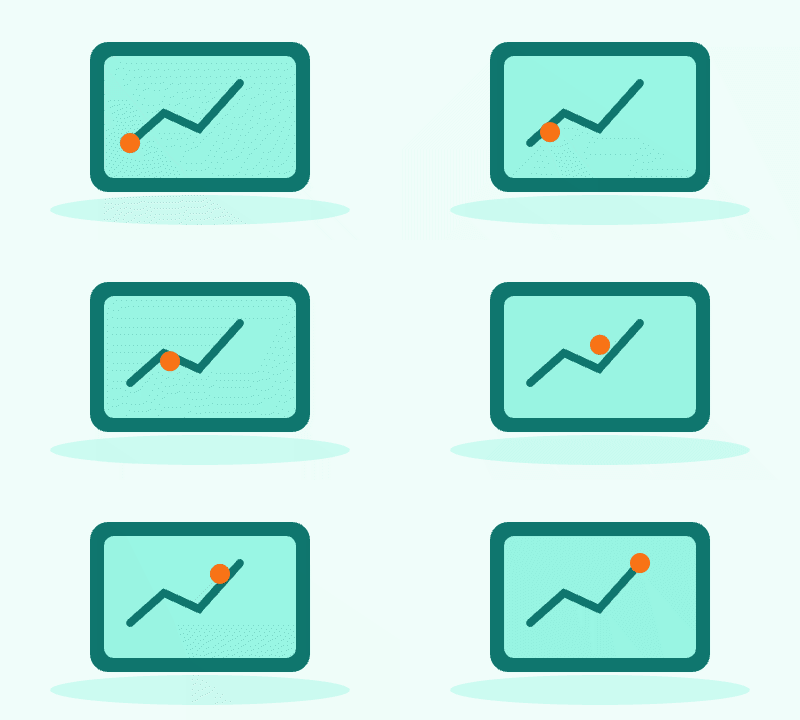
GIF Editor · Example 1
These files were processed with this tool or its shared processing code. Compare the source, settings and downloadable results.
GIF Editing Tips
Fine-tune GIF speed
Use the GIF editor speed control or frame delay to speed up or slow down your edit GIF.
Resize for the right fit
Resize GIF dimensions for web, email, or social to keep files small.
Lock aspect ratio
Keep proportions when you resize GIF to avoid distortion.
Balance quality and size
Lower GIF quality to reduce file size while keeping the edit GIF clear.
Create smooth reverse loops
Use reverse GIF playback to build a seamless ping-pong animation.
Preview before export
Preview the animated GIF to confirm speed, size, and quality before download.
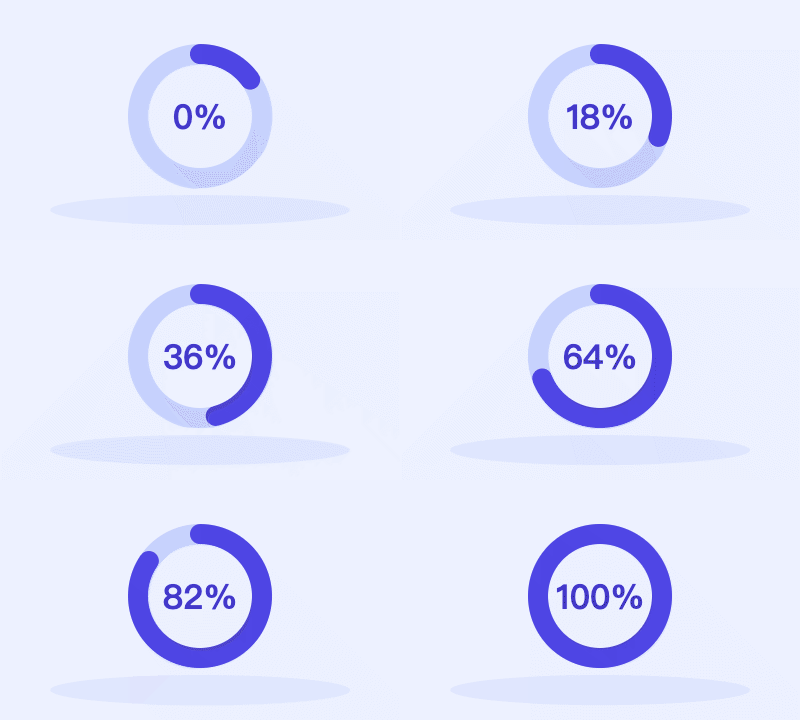
GIF Editor · More examples
These files were processed with this tool or its shared processing code. Compare the source, settings and downloadable results.


GIF Editor FAQ
More GIF Tools
Need other GIF tools? Try these specialized tools:
Images to GIF
Combine still images into an animated GIF. Set the frame order, delay, dimensions, colors and loop count, then preview the animation.
Video to GIF
Convert a video clip to an animated GIF. Choose start and end times, set frame rate and output width, then preview and download the result.
GIF Splitter
Extract the frames of an animated GIF as PNG images. Inspect frame order and delays, then download one frame or the full sequence as a ZIP.
Screen to GIF
Record a screen, window or browser tab and export an animated GIF. Trim the recording and set the output size and frame rate for a short demonstration.