
3D Text Maker
Create a 3D text model in your browser. Choose a font, set the depth and colors, then export GLB, STL or a PNG image.
Text to 3D Generator Features
Type and Watch It Build
No modeling skills needed. Every keystroke rebuilds the 3D text live — what you type is extruded into real 3D geometry with a clean, laser-cut style.
Fonts, Weights, and Colors
Choose from multiple fonts, switch between normal, bold, and black weights, and pick any color. The same text reads completely differently as a slim engraving or a chunky sign — try a few in seconds.
Full 3D Shape Controls
Adjust depth, layer step, and bevel to sculpt the extrusion, add a backplate for a plaque look, and filter out speckles. The 3D viewport updates with every change.
GLB, STL, and PNG Export
Download GLB with colors for websites, AR, and 3D software; STL for 3D printing your words on any printer; or a transparent PNG snapshot for immediate use anywhere.
How to Make 3D Text
Type Your Text
Enter a word, name, or short phrase. The 3D model builds live as you type — no upload, no waiting.
Style It
Pick a font, weight, and color, then tune depth, layer step, bevel, and backplate until the 3D wordmark looks right in the live viewport.
Export GLB, STL, or PNG
Download GLB to keep colors for web and 3D apps, STL to 3D print your text, or PNG for a rendered snapshot from the current angle.
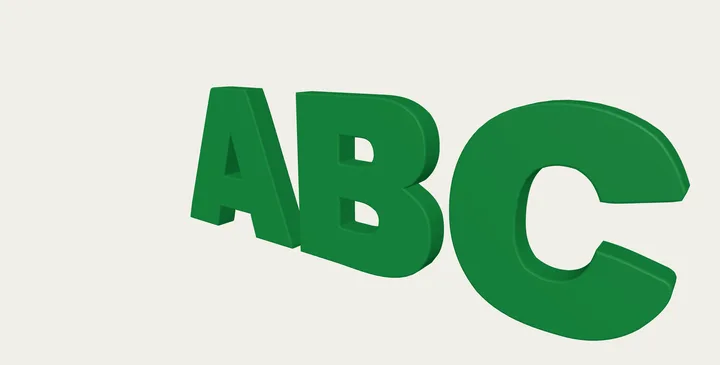
3D Text Maker · Example 1
These files were processed with this tool or its shared processing code. Compare the source, settings and downloadable results.
Tips for Better 3D Text
Go Bold for 3D
Heavier weights extrude into solid, readable shapes. Thin strokes turn into fragile walls — especially important if you plan to 3D print.
Keep It Short
One or two words make a strong 3D mark. Long phrases get thin and hard to read once extruded — split them across multiple exports.
Balance Depth and Bevel
Deep extrusion with a small bevel looks industrial; shallow depth with a generous bevel looks like polished signage. Try both extremes to find your style.
Backplate for Printing
Letters like "i" and disconnected words become separate pieces in a printer. The backplate binds everything into one solid object.
Color Is for GLB and PNG
Your chosen color exports in GLB and shows in PNG snapshots. STL is always colorless — pick the color at print time via filament instead.
Frame Before You Snapshot
The PNG export captures the current camera view. Rotate and zoom to a flattering three-quarter angle before downloading.
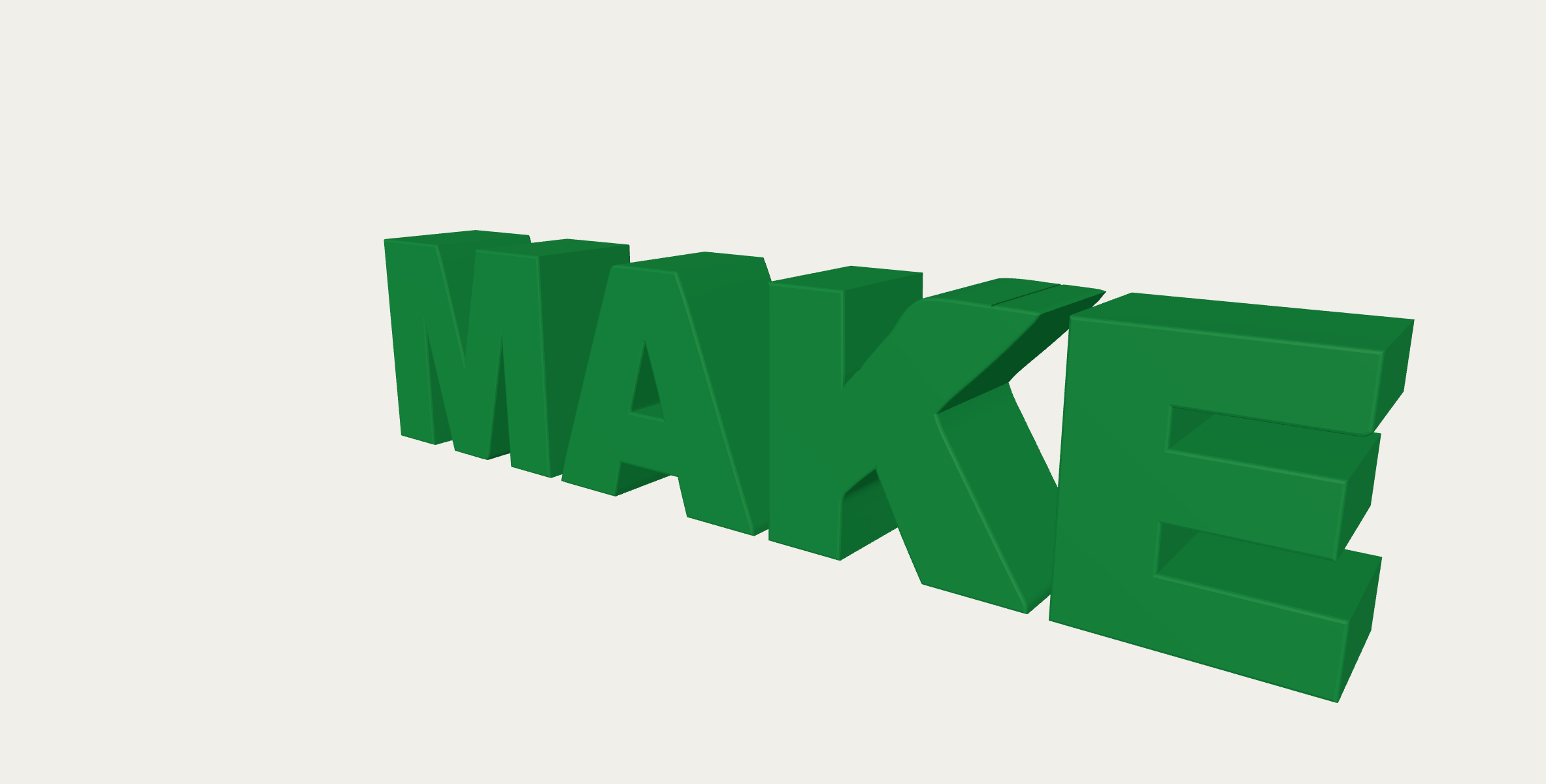
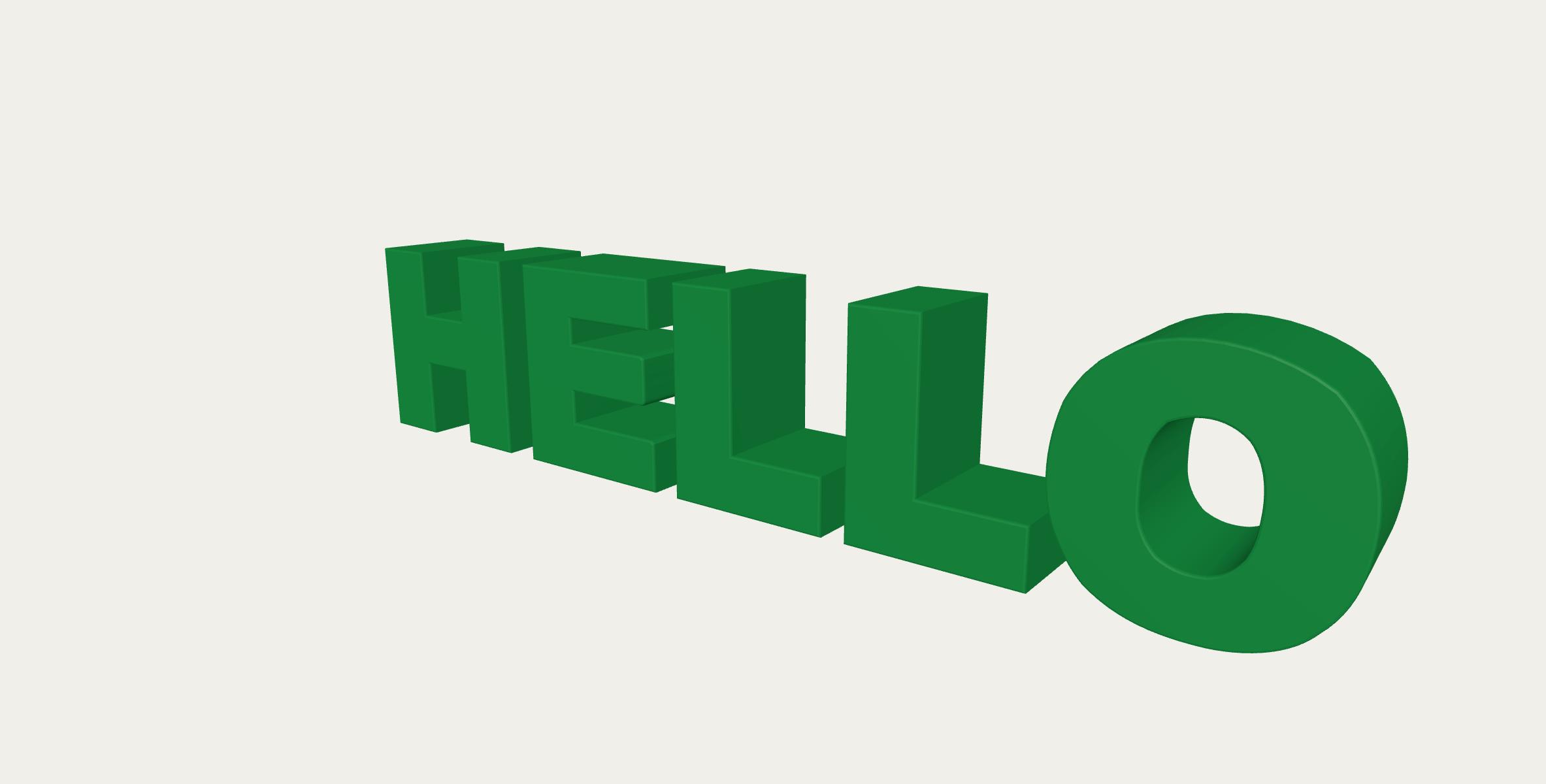
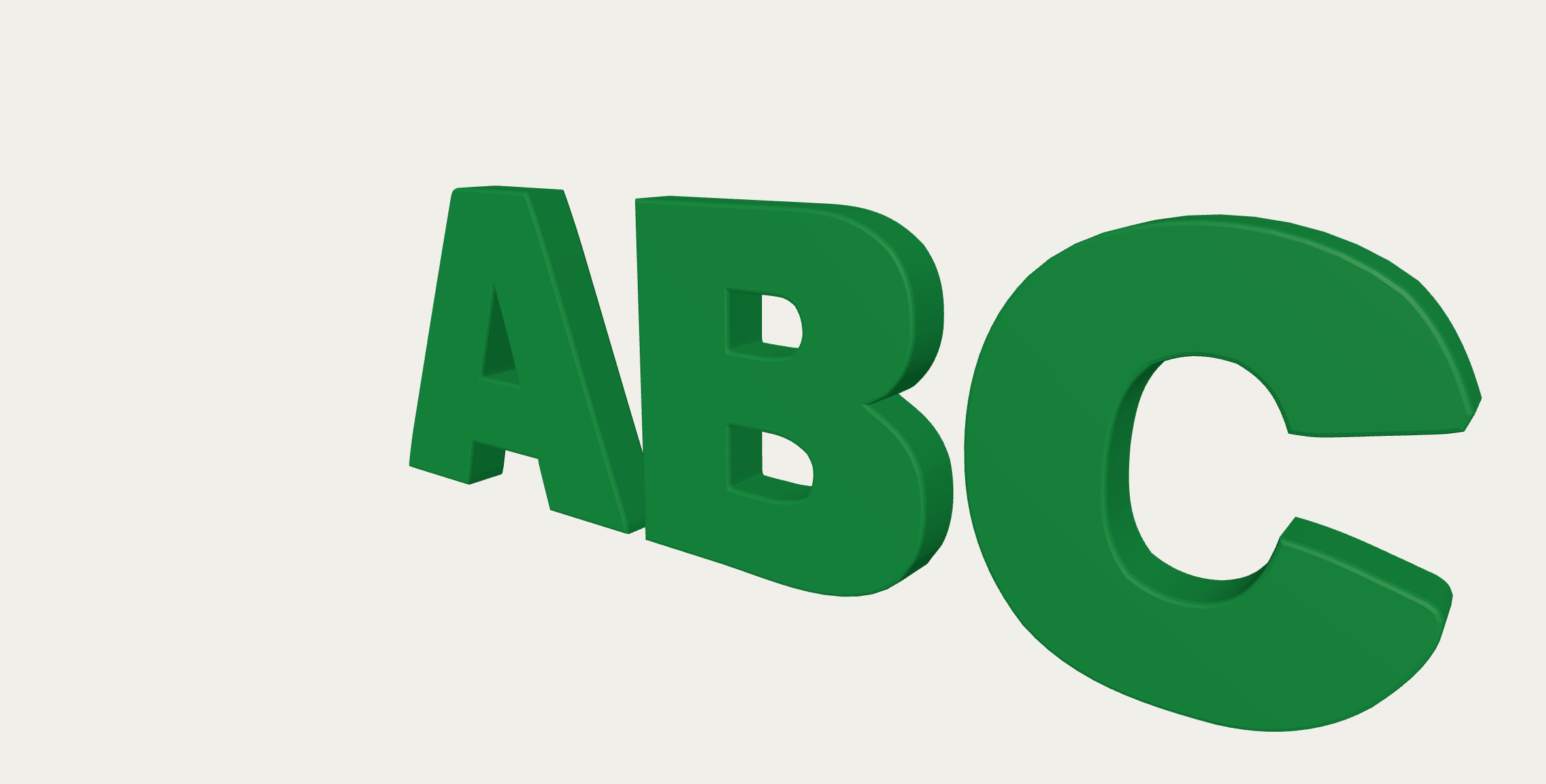
3D Text Maker · More examples
These files were processed with this tool or its shared processing code. Compare the source, settings and downloadable results.
Text to 3D - FAQ
More 3D & Vector Tools
Explore other conversion tools:
Logo to 3D
Build a layered 3D model from a logo. Adjust depth, colors and viewing angle, then export a GLB, STL or PNG in your browser.
Image to SVG
Trace a raster image into editable SVG paths. Choose a preset and adjust colors and detail for logos, line drawings or a posterized photo effect.
SVG to PNG
Render SVG artwork as PNG at a chosen scale or pixel width. Keep transparency and inspect the rasterized image before downloading.