
Drop your logo here
or click to browse your files · or press Ctrl+V to paste
Supported formats: PNG, JPG, WebP, SVG
Up to 10MB
Logo to 3D
Build a layered 3D model from a logo. Adjust depth, colors and viewing angle, then export a GLB, STL or PNG in your browser.
Logo to 3D Converter Features
Real 3D Geometry from Flat Logos
Your logo is traced into vector shapes and extruded into genuine 3D meshes with a layered, stacked-acrylic look — not a fake drop-shadow effect. Each color region becomes its own layer with adjustable depth and step height.
SVG and Image Input
Upload an SVG for pixel-extrusion of existing vector shapes, or a PNG, JPG, or WebP and the built-in tracer converts it to vectors automatically before extruding. Transparent PNGs give the cleanest results.
Live 3D Controls
Adjust depth, layer step, bevel, backplate, and speckle filtering with instant re-builds. Rotate, zoom, and inspect the model in a real-time 3D viewport as you tune it.
GLB, STL, and PNG Export
Download GLB with full colors for websites, AR, and 3D software; STL for 3D printing on any slicer; or a transparent PNG snapshot of the current view for immediate use in decks and social posts.
How to Convert a Logo to 3D
Upload Your Logo
Drag and drop an SVG, PNG, JPG, or WebP. Flat-color logos on a transparent background convert best; SVGs skip tracing entirely for the sharpest result.
Tune the 3D Look
Adjust depth, layer step, and bevel to shape the extrusion, toggle the backplate for a plaque style, and raise the speckle filter to drop stray specks. The 3D preview updates live.
Export GLB, STL, or PNG
Download GLB to keep colors for web and 3D apps, STL to 3D print your logo, or PNG for a rendered snapshot from the current camera angle.
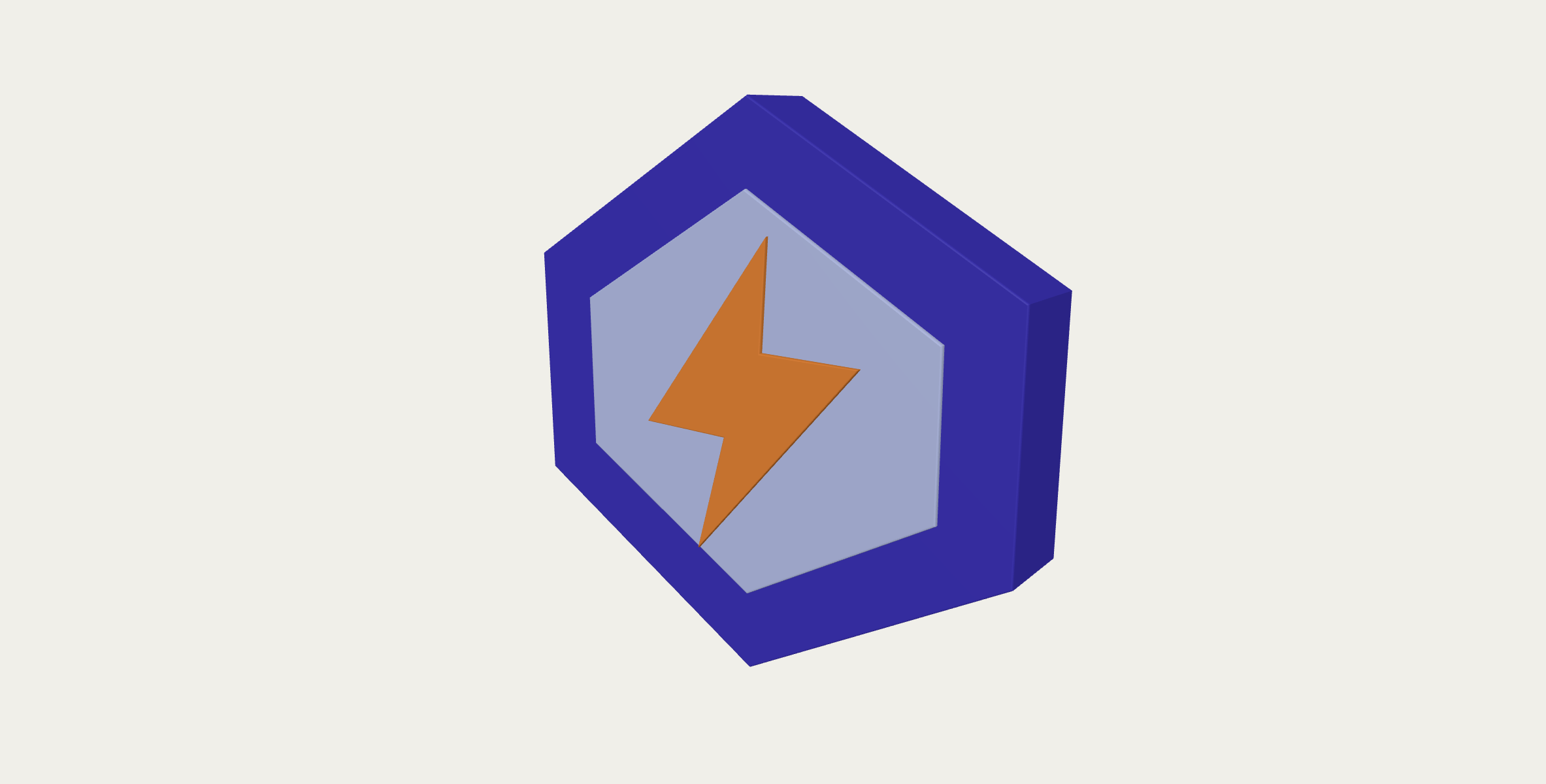
Logo to 3D · Example 1
These files were processed with this tool or its shared processing code. Compare the source, settings and downloadable results.


Tips for Better Logo to 3D Results
Use a Transparent Background
A logo on a transparent PNG extrudes into clean standalone shapes. Solid backgrounds become part of the model — cut them out first if you can.
Flat Colors Beat Gradients
Each flat color region becomes one clean 3D layer. Gradients get split into many thin slivers — simplify the logo colors for a bolder result.
Raise the Speckle Filter for Noisy Sources
Compressed JPGs leave stray specks that become floating 3D debris. Increase the speckle filter to drop them automatically.
Use Layer Step for Depth Hierarchy
A small layer step gives a subtle relief; a large one creates a dramatic stacked-sign look where each color pops at a different height.
Add a Backplate Before Printing
Disconnected letters and shapes print as separate loose pieces. Turn on the backplate to bind everything into one solid, printable object.
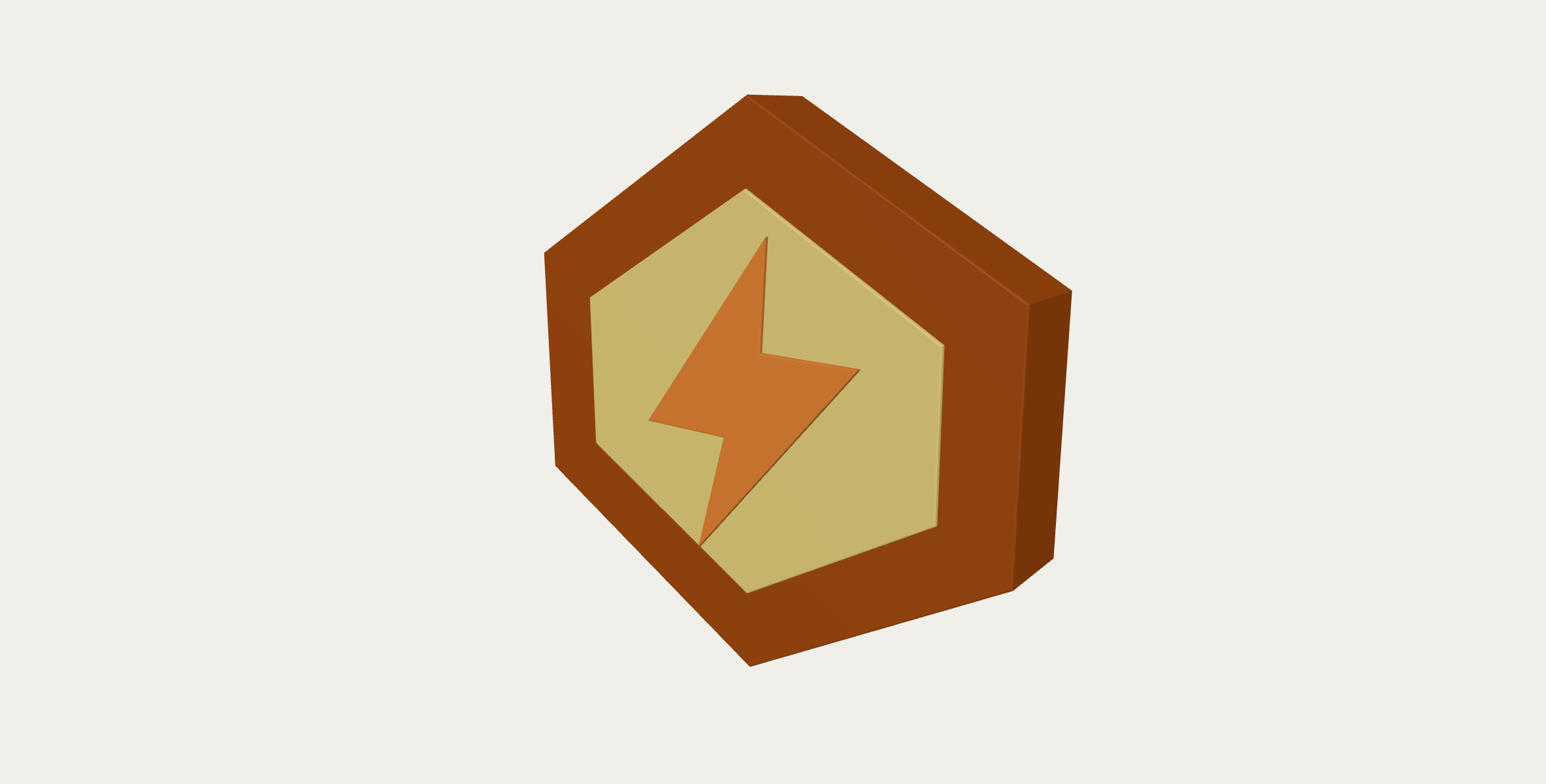
Logo to 3D · More examples
These files were processed with this tool or its shared processing code. Compare the source, settings and downloadable results.


Logo to 3D - FAQ
More 3D & Vector Tools
Explore other conversion tools:
Text to 3D
Create a 3D text model in your browser. Choose a font, set the depth and colors, then export GLB, STL or a PNG image.
Image to SVG
Trace a raster image into editable SVG paths. Choose a preset and adjust colors and detail for logos, line drawings or a posterized photo effect.
SVG to PNG
Render SVG artwork as PNG at a chosen scale or pixel width. Keep transparency and inspect the rasterized image before downloading.