
Find the dominant colors in your image
Extract 3–10 dominant colors from an image locally. Copy HEX, RGB and HSL, view sampled percentages, and download a PNG palette or JSON. No account.
Real palette examples
Maximum colors: 5
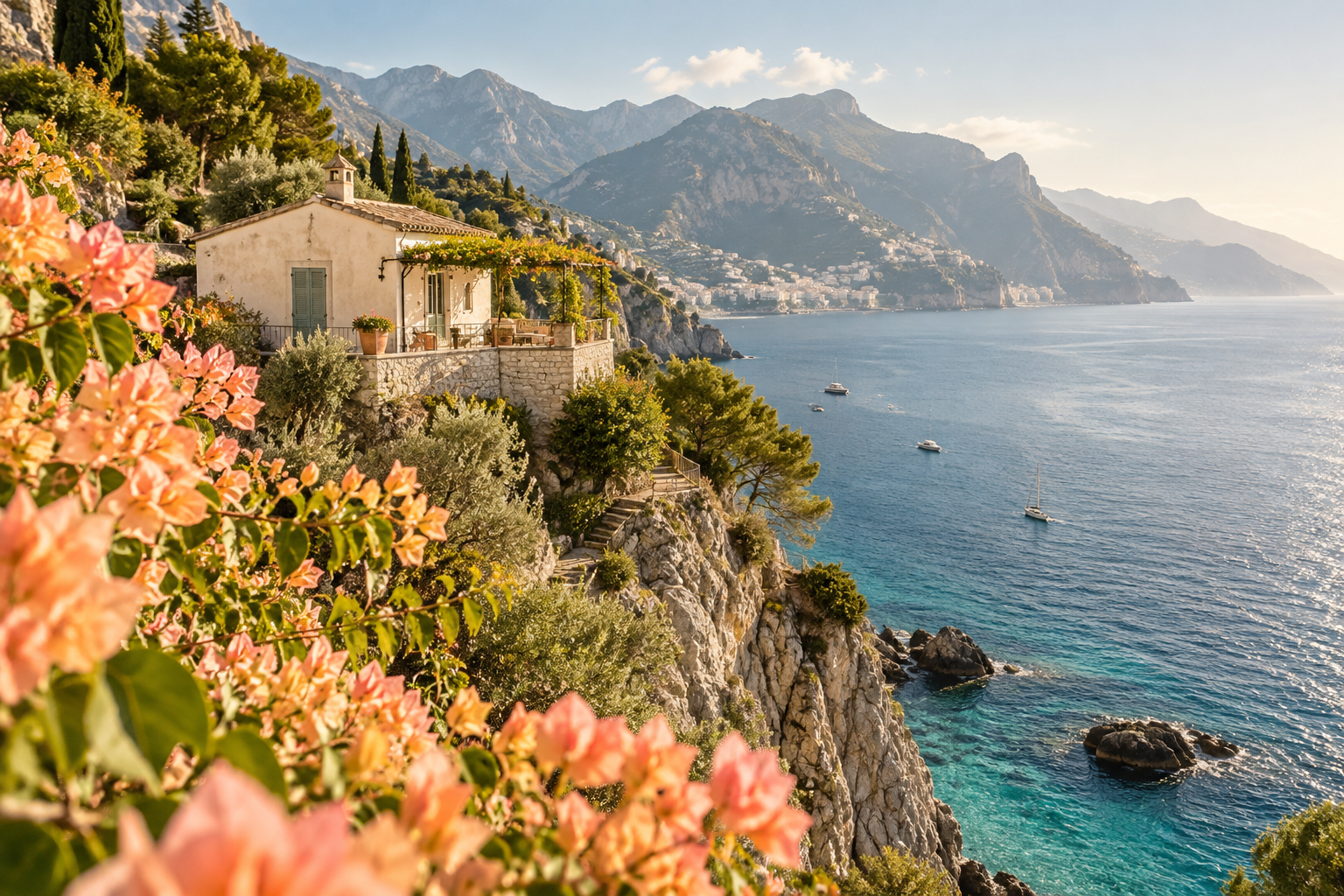
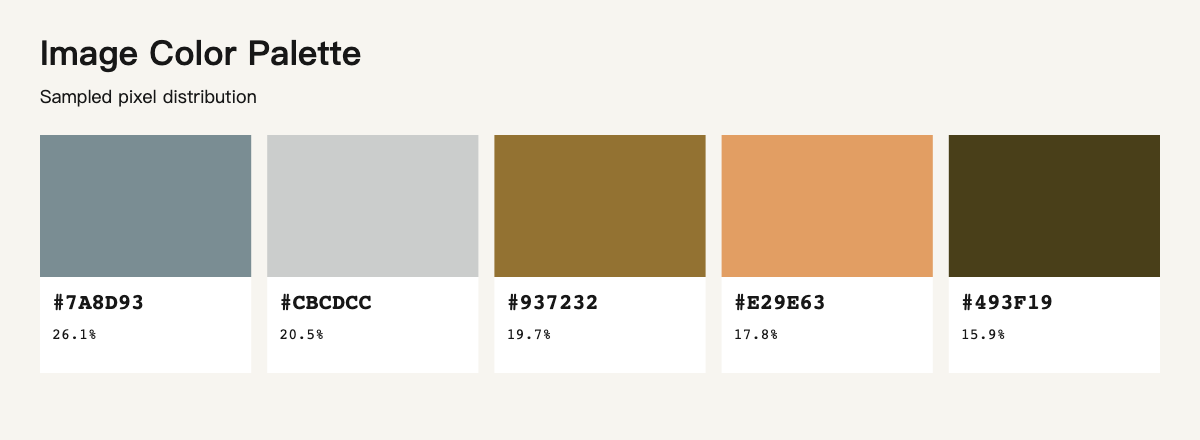
Maximum colors: 6
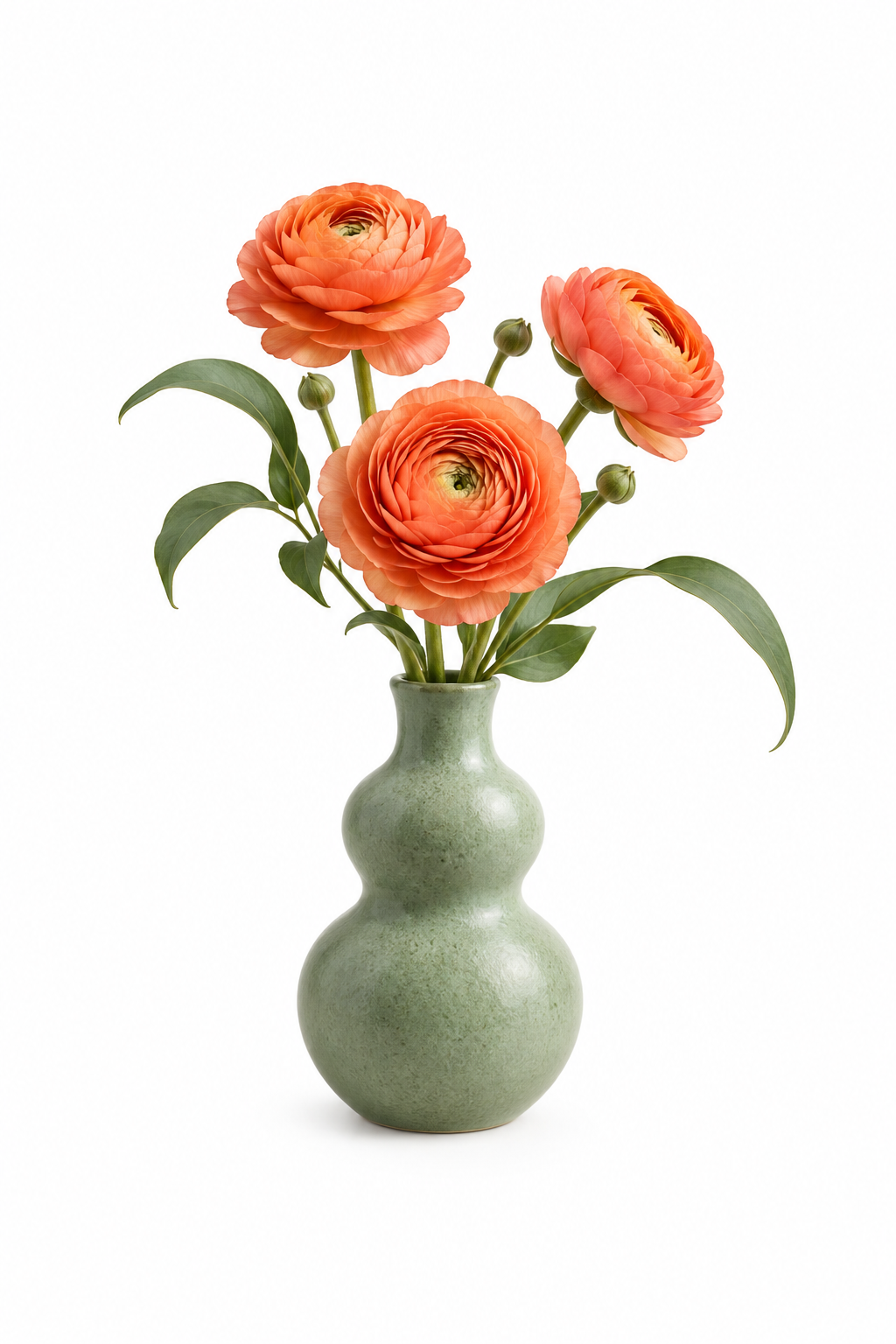
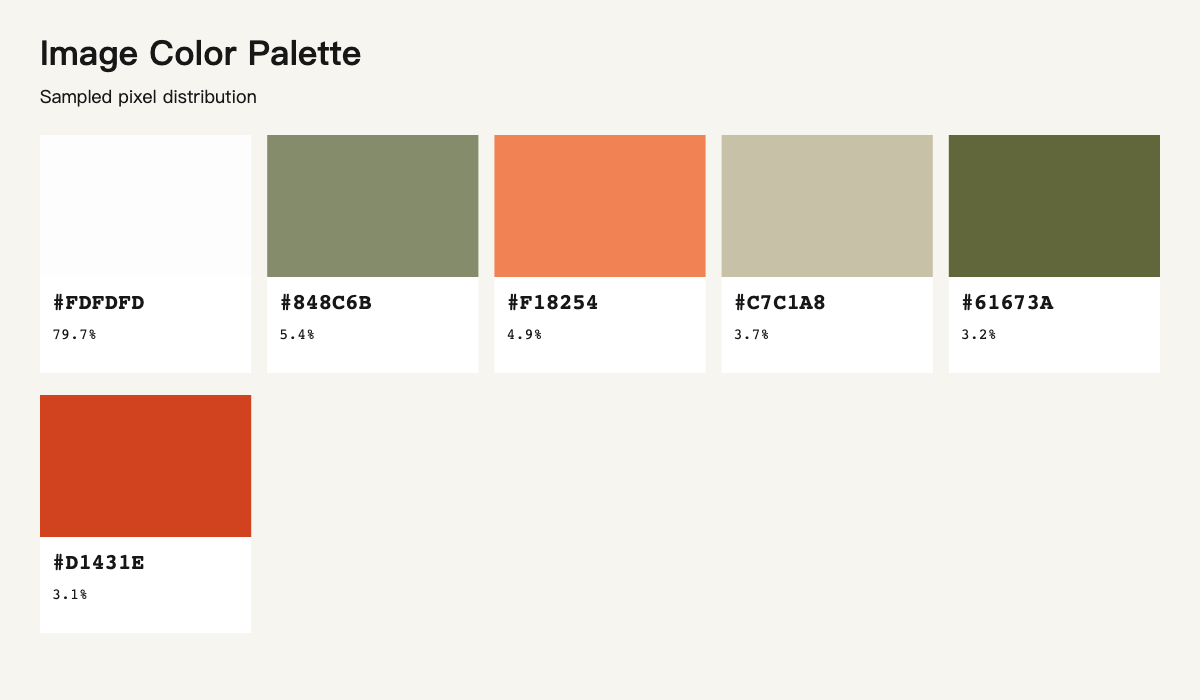
Maximum colors: 4
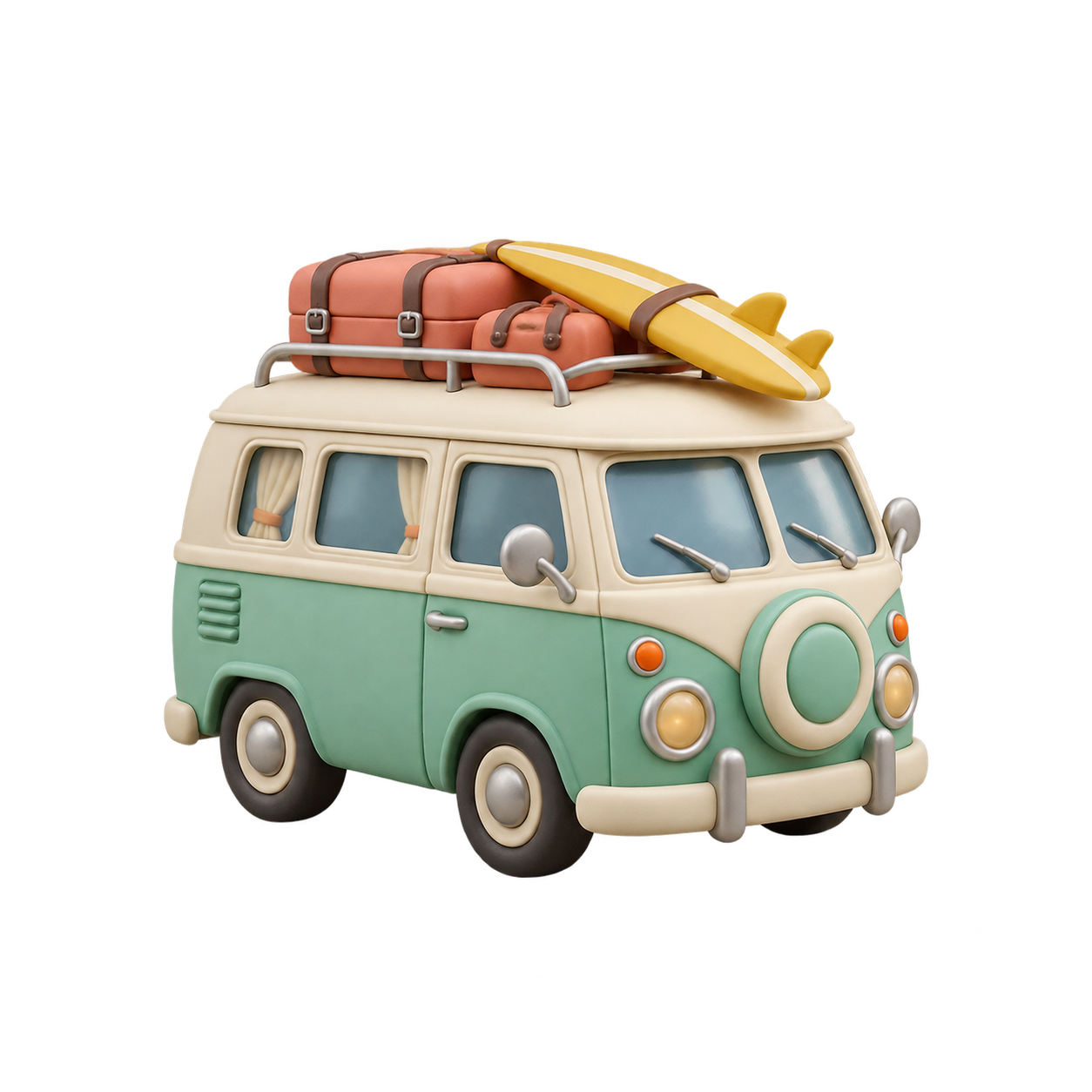
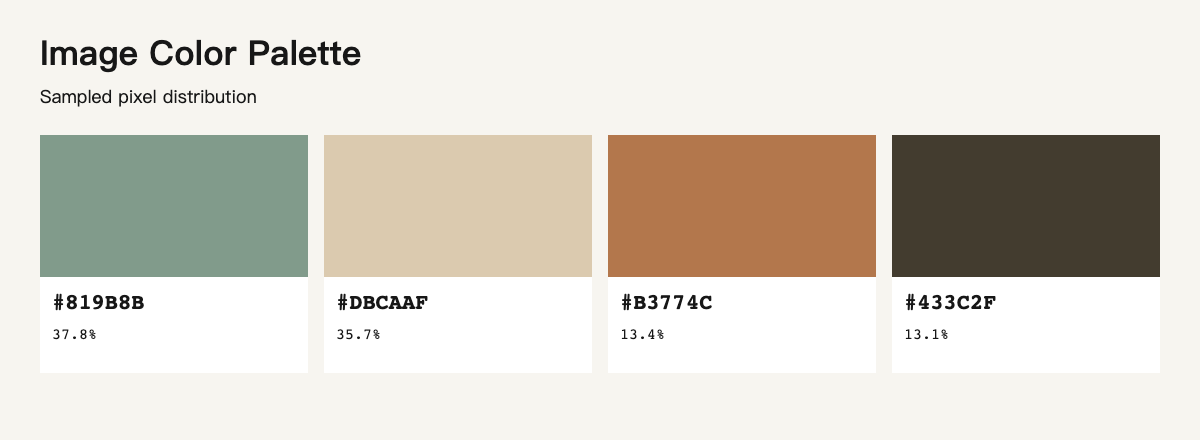
Maximum colors: 8
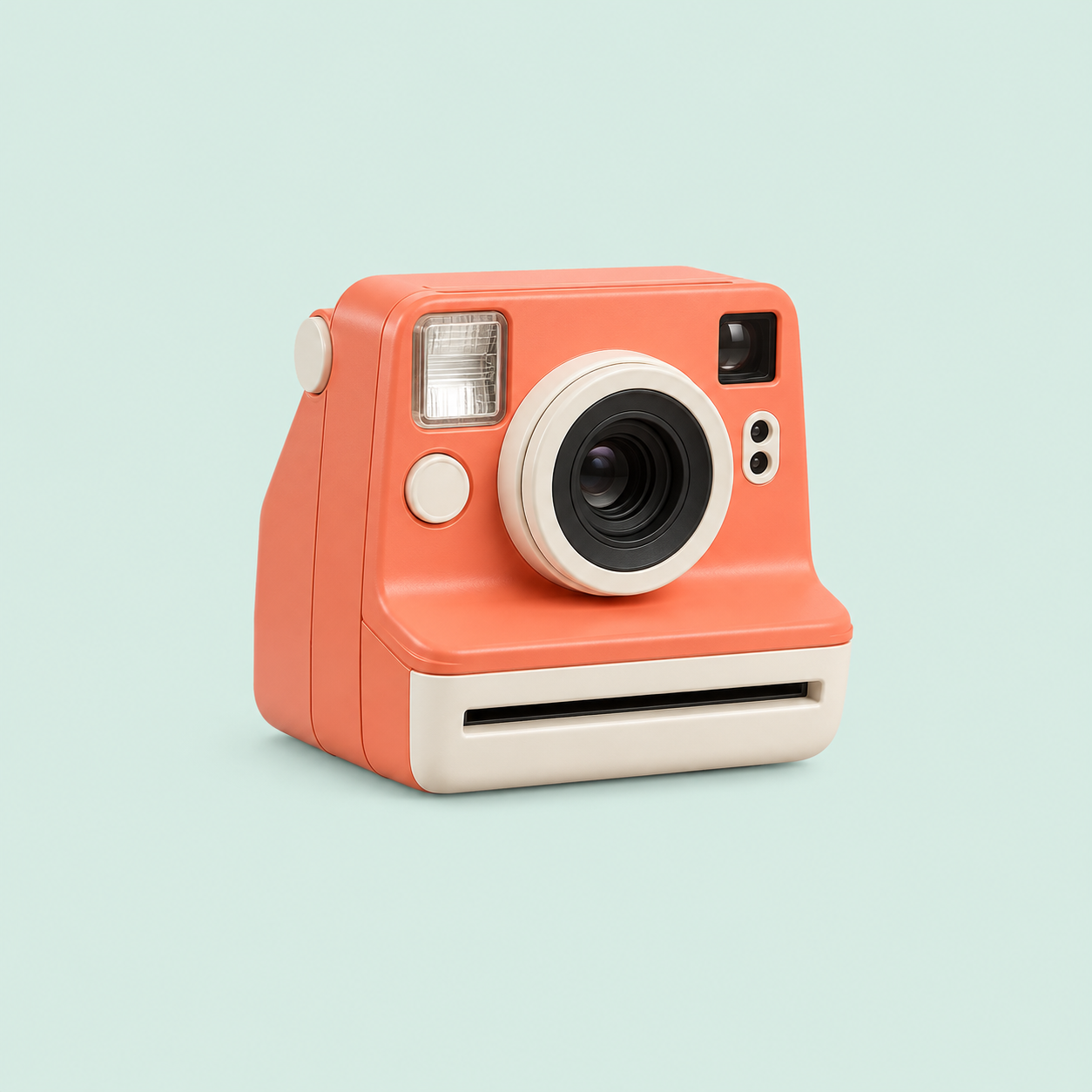
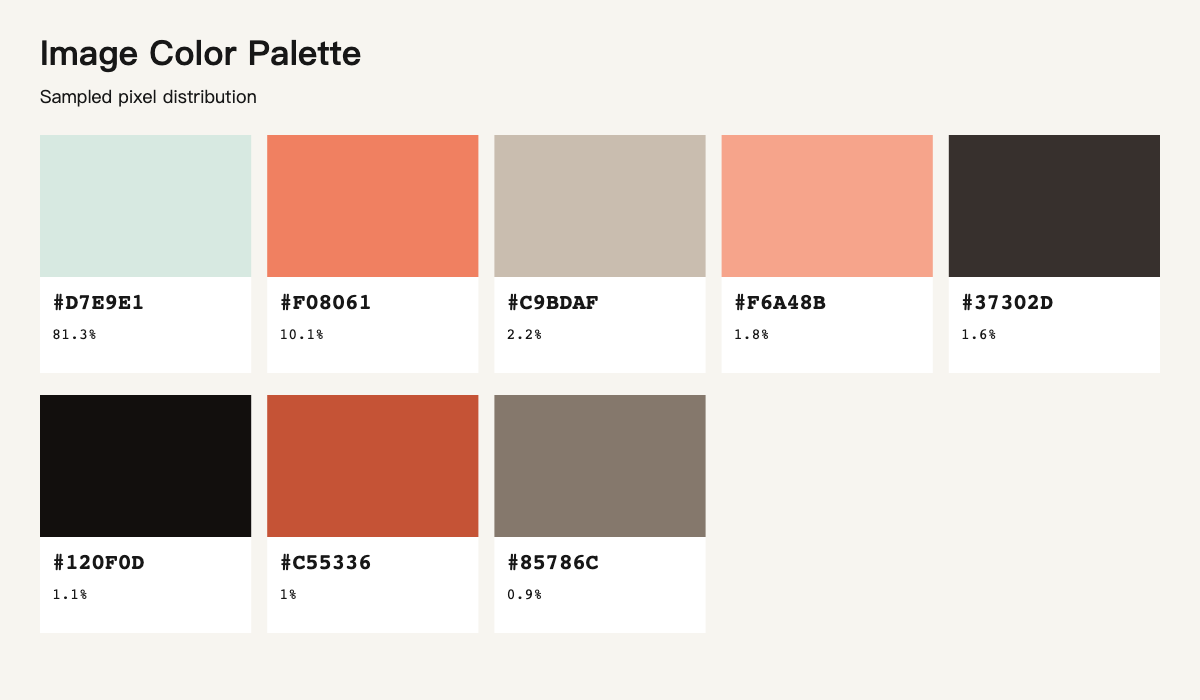
How to extract a color palette
- Choose an image. Files stay in your browser.
- Select a maximum of 3–10 colors and review the sampled distribution.
- Copy individual color values or download the palette as PNG or JSON.
HEX, RGB and HSL
Transparent pixels ignored
Local PNG and JSON export
How the result is calculated
The longest image side is reduced to at most 256 pixels for analysis. Fully transparent pixels are excluded; partially transparent pixels contribute their stored color. Deterministic RGB clustering groups similar colors. Percentages add up to 100% after rounding but describe the sample only. Images with few distinct colors return fewer swatches. This tool does not measure print colors or exact original-pixel coverage. Animated images are not supported.
Questions about color extraction
Is this an eyedropper?
It extracts representative colors from the image automatically. Use the color picker tool when you need one exact pixel.
Why do I get fewer colors than requested?
The requested count is a maximum. A plain image or similar colors may produce fewer distinct clusters.
Are my files uploaded?
Decoding, sampling and export happen in your browser without an account or image upload.