Share a full-size trip photo
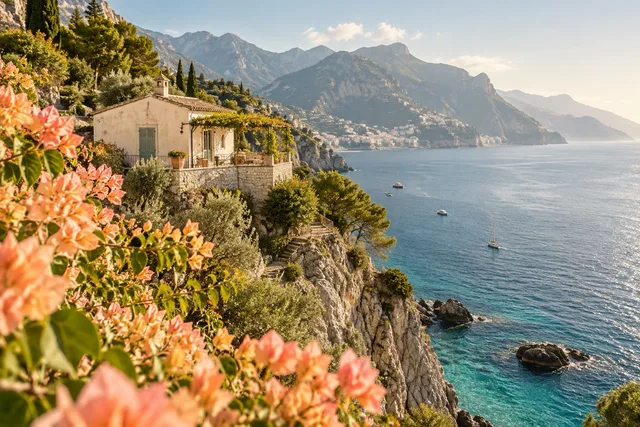
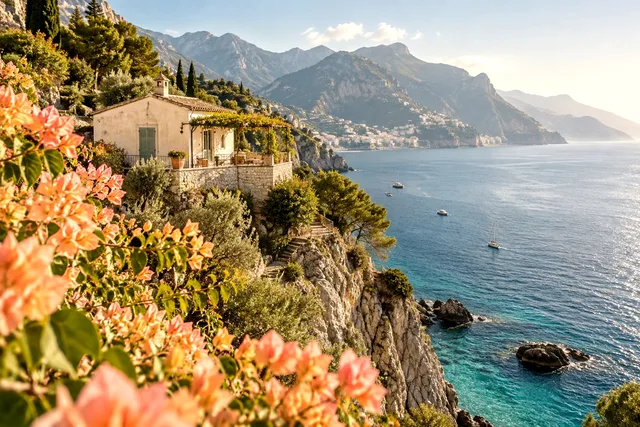
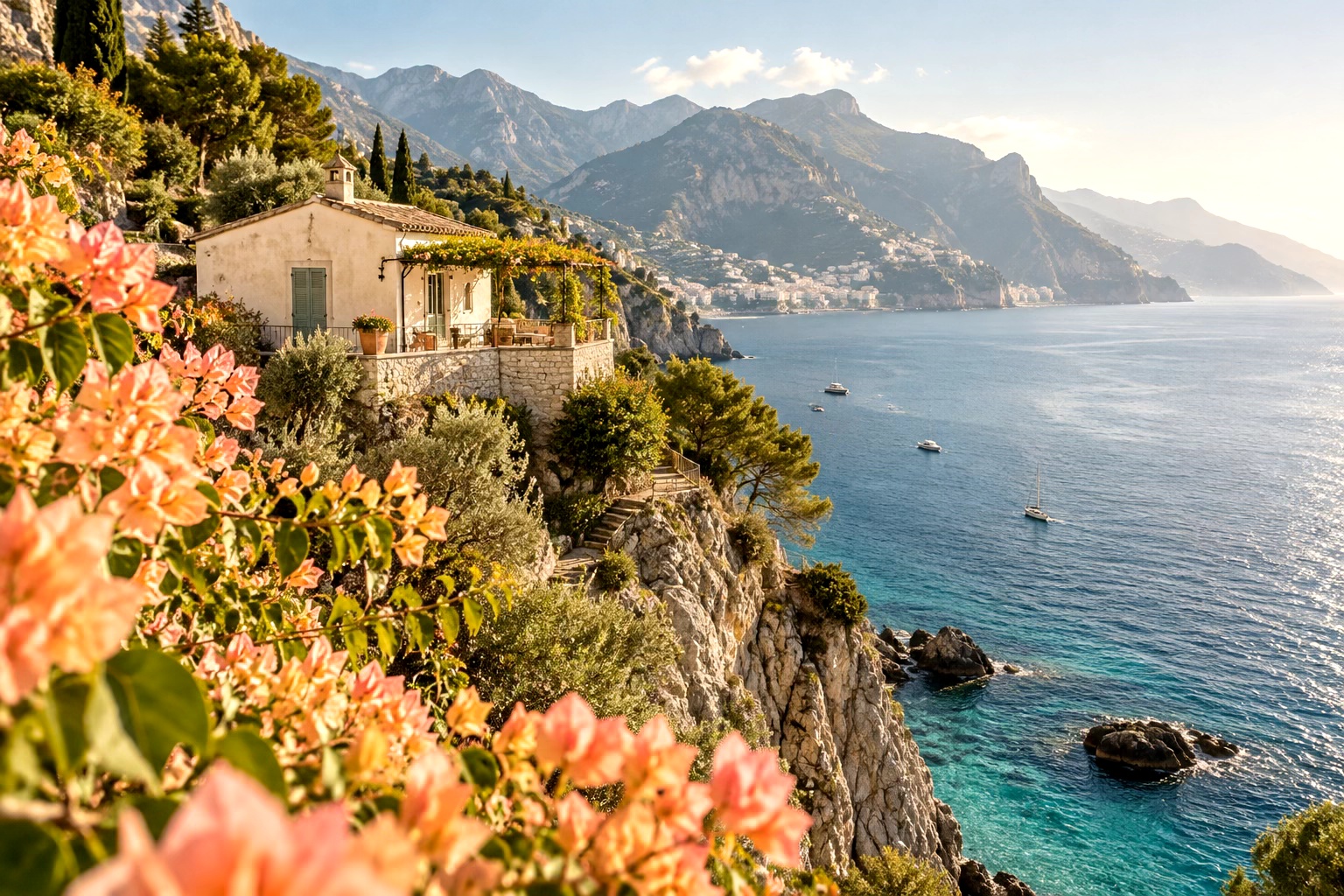
Send the coastal photo to someone who cannot open HEIC. The original dimensions keep the rooftops, shoreline and flowers in view.
HEIC / HEIF → JPGJPG 95%1536 × 1024 px1536 × 1024 px · 732.89 KB
Turn iPhone HEIC and HEIF photos into JPGs. Convert one photo or a batch in your browser.
Drop your images here
or click to browse your files
Supported formats: HEIC, HEIF
Up to 20 images · 20MB each · 400MB total
Drop files here or select .heic and .heif photos from your device.
Keep the original pixel dimensions, choose a width preset, or enter a smaller width. The aspect ratio stays the same.
Save one JPG directly. When you select several photos, download all the converted JPGs in a ZIP.
Choose a use case, download its inputs and try the listed settings in the tool above. Compare your work with the actual exported result.
Send the coastal photo to someone who cannot open HEIC. The original dimensions keep the rooftops, shoreline and flowers in view.
Prepare a portrait for a profile that accepts JPG. The 800 px preset scales the image without cropping the head or shoulders.
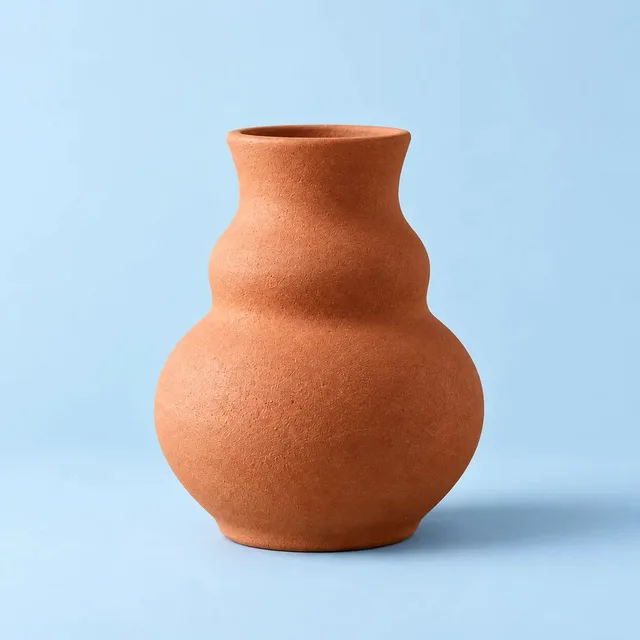
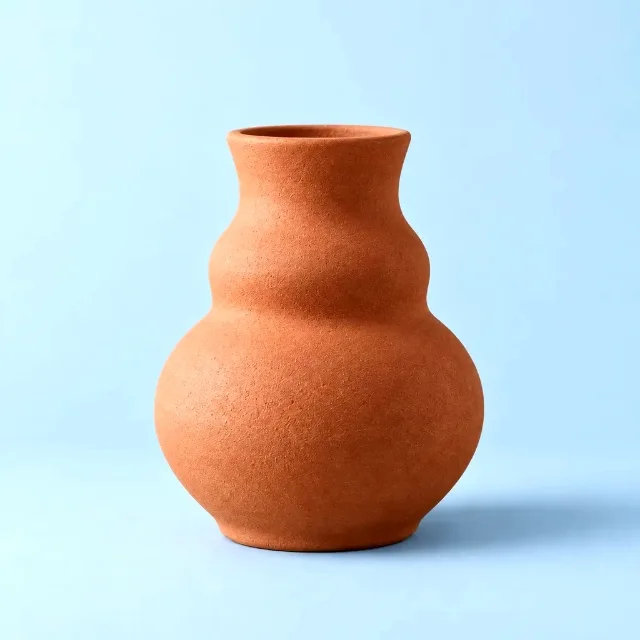
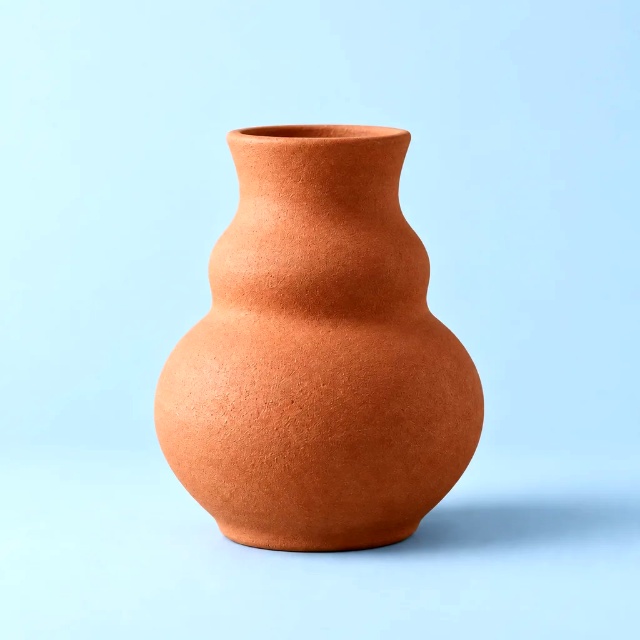
Convert a square vase photo to a 640 × 640 JPG for a catalog listing. The product stays centered with its surrounding space intact.
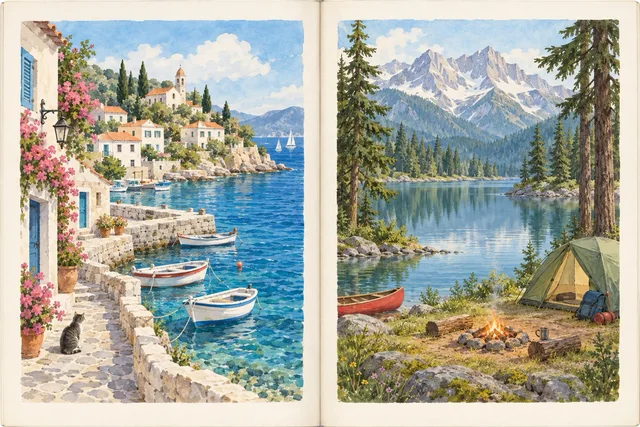
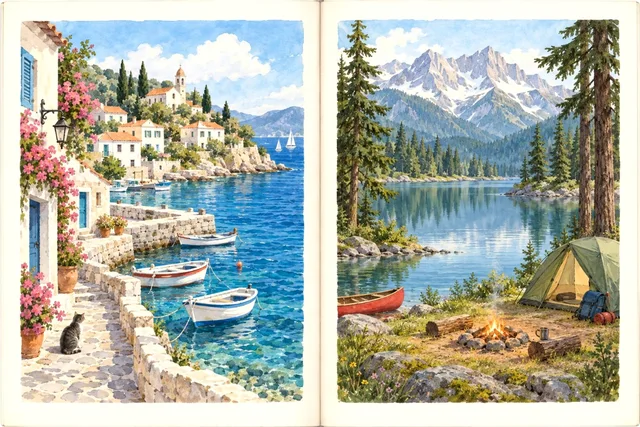
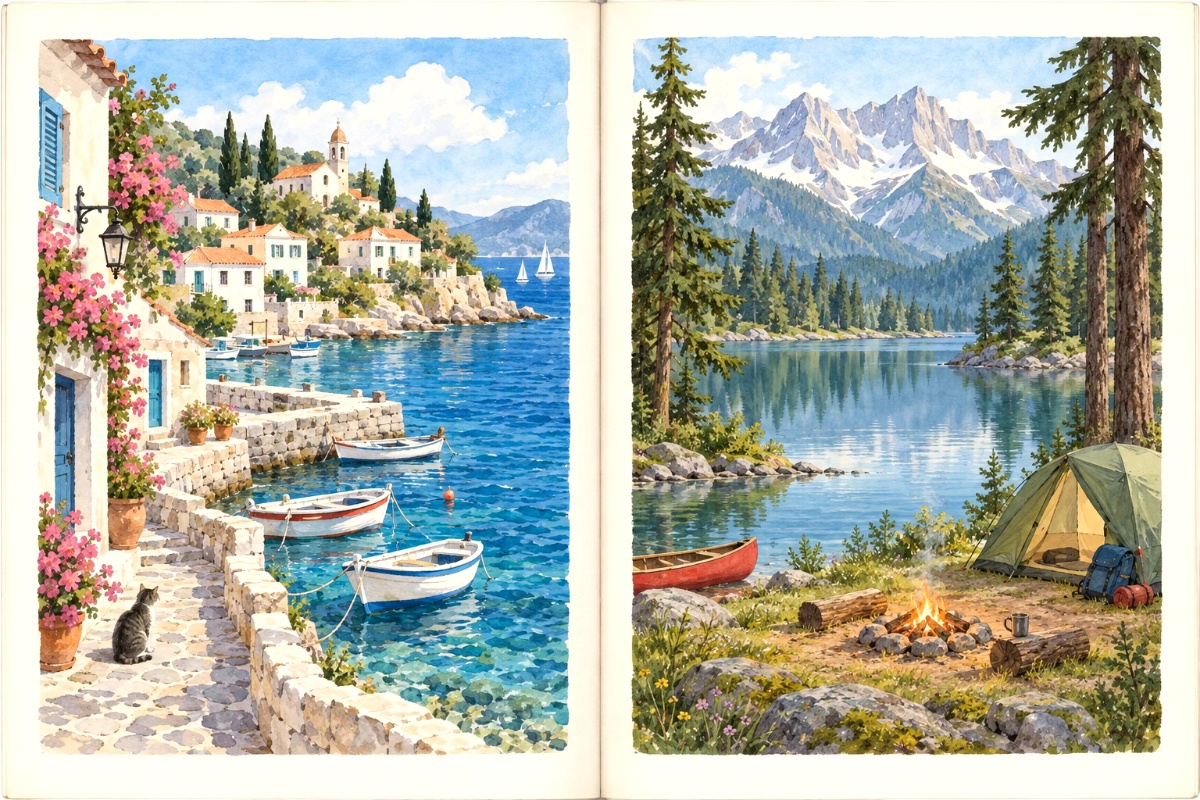
Archive a photographed picture-book spread as a 1200 px wide JPG. The fold and both illustrated pages stay visible.
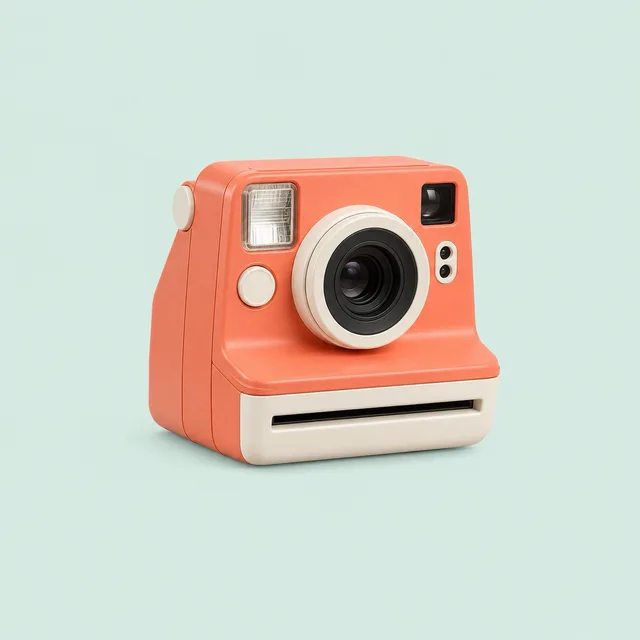
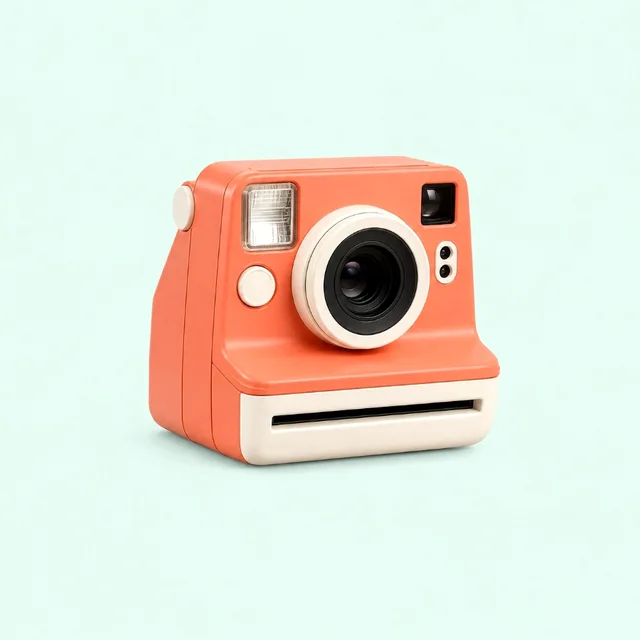
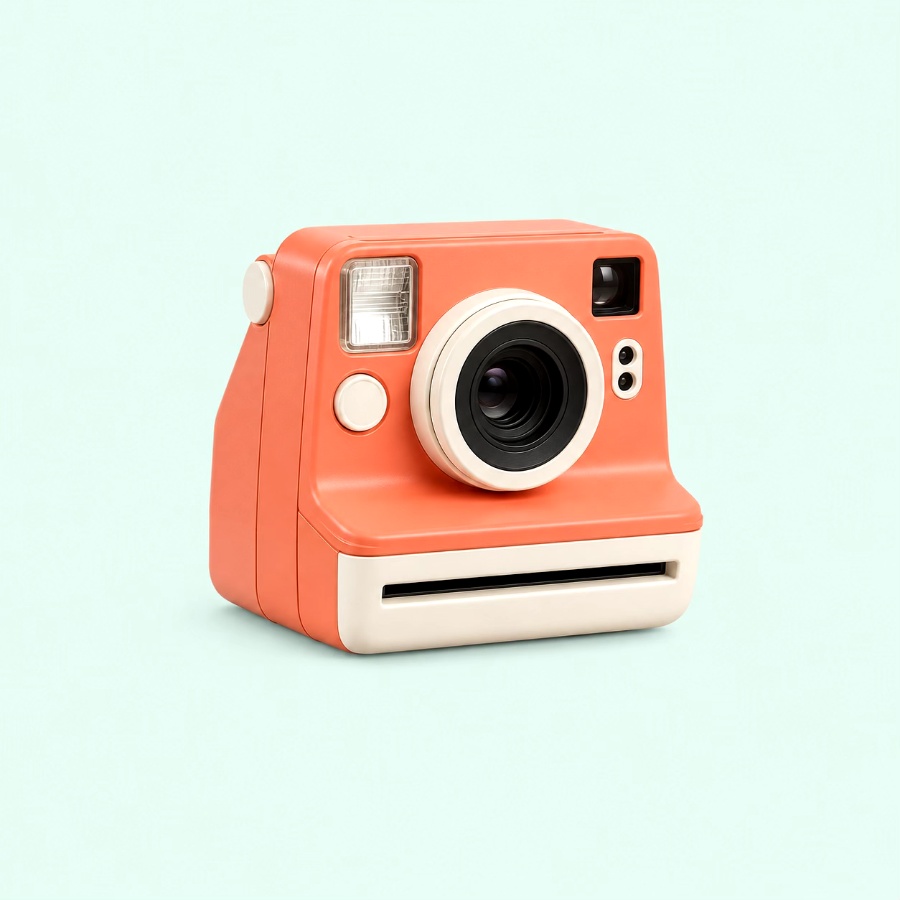
Prepare a camera image for a 900 px article column. A custom width keeps the aspect ratio and the space around the camera.
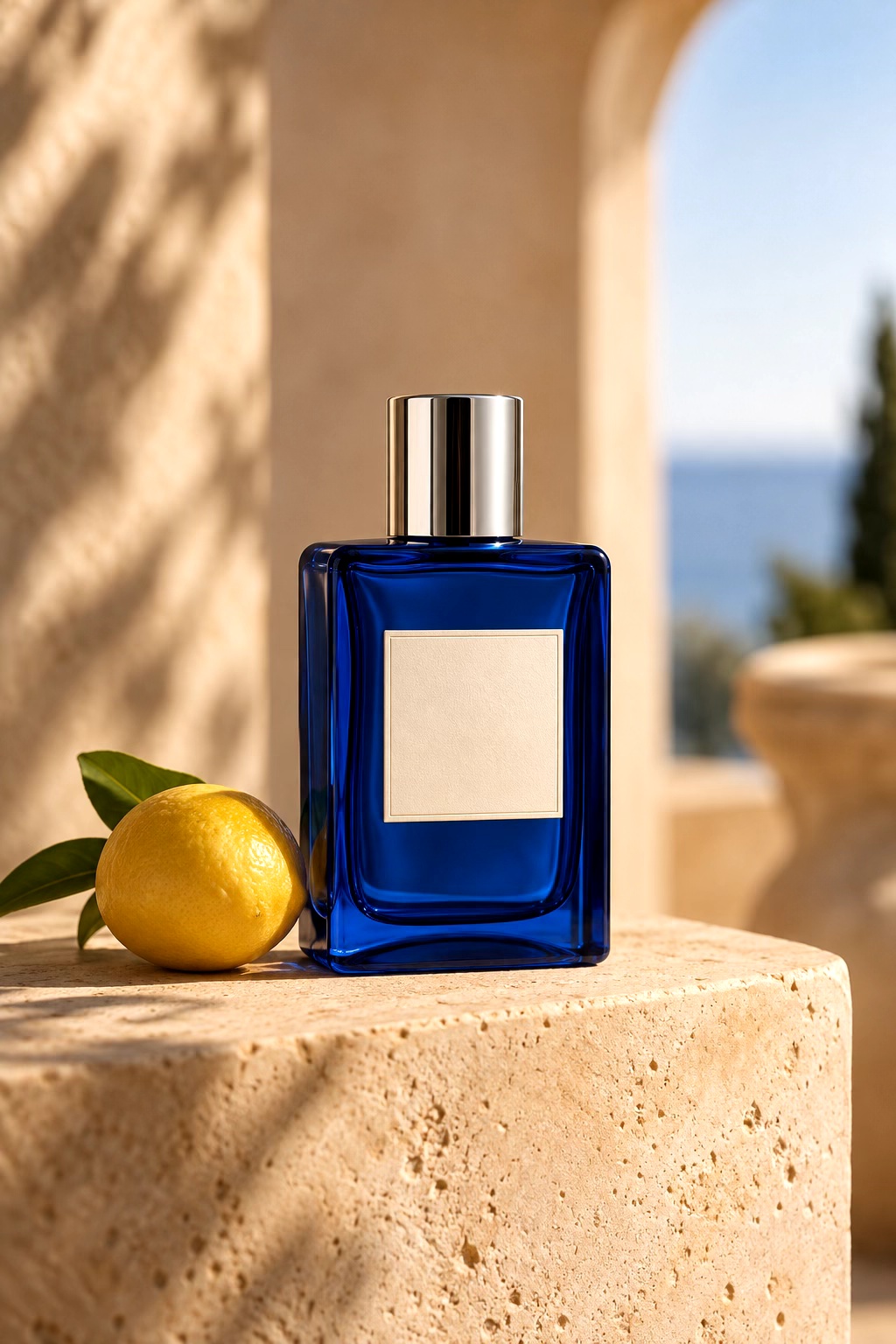
Convert a landscape cover and a portrait product photo together. A 1200 px maximum width leaves the narrower file alone, and both JPGs download in one ZIP.

1200 × 800 px