
Drop your images here
or click to browse your files
Supported formats: JPG, PNG, WebP, GIF, BMP, HEIC, HEIF, AVIF · or press Ctrl+V to paste
Up to 20 images · 20MB each · 400MB total
Convert Images to BMP Online
Convert supported images to uncompressed BMP files in your browser. Check dimensions and file size before downloading individual files or a ZIP.
Convert to BMP Features
Uncompressed Quality
BMP output stores the decoded image as bitmap pixels. It does not restore detail already lost in a JPEG, and resizing can change pixels. Files are often larger than compressed image formats.
Resize While Converting
Optionally resize images during conversion. Choose preset widths (1920px, 1200px, 800px, 640px) or enter a custom width. The tool maintains aspect ratio and previews file size before download.
Real-time Size Preview
See the converted file size and compression percentage before downloading. Green indicators show size changes, helping you understand the impact of conversion.
Universal Compatibility
BMP is supported by virtually all image viewers and editors. Convert to BMP for maximum compatibility with legacy systems and Windows applications.
Batch Conversion
Convert multiple images to BMP at once. Upload up to 20 images and download them all as a ZIP file. Fast, efficient batch processing.
How to Convert to BMP
Upload Your Images
Drag and drop or click to upload images you want to convert to BMP. Supports JPG, PNG, WebP, GIF and more up to 50MB each.
Choose Size Options
Keep original size or resize during conversion. Select preset widths (1920px, 1200px, 800px, 640px) or enter a custom width. Preview the converted size.
Download BMP Files
Review the file size comparison showing the change percentage. Click download to get your converted BMP files. Multiple images come as a convenient ZIP archive.
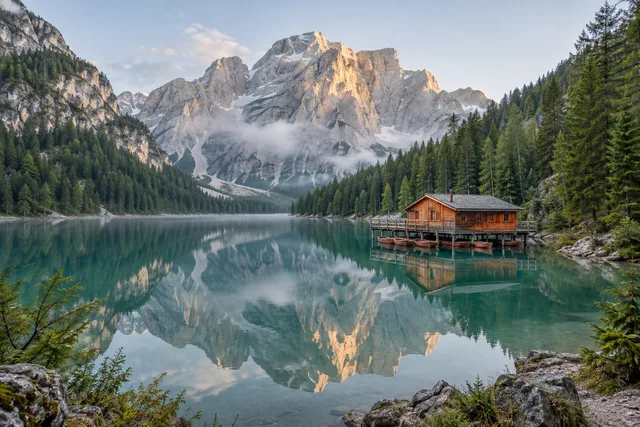
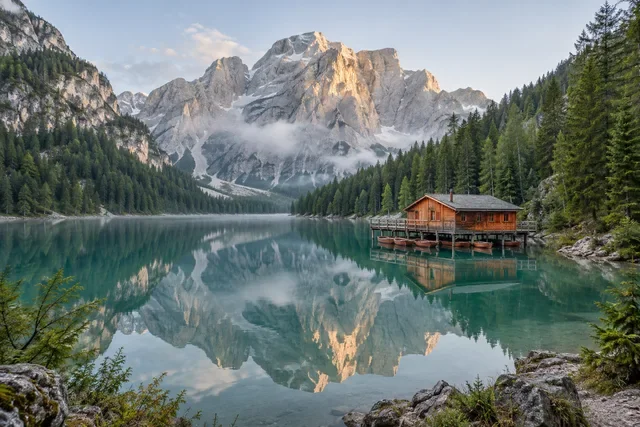
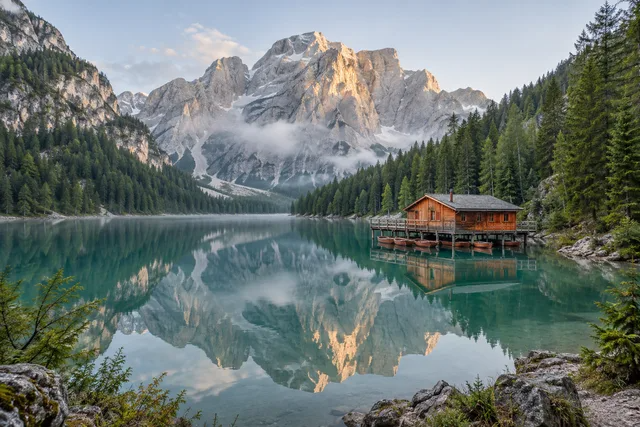
Convert Images to BMP Online · Example 1
These files were processed with this tool or its shared processing code. Compare the source, settings and downloadable results.
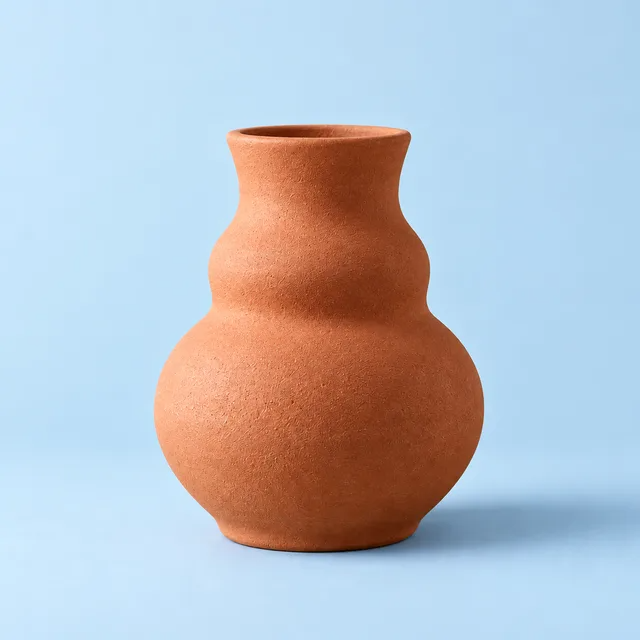
Convert Images to BMP Online · More examples
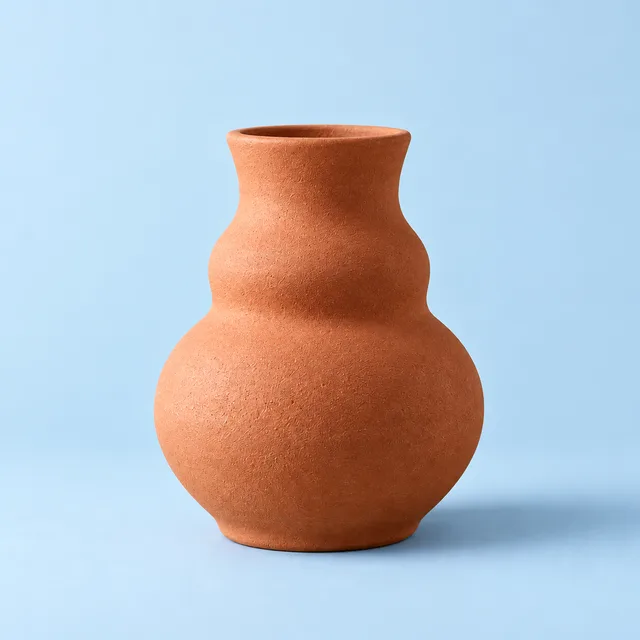
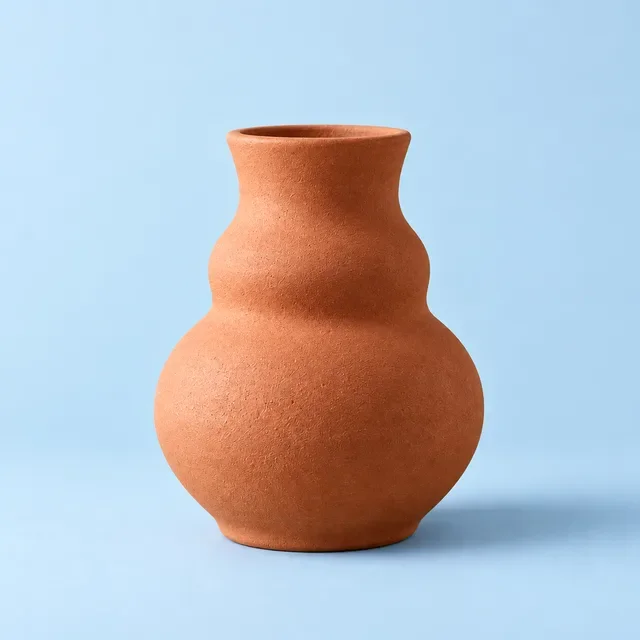
These files were processed with this tool or its shared processing code. Compare the source, settings and downloadable results.



Convert to BMP - FAQ
More Image Conversion Tools
Explore other conversion tools for different formats:
Convert to PNG
Convert supported images to PNG for graphics, screenshots and logos. Preserve existing transparency; converting a JPG does not remove its background.
Convert to JPG
Convert images to JPG, choose output quality, and compare file sizes. Process multiple files and check the result before downloading.
Convert to WebP
Convert JPG, PNG and other supported images to WebP. Adjust quality and compare the output size and detail before using it on your website.
Compress Image
Compress JPG, PNG and WebP images in your browser. Compare the output size and appearance before downloading individual files or a ZIP.