Save the opening shot of a travel video
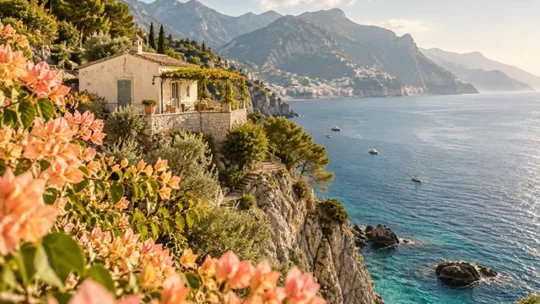
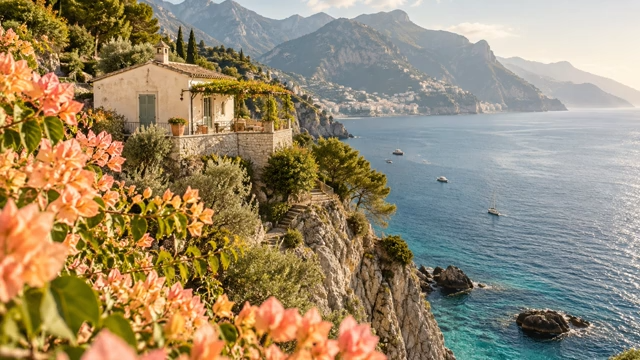
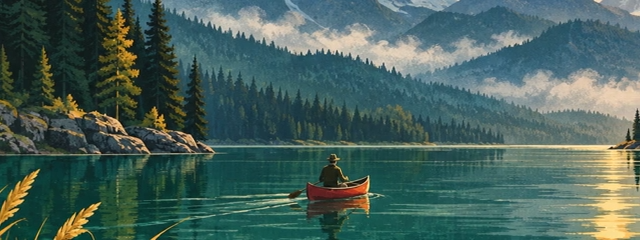
Export a PNG at 0 seconds for an article cover. The flowers, mountains and shoreline keep their original 640 × 360 framing.
0.000 sPNG640 × 360 px
Save a still at a specific time, or download a sequence of original-size PNG frames in a ZIP. Processing stays in your browser.
Drop a video here
One video up to 500 MiB · up to 120 frames per ZIP
The video and extracted frames stay on your device. Format support depends on your browser.
Drop one video or select it from your device.
Set a playback time for one PNG, or set a start, an optional end and an interval for several PNGs.
Check the first frame and the time list. Download one PNG or a ZIP with numbered images.
Choose a use case, download its inputs and try the listed settings in the tool above. Compare your work with the actual exported result.
Export a PNG at 0 seconds for an article cover. The flowers, mountains and shoreline keep their original 640 × 360 framing.
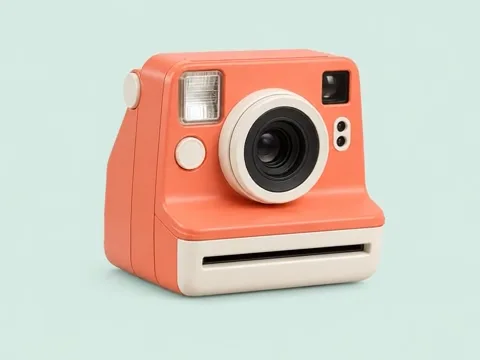
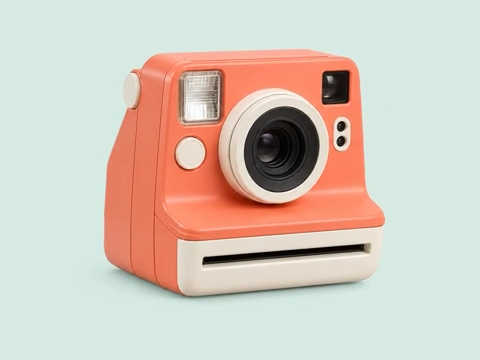
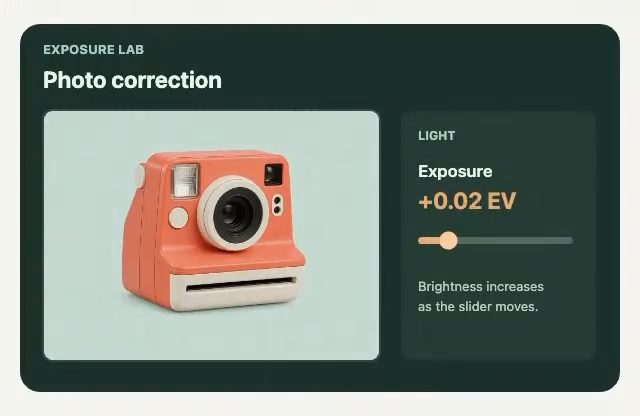
Capture the retro camera at 1.387 seconds for a product page. Enter a time between whole seconds and download just that frame.
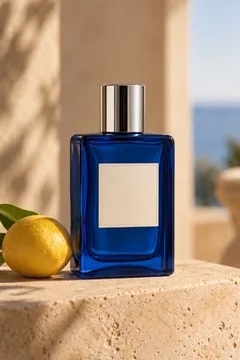
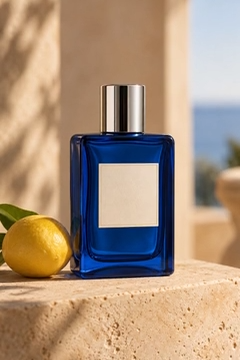
Capture the perfume bottle at 1.619 seconds. The PNG keeps the 240 × 360 portrait framing for a reel cover draft.
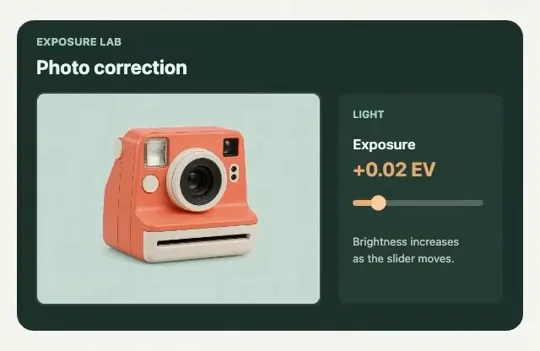
Use an actual Chrome recording of an exposure adjustment. Capture every 0.561 seconds between 0.431 and 3.022 seconds and download five stills in the order of the tutorial.
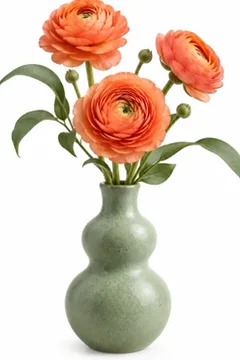
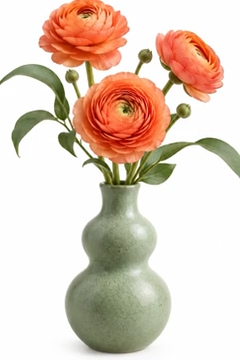
Sample the vase shot every 0.272 seconds starting at 0.137 seconds. The last boundary, 1.225 seconds, is excluded, so the ZIP contains four stills.
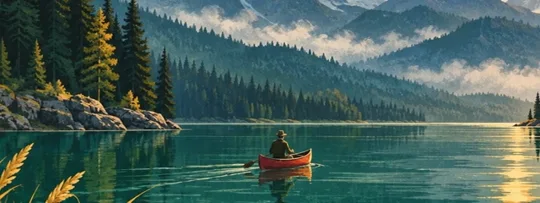
Sample the lake panorama every 0.587 seconds from 0.926 to 2.663 seconds. Take three stills from just that section and keep the 640 × 240 widescreen framing.