Output format: JPG
Compress mode:
0/20 images

Upload Images

Drag and drop images here or click to browse

Supported formats: JPG, PNG, WebP, GIF, BMP

Max 20 files, 50MB each, 100MB total

Free Online JPG Compressor Tool

Compress JPG images to reduce file size without losing quality. Our JPG compressor uses smart compression algorithms to minimize JPG file size while preserving image quality. Compress JPEG photos online free. Batch compress multiple JPG files at once. No watermark, no signup required, all JPG compression happens in your browser.

JPG Compressor Features

Smart JPG Compression

Our intelligent JPG compressor analyzes each image to find the optimal compression level. Compress JPG files with maximum size reduction and minimal quality loss. Smart JPG compression preserves important details.

Batch JPG Compression

Compress multiple JPG images at once with our batch JPG compressor. Upload up to 20 JPG files and compress them all simultaneously. JPG batch compression saves time for large photo collections.

Adjustable JPG Quality

Control JPG compression quality from 1-100. Choose between smart mode, quality-based, or target file size compression. Our JPG compressor gives you complete control over the compression process.

Private & Secure JPG Compressor

All JPG compression happens locally in your browser. Your JPG images never leave your device. Compress JPG files securely with our privacy-first JPG compressor. No uploads to servers.

How to Compress JPG Free Online

1

Upload JPG Images

Click the upload area or drag and drop JPG files into our JPG compressor. Upload multiple JPG images for batch compression. Our JPG compressor supports JPEG files up to 50MB each.

2

Choose JPG Compression Settings

Select compression mode for your JPG files. Use smart mode for automatic JPG compression, quality mode for precise control, or target size mode to compress JPG to specific file size.

3

Download Compressed JPG

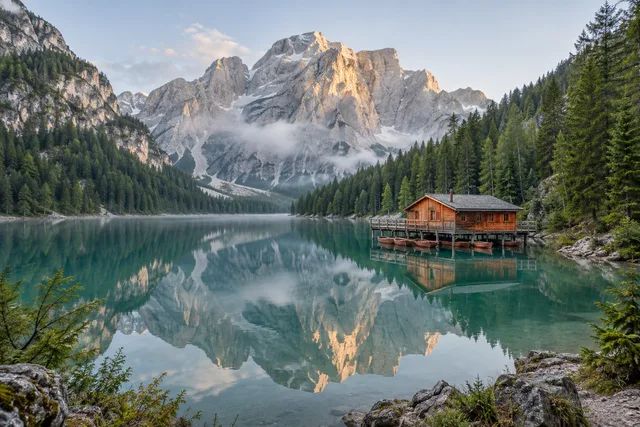
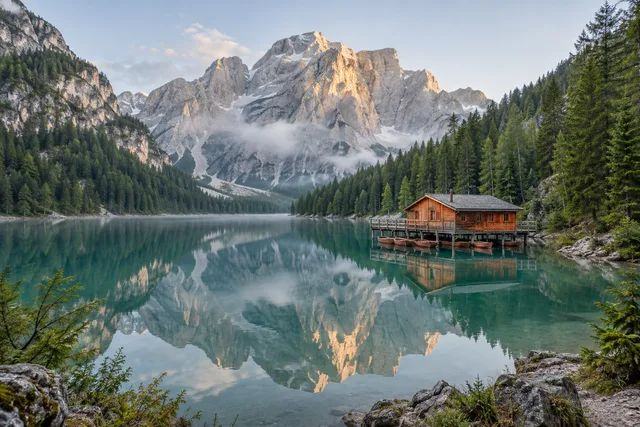
Download your compressed JPG images individually or as a ZIP file. See exact size savings for each JPG file. Our JPG compressor shows before and after comparison.

JPG Compression Use Cases

Compress JPG for Website

Use JPG compressor to reduce image file sizes for faster website loading. Compressed JPG images improve page speed and SEO. Our JPG compression tool helps optimize web images.

JPG Compressor for Email

Compress JPG photos to fit email attachment limits. Our JPG compressor reduces file size while keeping photo quality. Send compressed JPG images without bounced emails.

Compress JPG for Social Media

Compress JPG images before uploading to social media platforms. Our JPG compressor maintains quality while reducing file size. Faster uploads with compressed JPG files.

JPG Compression for Storage

Reduce JPG file sizes to save storage space on devices or cloud services. Our JPG compressor helps you keep more photos. Compress JPG images for better storage management.

Compress JPG for Mobile Apps

Use JPG compressor to optimize image assets for mobile applications. Compressed JPG files mean faster app performance. Our JPG compression tool helps developers.

JPG Compressor for E-commerce

Compress product JPG images for online stores. Our JPG compressor balances quality and file size for better conversion. Fast-loading JPG images improve shopping experience.

Compress JPG for Blog Posts

Optimize blog images with our JPG compressor. Compressed JPG files improve page load times. Our JPG compression maintains visual quality for readers.

JPG Compression for Documents

Reduce JPG image sizes in documents and presentations. Our JPG compressor keeps files manageable. Compress JPG images without sacrificing clarity.

Compress JPG for Print

Prepare JPG images for print by compressing to optimal file sizes. Our JPG compressor maintains print quality while reducing file size for easier handling.

Tips for Better JPG Compression

Balance Quality and Size

Compress JPG with quality settings between 80-95% for optimal results. This range provides excellent quality with significant file size reduction.

Batch Compress JPG Files

Upload multiple JPG images to compress JPG files simultaneously. Process up to 20 images at once for efficient batch compression.

Privacy Guaranteed

All compress JPG processing happens in your browser. Your images never leave your device for complete privacy and security.

Preview Compression Results

Check before and after when you compress JPG files. Verify quality and file size reduction meet your requirements.

Optimize for Web

Compress JPG images for faster website loading. Smaller JPG files dramatically improve page speed and SEO rankings.

Avoid Recompressing

Don't repeatedly compress JPG files. Each compression reduces quality. Start with the highest quality source possible.

Why Choose Our JPG Compression Tool

100% Free Forever

Compress JPG files without any cost. No hidden fees, no premium version, unlimited JPG compression completely free.

Ultra-Fast Compression

Instant compress JPG processing in your browser. No server uploads needed for immediate results and fast downloads.

No Watermarks

Clean compressed JPG files ready to use. All images you compress are completely watermark-free for any purpose.

No Account Required

Start compressing JPG images immediately. No registration or signup needed to access all features and compress JPG free.

Smart JPG Optimization

Compress JPG with advanced algorithms. Reduce file size up to 80% while maintaining excellent visual quality.

Complete Privacy

Browser-based compress JPG processing. Your images never leave your device for total privacy and data security.

JPG Compressor FAQ

Our smart JPG compressor minimizes quality loss. You control the trade-off between file size and quality. Most JPG images can be compressed 50-80% with virtually no visible quality difference.
JPG and JPEG are the same format. Both extensions refer to the same image compression standard. Our JPG compressor works with both .jpg and .jpeg files.
Use our free JPG compressor to compress JPG/JPEG images online. Upload files, choose a mode, and reduce JPG file size directly in your browser.
JPG compression varies by image content. Photos typically compress 50-80% with our JPG compressor. Use target size mode to compress JPG to a specific file size.
Yes, our JPG compressor supports batch compression. Upload up to 20 JPG files and compress them all simultaneously. Download all compressed JPG images as a ZIP file.
Yes, our JPG compressor is 100% free. No hidden fees, no watermarks, no account required. Compress as many JPG images as you need completely free.
No, all JPG compression happens locally in your browser. Your images never leave your device. Our JPG compressor ensures complete privacy for your photos.
Our JPG compressor supports files up to 50MB each. You can upload up to 20 JPG images for batch compression. Most JPG photos can be processed without issues.
Yes, our tool can convert PNG, WebP, and other formats to compressed JPG. The JPG compressor automatically handles format conversion during compression.